在APKPure安全快速地下載APK
APKPure 使用簽章驗證功能,確保為您提供無病毒的 Simplelocker Cleaner APK 下載。


544.7 KB
文件大小
Everyone
Android 2.2+
Android OS
CM Security Simplelocker Cleaner
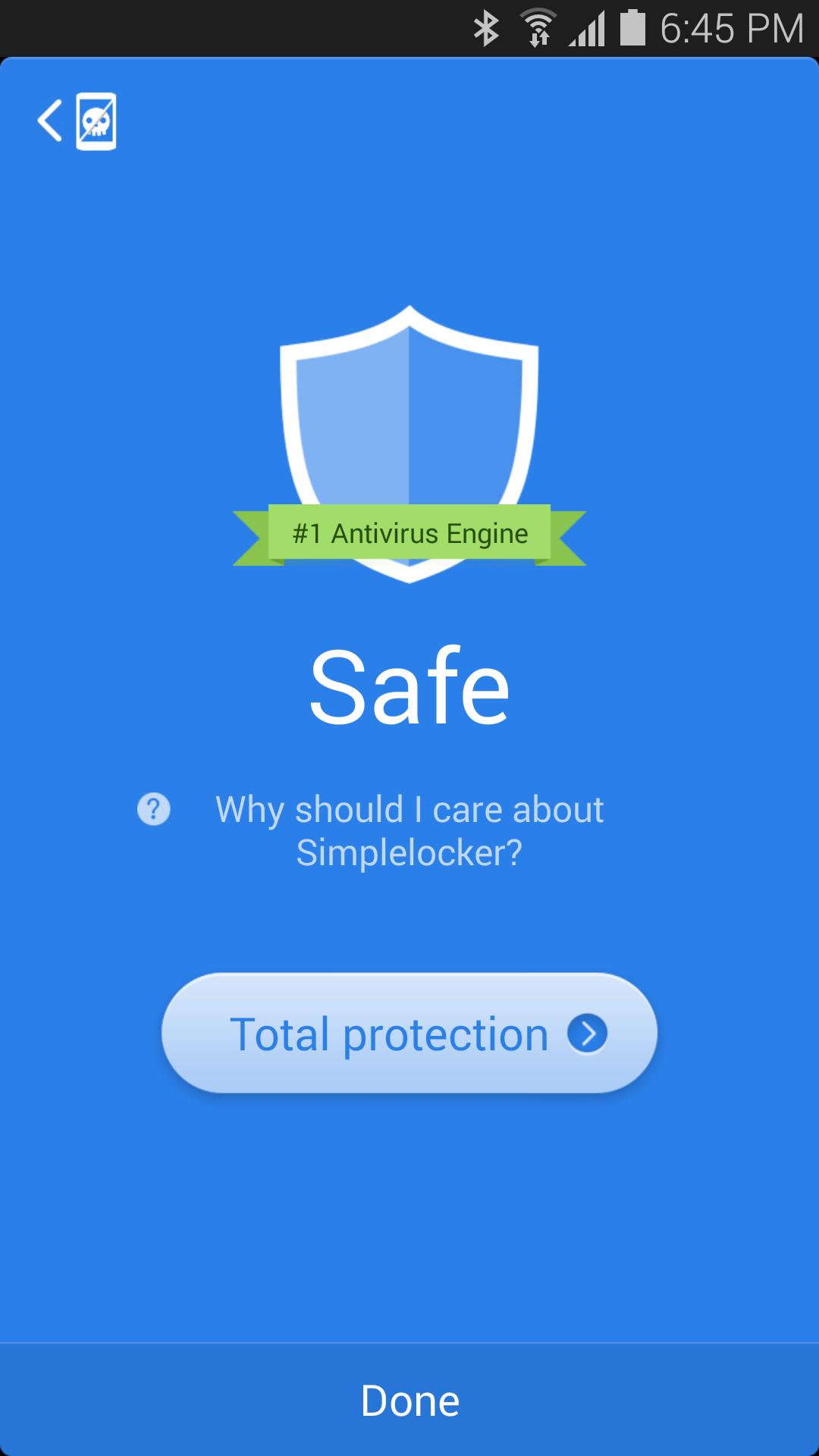
Why should I care about the Simplelocker virus?
Simplelocker is a virus that can lock your device and then encrypt the files stored on your phone, including photos, videos and documents. It then demands a ransom fee before your files can be decrypted and used again. Once infected, your phone and the files in it will be completely unusable, and removal is quite difficult.
How does CM Simplelocker Cleaner work?
CM Simplelocker Cleaner performs a full scan of your device, and if the CryptoLocker virus is found, it uses a special patent-pending anti-hijack solution to remove the virus.
If my device has already been infected, then how can I fix it?
If your device has been infected, it will be useless until it is fixed. You must use a different uninfected device to carry out the following steps:
Step 1: Find another working device such as a PC, Mac, phone or tablet.
Step 2: Open the web browser and log in to Google Play (http://play.google.com) with your Google account. The account has to be the same as the account used on the infected phone.
Step 3: On the Google Play website, search for CM Simplelocker Cleaner or directly open https://play.google.com/store/apps/details?id=com.cleanmaster.security.stubborntrjkiller.
Step 4: Click “Install” and make sure the target device is your infected device.
Step 5: Once installation is completed, open the infected device and press the “Home” key to return to the home screen.
Step 6: Quickly find and run the CM Simplelocker Cleaner app. You may need to return to step 5 if the virus interferes with you here.
Step 7: CM Simplelocker Cleaner will provide further instructions for how to finish removing the virus.
Why do I still need CM Simplelocker Cleaner if I already have Clean Master or CM Security installed?
CM Security and Clean Master provide complete and total protection against becoming infected by the Simplelocker virus, but this app is designed to be used by those who have already been infected and did not have Clean Master or CM Security installed. In this case, you still need CM Simplelocker Cleaner to help you access your encrypted phone and files.
About CM Security (Free Antivirus):
☆ No.1 antivirus engine: Ranked #1 by AV-TEST again!
☆ Top rated antivirus application: Highest rating (4.7) among all antivirus apps!
☆ Most trusted Android antivirus: Over 10,000,000 downloads!
☆ Amazing AppLock: Beautiful and safe app lock
--
Join in our Google+ community: http://goo.gl/4QFbNp
Follow our Facebook page: https://www.facebook.com/kscms
Our blog: http://goo.gl/vDVpJG
--
Supported languages:
English, Russian.




感謝您的評分和反饋!
您已經評分了。








