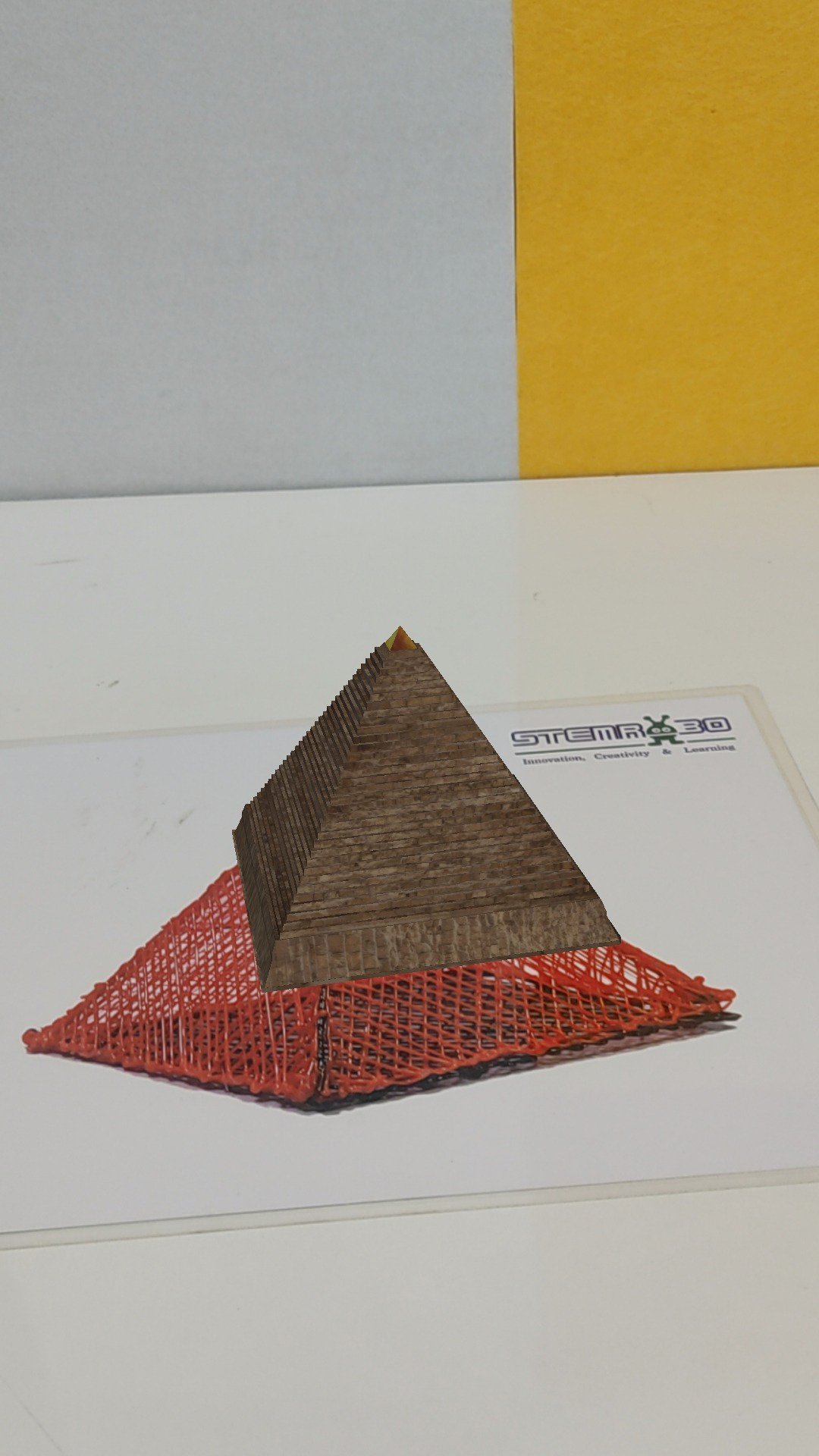
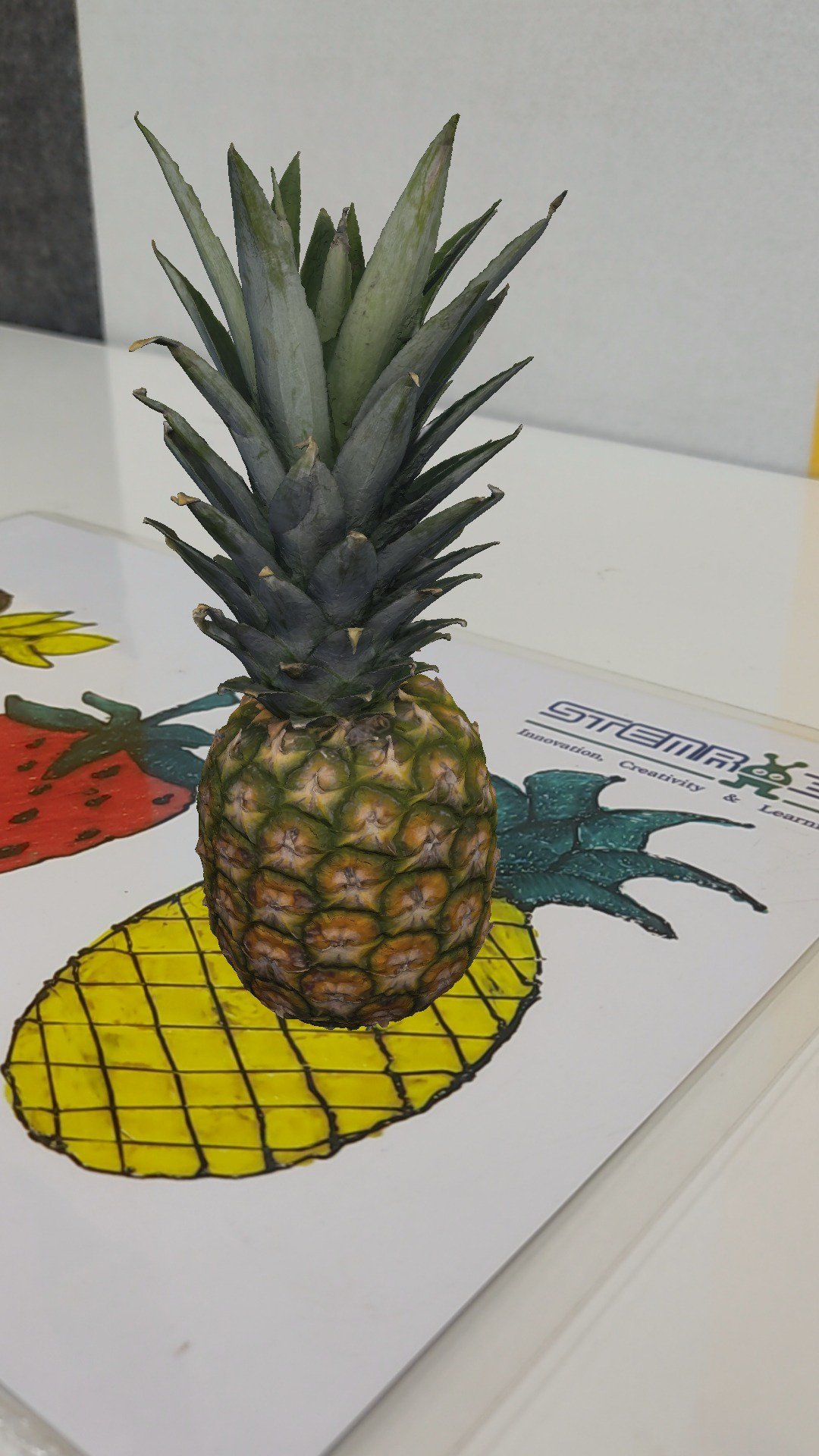
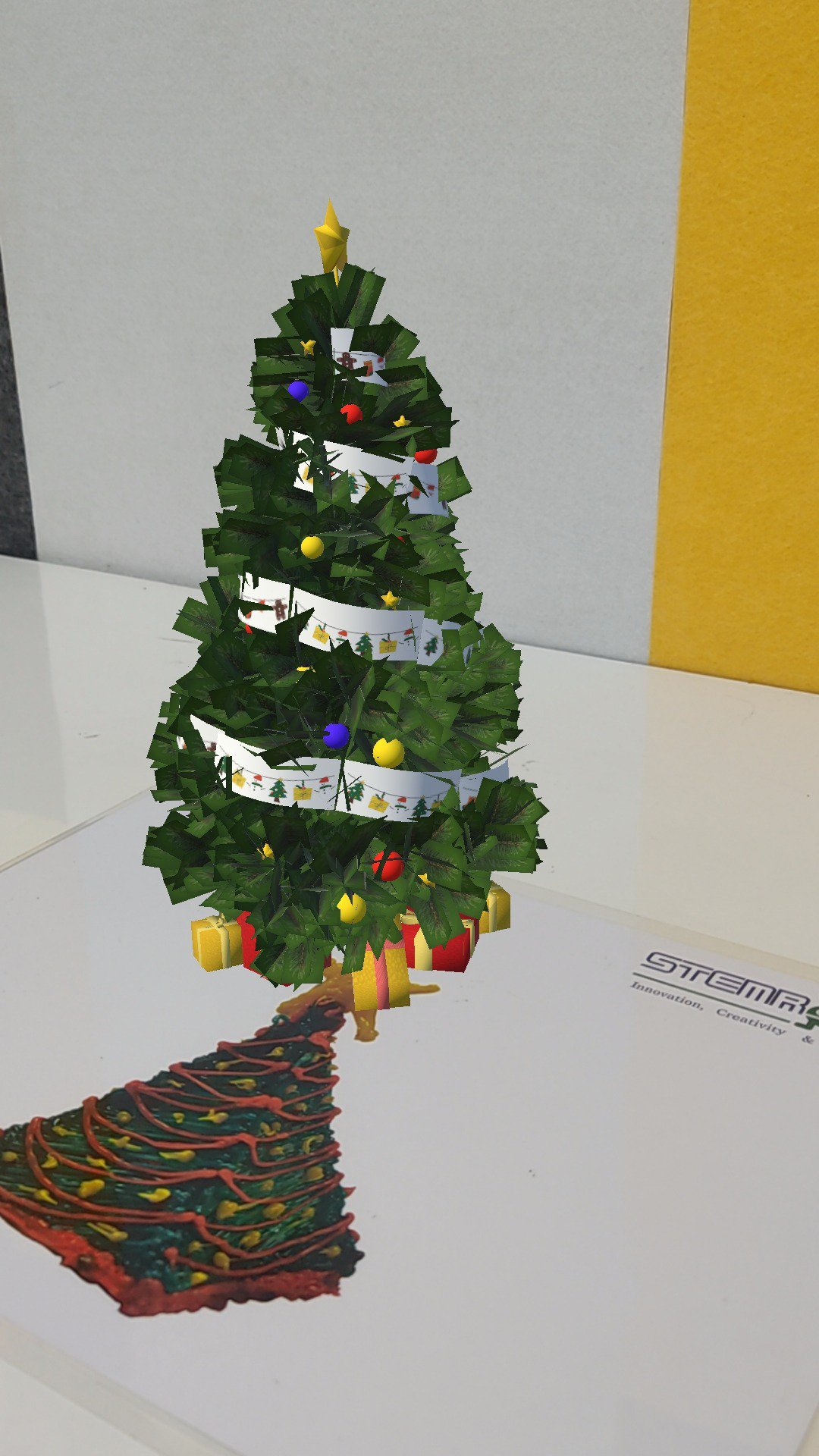
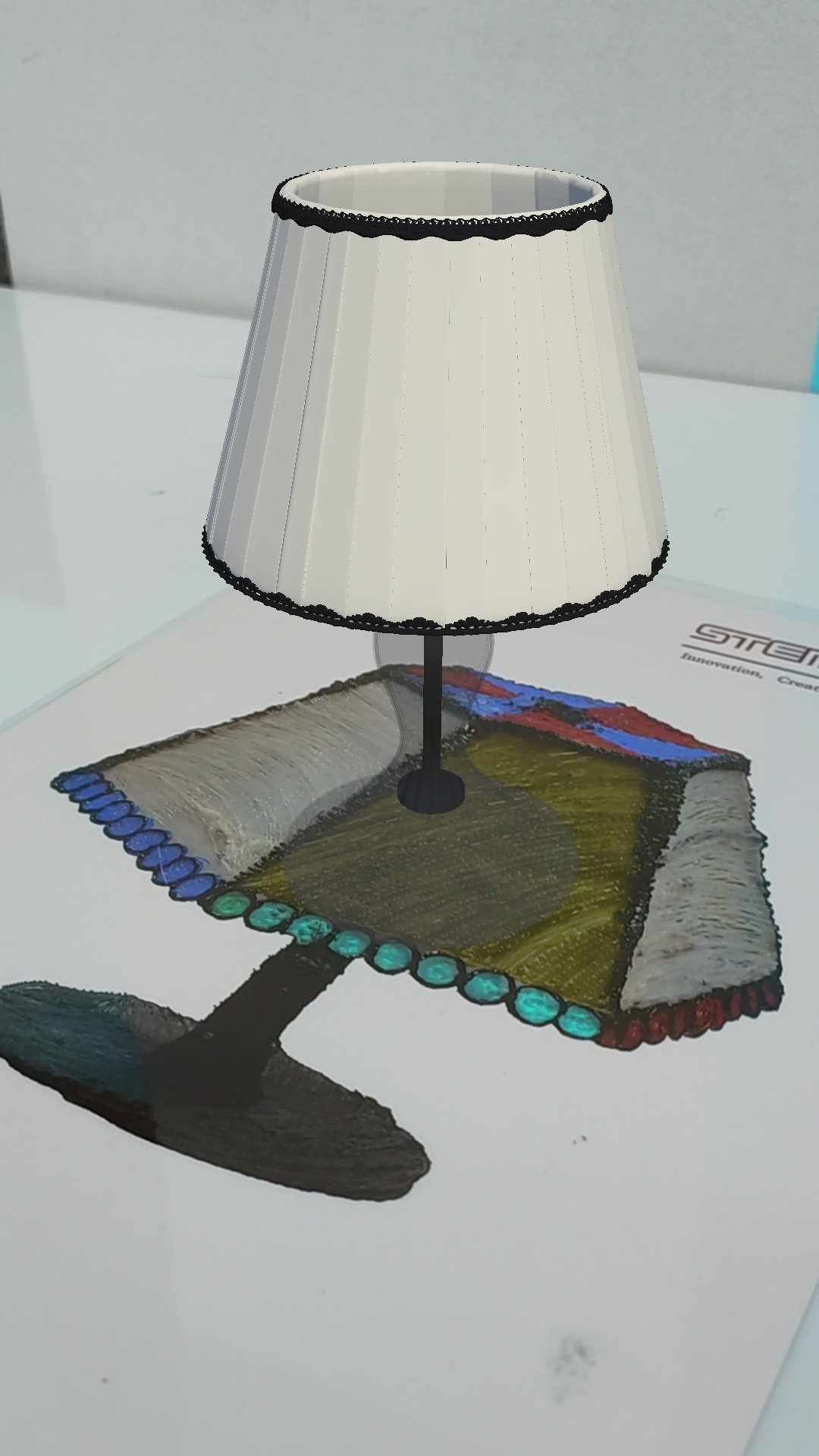
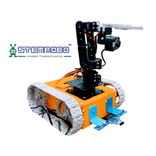
- First ,Tap on 3D object to activate it. - After Tapping, you can now Move/Rotate/Scale 3D objects. - To Move a 3D object, use any 1 finger. - To Rotate a 3D object, use any 2 fingers. - To Scale a 3D object, use any 3 fingers. - Audio is enabled in a few 3D objects.
We use cookies and other technologies on this website to enhance your user experience. By clicking any link on this page you are giving your consent to our Privacy Policy and Cookies Policy.