Tải APK an toàn và nhanh chóng trên APKPure
APKPure sử dụng xác minh chữ ký để đảm bảo tải APK miễn phí virus cho ComboKey Keyboard.

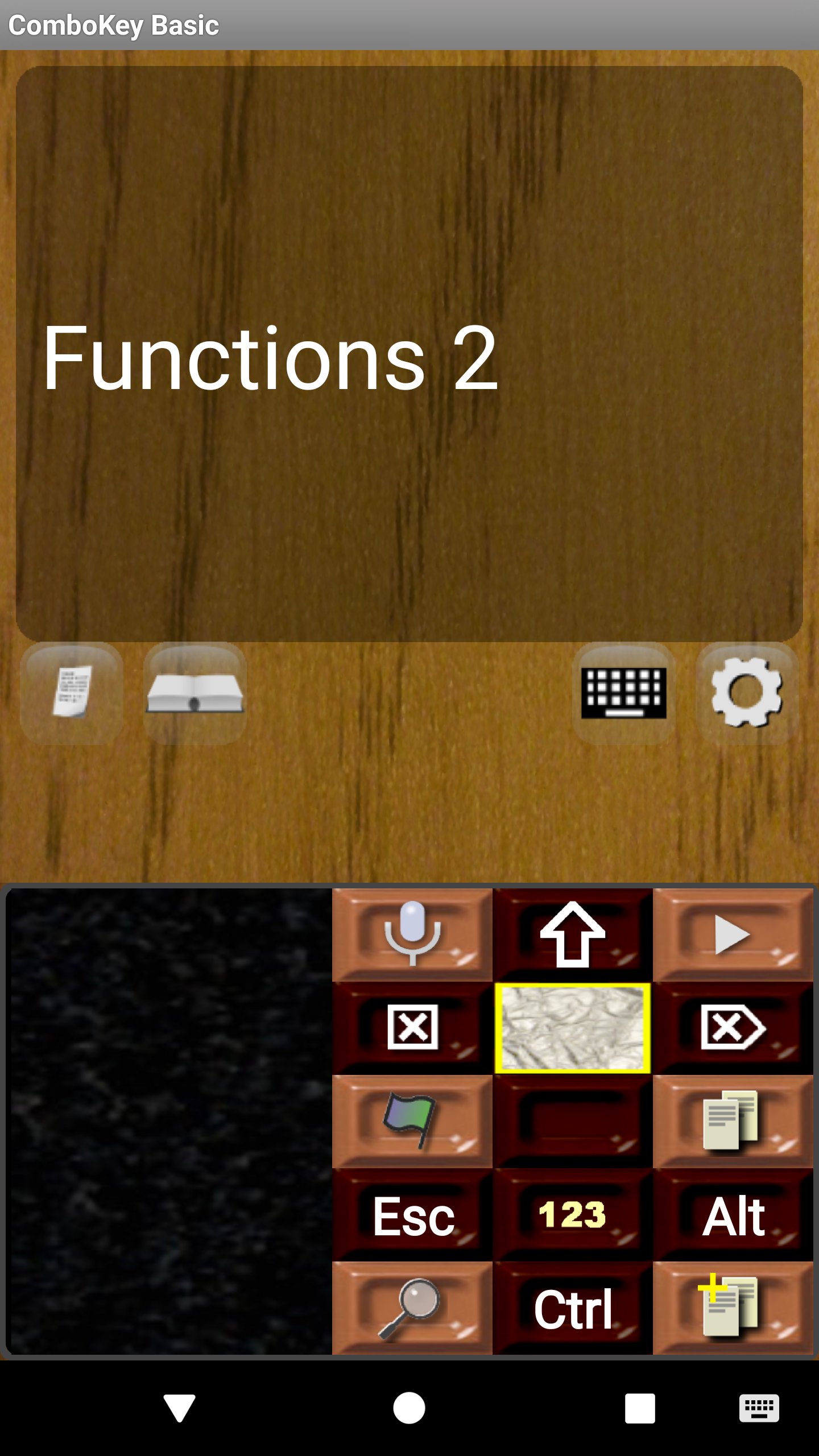
Bàn phím Android nhỏ thông minh chỉ với một vài nút lớn!
If you are tired with the ordinary keyboards filled with a large number of small keys that are hard to see and hit, try this!
Most common letters are just simple taps on big buttons, less frequent letters require a short swipe.
You need to experiment a bit to find out how this works. Have a try!
In Settings, you will find several languages and many interesting additional features.
Note that during installation, you will be asked to add ComboKey to your list of optional keyboards and grant permissions to use it as a trusted keyboard. According to ComboKey Privacy Policy, the typing information is only entered to the application using the keyboard, nowhere else.
Note though, that if you store candidate words for predictive text entry (manually) while typing, they will be kept in your device's dictionary and, consequently, are available to your other applications.





Một cú nhấp chuột để cài đặt các tệp XAPK/APK trên Android!

Cảm ơn bạn đã xếp hạng và phản hồi của bạn!
Bạn đã đánh giá.