Tải APK an toàn và nhanh chóng trên APKPure
APKPure sử dụng xác minh chữ ký để đảm bảo tải APK miễn phí virus cho SUPER PASSWORD.

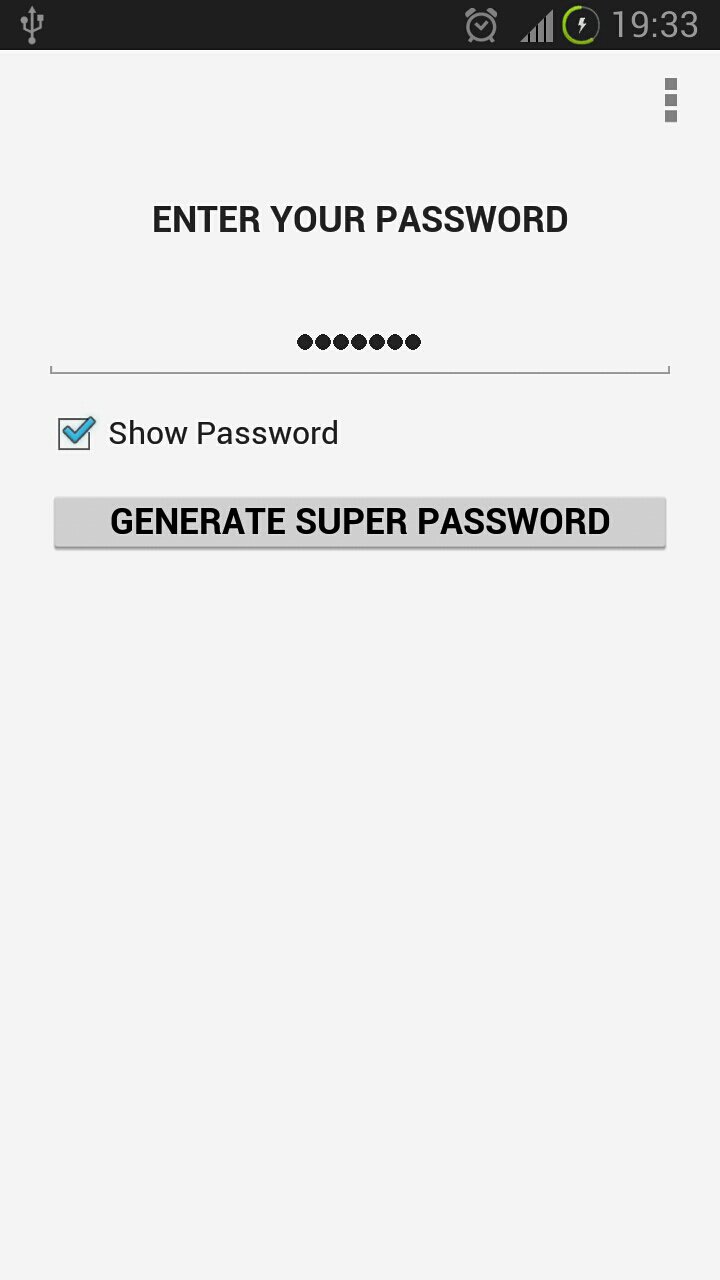
With Super Password you can generate exceptionally strong passwords in easy way.
With Super Password you can generate strong passwords in easy way.
Using a strong password for a web site or for an online bank account is a must. Unfortunately strong passwords are:
• very difficult to remember
• tedious to type
• often you have a legal obligation NOT to write it down
Super Password solves all these problems. You can use easy to remember, descriptive passwords, which you can legally write down in your notebook.
For example you can use "ebay" as your password for ebay.com. Enter "ebay" into Super Password, and the application will generate a strong password for you.
On my phone the app generated a super password ~WScuKfA&XoO}Zpux]F4"(IZP-/kq1~p>+;>xA_yJo'SYn6EuFtU<(W3XmnQ'8N.
On your phone, the generated password will be different and unique only to you.
You can control the length of the generated passwords. It could be between 8 and 64 characters long.
You also can control which types of characters your generated passwords will contain. There are five types:
- upper case letters
- lower case letters
- digits
- punctuation characters
- symbols
You can choose whether to:
- view the generated password
- or copy it to clipboard (useful for very long passwords)
There is an option to clear the password from the clipboard after 60 seconds.
There is also an option to mask the password copied to clipboard by copying thousands of fake passwords to clipboard before and after you use your password (useful if you suspect that your phone security might have been breached).
The application is very simple to use, but is powered is by advanced technology.
The application can be protected by a PIN.
The application settings can be backed up and the backup can be protected by a password.
This is not a random password generator. Standard functions, on computers and mobile phones, which generate random passwords, are neither secure, nor random.
This application uses secure algorithm, for which a patent application has been filed.
The app is a stealth app - it doesn't call CPU instructions, associated with password generation, so the device wouldn't know that a password is being generated.
The app has many uses.
On two cloned devices, the application will produce the same super passwords. Where it can be used? For establishing secure channels and verifying identity. Imagine sending encrypted information over the Internet. How send the password, without it being intercepted? With superpassword you can send passwords in plain text together with encrypted message, only the party, who has the app, would be able to use the password to generate the superpassword and decrypt the message.
Another use, is verifying the identity. When asking Bob the superpassword for 'Bob', only the real Bob (with the app) will be able to give the right answer. Bob could be a military plane, or a bank client.
For less advanced users, there is a simple use for the app, which can save lots of money. While on holiday, most people use a safe in the hotel room, which take 8 digits password. Lots of holidaymakers use passwords like date, month and year of birth or similar. These passwords easy to guess, and often the tourists find themselves robbed. Just superpassword it using name of the hotel or similar, and this digits combination will never ever be guessed by thieves.



Một cú nhấp chuột để cài đặt các tệp XAPK/APK trên Android!

Cảm ơn bạn đã xếp hạng và phản hồi của bạn!
Bạn đã đánh giá.