在APKPure安全快速地下载APK
APKPure 使用签名验证功能,确保为您提供无病毒的 DevTools APK 下载。

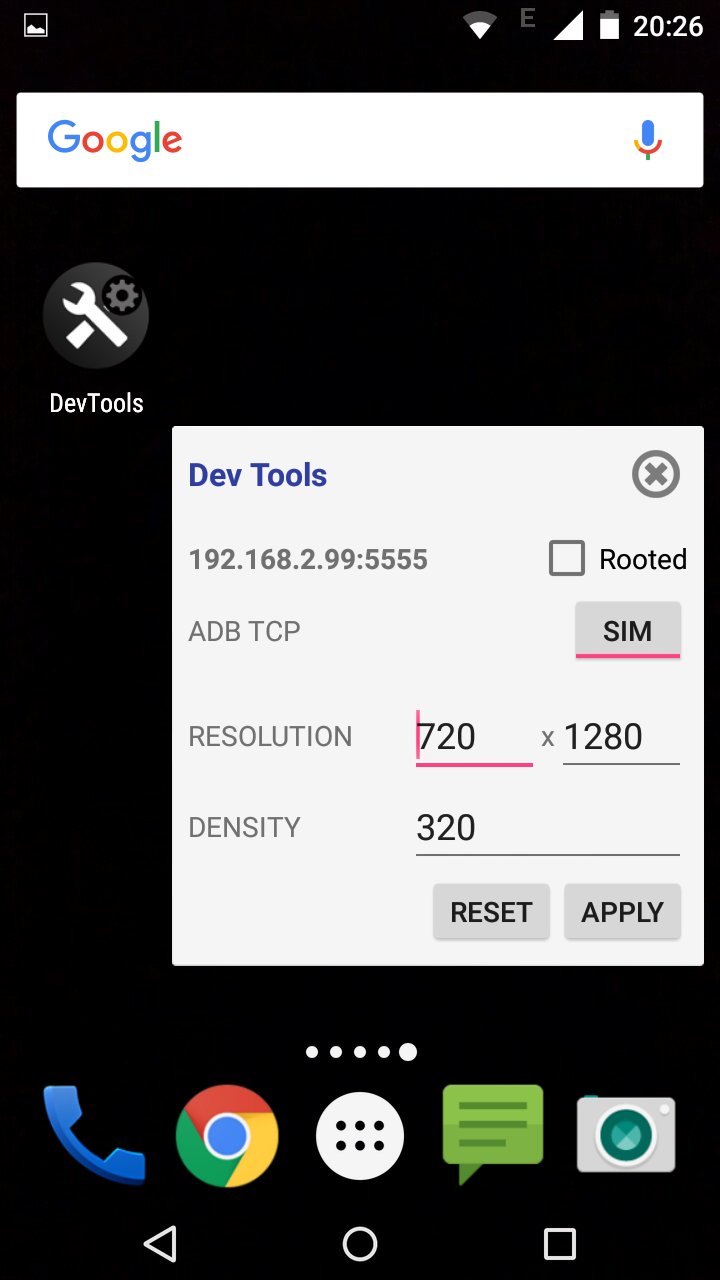
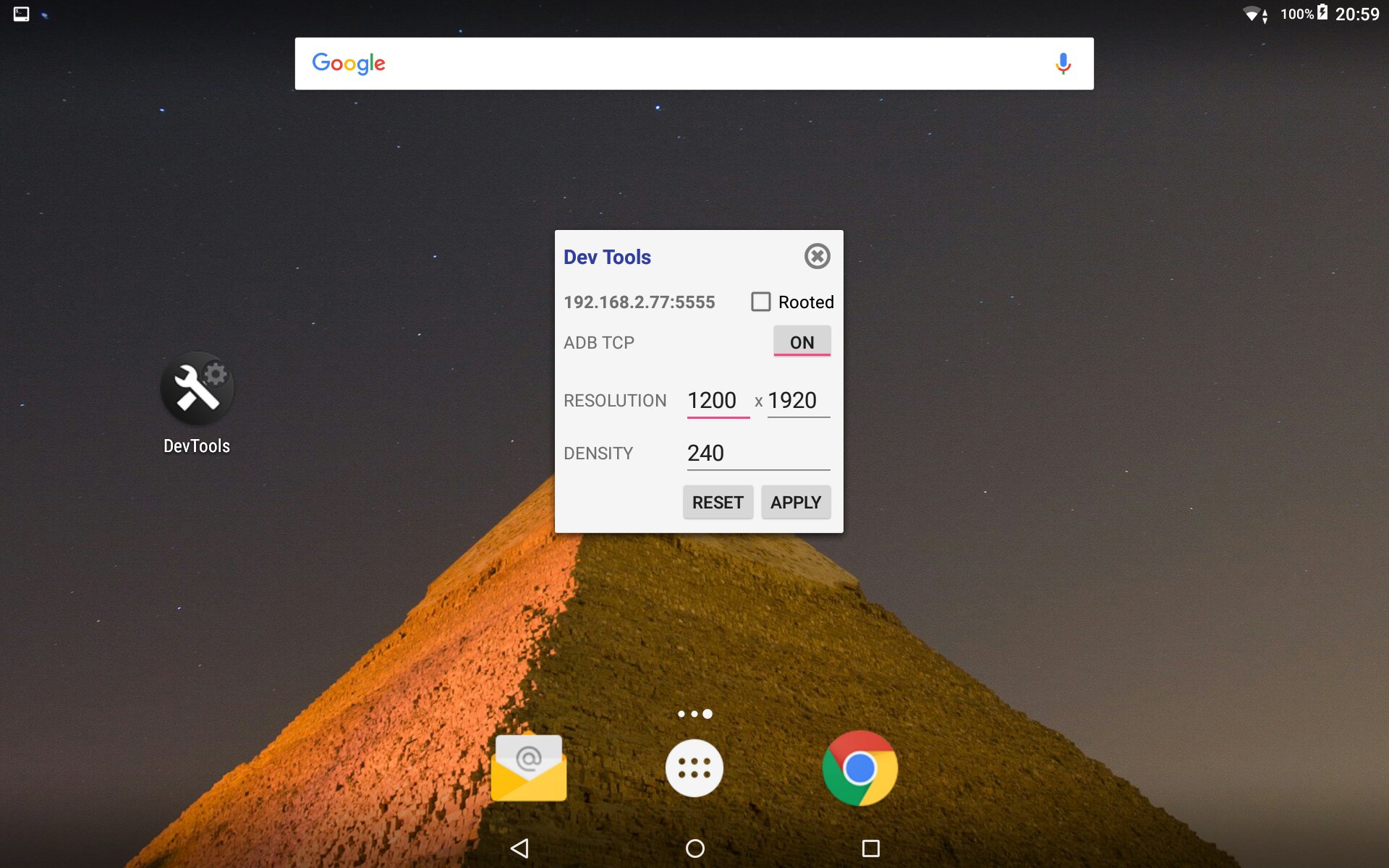
更改Android设备的分辨率,密度和亚行通过TCP。
This is not for regular users.
- You can change screen and density resolution (good to take some more juice on games and test how a different screen will handle your app);
- You can connect your device adb via wifi using ADB TCP port 5555 (therefore you can work without usb cable);
For security and safety reasons some firmwares require root permission. In order to it work you should have a rooted device or a firmware that let you change this settings OR you have to connect adb your device in a regular way (usb) and call adb 'adb shell pm grant com.webdefault.devtools android.permission.WRITE_SECURE_SETTINGS'.
The source code is hosted on github at https://github.com/orlleite/android-devtools. You're welcome to make improves.

感谢您的评分和反馈!
您已经评分了。