在APKPure安全快速地下载APK
APKPure 使用签名验证功能,确保为您提供无病毒的 Graffiti Clock Widget APK 下载。

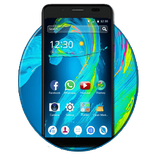
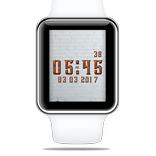
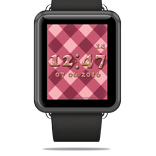
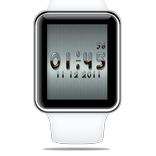
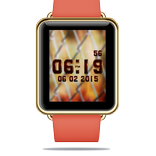
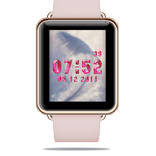
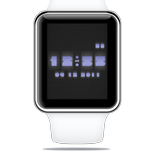
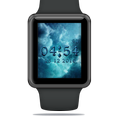
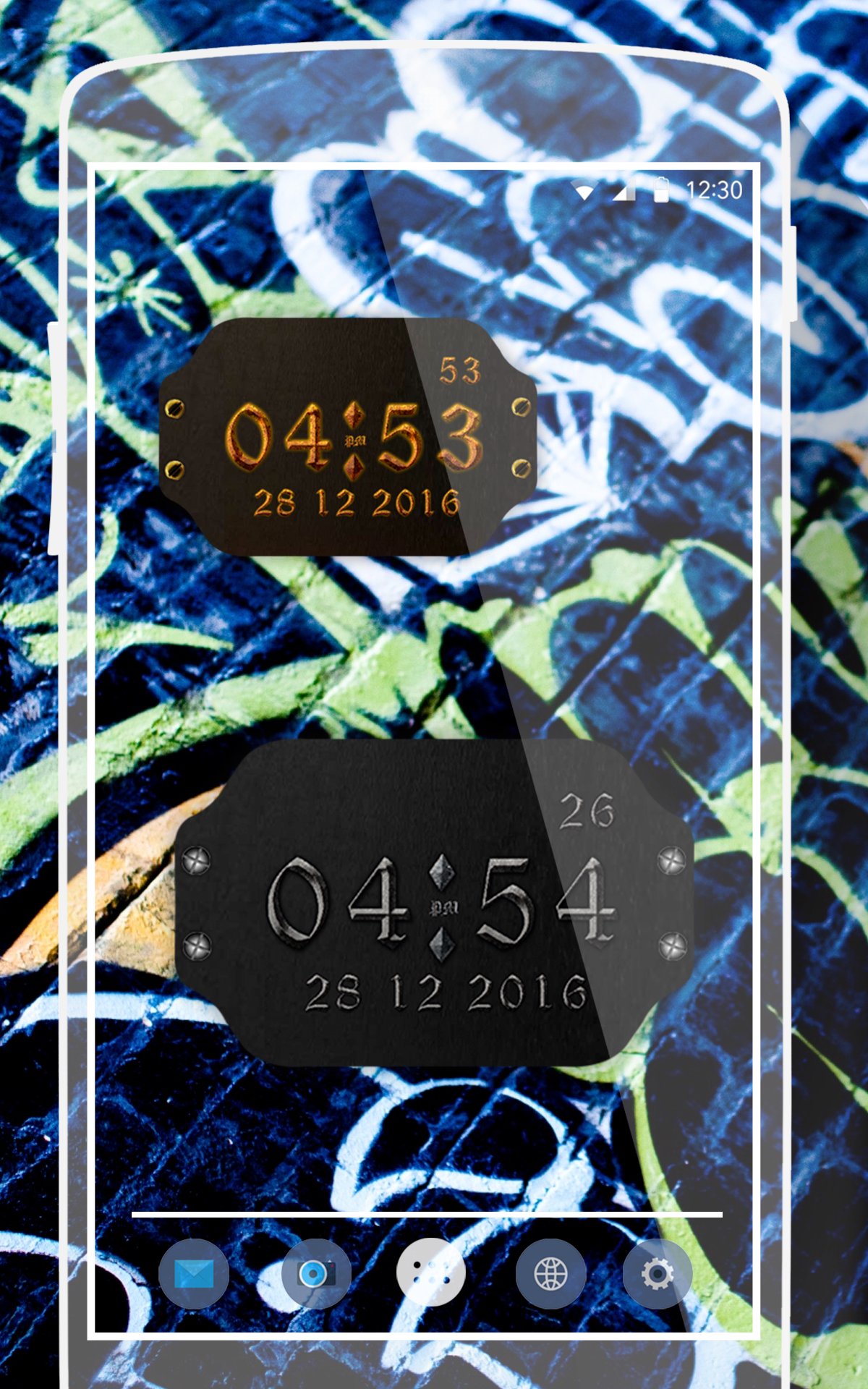
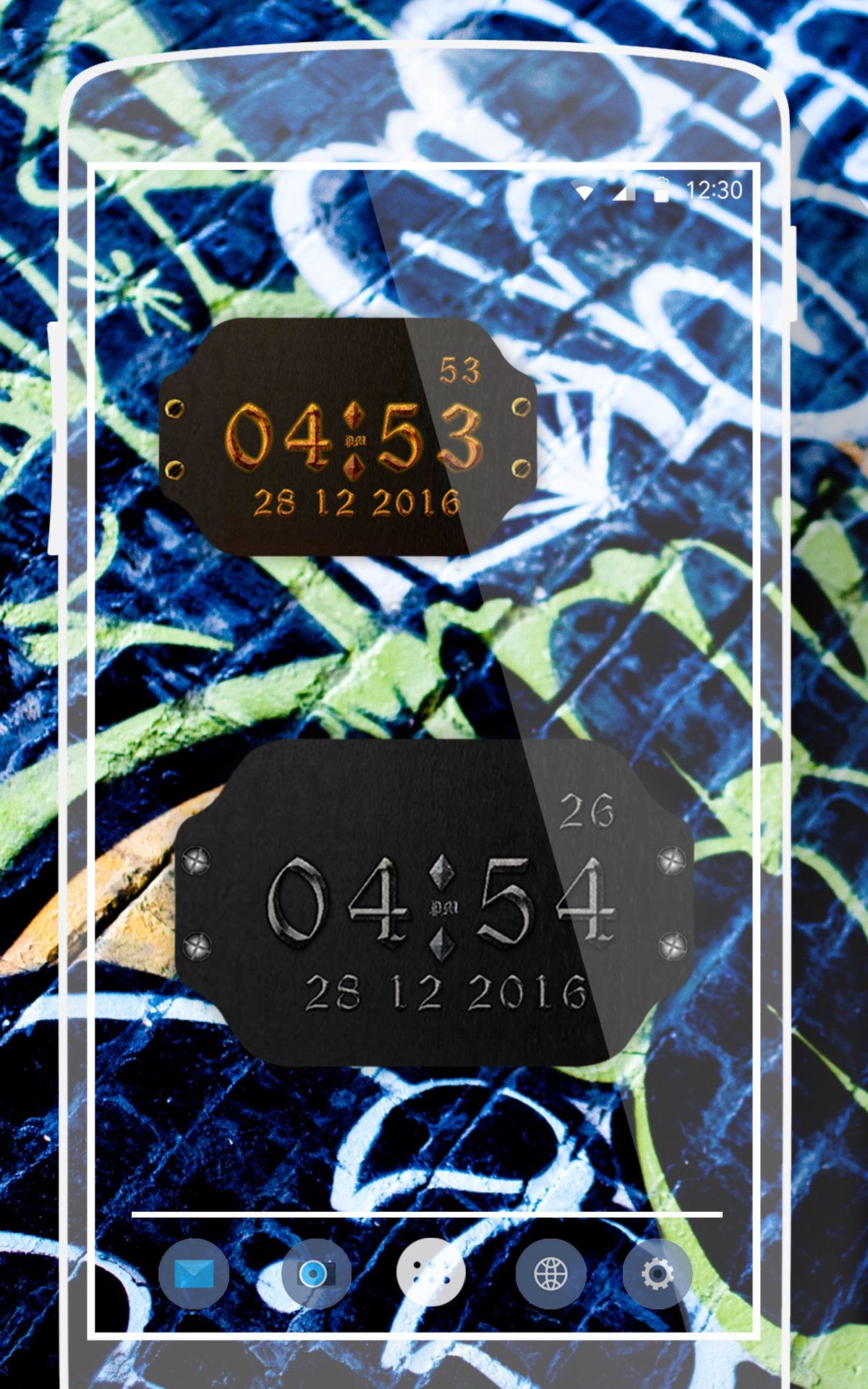
涂鸦时钟Widget是主屏幕数字时间及日期部件。
- This app help you to set Graffiti clock Widget with various Style and some Graffiti background which make your device more Graffiti and beautiful.
- With your new phone personalisation program go several watch skins and Graffiti Clock Widget that will make your smartphone or tablet a real treat for the eyes. Make your device trendy and stylish with this useful gadget and you'll soon find yourself wondering how you could live without it. In addition to many Graffiti Clock Widget styles created by our designers, there are also many ways in which you
This is an Graffiti Clock Widget Which has Feature Like;
- widget preview during setup.
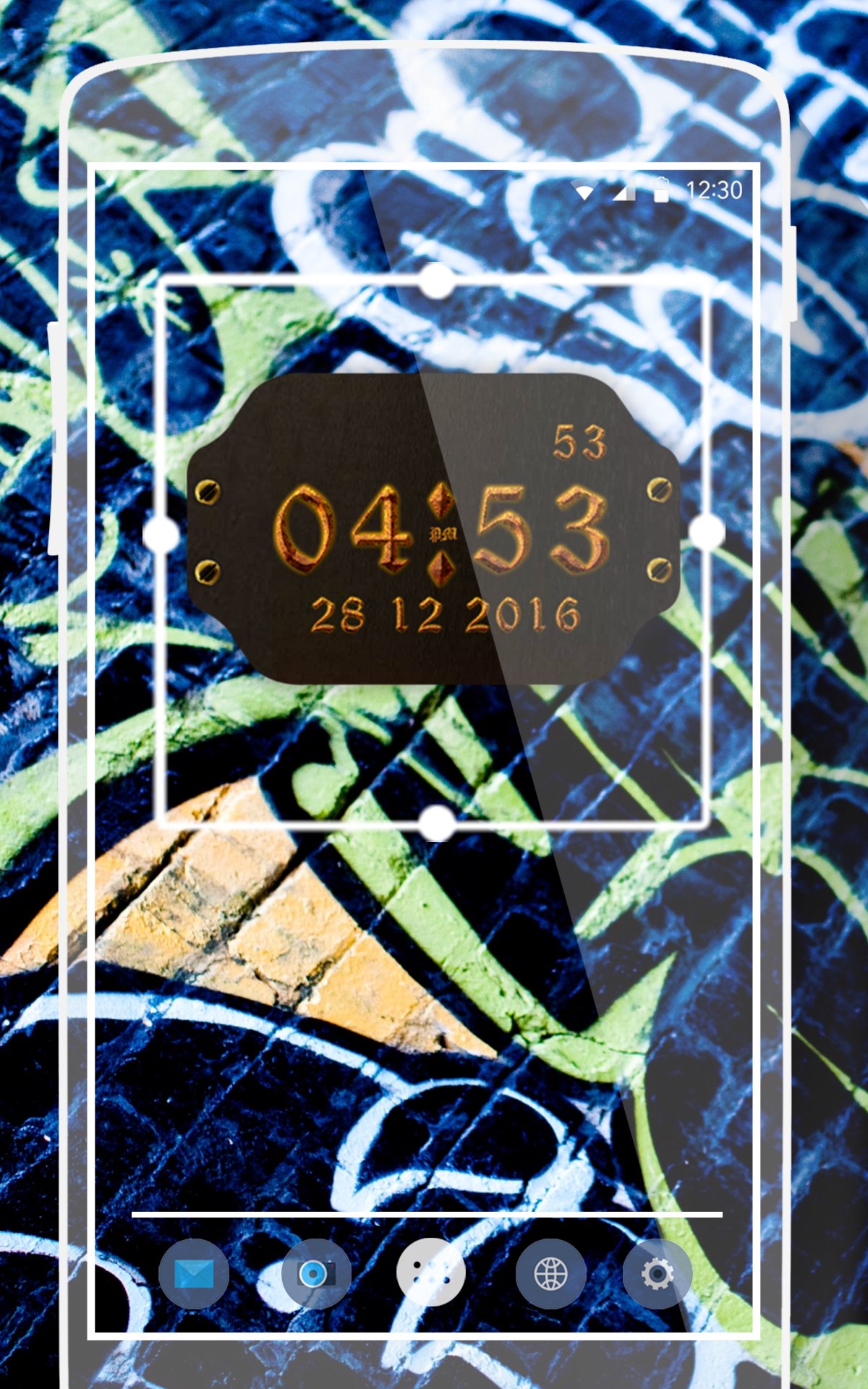
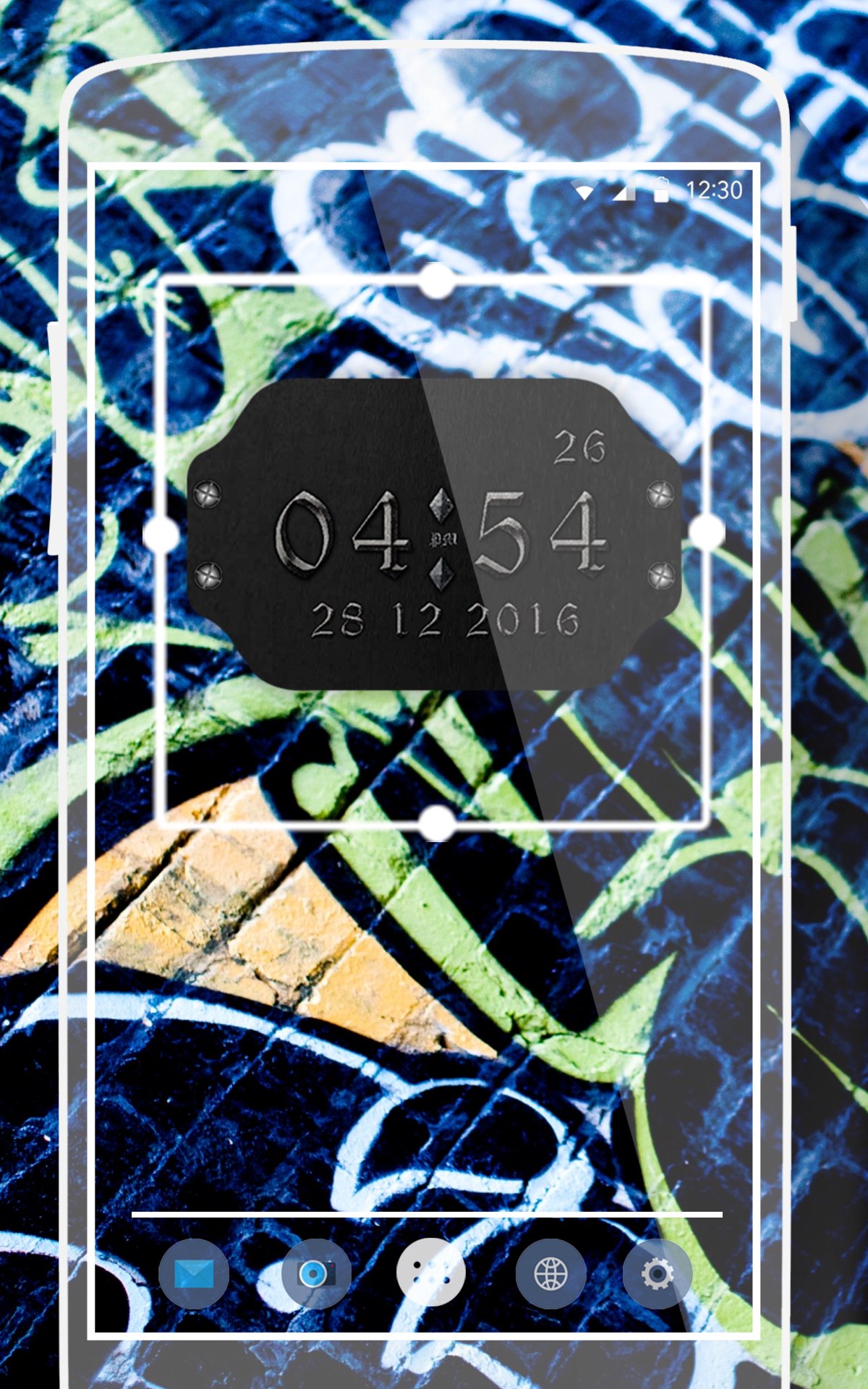
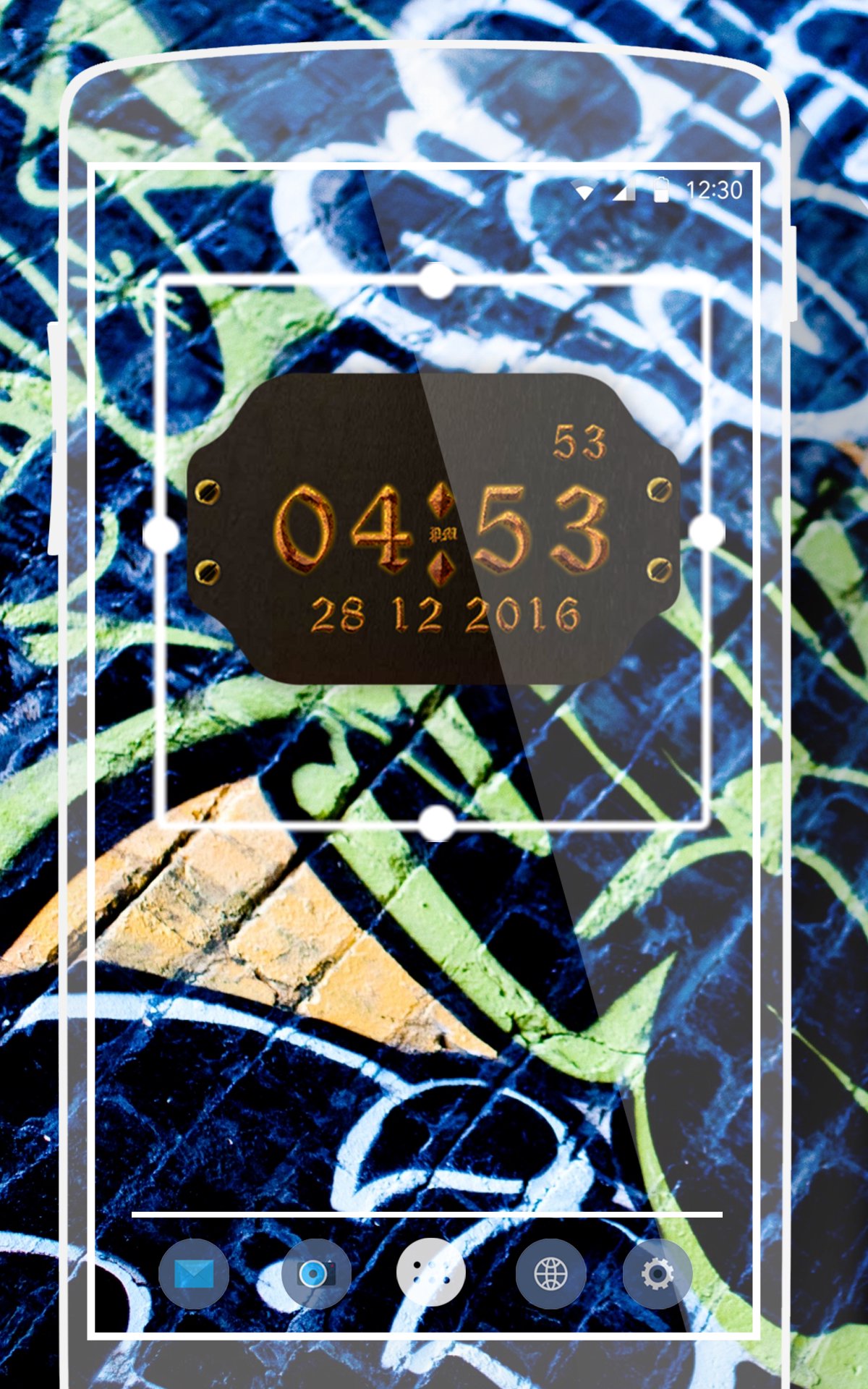
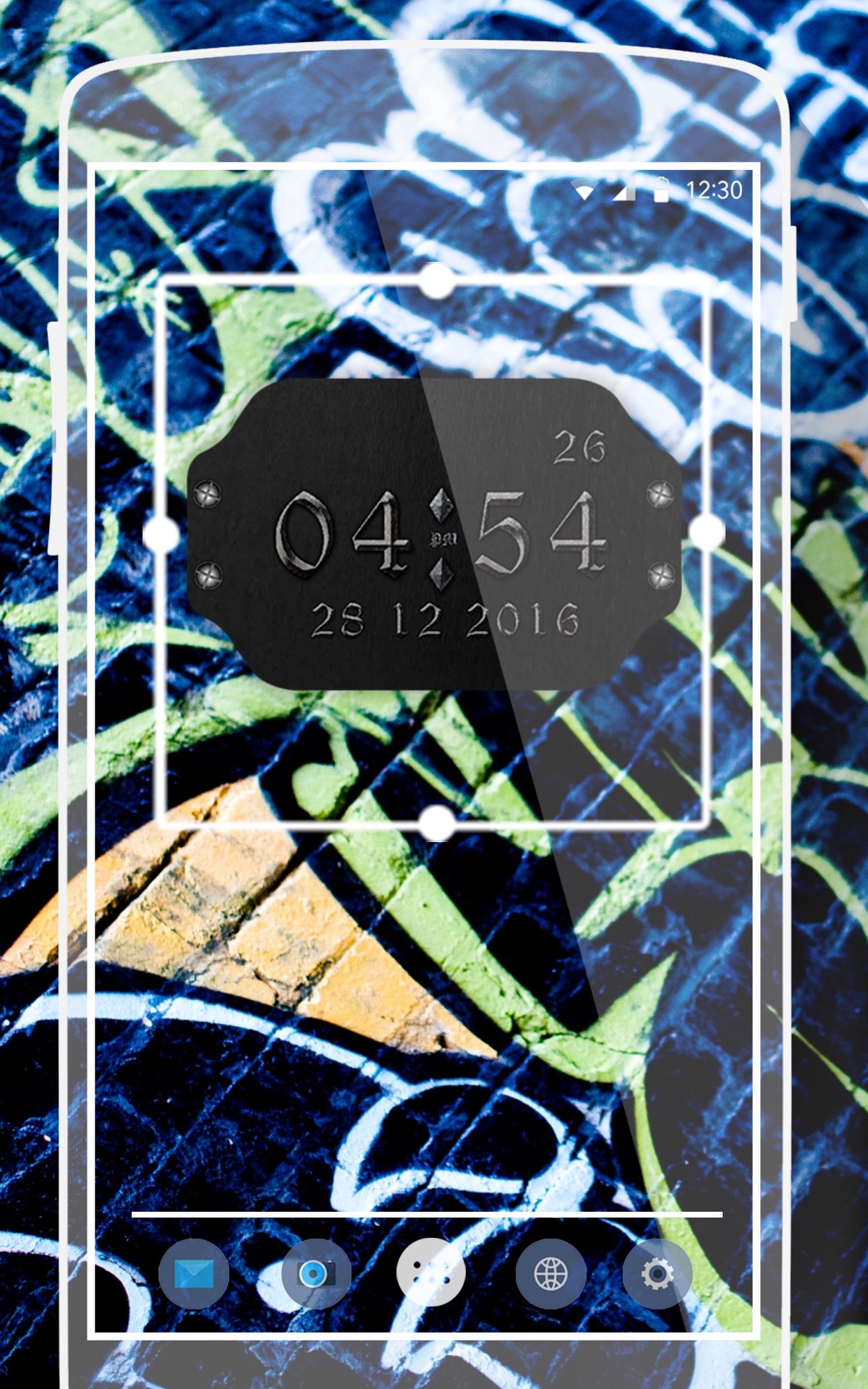
- Set Size of Widget According to your Device.
- Set Suitable Style for clock that you like most.
- Set Time Zone(12/24 Hr) AM or PM that you want.
- Set Background from your Gallery or App Background.
- Use picture as widget background.
- Lots of customization.
- Many fonts for clock and date.
- Select widget click actions.
- Tap on widget to load up widget settings page.
- Supports multiple widget on screen.
- Home screen widgets 5x5, 4x4, 3x3, 2x2 and more for all screens and set on also large screen size.
- Widgets display current time, date.
- lock screen widget for Android Jelly Bean 4.2+
To use the widget on Android:
1). Before Android 4.0 ICS :-
* Open the app drawer
* Tap the "Widgets" tab
* Find Graffiti Clock Widget and drag it to the home screen
Or
2). Android 4.4 KitKat :-
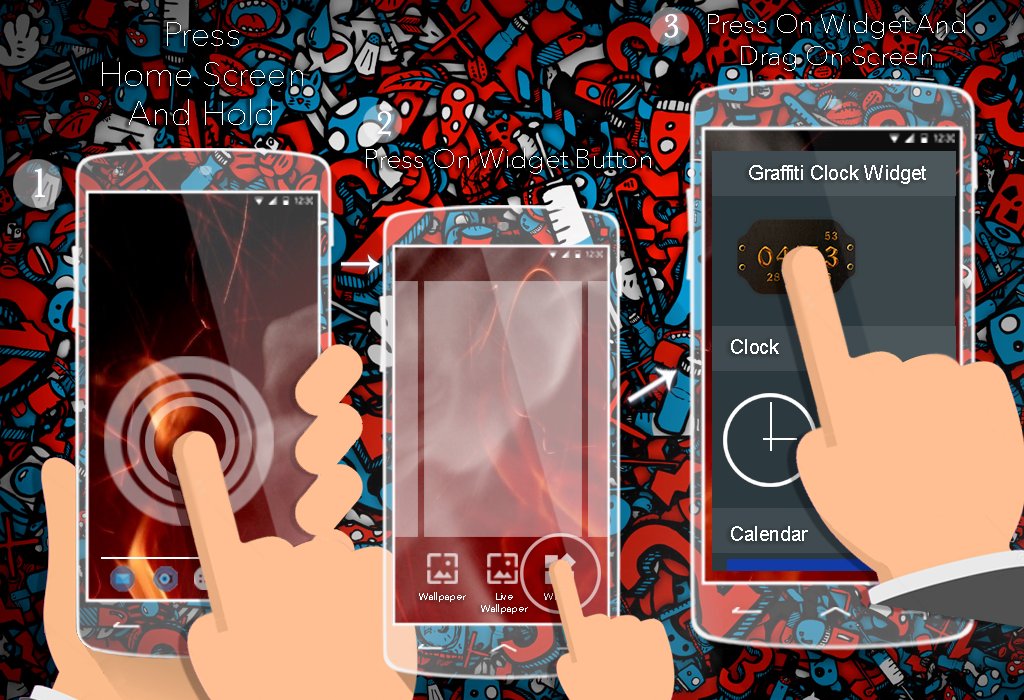
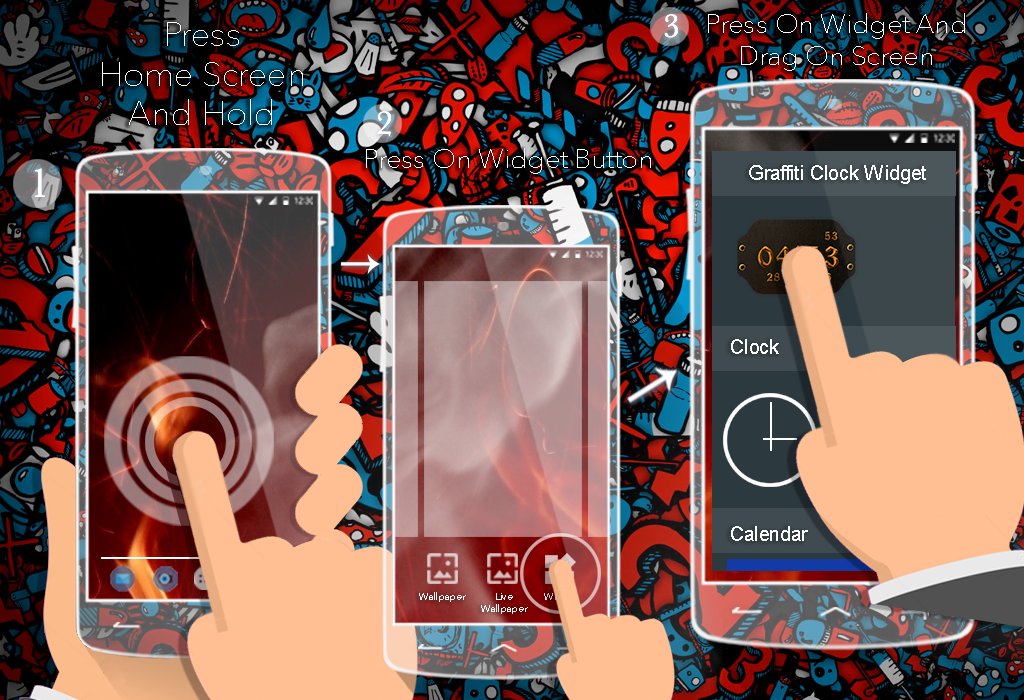
* Press on home screen
* After click on Widget
* Find Graffiti Clock Widget and drag it to the home screen
And See also define in application how to use widget.
- Now Set it as Widget to see Device with more amazing and Graffiti and Graffiti clock Widget.
This App Use less Battery Power.
All Design In UI Performed.
* Problems with installation?
This is home screen widget and not the application, please read the instructions on how to use the widget:
Older phones (before Android 4.0 ICS) and Android 4.4 KitKat:
¥ To add a widget, touch and hold an empty location on a home-screen. Menu will pop-up, select Widgets.
¥ "Choose Widget" menu will popup. From there, find and select Graffiti Clock Widget widget of desired size.
Newer phones and tablets, Android 4.0 and later (Ice Cream Sandwich, Jelly Bean):
¥ Touch the All Apps icon on your Home screen.
¥ Click Widgets tab at the top of the screen.
¥ From the main Widgets screen, you can swipe left until you find Graffiti Clock Widget
¥ Touch and hold the desired widgets icon, slide your finger where you want to place it, and lift your finger.
If there are missing Graffiti Clock Widget in list of widgets, try to restart phone, it might help.
- If You like app please provide your feedback us on below mail Any-kind of Feedback Heartly welcomed.
And please Rate this App would you like.
- if you any query please feel free to write us.
NOTE: If you are using a Task Manager, make sure to add Clock Widget to the ignore list. When the app is killed, the time will stop updating.

感谢您的评分和反馈!
您已经评分了。