
在APKPure安全快速地下载APK
APKPure 使用签名验证功能,确保为您提供无病毒的 InstaSaver APK 下载。

使用InstaSave以下载和重新发布您喜爱的照片和视频与一个水龙头。
✔InstaSaver for Instagram allows you to browse your news feed and your friends profiles/walls to select the photos and videos you want to Insta download and repost to different social apps.✔
Now you can download swiped pictures and album(New IG Feature)
Main Features:
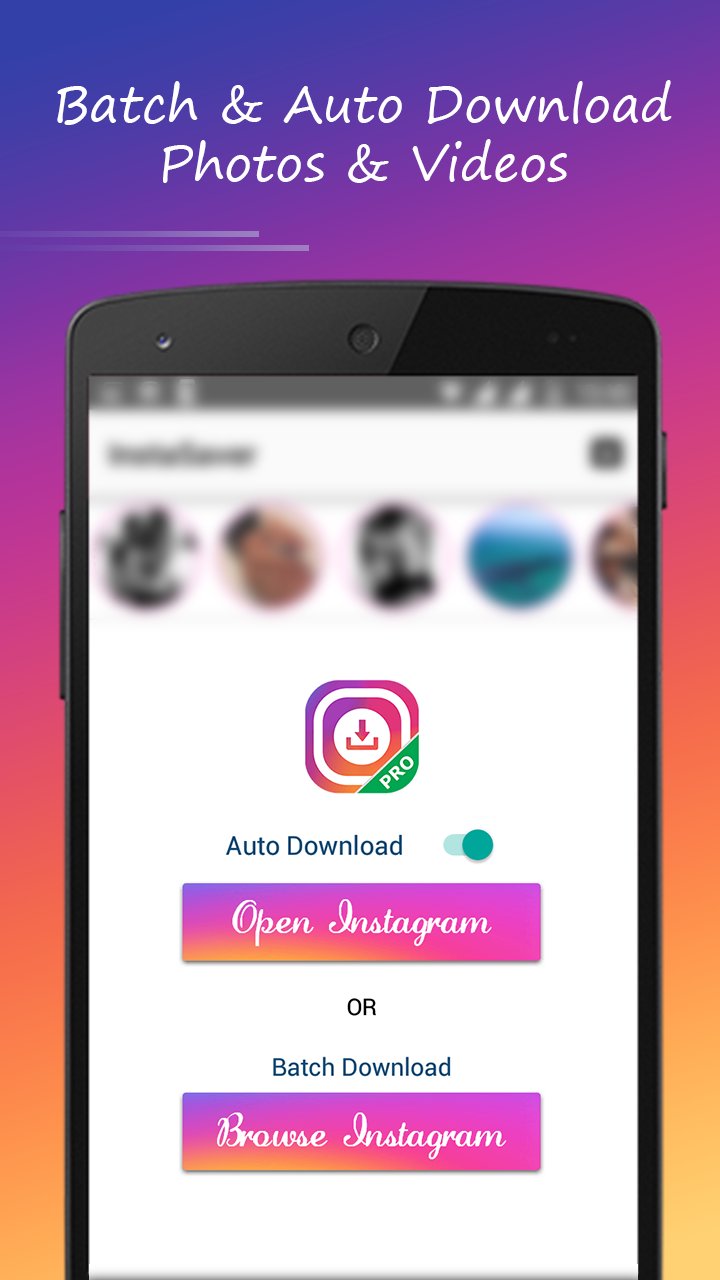
☆Automatic Download
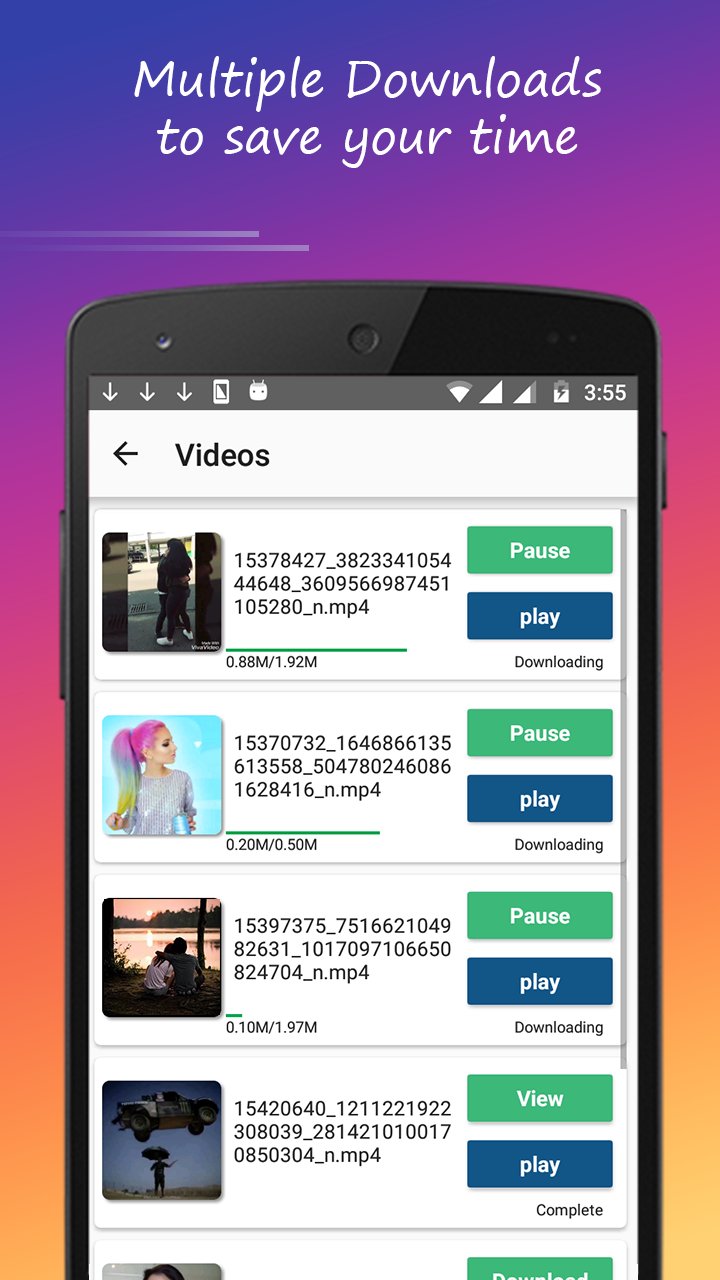
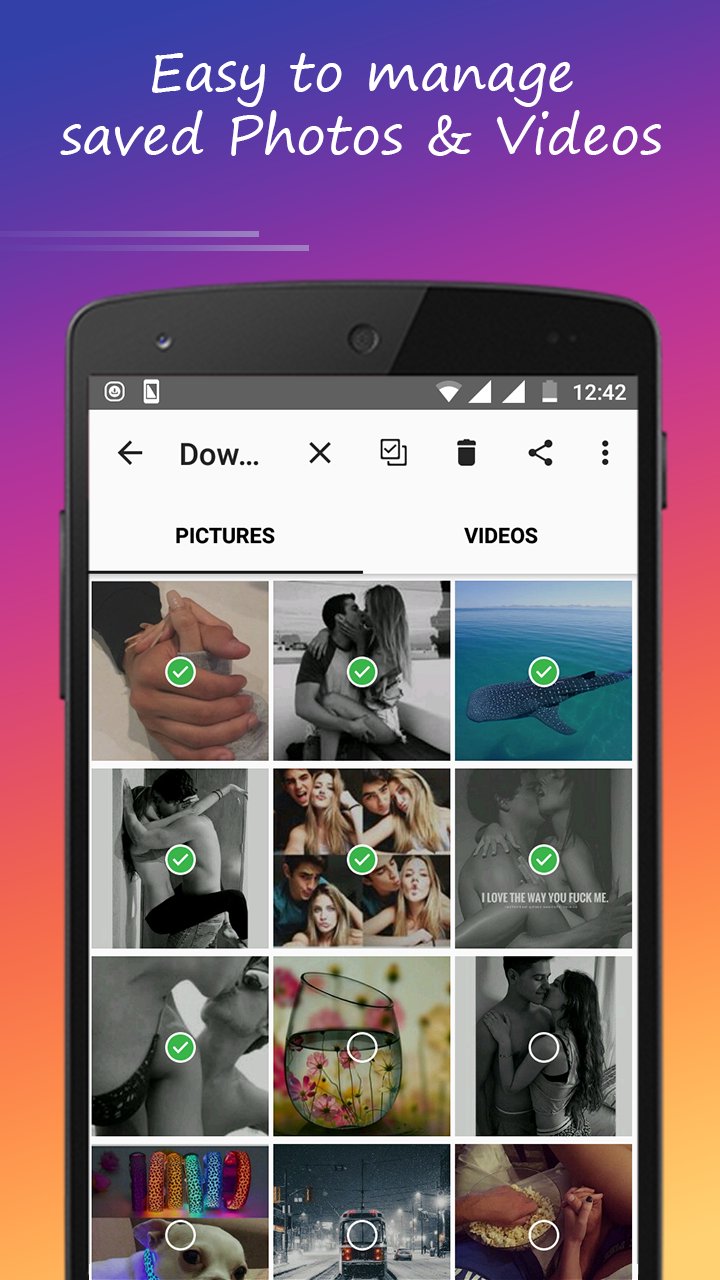
☆InstaSave multiple pictures and videos.
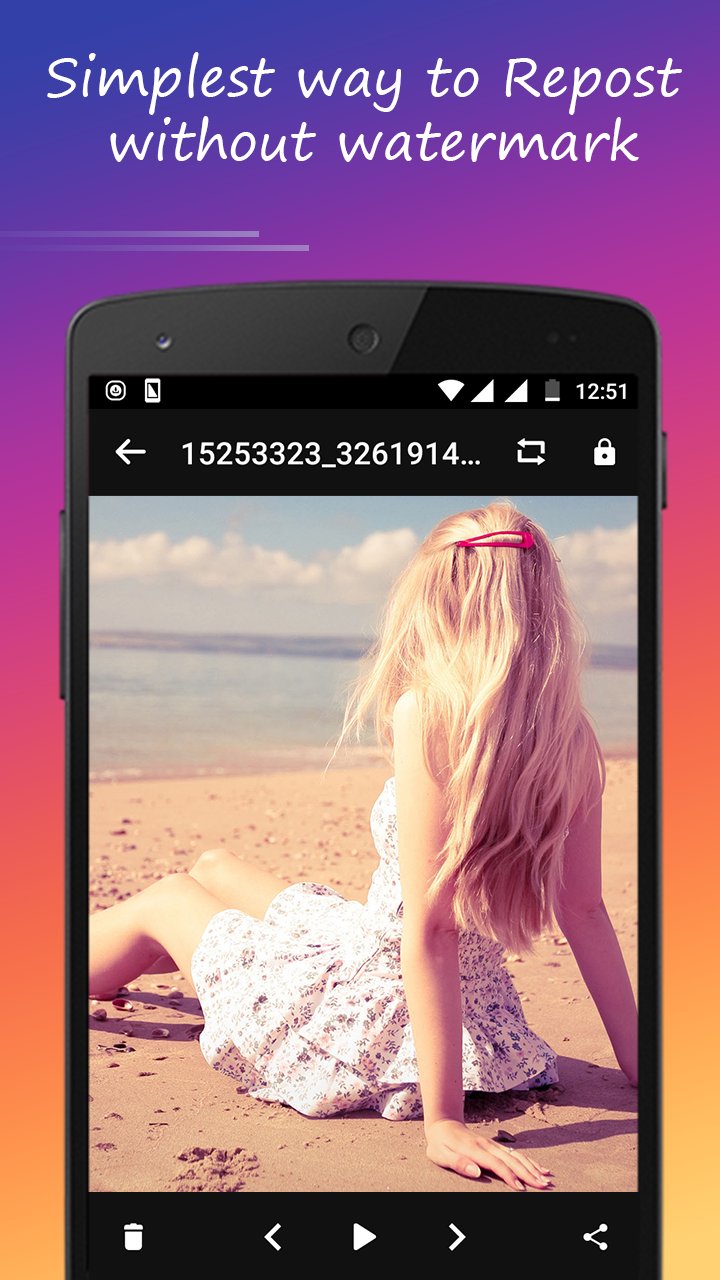
☆Repost without watermark.
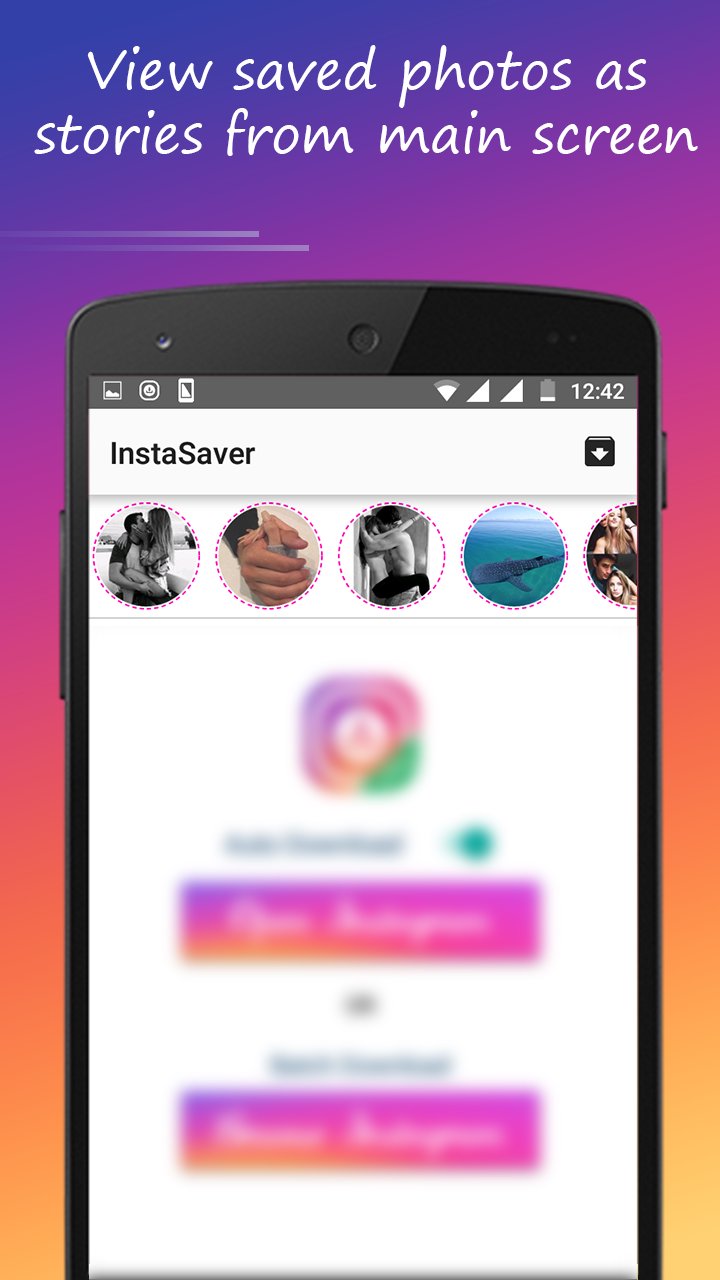
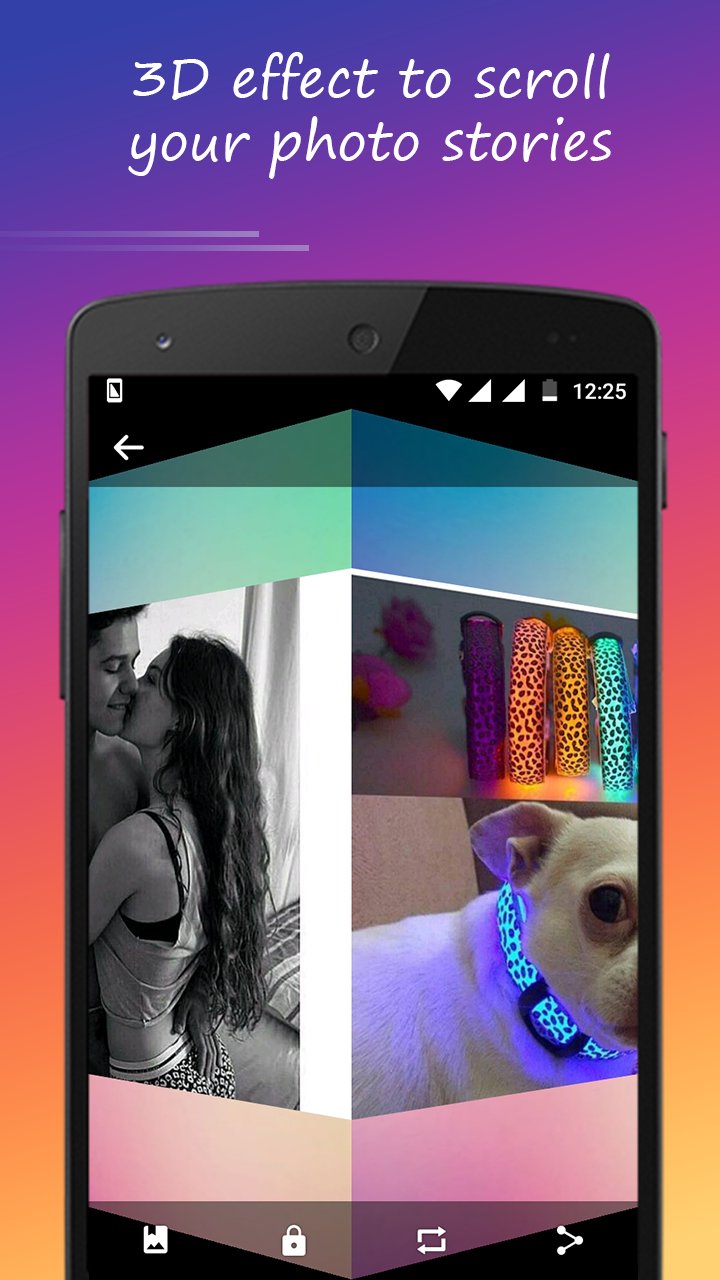
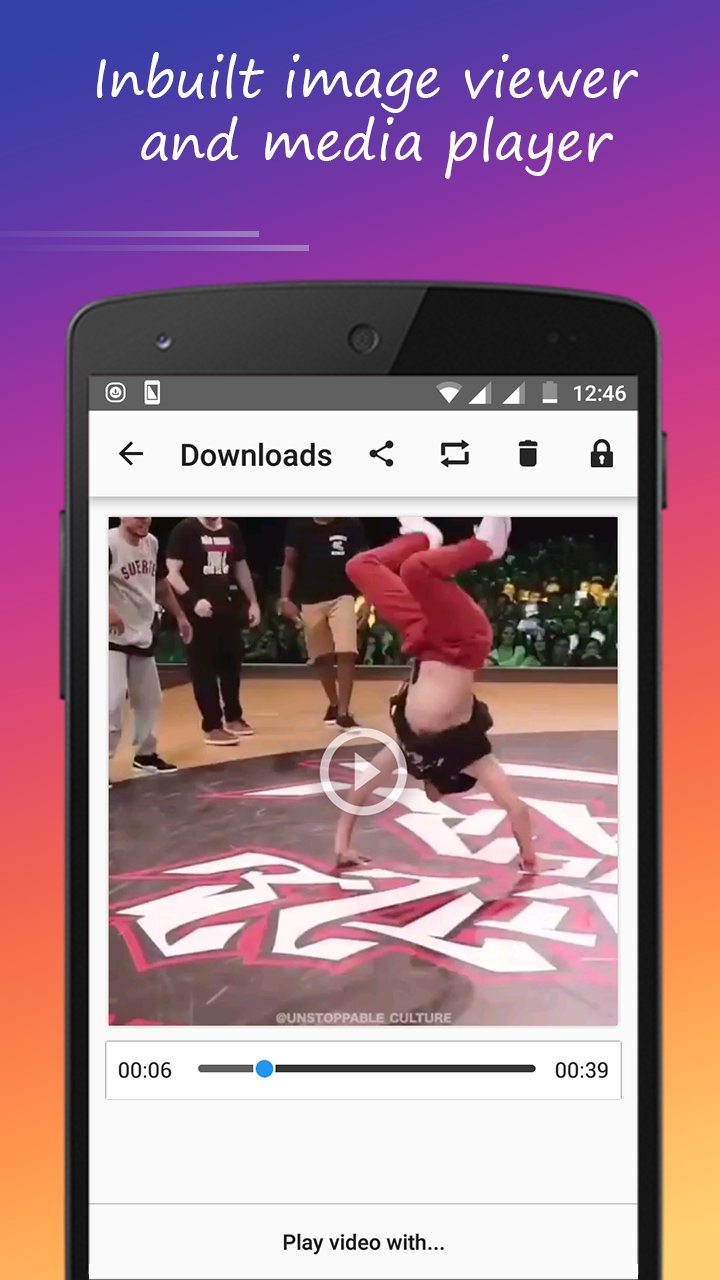
☆Inbuilt image viewer and media player.
☆Search profiles of users by name and hashtags
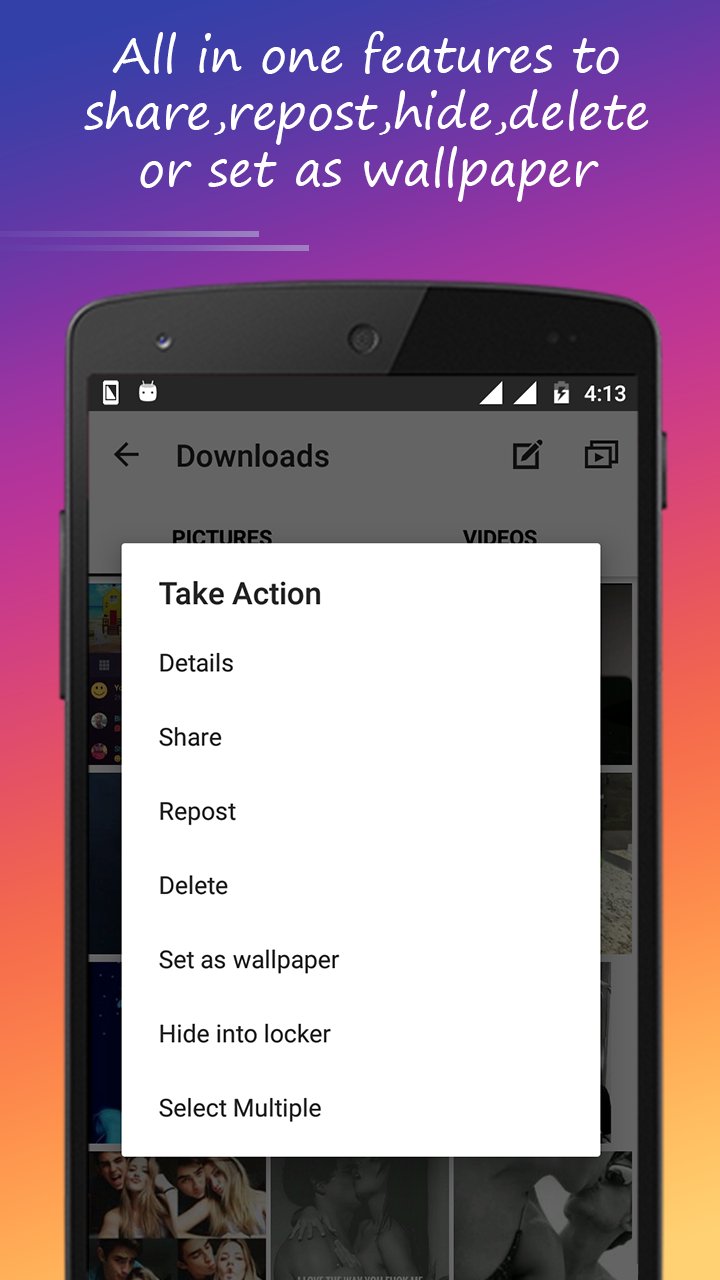
☆Swiftly share to friend
☆Quick access to Downloads
--------How to use--------
【Automatic Download】
1. Open InstaSaver app and turn on the button of "auto download".
2. "Copy Share Url" of photos or videos from Instagram.
3. Photos/videos will start downloading automatically in notification.
【Batch Download】
1. Open InstaSaver app and click on “Browse Instagram” button.
2. Login to your Instagram and browse for photos and videos.
3. Number of Images/Videos which are ready to download is shown in bottom.
4. You can also tap on any image while browsing to download it.
IMPORTANT: Please do not use this program to save photos and repost without the permission of the respective owners. Respect the rights of the Instagram users. If you notice that any content in our app violates copyrights than Please inform us so that we remove that content. We respect the rights of Instagram. We only use the contents which Instagram allows to developers.
Feel free to contact the InstaSaver app customer service with any questions or suggestions you might have.

感谢您的评分和反馈!
您已经评分了。