在APKPure安全快速地下载APK
APKPure 使用签名验证功能,确保为您提供无病毒的 myRemote Tv 2016 Prank APK 下载。

myRemote允许你通过本地网络控制以下三星电视
myRemote 2016 Prank allows you to remote control the following Samsung TVs over the local network using Wifi.
you have a problems caused by:
• Lose your remote control
• Hitting your little brother to break it,
- Just before one of your favorite TV show or season is about to begin, OR your favorite sports game is about to start, or you want to watch the news and TV remote control are not your reach.
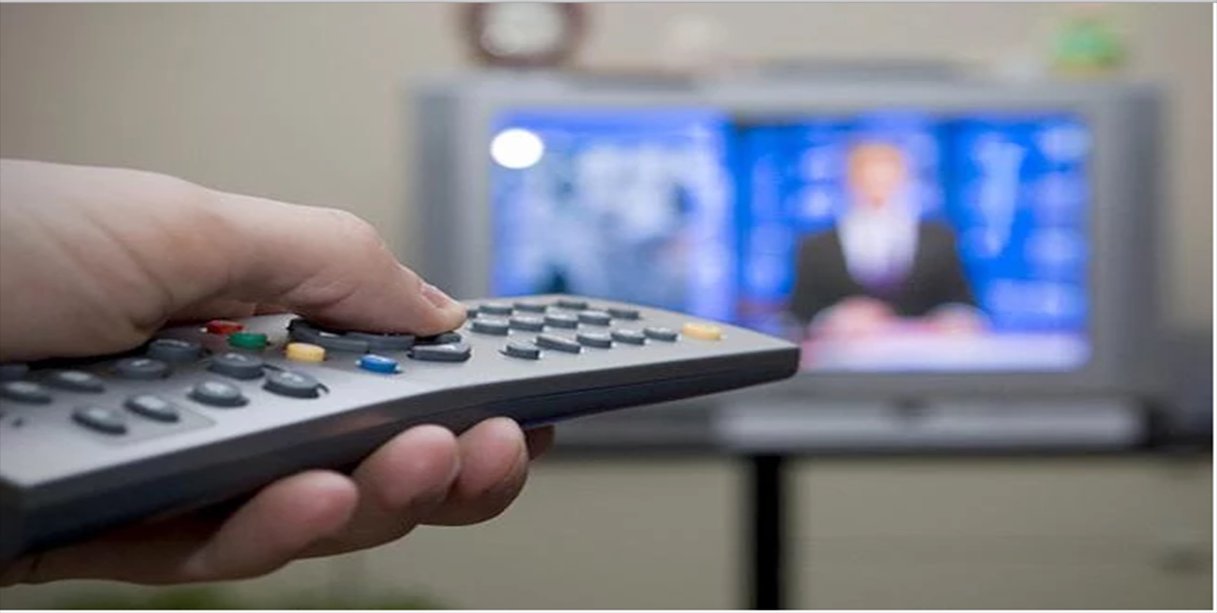
- It is always good and easy to use a single remote control device to control all you electronic equipment. As mobile phones have become a major gadget that people always carry with them, in order to have an application installed on your mobile device that works like a TV remote control will make your life easier. This free application, powerful and effective will make your life easier.
( TV Remote Control - Remote Control 2016 - Télécommande Universal TV - Smart TV Remote ) Prank
• B-Series from 2009 (Only with modifications, see below)
• C-Series from 2010 (For a more detailed list see below)
• D-Series from 2011 (For a more detailed list see below)
• E-Series from 2012 (For a more detailed list see below)
ATTENTION: For B-Series you have to install an application on your TV which is kind of a hack. Read the following paragraph or visit the website linked at the bottom (http://quist.de/2011/02/remote-control-samsung-tv-with-android-phone/?lang=en), otherwise the remote won't work for you!!!!!!
If you have a C-Series or D-Series TV, make sure you activated "Remote Control" in your TVs Menu under System-Settings. If there is no such setting, your TV is not supported.
The following TVs are supported without modification:
• TVs from 2010 with Internet@TV feature: Models greater or equal to LCD 650, LED 6500, PDP 6500
• TV from 2011 with AllShare feature: Models greater or equal to LCD 550, LED 5500, PDP 5500
• TV from 2012 with AllShare feature: Models greater or equal to LCD 550, LED 5500, PDP 5500
• Bluerad Disc Player released in 2011 with Smart Hub feature
The following TVs are currently known to be unsupported: C490, C5100, C6300, C680, C687
ATTENTION: For B-Series it is necessary to install the myRemote prank application "Remote Lan Control" on your TV. If you don't know what this is, don't install this app. More information about how to install the application on your TV you can search for it . You can use it to play or pull a prank with your friends
Caracteristics:
• Power ON / OFF control.
• AV / TV.
• Mute / Un-mute.
• The Canal digit buttons.
• Index of the Channel and lists.
• Volume Up Control.
• Volume Down control.
• Control Channel Up.
• control Channel Down.
• Menu button with UP / DOWN and controls left / right.
• Red / Green / Blue / Yellow (soft keys for multiple use).
Note:
• phone or tablet with built in IR blaster is needed.
• This application is compatible with the television brands mentioned above. This is an unofficial app remote television for these television brands.
• Email: the model of your TV and we will do our best to make the remote control compatible with it. Your patience and positive feedback will be highly appreciated.
ENJOY !!!! Your feedback is very important to us.




感谢您的评分和反馈!
您已经评分了。