在APKPure安全快速地下载APK
APKPure 使用签名验证功能,确保为您提供无病毒的 OpenJarvis APK 下载。

Personal AI assistant — terminal-style chat, works offline.
OpenJarvis brings personal AI to your Android device with a sleek terminal-style interface. Chat with AI using a familiar command-line prompt, all while keeping your data local.
KEY FEATURES:
• Terminal-style UI – Monospace green-on-black interface with prompt-based chat
• Online / Offline – Automatically caches AI responses when online; uses cached data when offline
• Real-time streaming – See responses as they're generated (SSE streaming)
• Local-first – Connect to your own OpenJarvis backend running on your PC, server, or even on-device via Termux
• Custom API – Point the app to any OpenAI-compatible API endpoint
• Commands – /help, /models, /model N, /cache, /clear, /status and more
• Privacy-focused – No cloud dependency required; all data stays on your device
HOW IT WORKS:
1. Install the app
2. Run OpenJarvis server on your computer: `jarvis serve --host 0.0.0.0`
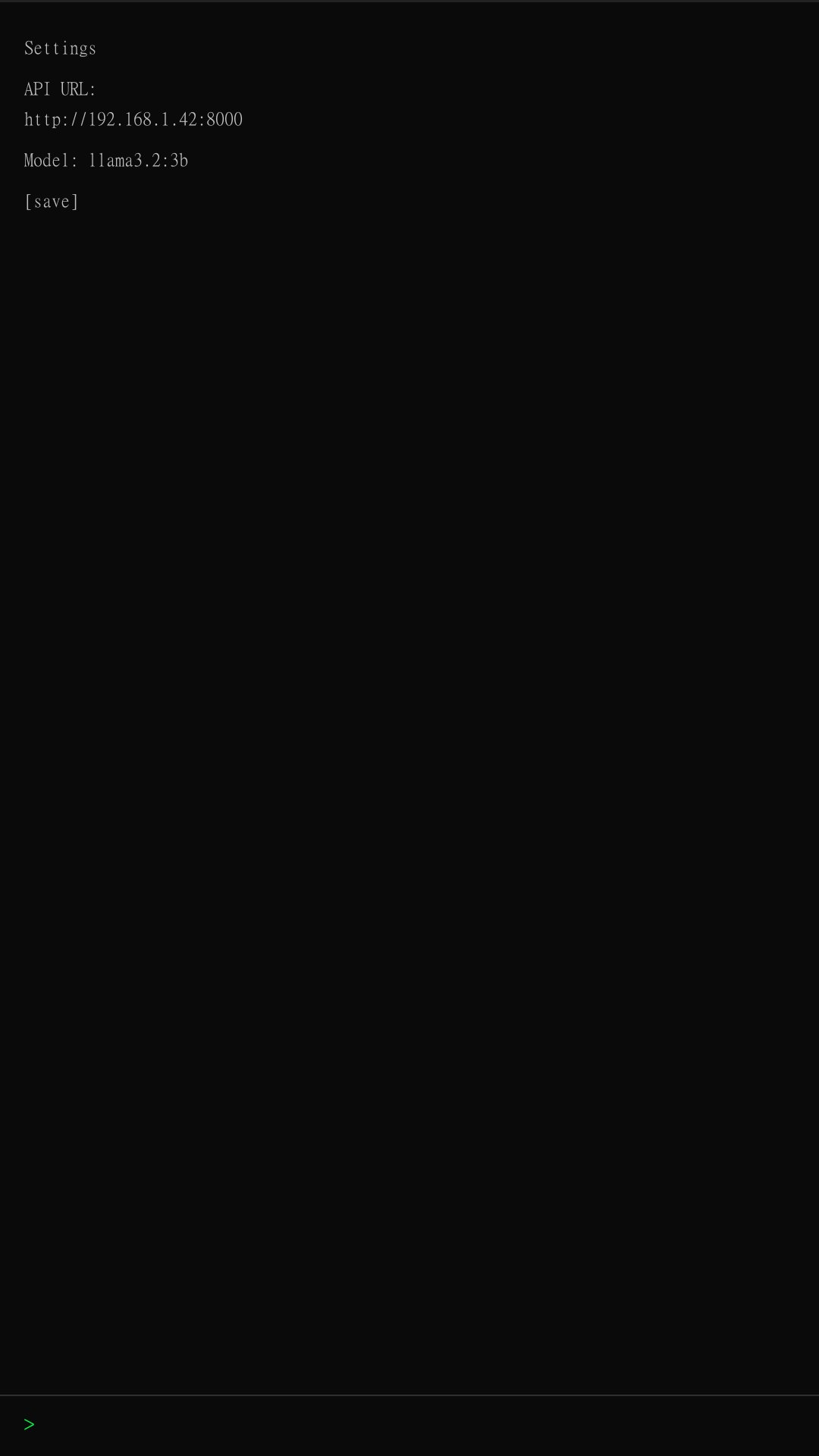
3. Set the API URL in the app's settings panel
4. Start chatting! When online, responses are cached automatically. When offline, cached answers are used.



感谢您的评分和反馈!
您已经评分了。