








Thanks for your rating and feedback!
You have already rated.

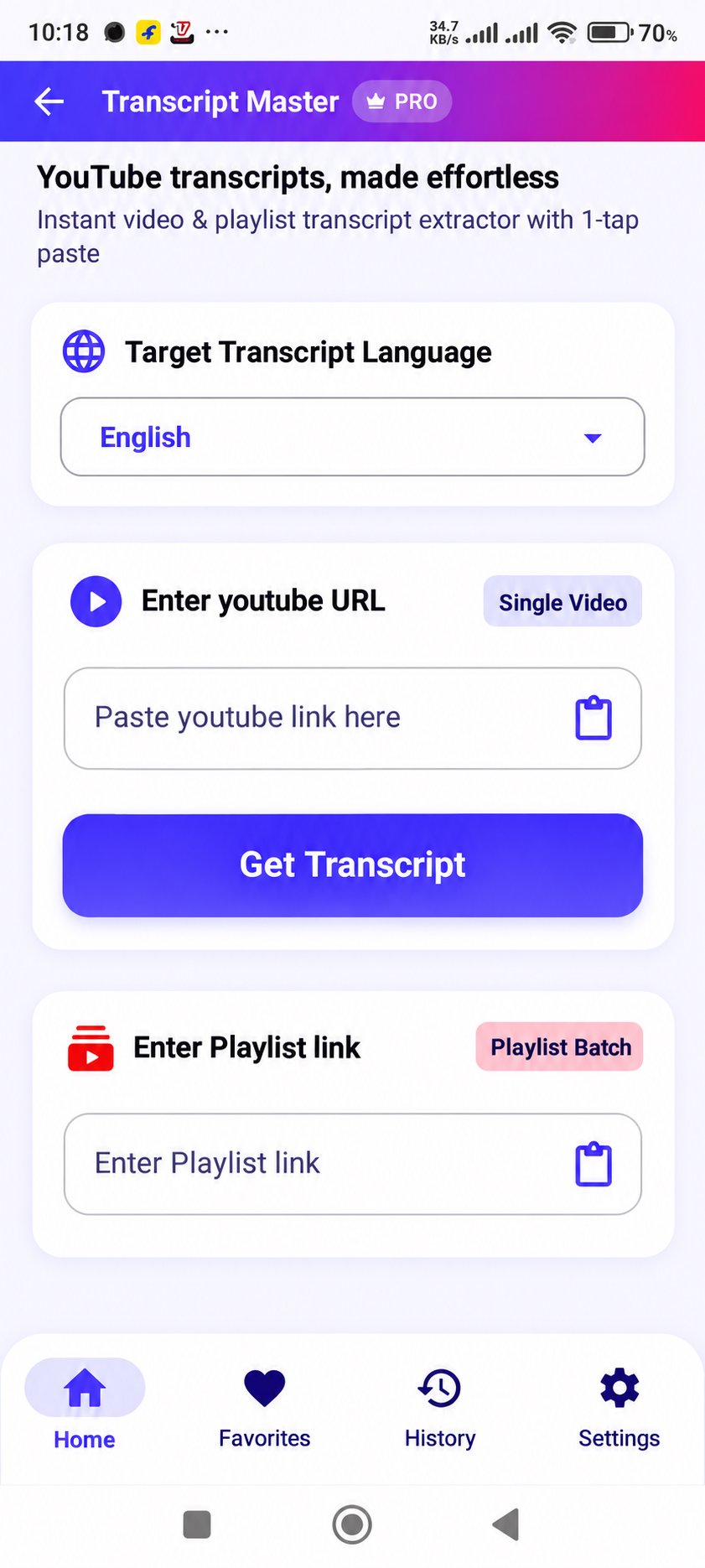
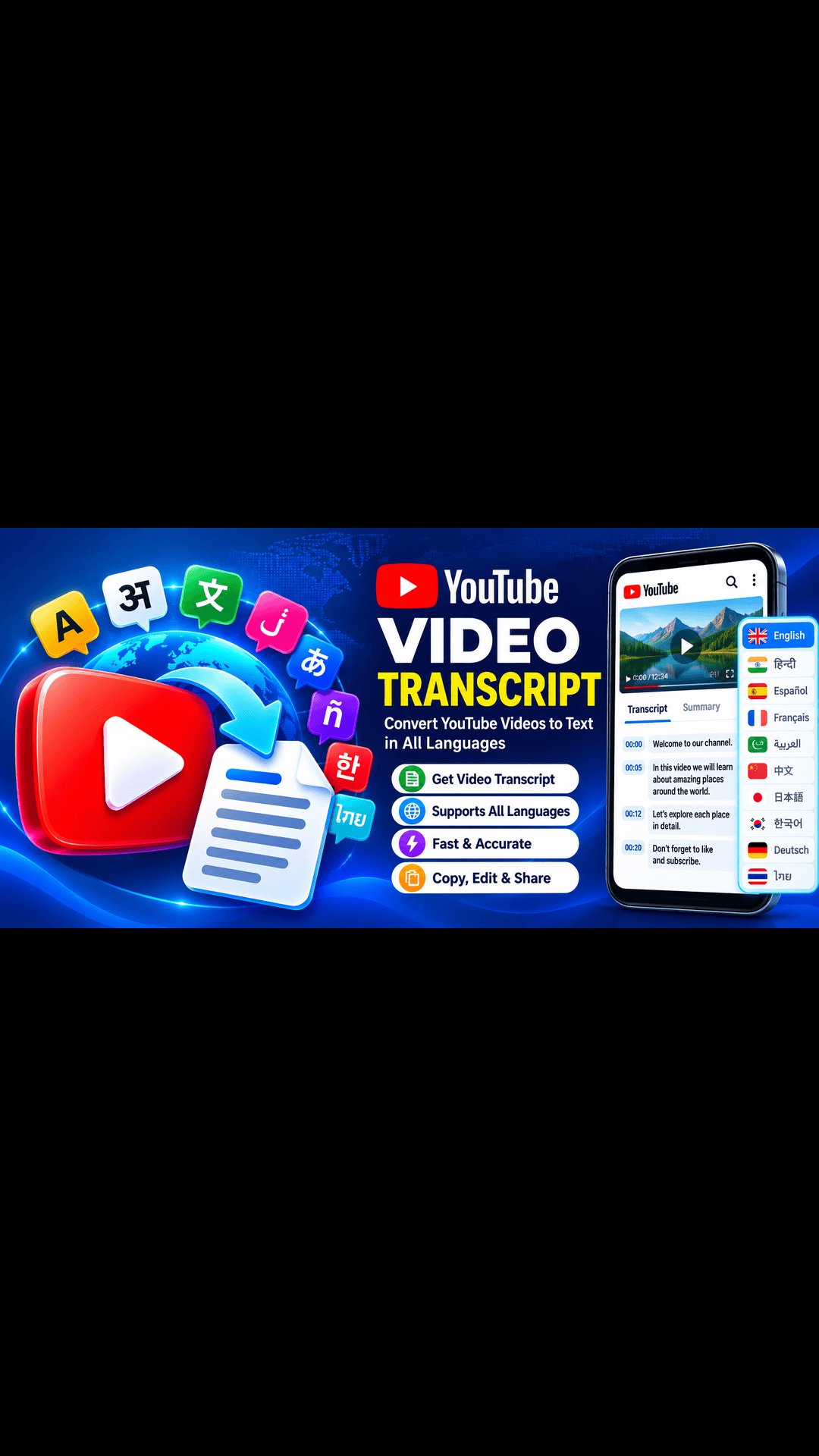
Easily extract, read, and convert Video transcripts into clear text and notes.
Easily extract and read video transcripts, convert spoken dialogue into text, and organize your study or research notes with TranscriptMaster.
Whether you need quick summaries of educational lectures, meeting notes from video guides, or translated subtitles from international content, TranscriptMaster simplifies your workflow with accurate text extraction.
Key Features:
• Instant Text Extraction: Convert spoken video audio and captions into readable, editable text within seconds.
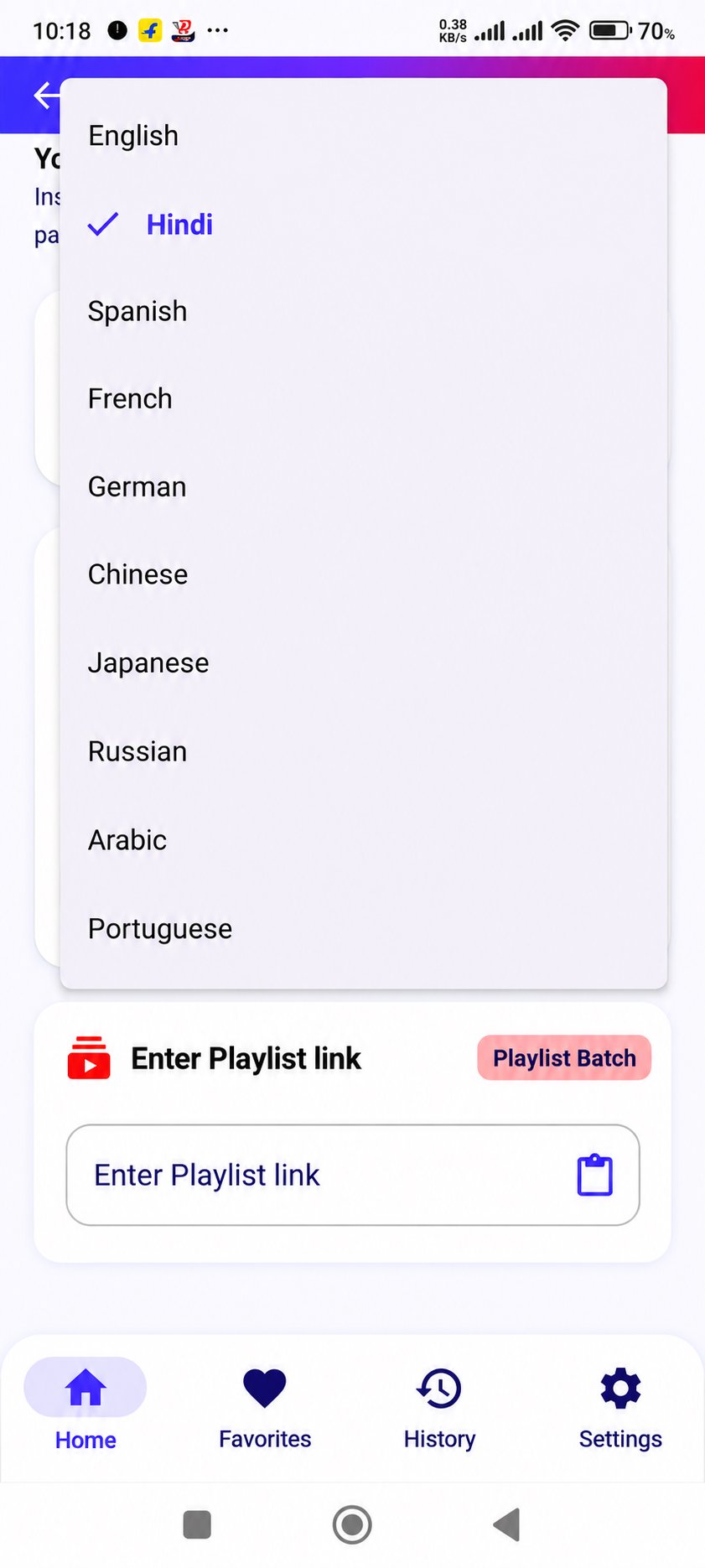
• Multi-Language Support: Extract and translate subtitles across multiple languages to read content in your preferred language.
• Timecode Navigation: Keep track of specific timestamps alongside dialogue for precise referencing.
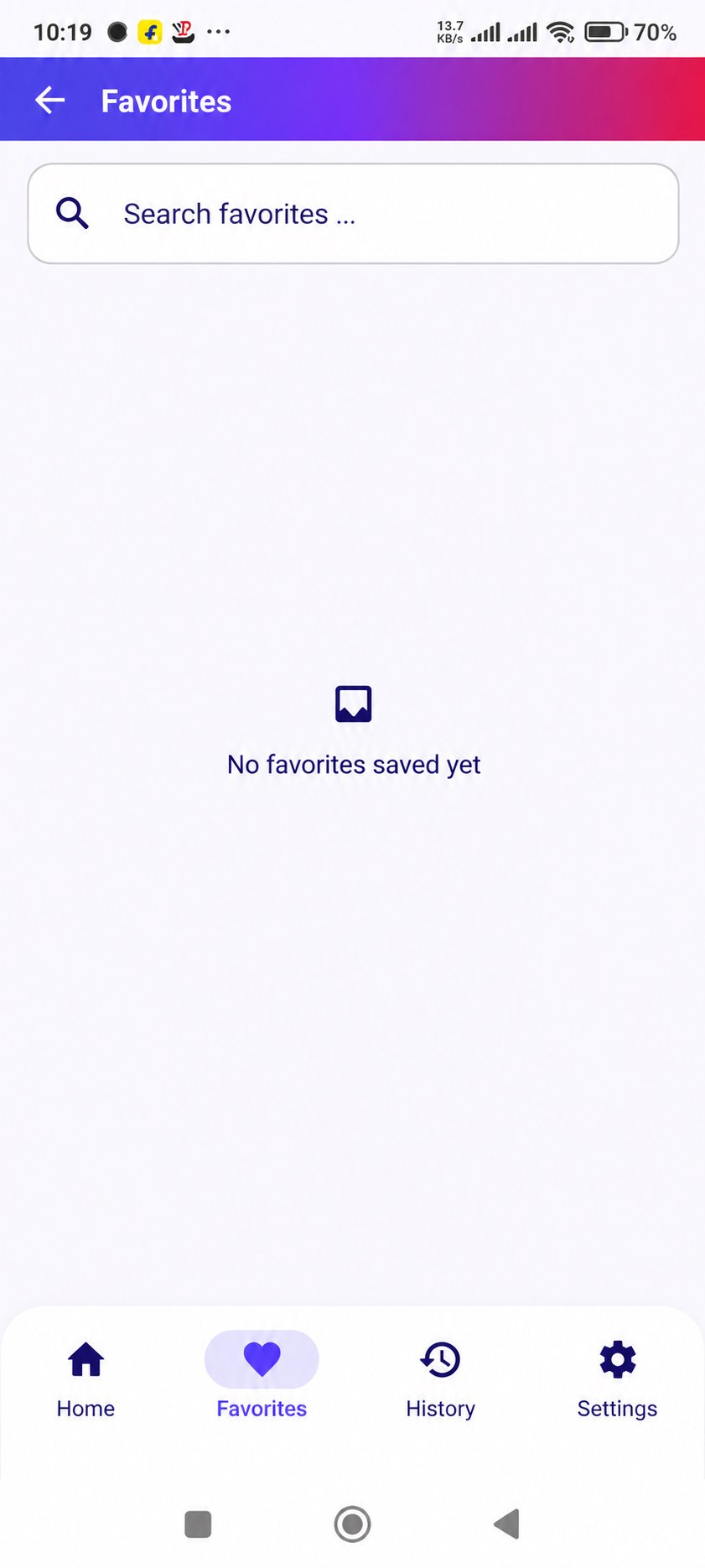
• Note Maker & Organizer: Save key insights, copy important quotes, and organize study notes directly on your device.
• Easy Sharing & Export: Copy text directly to your clipboard or export it to your favorite note-taking apps.
How It Works:
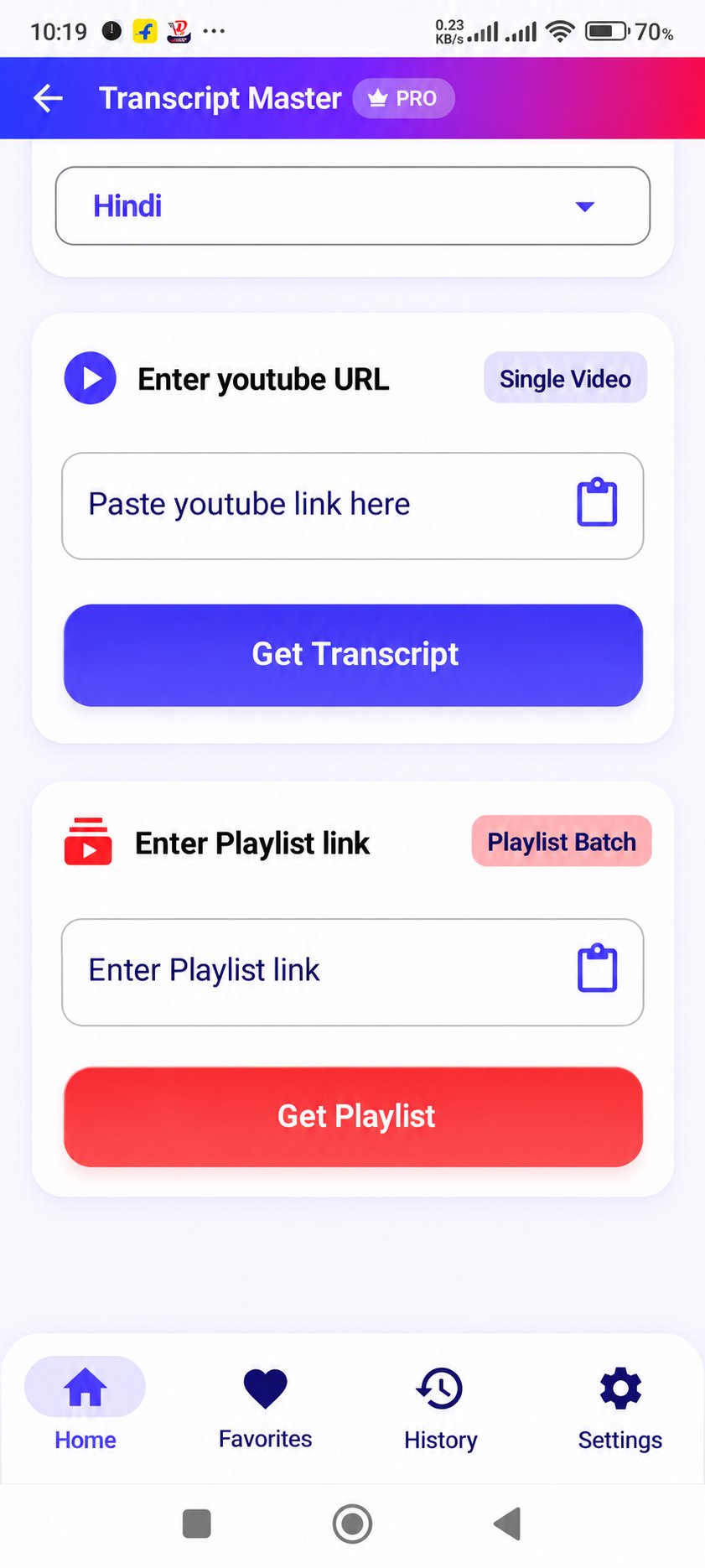
1. Copy and paste the video link into the app.
2. Select your preferred subtitle or transcription language.
3. Read, edit, copy, or export the generated text instantly.
TranscriptMaster is designed for students, researchers, content creators, and professionals who want to save time and read video content efficiently.
Disclaimer:
TranscriptMaster is an independent utility tool created for educational and note-taking purposes. This application is not affiliated with, endorsed by, or associated with YouTube or Google LLC. All trademarks and platform names belong to their respective owners.


One-click to install XAPK/APK files on Android!
Thanks for your rating and feedback!
You have already rated.