在APKPure安全快速地下载APK
APKPure 使用签名验证功能,确保为您提供无病毒的 Webcam to Android Trial APK 下载。

把你的电脑摄像头变成一个安全摄像头。
NEW : Listen in real time what is happening.
Turn your Webcam into a security camera, use it at home, office, store, shop, watch your baby, your pet and so on. or spy camera.
With "Webcam to Android", you can connect an unlimited number of webcams, simply open the list of available connections, select and connect.
Download the server (compatible with Windows XP/Vista/7/8) here : https://sites.google.com/site/mlccamserver and follow the installation instructions.
Download and install the Server, as many times as computers you have, it's totally free.
The server sends the audio and video from your PC to your android device
Please, before you buy the Android application, download the server and make sure it shows the image of your webcam.
The connection accepts IP address and Dynamic DNS Services, as well as WiFi and 3G/4G.
How it works:
- Run the Server (Windows), choose local ip, enter a port number and a password. Press the LISTEN button.
- Run "Webcam to Android" on your Android device, enter the server's public IP (or Server's private IP, if you are on the same network) and the same port and password you typed in the server. Press the Connect button.
To connect via 3G/4G you must configure your router (port forwarding), if you have questions of how to do it send me an email to [email protected].
Features:
- 10 languages: English, Spanish, German, French, Italian, Portuguese, Russian, Japanese, Korean and Dutch
- Up to 4 webcams connected to a single PC.
- Video and audio surveillance, 24/7
- Audio and motion detection with email notification, alarm and photo
- Audio and video recording, up to 6 minutes on each detection
- Increase and decrease the quality of the image.
- Pinch Zoom.
- Enable sound alarm on the server.
- Save individual images.
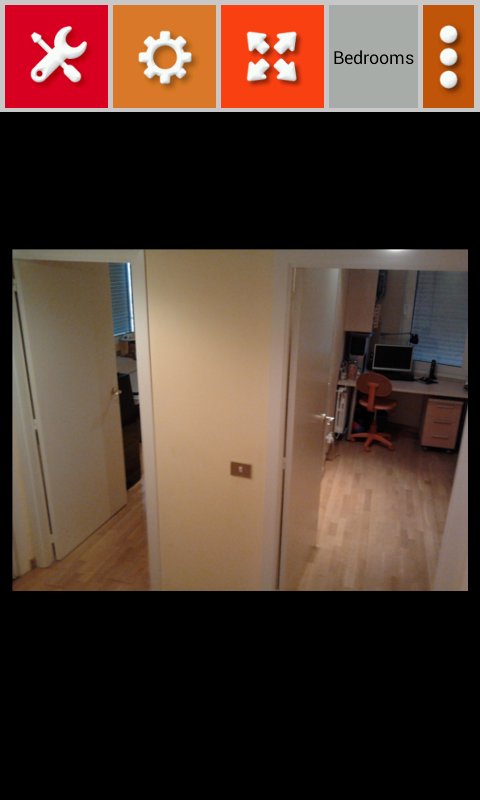
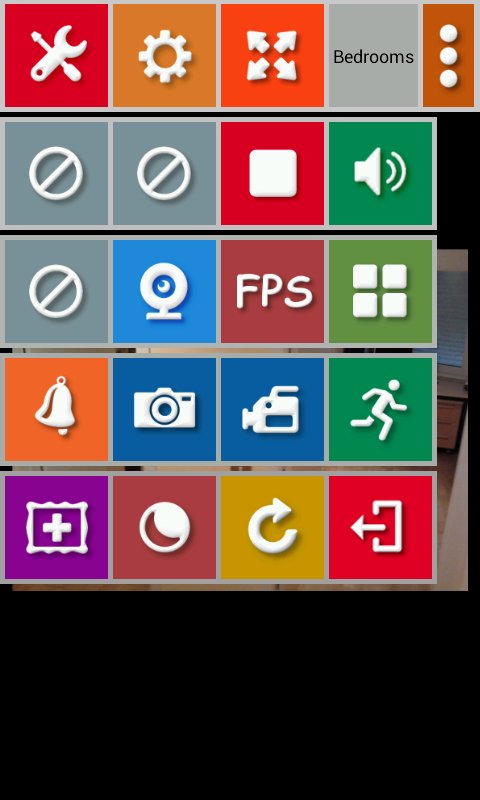
- Choose webcam now easier and faster, go to the next or previous webcam, touching the right half or left half of the screen.
- From the Settings menu Android device, total control of server image size.
- Choose the one that best suits your connection type. Must be done before connecting.
- Slider to control the size of the image from full screen up to 4 smaller sizes.
- Windows Server: The server informs you of your public IP.
- Framerate label (Fps)
- Night Vision effect : Green or Black and White filter
- Records Video in Night Vision mode.
- Webcams as a grid




感谢您的评分和反馈!
您已经评分了。