ایمن و سریع APK دانلود در APKPure
APKPure از تأیید امضای نرمافزار برای اطمینان از دانلودهای بدون ویروس APK Always On Display - amoled s8 استفاده میکند.

Always On Display - amoled From S8
New trend of the season - Always On Display!
Try the new feature of S8, S8 +.
Sometimes you just want to wake up your phone to watch the time and a basic notification (battery, missed call, sms ...) and do not want to drain the battery for it.
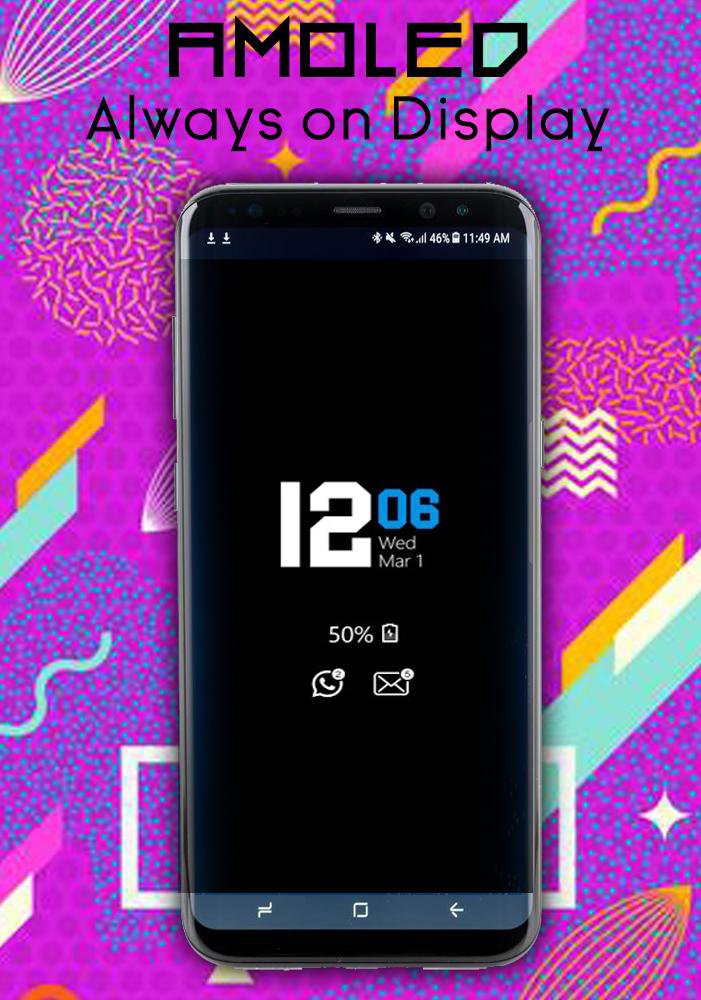
Always On Display Starting with S8 S8 + is designed for this proposition, it presents basic information in a black screen when you pass your proximity cap on proximity sensor or proximity sensor.
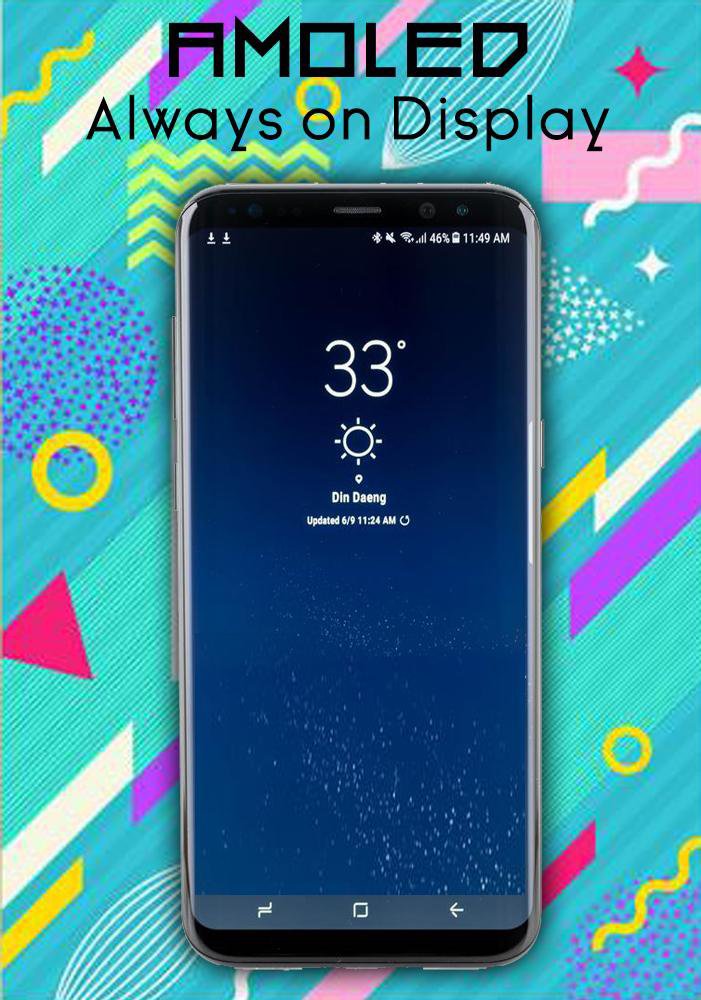
Still on display - AMOLED provides information on, time, date, notifications and more and all this without having to touch the phone. Just looking at him. This is possible with Always on Display. Most of the screen remains black except a few pixels.
The application (Always On Screen) is designed to show you basic information in the black screen whenever you want. All this information will be permanently displayed on your screen.
If you want to see what is happening on your phone, you can simply remove your phone from your pocket to view all the latest notifications, similarly, enjoyable and minimalist, using this best application Always on screen
Always on display From S8 S8 + provides information on, time, date, notifications and more and all without having to touch the phone. Just looking at him. This is possible with Always on Display. Most of the screen remains black except a few pixels.
The application (Always On Display from S8 S8 +) is designed so that it offers to show basic information in the black screen whenever you want. All this information will be permanently displayed on your screen.
This application always maintains your screen or allows you to activate it by vibrating your mouse on the proximity sensor. This way, you can check the time, date and notifications whenever you want
Always loved, battery, black, change, display, double, information, information, notifications, off, pebble, phone, preset, rules, Samsung, screen, similar, smartwatch, turning looking weak wanna
How to use this application (always on screen):
1. Always open on the AMOLED display, start the service
3. To weaken your phone, double-tap the screen
4. To turn off the display, simply press the power button.
5. The user may or may not work.
main Features
Easy to use Always on Amoled.
Exceptional design and exceptional performance.
Enable / Disable notifications
Auto rules preserve battery using predefined rules •
Change the font size, color.
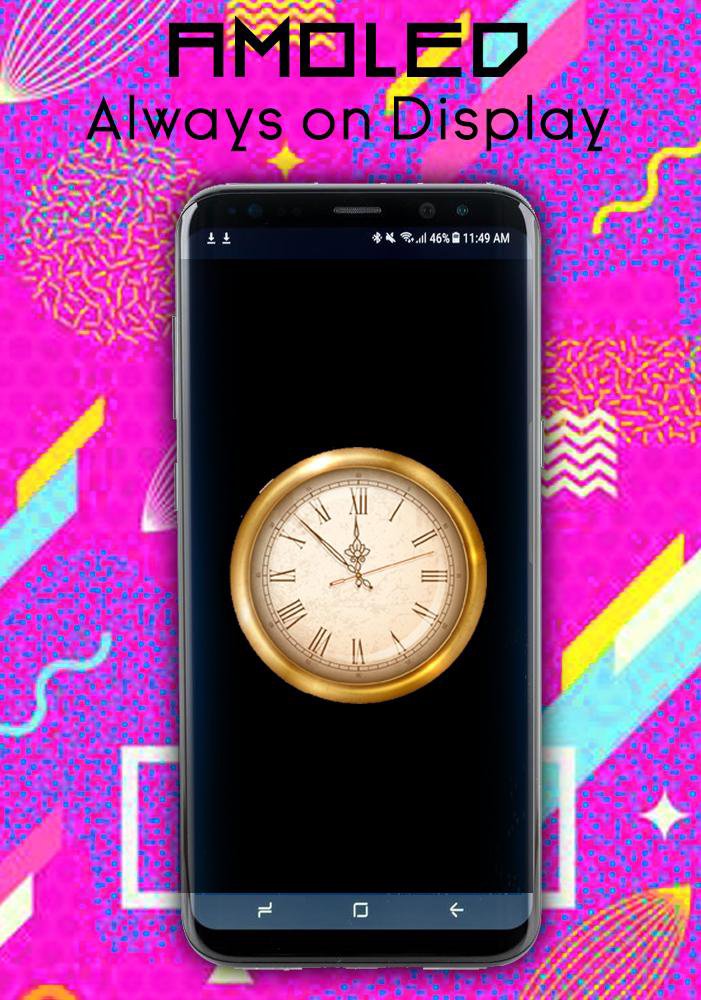
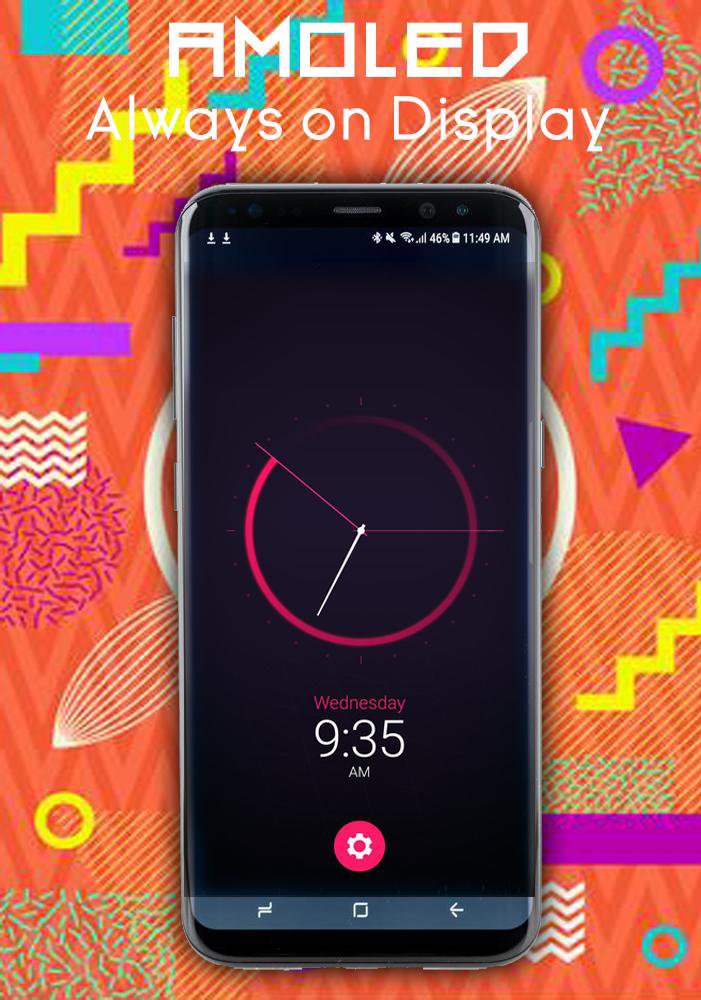
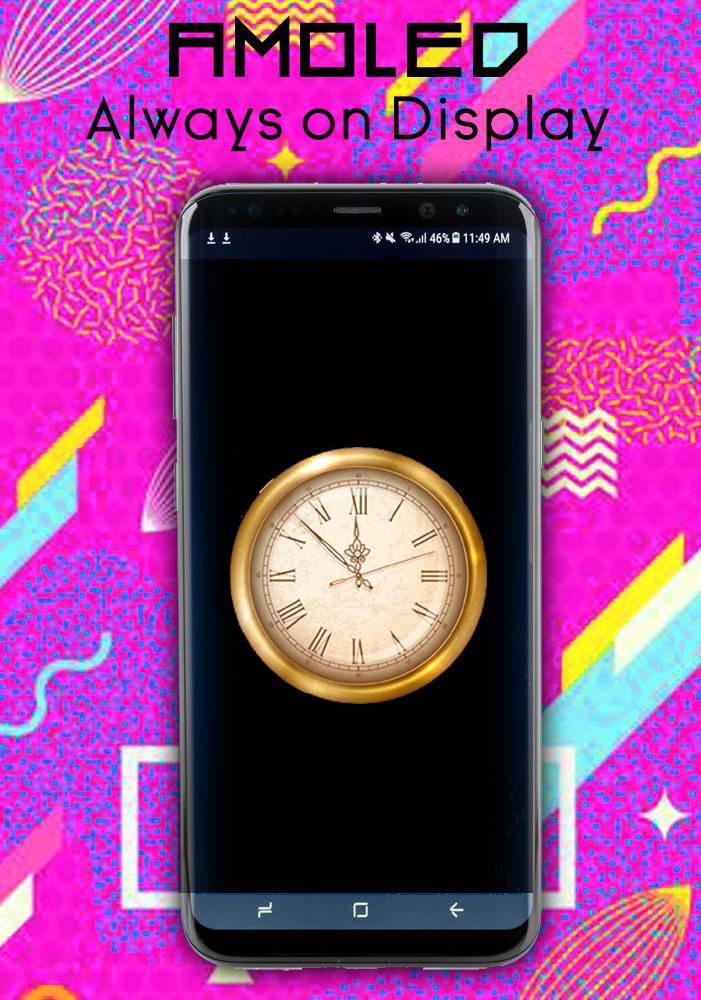
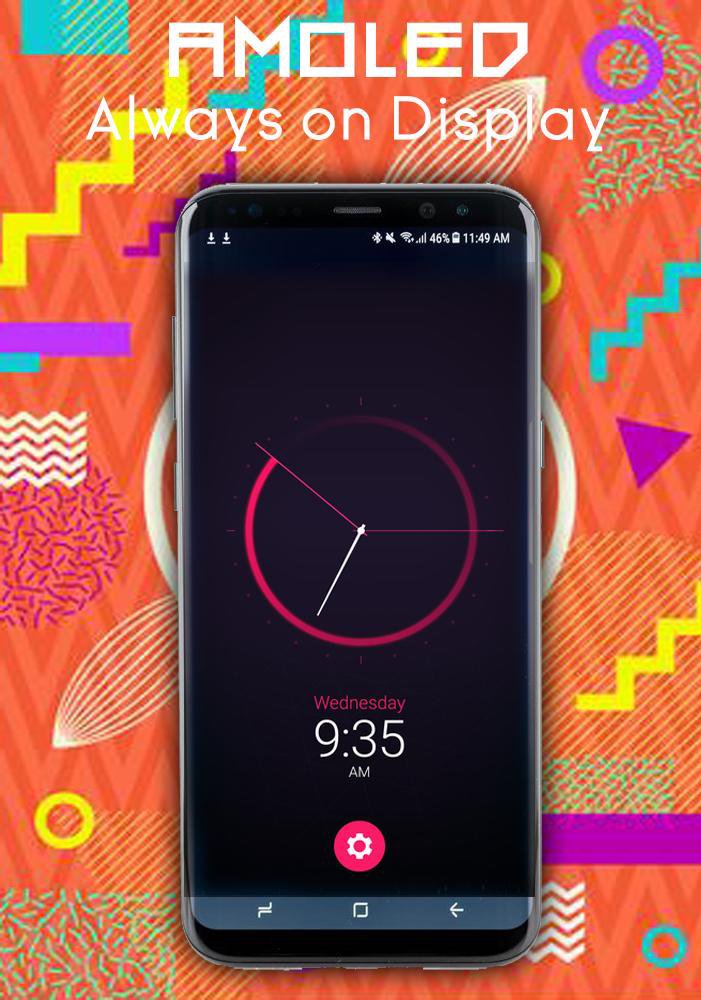
Change the clock style (digital, analog).
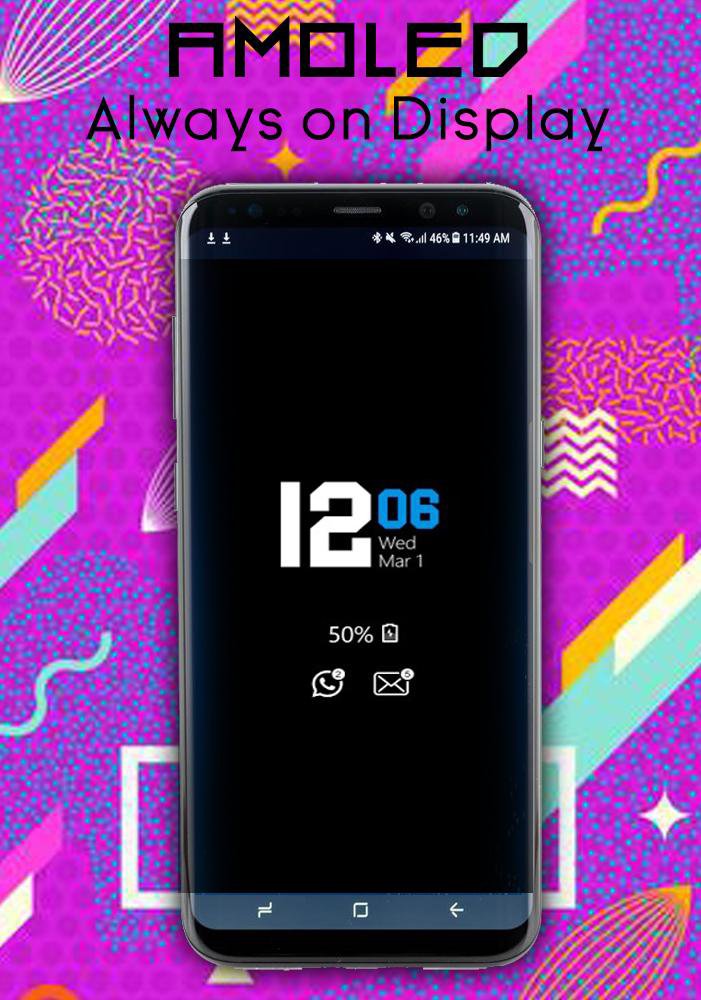
Display the battery level.
View information about notifications.
View weather information.
Always on 'screen on (double click will turn the screen on).
Select the information that will be displayed on the screen.
Change the display position of the information on the screen.
Auto display function ON / OFF.
Most of your wishes have been implemented, but not all ...
Do not worry, we are working on this.
- intelligent watch
- intelligent watch
- samsung smartwatch s8
- Android watch
- pebble watch
- smartwatch samsung
- smartwatch en caillou
- zenwatch
- Always displayed from S8 S8 +
- Keep the screen on
- transparent screen
- s8 on-board display
- s8 galaxy screen


برای نصب فایل های XAPK/APK در اندروید با یک کلیک!

با تشکر از رتبه و بازخورد شما!
شما قبلاً رتبه بندی کرده اید.