
ایمن و سریع APK دانلود در APKPure
APKPure از تأیید امضای نرمافزار برای اطمینان از دانلودهای بدون ویروس APK Easy-to-use memo(notes) app استفاده میکند.

Really easy-to-use memo appBy very good design, Should everyone be satisfied
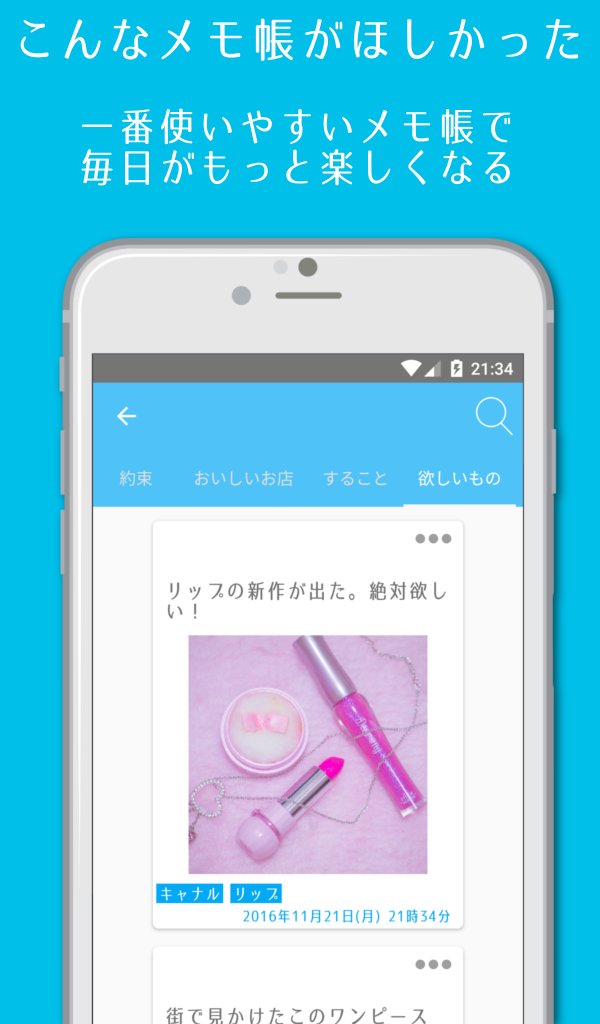
Open the app, just write a note. If you also fill out the category, it will be organized by category.
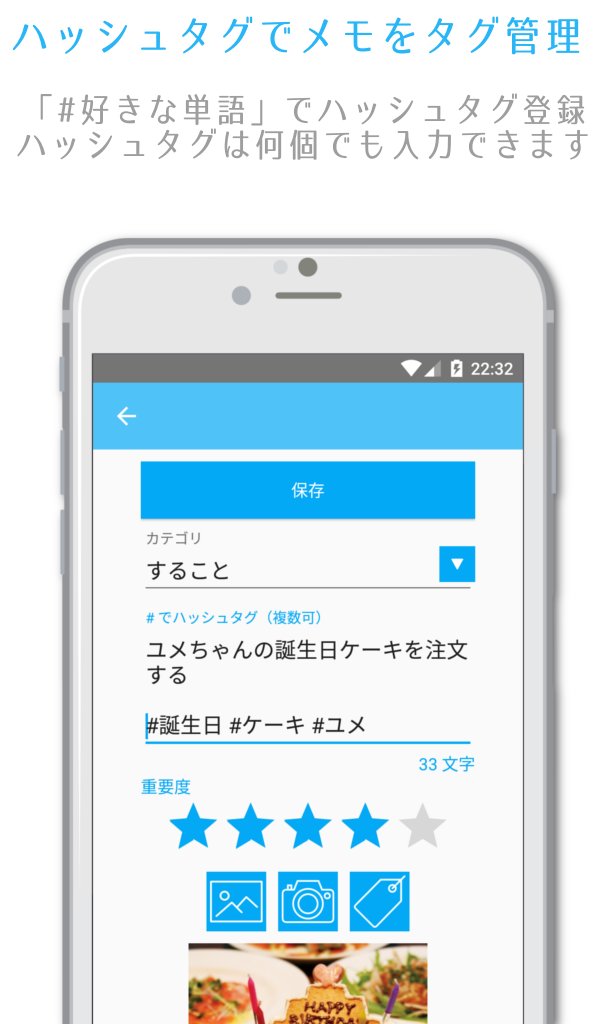
Hash tag can also be registered, you can well organize your memo.
[FeaturePart1 hash tag function]
When you enter the "# string" to the memo text, automatically recognizes the hash tag, you can well organize a memo.
The hash tag that you entered in the past, you can call at any time in the "tag icon".
Of course, hash tags that have registered will be able to tag search in the memo search.
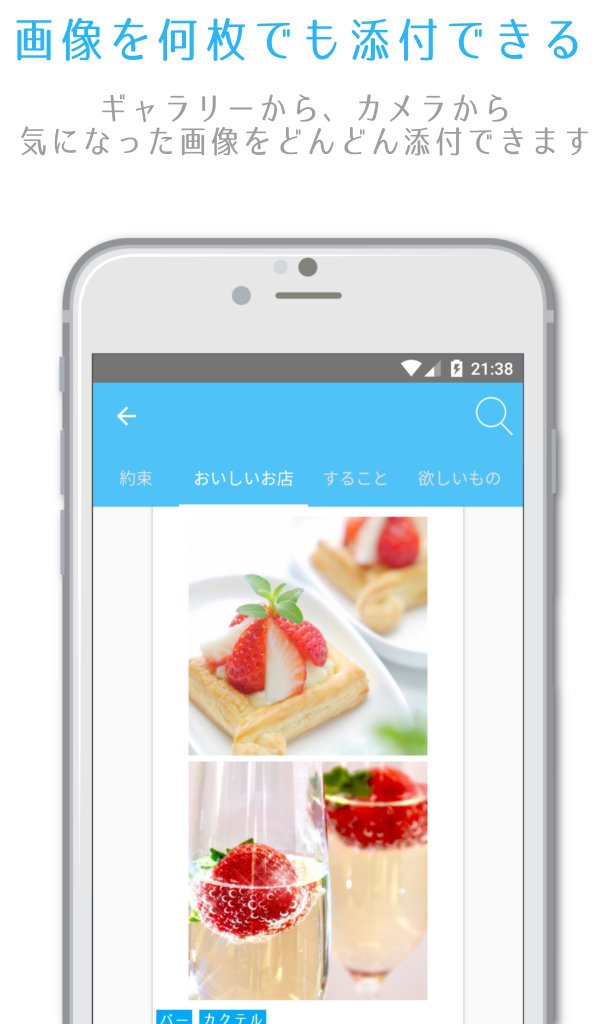
[FeaturePart2 image attached unlimited]
Even from the gallery, even from a camera, you can attach images to any number of images.
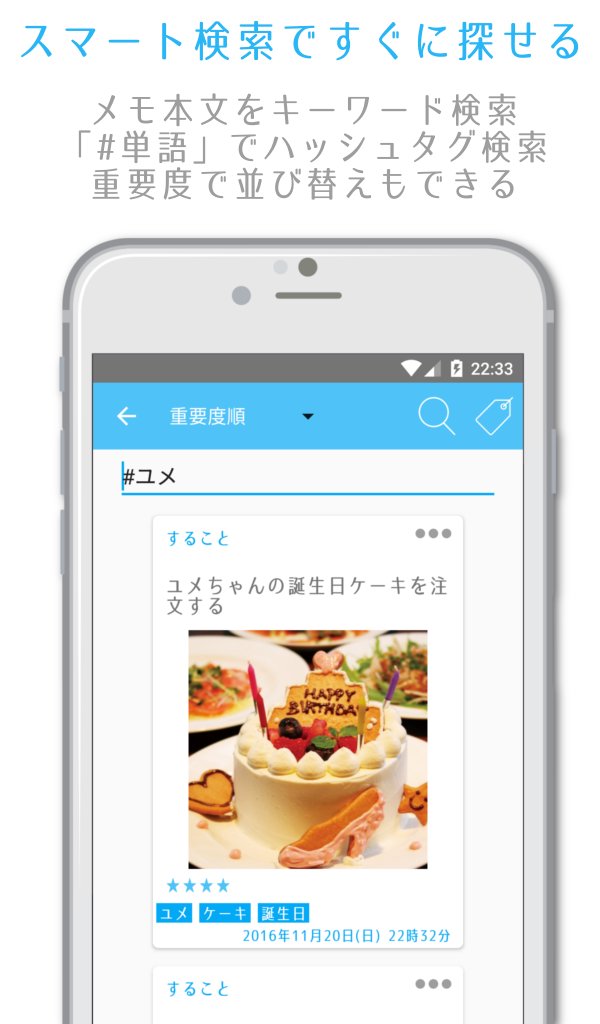
[FeaturePart3 Smart Search]
Put a "#" in the search word you do the hash tag search.
If you search without the "#", to find the memo text.
memo you're looking for will always be found.
[FeaturePart4 share function]
Saved memo, you can share with your friends at any time.
[FeaturePart5 theme]
You can dress up in your favorite theme. 20 colors to choose!
You always find a favorite theme.
In addition, it can also be free to change wallpaper image of the home screen.
Of course, also possible change the character size of the memo.
In your own design, you can produce a personality.
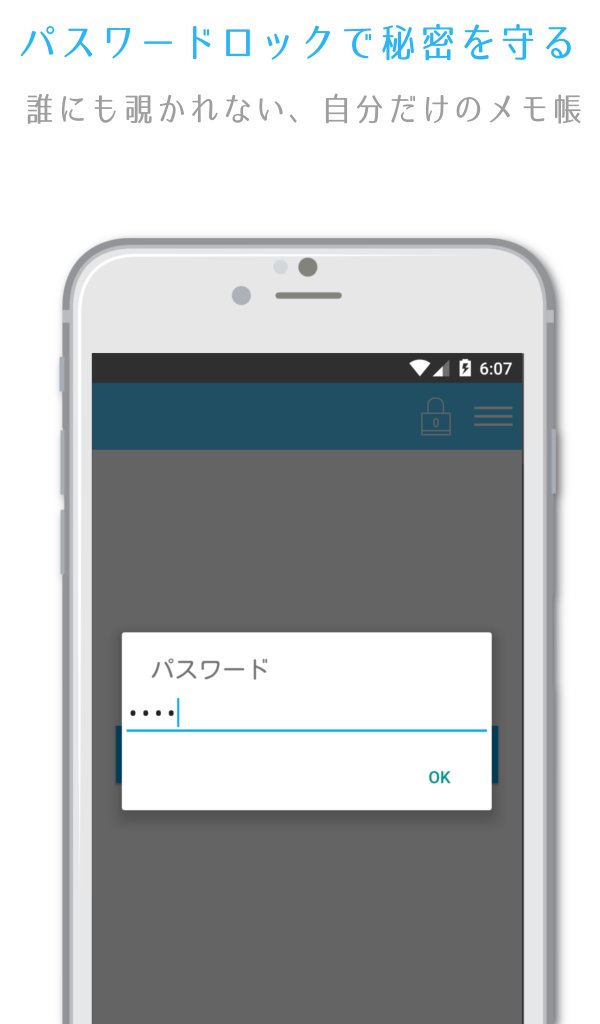
[FeaturePart6 password lock]
By setting a password lock, you can get the secret memo.
Set the password on the settings, and you select the "password lock", will be displayed "lock icon" to the home screen.
When you tap the "lock icon", you can password lock at any time.
※ even if you exit the app such as a back button, you may not be locked. so recommend that tap the "lock icon" before the end.
[FeaturePart7 backup function]
Backup of data can be done at any time.
"myMemo" folder on the internal storage when you tap the "data backup" of the Settings, a file "item.db" is created in it. You can restore the data in the new terminal at the time of change models.
To restore the data, create a folder "myMemo" to the internal storage of the new terminal, place the "item.db" that was backed up in it. Tap the "data import" of the Settings is the restoration is complete.



برای نصب فایل های XAPK/APK در اندروید با یک کلیک!

با تشکر از رتبه و بازخورد شما!
شما قبلاً رتبه بندی کرده اید.