










Thanks for your rating and feedback!
You have already rated.

Control your flashlight instantly with beautiful,customizable home screen widget
🔦 Flashlight Control Widget – Instant Light at Your Fingertips!
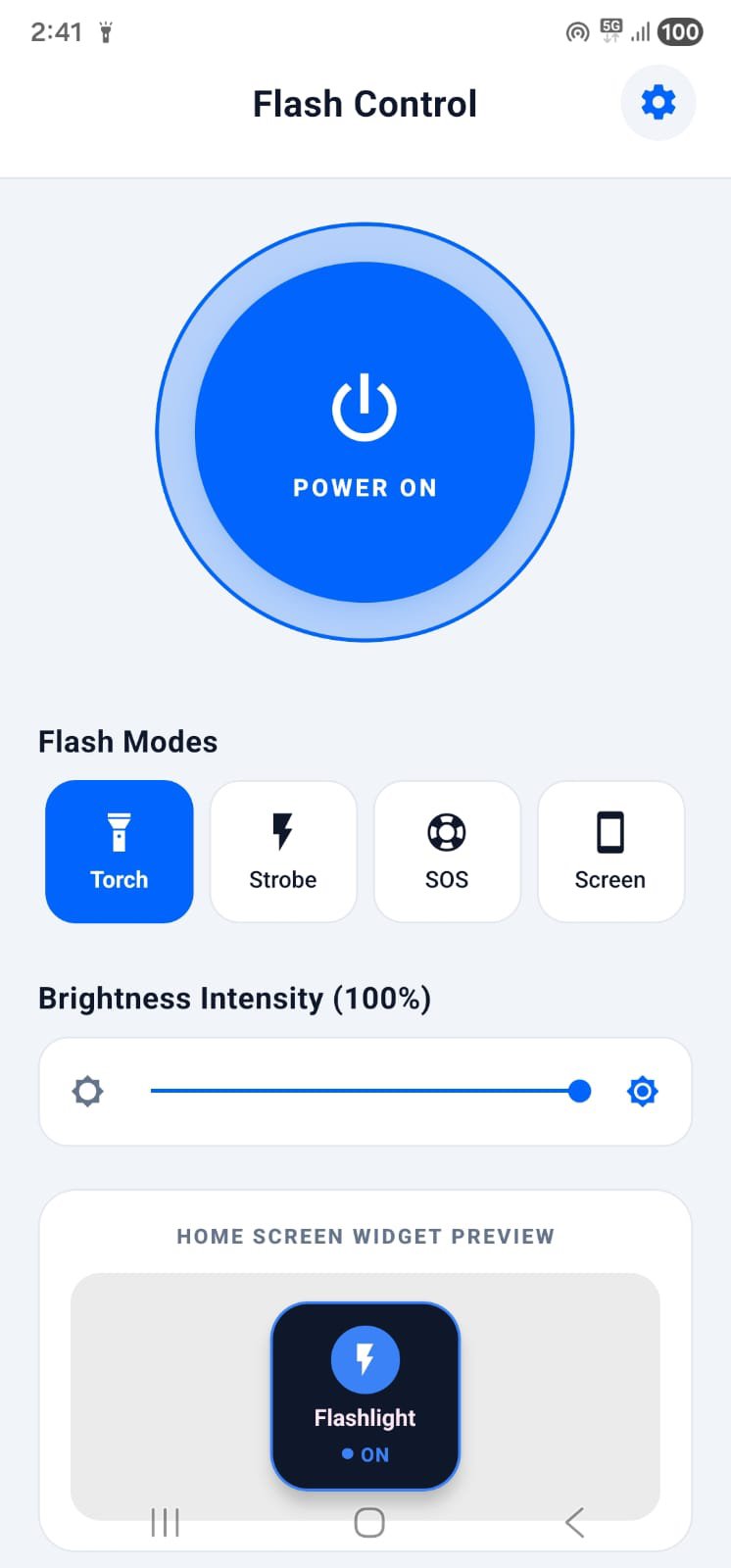
Control your flashlight instantly without even opening the app! Flashlight Control Widget brings elegant, highly customizable, and responsive widget controls directly to your home screen. Whether you need a quick light in the dark 🌌 or want a beautifully designed widget that matches your phone’s aesthetic, this app has you covered! 📱✨
Toggle your phone's LED light instantly with just one tap! ⚡
🌟 Key Features:
🔘 One-Tap Home Screen Widget: Turn your flashlight on or off directly from your home screen. No more digging through app drawers or notification panels! ⚡
🎨 Premium Customizations: Customize your widgets to match your wallpaper! Pick from custom colors, select gorgeous gradients, or choose professional preset themes. 🌈
📐 Custom Shapes & Styles: Make your home screen unique! Customize widget corner radiuses, borders, and styles to create your own personalized look. 💎
🔋 Lightweight & Battery-Friendly: Built to be extremely lightweight, ensuring zero background battery drain or resource consumption. 🍃
🌗 Modern & Clean UI: Enjoy a stunning, state-of-the-art dark and light mode interface designed with modern aesthetics. 🎨
🚀 Instant Responsive Control: High-speed, system-level native integration ensures your flashlight toggles instantly with zero delay! ⏱️
💡 How to Use:
Open the app to configure your design preferences. 🎨
Go to your home screen, press and hold an empty space, and select Widgets. 📲
Locate Flashlight Control Widget, select your preferred widget style, and drag it to your screen. 🔘
Tap the widget to instantly toggle your flashlight anytime! 🔦
Perfect for quick use in low light, emergency navigation, search assistance, or simply adding a gorgeous, functional control widget to your home screen setup. 💡🚀
📧 Support & Feedback: We are constantly improving! For support, suggestions, or feature requests, contact us at



One-click to install XAPK/APK files on Android!
Thanks for your rating and feedback!
You have already rated.