







Thanks for your rating and feedback!
You have already rated.

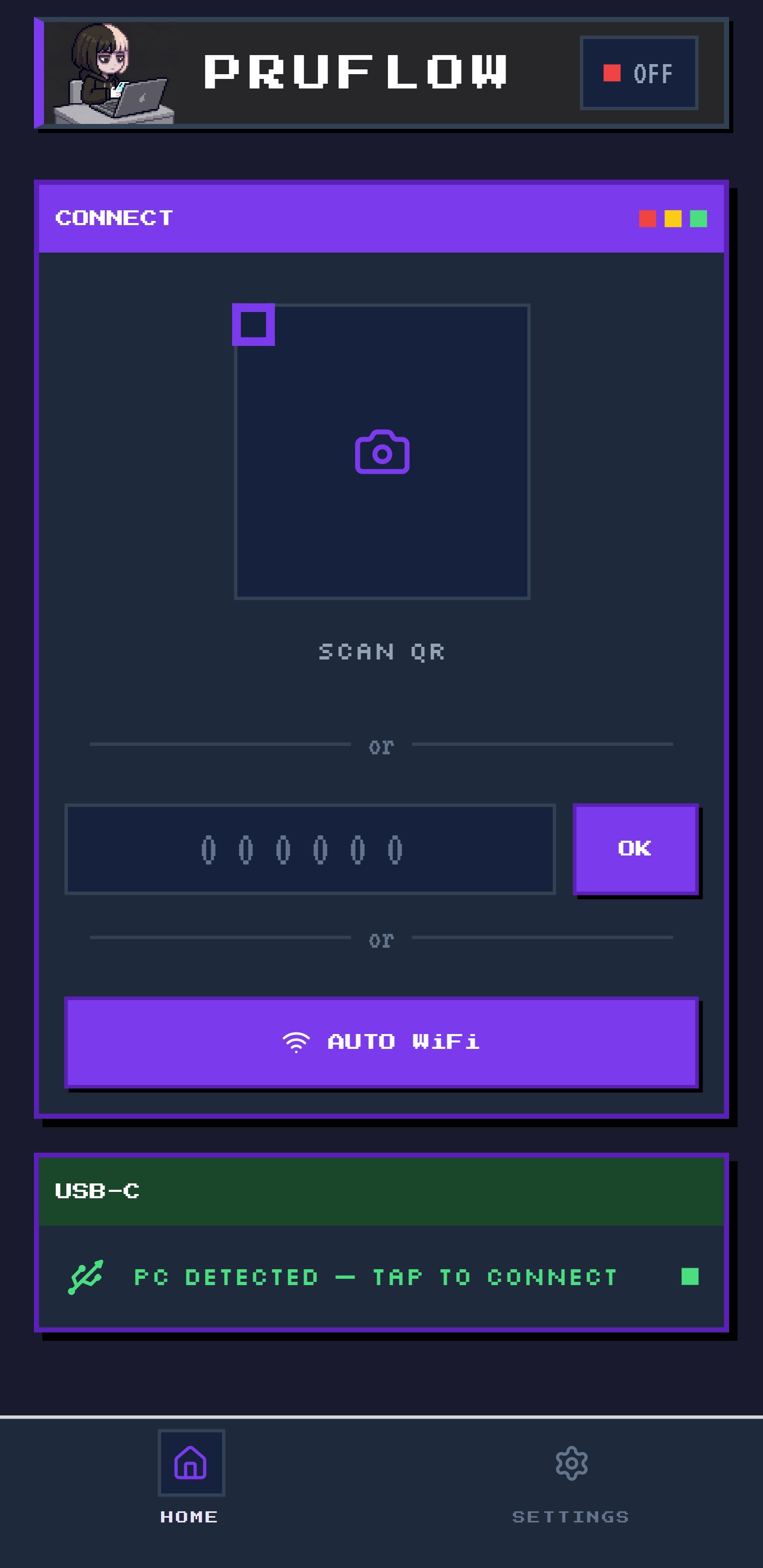
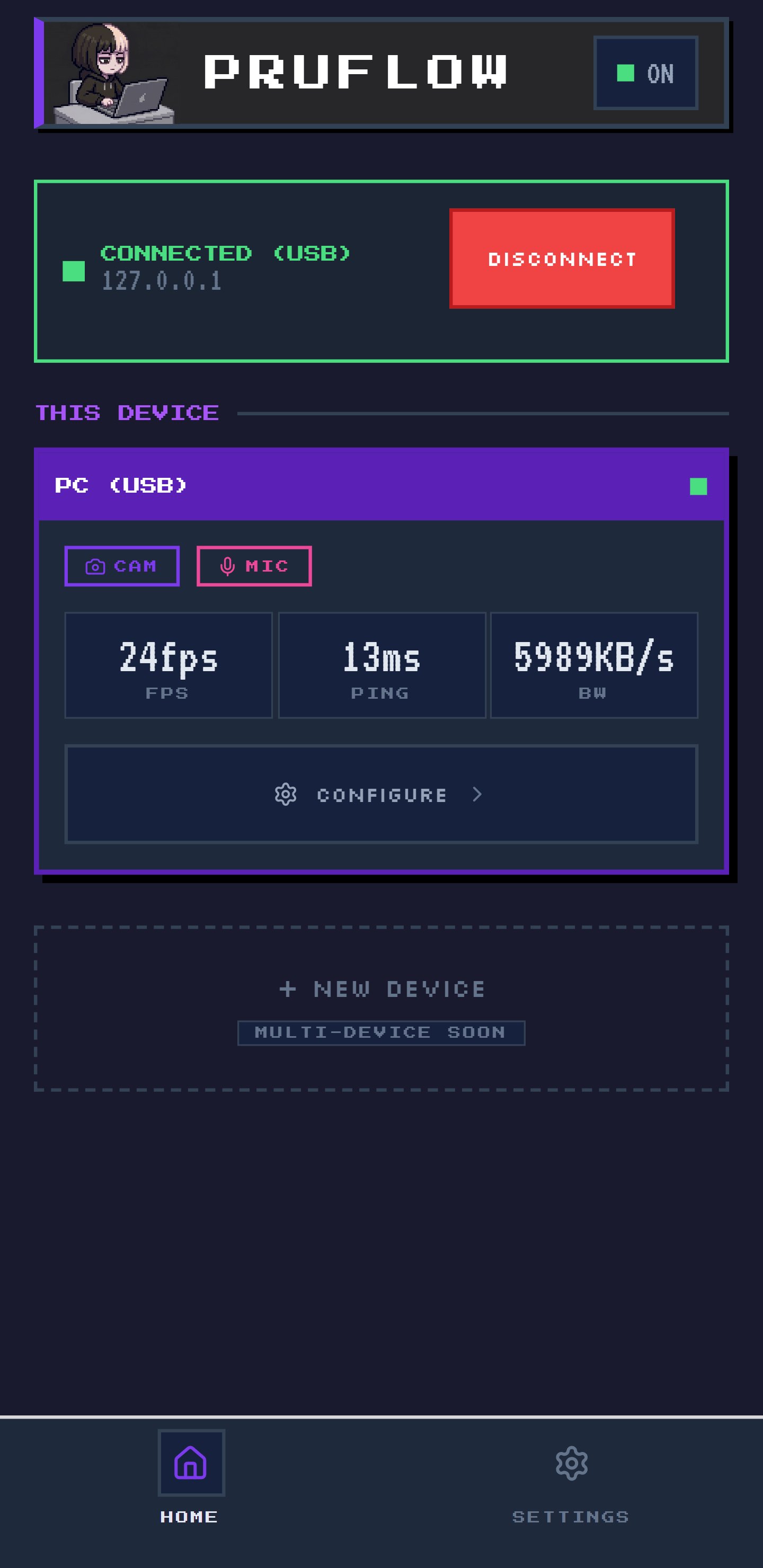
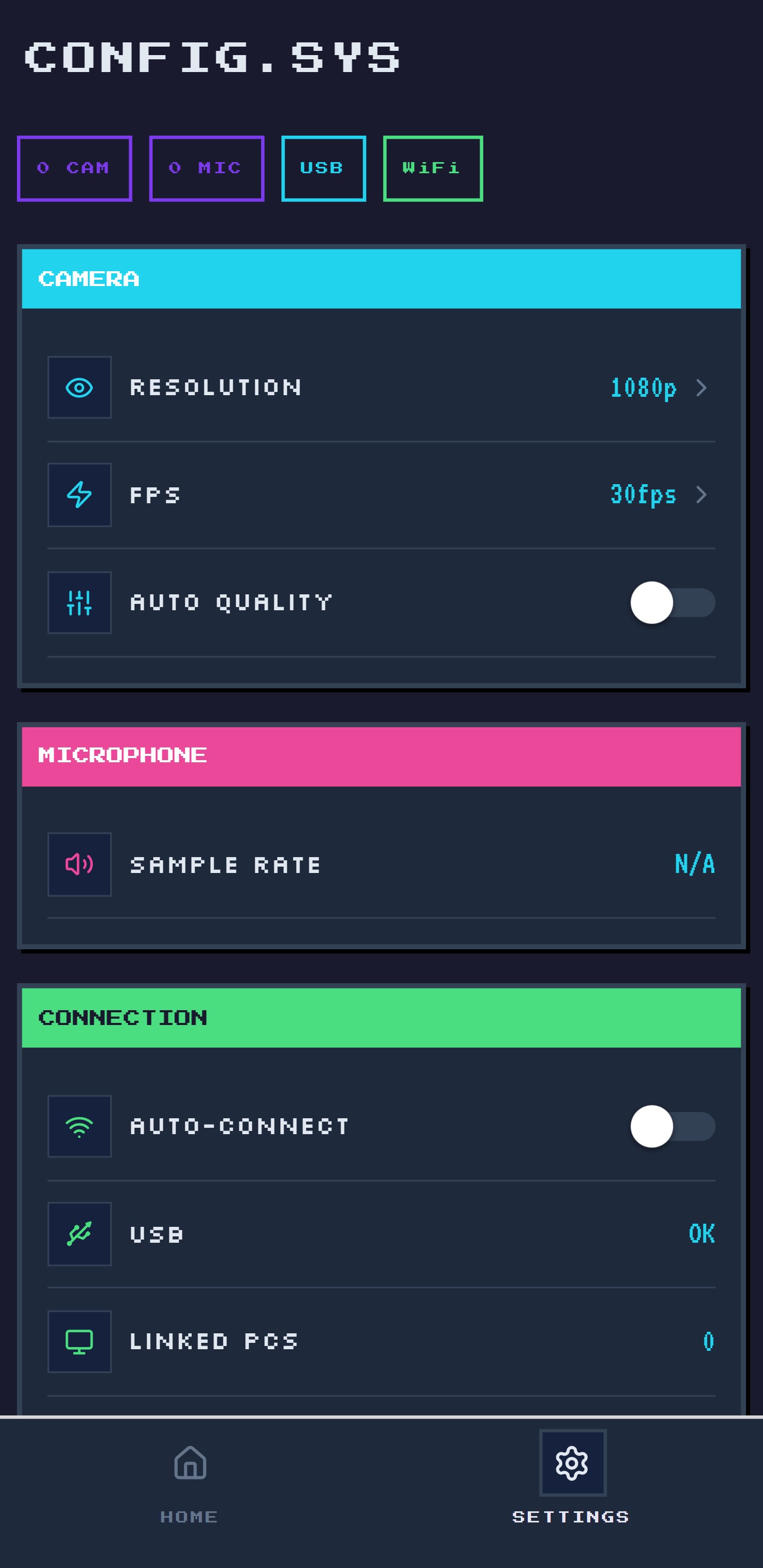
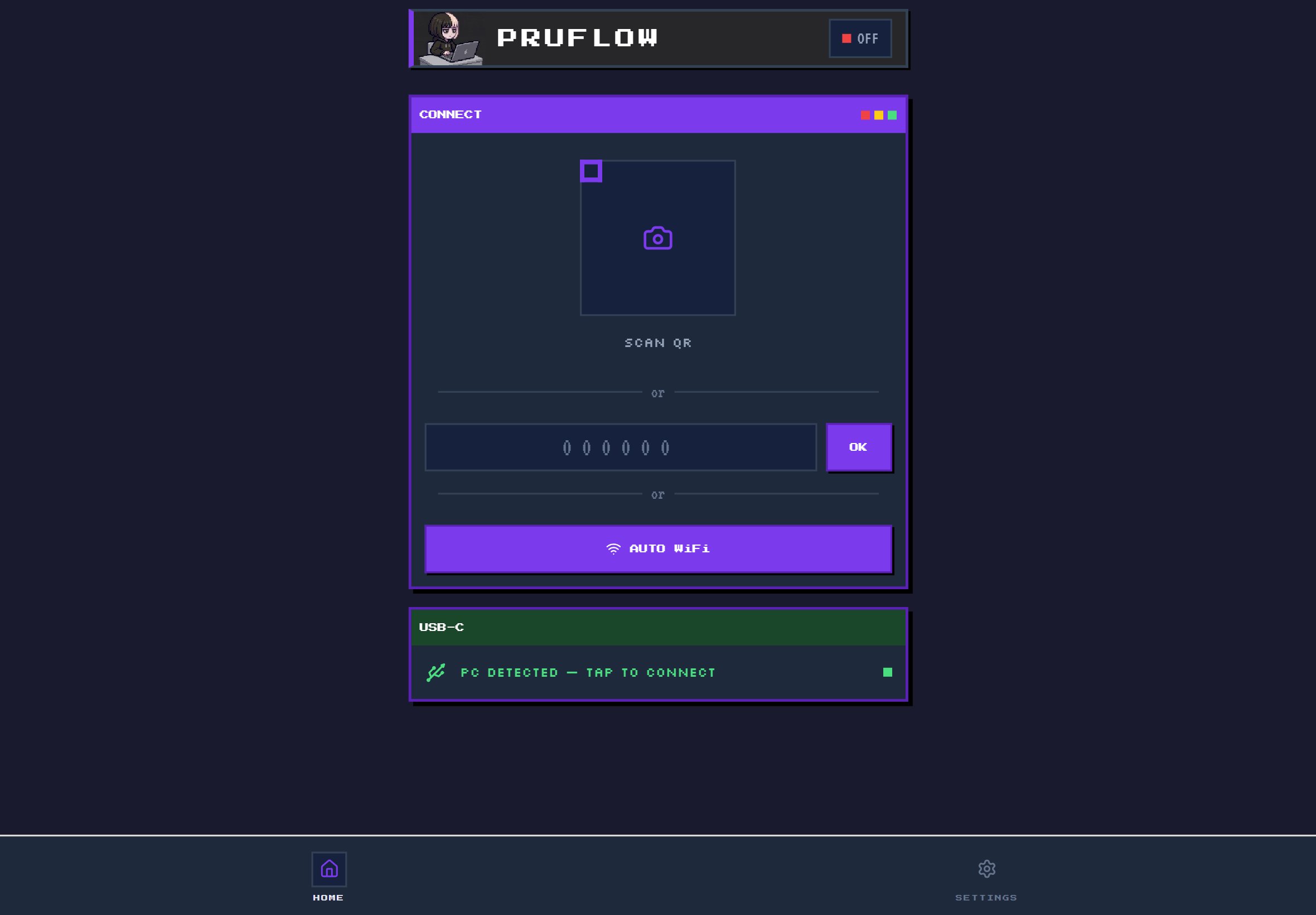
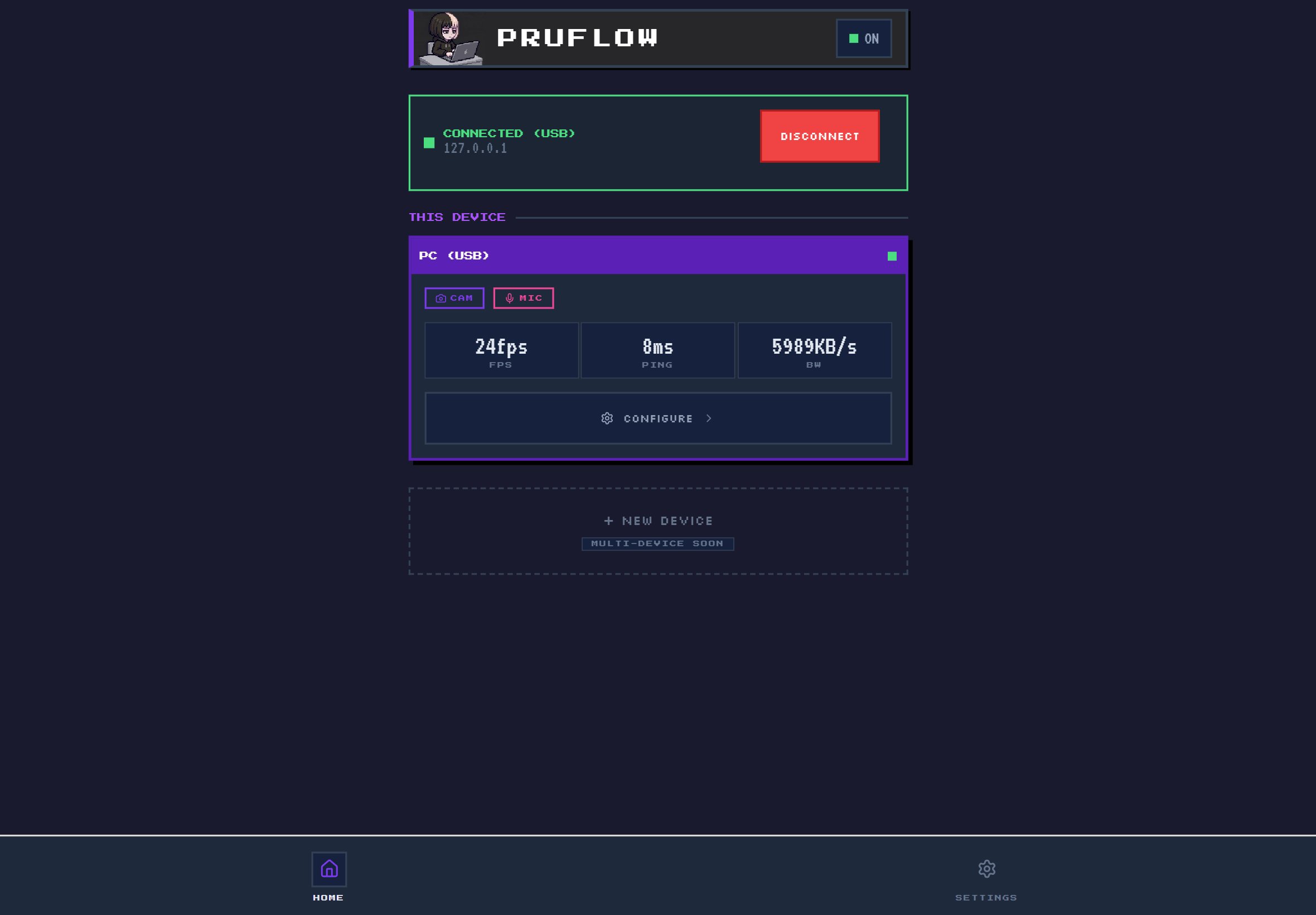
Turn your phone into a webcam and microphone for your PC over Wi-Fi or USB.
PRUFLOW turns your Android phone into a webcam and microphone for your computer over your local Wi‑Fi network.
What it does
• Streams video from your phone's camera to a companion app on your PC.
• Streams audio from your phone's microphone to a companion app on your PC.
• Keeps the session running in the foreground so the stream does not drop
when the screen turns off.
Requirements
• A companion application installed on your computer (Windows).
• Phone and computer connected to the same Wi‑Fi network.
Permissions and why they are used
• Camera — to capture the video you stream to your PC.
• Microphone — to capture the audio you stream to your PC.
• Foreground service (camera, microphone, media playback) — to keep the
stream active while the app is in the background.
• Wake lock — to prevent the device from sleeping during a session.
• Network and Wi‑Fi state — to discover and connect to the companion app.
• Post notifications — to display the ongoing session notification.
• Modify audio settings — to configure the audio stream.
Data and privacy
• Account registration is not required to use the app.
• Video and audio are sent directly to the companion app on your computer.
• Optional diagnostic reports: you can manually send a diagnostic report
from the Privacy screen to help us fix issues. Reports are tied to an
on‑device token that you can regenerate or use to erase any reports you
previously sent.
• You can request deletion of your diagnostic reports at any time from the
Privacy screen.


One-click to install XAPK/APK files on Android!
Thanks for your rating and feedback!
You have already rated.