APKPure पर सुरक्षित और तेज़ APK डाउनलोड करें
आपके लिए वायरस मुक्त WiFi Player APK डाउनलोड करने के लिए APKPure प्रमाणित करने का उपयोग करता है।

Play musics and videos on your computer and controls it with WiFi Player!
Play musics and videos on your computer and controls it remotely with Wifi Player!
***Please install PC Wifi Server before use Wifi Mouse Control.
Install Guide: https://drive.google.com/file/d/1k9vfDgzIXesC_iyyuwr8loVoF57yU4Yn/view
How to Connect Smartphone with PC:
1) Download PC Wifi Server (v1.0.0.8).
- Setup(.rar): https://drive.google.com/uc?export=download&id=1Fp9vjciy7FDIwAnUyOA4yih38Zs5evuh
2) Install PC Wifi Server.
3) Note that the first time PC Wifi Server runs you need to confirm a Firewall Exception.
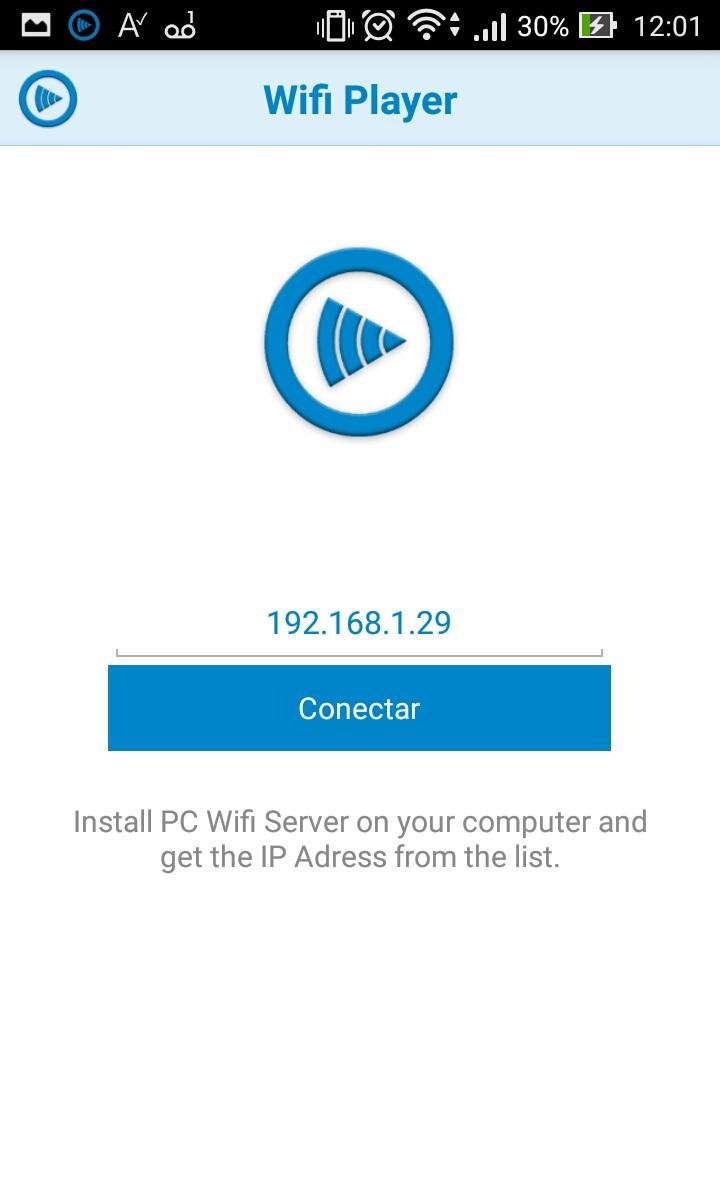
4) Enter the PC Wifi Server IP address on your phone and connect.
FEATURES:
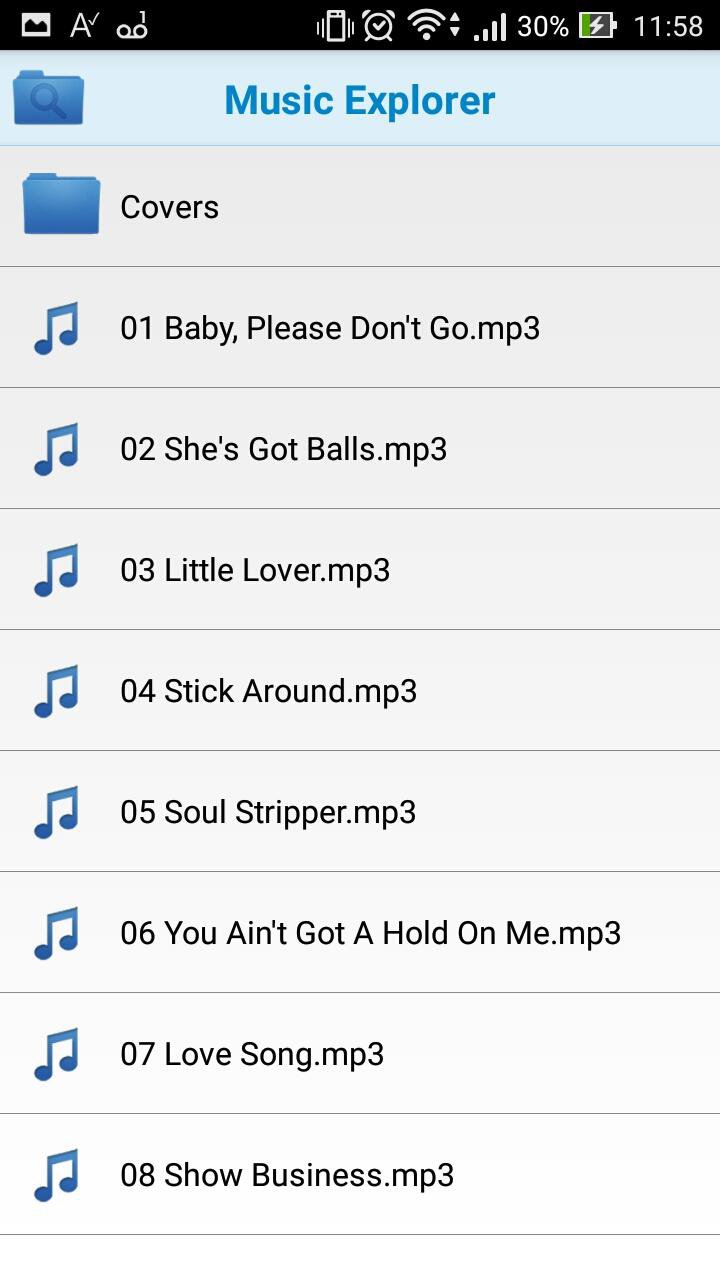
Media Explorer: Remotely add any media file in your PC to the playlist.
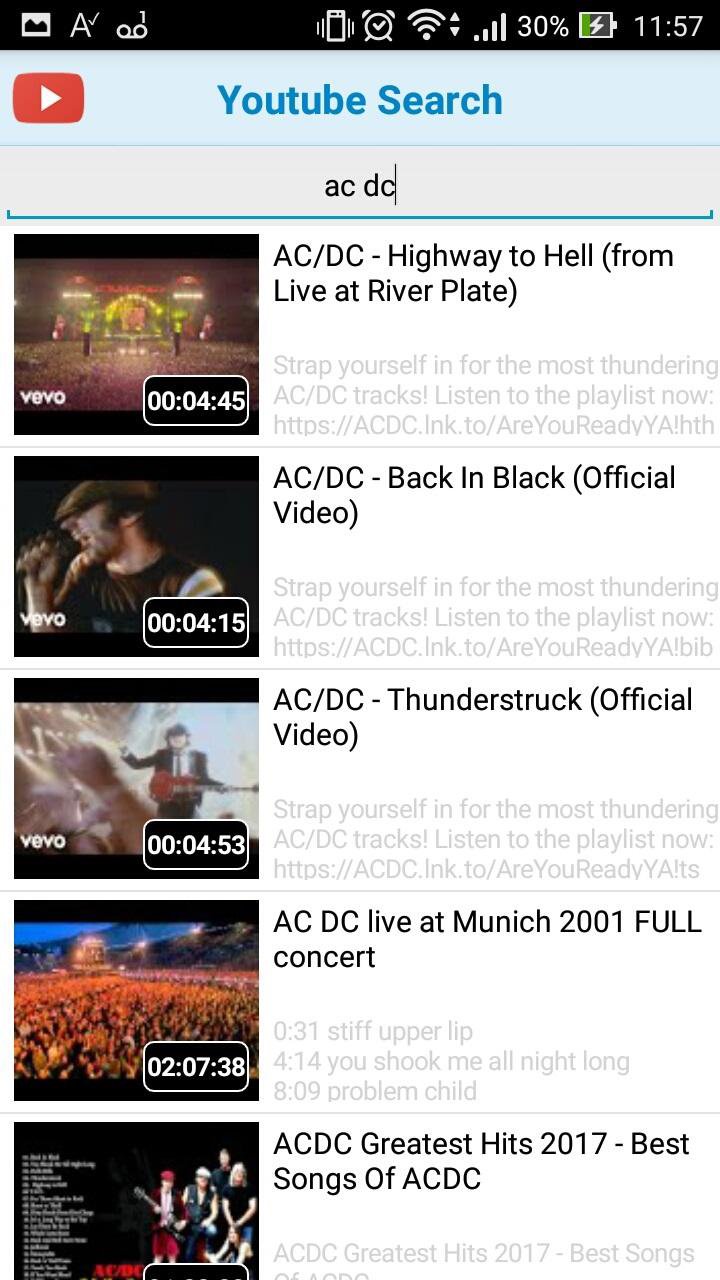
Youtube: Play youtube videos and add to playlist.
Wifi Player: You can control all media commands away from computer (Volume, Play, Pause, Stop, Next song, Previous song).
Playlist: Create, Save and Load your playlists.





एंड्रॉइड पर XAPK/APK फ़ाइलें इंस्टॉल करने के लिए एक-क्लिक करें!

आपकी रेटिंग और प्रतिक्रिया के लिए धन्यवाद!
आप पहले ही रेट कर चुके हैं।