在APKPure安全快速地下载APK
APKPure 使用签名验证功能,确保为您提供无病毒的 WiFi Player APK 下载。

Play musics and videos on your computer and controls it with WiFi Player!
Play musics and videos on your computer and controls it remotely with Wifi Player!
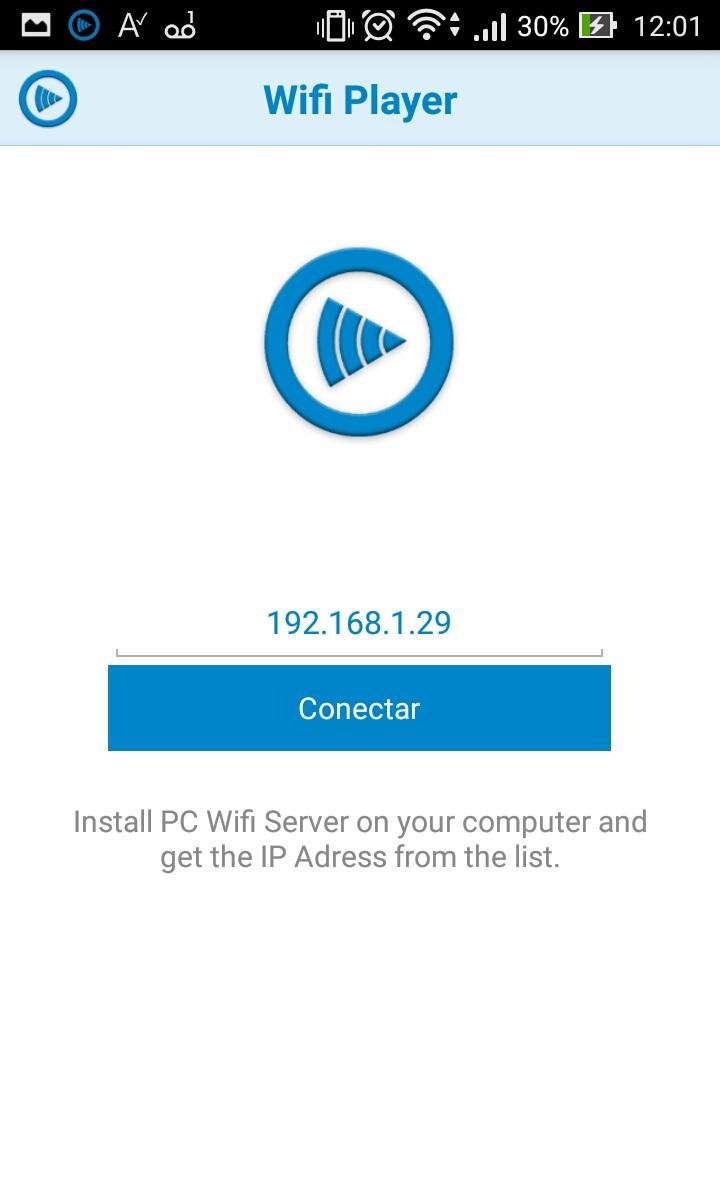
***Please install PC Wifi Server before use Wifi Mouse Control.
Install Guide: https://drive.google.com/file/d/1k9vfDgzIXesC_iyyuwr8loVoF57yU4Yn/view
How to Connect Smartphone with PC:
1) Download PC Wifi Server (v1.0.0.8).
- Setup(.rar): https://drive.google.com/uc?export=download&id=1Fp9vjciy7FDIwAnUyOA4yih38Zs5evuh
2) Install PC Wifi Server.
3) Note that the first time PC Wifi Server runs you need to confirm a Firewall Exception.
4) Enter the PC Wifi Server IP address on your phone and connect.
FEATURES:
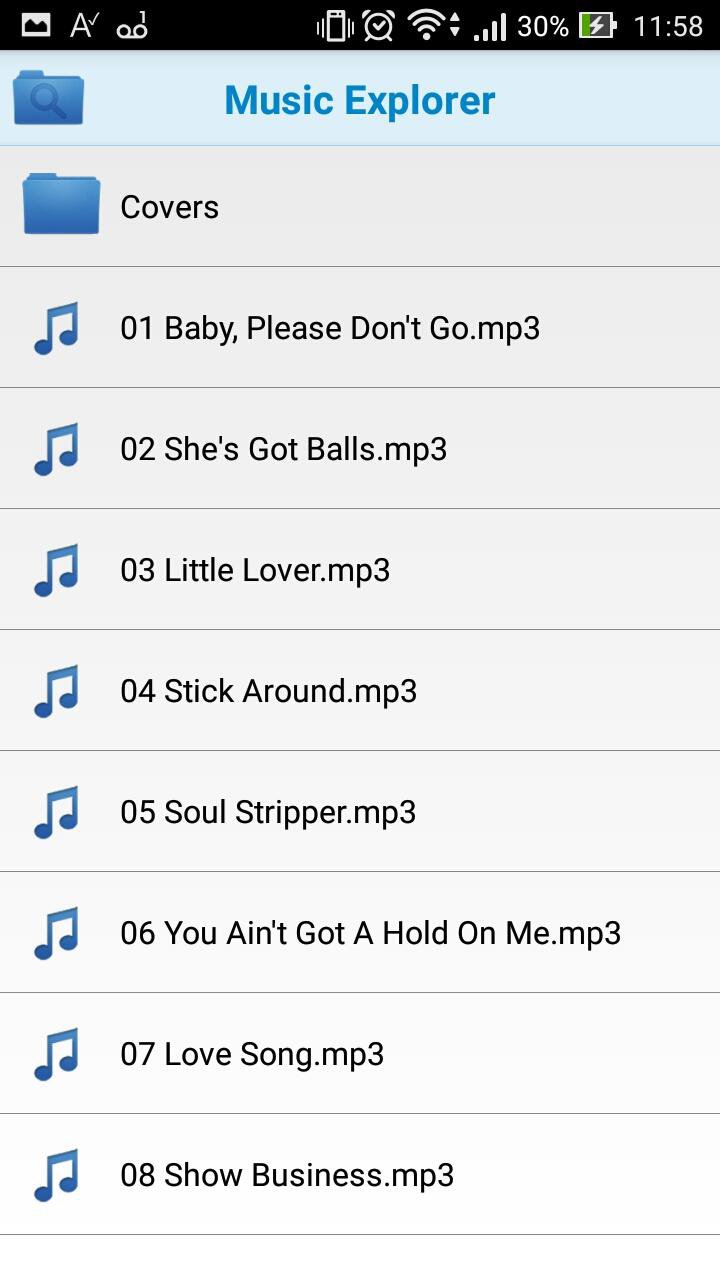
Media Explorer: Remotely add any media file in your PC to the playlist.
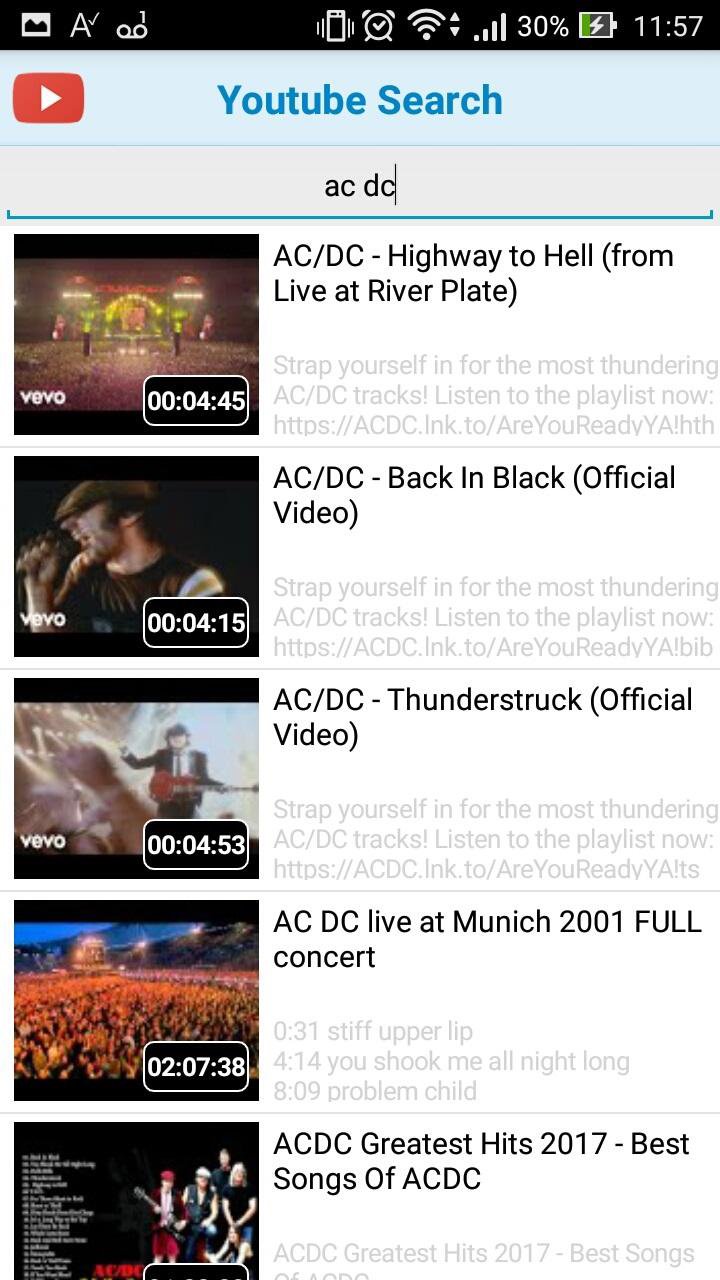
Youtube: Play youtube videos and add to playlist.
Wifi Player: You can control all media commands away from computer (Volume, Play, Pause, Stop, Next song, Previous song).
Playlist: Create, Save and Load your playlists.





感谢您的评分和反馈!
您已经评分了。