Veilige en snelle APK Downloads op APKPure
APKPure gebruikt handtekeningverificatie om virusvrije WiFi Player APK downloads voor u te garanderen.

Speel muziek en video's op uw computer en controles met WiFi-speler!
Play musics and videos on your computer and controls it remotely with Wifi Player!
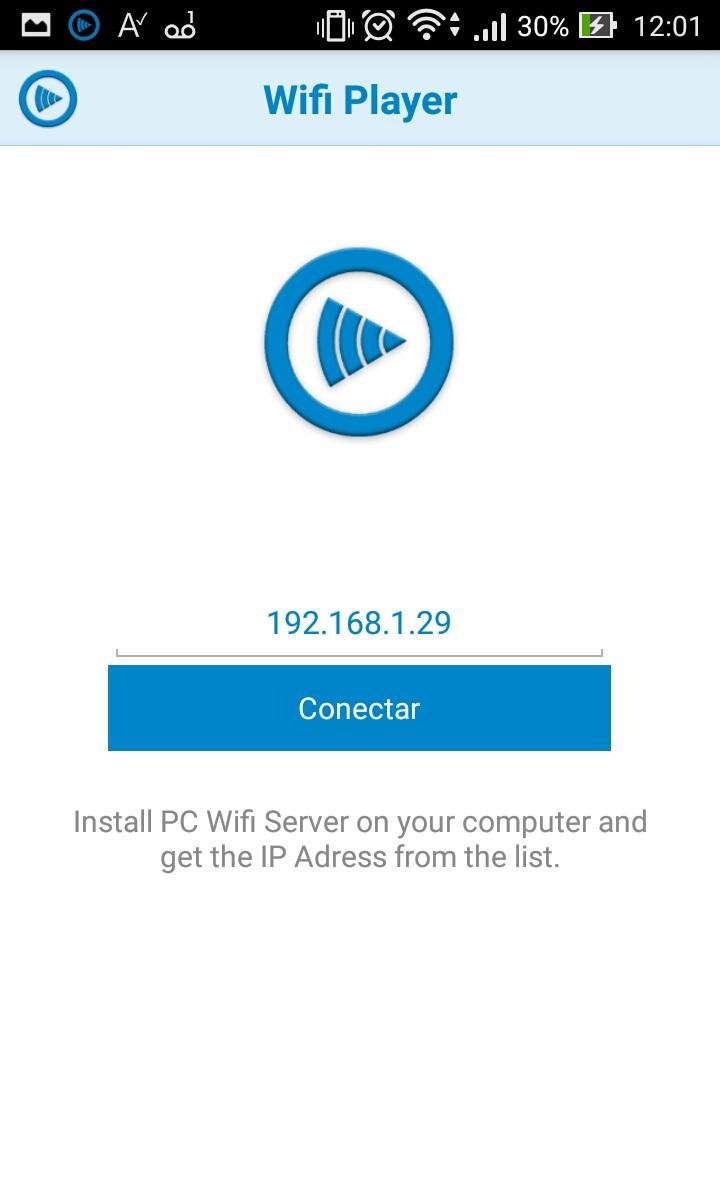
***Please install PC Wifi Server before use Wifi Mouse Control.
Install Guide: https://drive.google.com/file/d/1k9vfDgzIXesC_iyyuwr8loVoF57yU4Yn/view
How to Connect Smartphone with PC:
1) Download PC Wifi Server (v1.0.0.8).
- Setup(.rar): https://drive.google.com/uc?export=download&id=1Fp9vjciy7FDIwAnUyOA4yih38Zs5evuh
2) Install PC Wifi Server.
3) Note that the first time PC Wifi Server runs you need to confirm a Firewall Exception.
4) Enter the PC Wifi Server IP address on your phone and connect.
FEATURES:
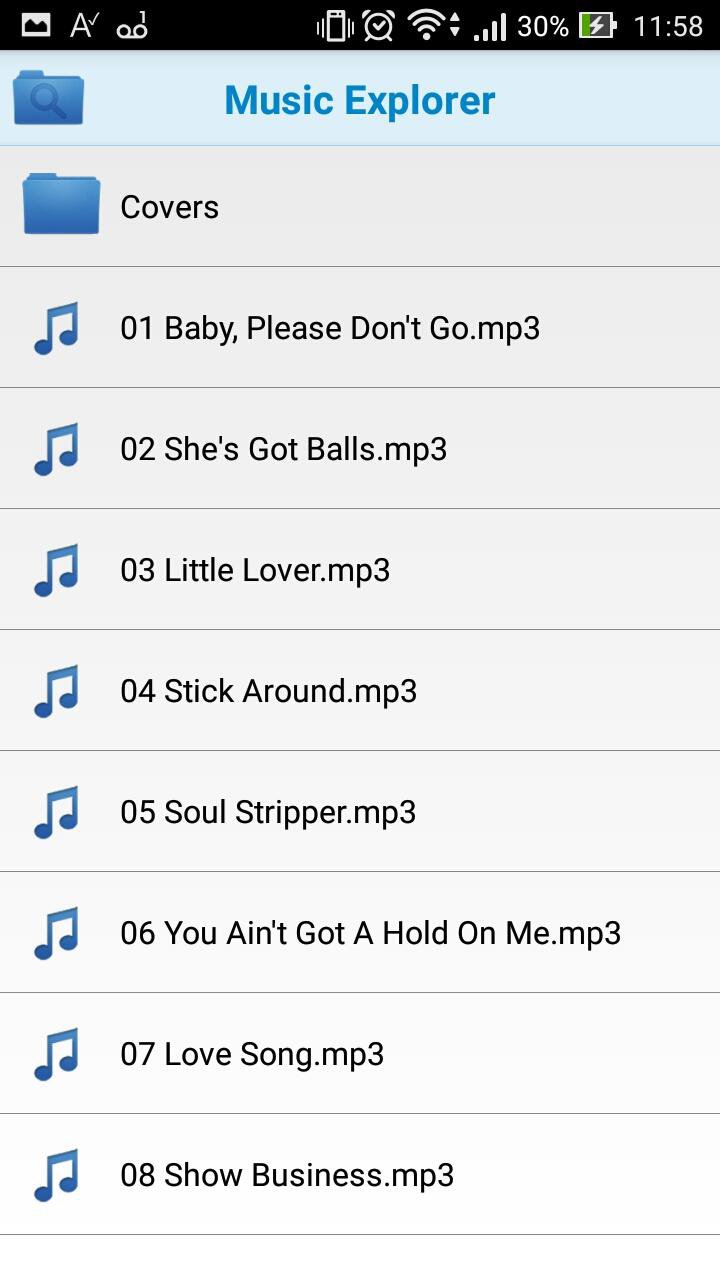
Media Explorer: Remotely add any media file in your PC to the playlist.
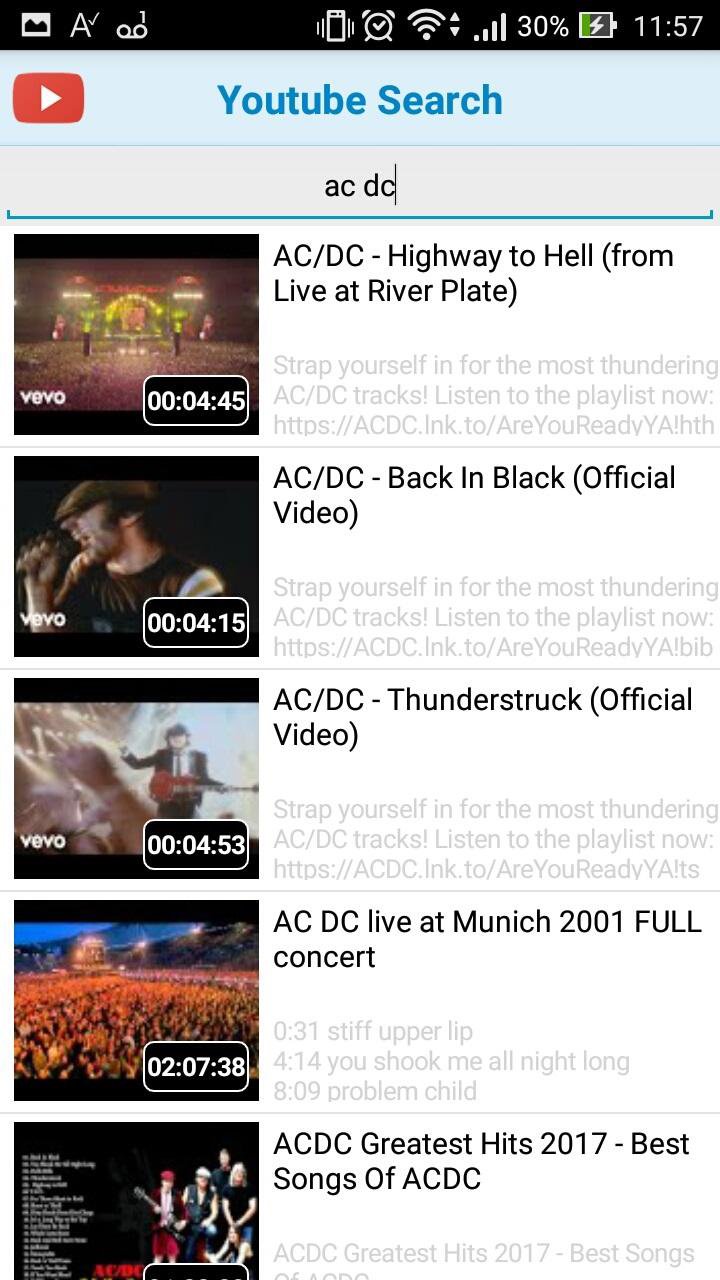
Youtube: Play youtube videos and add to playlist.
Wifi Player: You can control all media commands away from computer (Volume, Play, Pause, Stop, Next song, Previous song).
Playlist: Create, Save and Load your playlists.





Eén klik om XAPK/APK-bestanden op Android te installeren!

Bedankt voor je beoordeling en feedback!
Je hebt al beoordeeld.