Download APK sicuri e veloci su APKPure
APKPure utilizza la verifica delle firme per garantire download di APK MindSketch senza virus per te.

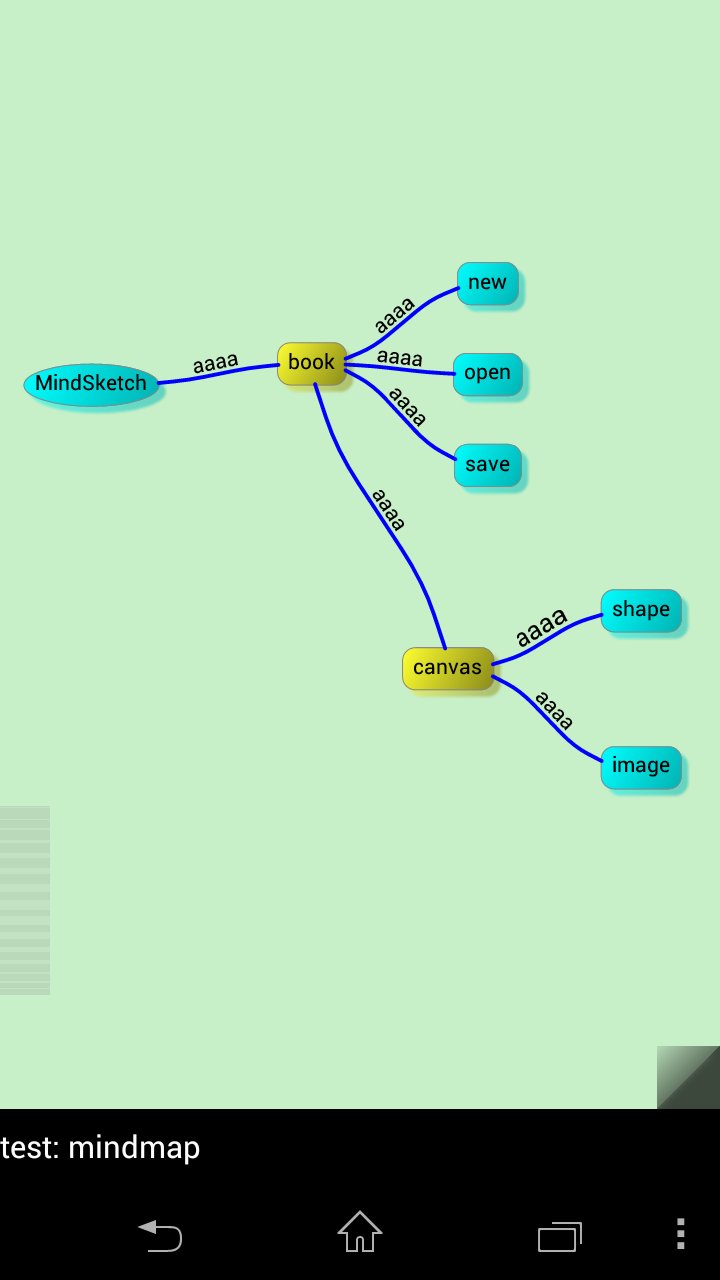
Si tratta di un'applicazione che può disegnare mappe mentali.
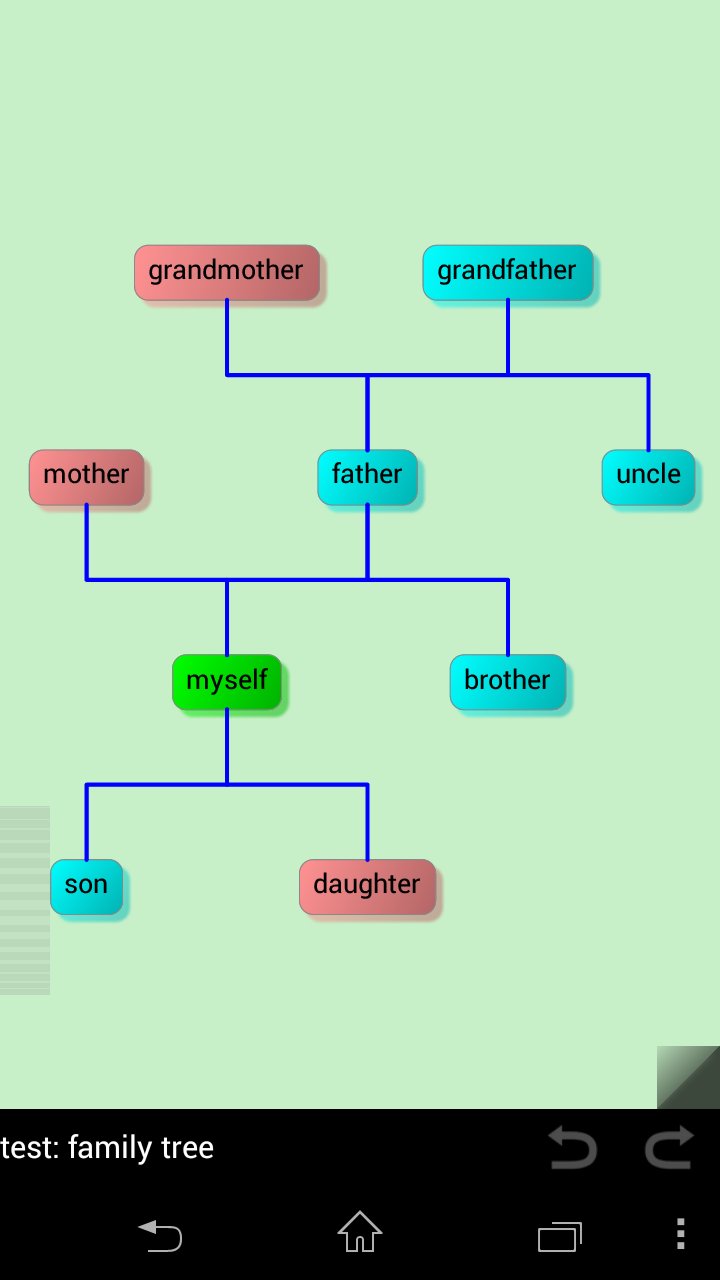
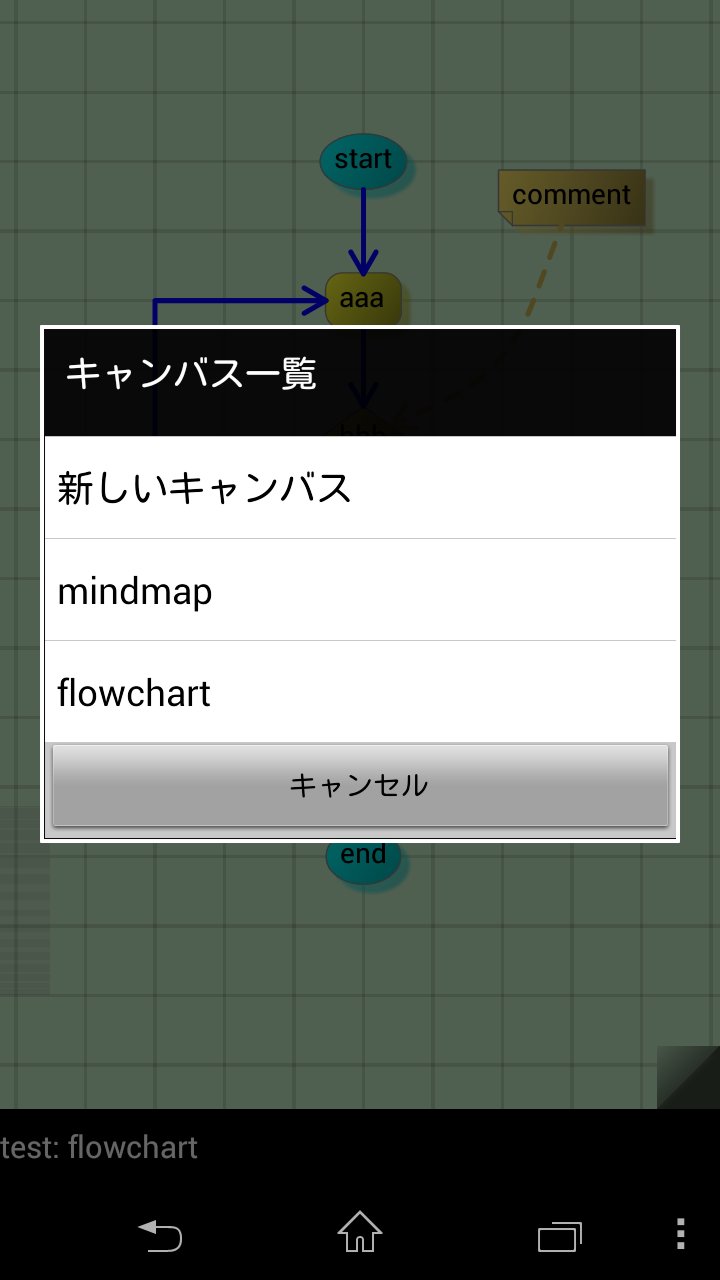
It is an app that can draw mind maps and flow charts, and state transition diagram.
Figure that you create can be saved as an image to share.
- Make a note of the idea came up.
- Creation and development of design documents at the time of application.
- Create FTA.
Etc. You are free to use.
----------------------------------------
Features:
- Available round shapes, square, and rhombus, etc.
- Diagram And can be connected to a straight line, a line, a curve.
- Can be added gradients, shadows on the figure.
- Display and grid, the grid arrangement can be.
- Save the image as a picture that you just created, and can be shared.
- Can freely change the color diagram, wire, canvas, grid.
- Snap to align the position functions and other shapes.
- Quick menu easy to operate with one hand.
- The zoom bar can be scaled with one hand.
- Finely-angle can be set in the menu, the strength of the inertial scrolling, Long tap time, etc.
* Feature of the paid version
- No limit on the number of canvas
- Saving and Loading book
- Copy, Paste
- Undo, Redo
- Share of canvas with two devices
1. Press the menu key in the setting screen of the free version, you run the "Backup settings"
2. Press the menu key in the setting screen of the paid version, you run the "Restore settings"
----------------------------------------
Screen operation:
- Tap the shape: Select a shape
- Long tap the shape: Move a shape
- Swipe the shape: Add a shape to draw the line
- Long tap the canvas: Display the menu
- Swipe the canvas: Scroll through the canvas
Menu:
- Add: add a shape
- Select: Choose swipe enclosed in a shape
- Select -> All: Select all shapes
- Select -> Deselect: Deselect all shapes
- Select -> Same: Choose the same shape and the shape of the selected
- Select -> Shape: Select all the shapes, except lines.
- Select -> Line: Select all lines.
- Select -> Children: Select all children has led to the shape of the selected.
- Edit: edit the shape
- Edit -> Link: draw a line between the selected shape
- Edit -> Unlink: delete the line of the shape of the selected
- Edit -> Copy: Copy the shape of selected.
- Edit -> Paste: Paste the shape that you copied.
- Align: Moves the selected shapes on a grid
- Align -> Horizontal: move on the grid in the horizontal direction of the selected shape
- Align -> Vertical: move on the grid in the vertical direction of the selected shape
- Align -> Circle: Place in a circle shapes selected.
----------------------------------------
permissions:
This app uses the following permissions.
- manage internal storage contents
Used to save the image to an external memory.
- control vibrator
Used to indicate the operation confirmed.
- access Bluetooth settings / pair with Bluetooth devices
Used for sharing device.
----------------------------------------
1.2.0
- Added a Show/Hide function of the nodes.
- Added new line.
1.1.0
- Added a justification of text. Left, Center, Right.
- Added "Circle" to align menu. Placed in a circle shape the selection.
- Added Copy, Paste functions.
- Added Undo, Redo functions.
- Added shared functionality of the device.
Connect a Bluetooth two devices, you can edit the same canvas.
1.0.0
- First release





Basta un clic per installare i file XAPK/APK su Android!

Grazie per la tua valutazione e feedback!
Hai già valutato.