패키지 이름:com.theswiftvision.authenticatorapp
더 보기


22.7 MB
파일 크기
Everyone
Android 8.0+
Android OS
Enable two-factor Authentication to secure lock your all Accounts. 30 sec OTP.
Authenticator App adds an extra layer of security to your online accounts by adding a second step of verification when you sign in. This means that in addition to your password, you'll also need to enter a code that is generated by the 2FA Authenticator app on your phone. The verification code can be generated by the Authenticator App - 2FA on your phone, even if you don't have a wifi or cellular connection offline Authentication App.
Safe-Auth Authenticator is a perfect two-factor authentication (2FA) solution for all your online accounts. Authenticator App 2FA – Secure Pass is a multifunctional security and account management App with many useful and reliable features. With the Scan QR 2FA feature, logging into your accounts becomes easier and safer.
Multi factor authentication (MFA) or two factor authentication (2FA) provides a second layer of security. When logging in with multi-factor authentication, you’ll enter your password, and then you’ll be asked for an additional way to prove it’s really you. enter the one-time password (OTP) generated by the Auth App.
The one-time passwords (OTP codes) have a 30 second timer counting down. This timer is so you never have to use the same time-based one-time password (TOTP) twice and you don’t have to remember the number. The one-time password (OTP) doesn’t require you to be connected to a network, and it won’t drain your battery. You can add multiple accounts to your app, including Facebook, Amazon, Dropbox, Google, LinkedIn, GitHub, and more. It’s the great alternative of other Authenticator Apps.
It adds an extra layer of protection for your personal and work accounts by generating one-time 6-digit codes for 2-step verification. Its user-friendly design and detailed 2FA guides make it easy for anyone to set up and use.
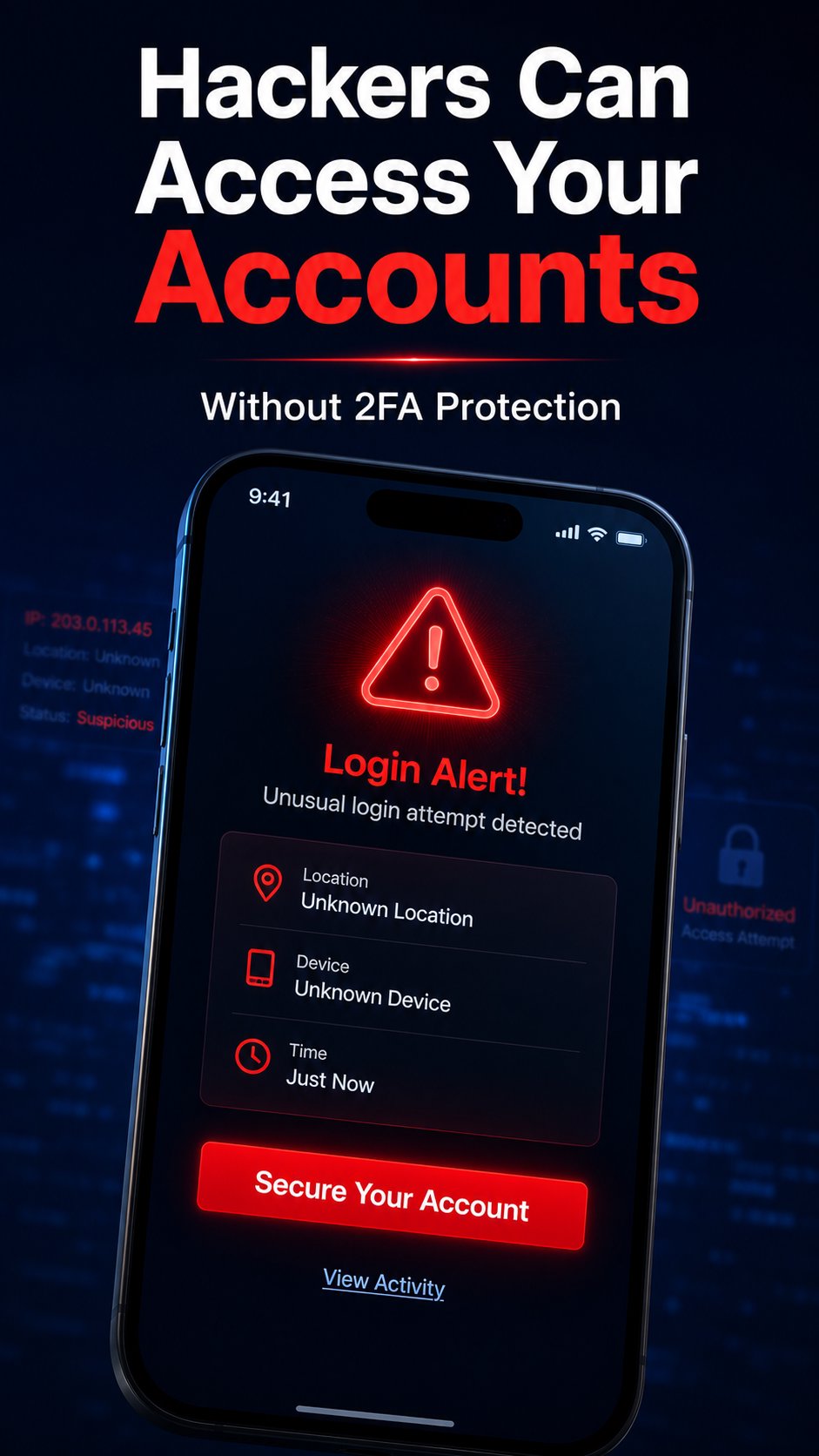
Safe.Auth provides reliable protection against unauthorized access, hacking, phishing attacks, and other security threats. Even if someone has your username and password, he/she cannot access your account without the 2FA code generated by True Pass on your device.
You can log in within your Smart Authenticator App to back up all account data to the cloud. This means that when changing devices, you only need to log in to easily sync all data, without worrying about data loss or the hassle of re-binding accounts.
Implementing 2FA Authentication or two-factor authentication (2FA or MFA) or 2-step verification is one of the most effective and straightforward measures to safeguard your accounts from hacking attempts. It is highly recommended by security experts to enable 2FA Authentication, especially for Finance, Crypto, Bank, Insurance, Social, Dating, eCommerce, Business, IT applications. It is the right OTP Authenticator App or 2FA Authenticator App for you to do 2-step verification.



등급과 피드백에 감사드립니다!
당신은 이미 평가했습니다.