
APKPure에서 안전하고 빠른 APK 다운로드
APKPure는 바이러스 없는 Diet Notebook APK 다운로드를 위해 서명 확인을 사용합니다.

Tracks food ingredient consumption and helps planning diet and nutrition courses
Diet Notebook is an ultimate tool to keep track of main food ingredients consumption and to plan and analyze daily ration. This utility provides means for storing a basic food and complex meal parameters to further facilitate the building of an appropriate diet and nutrition courses.
Layout:
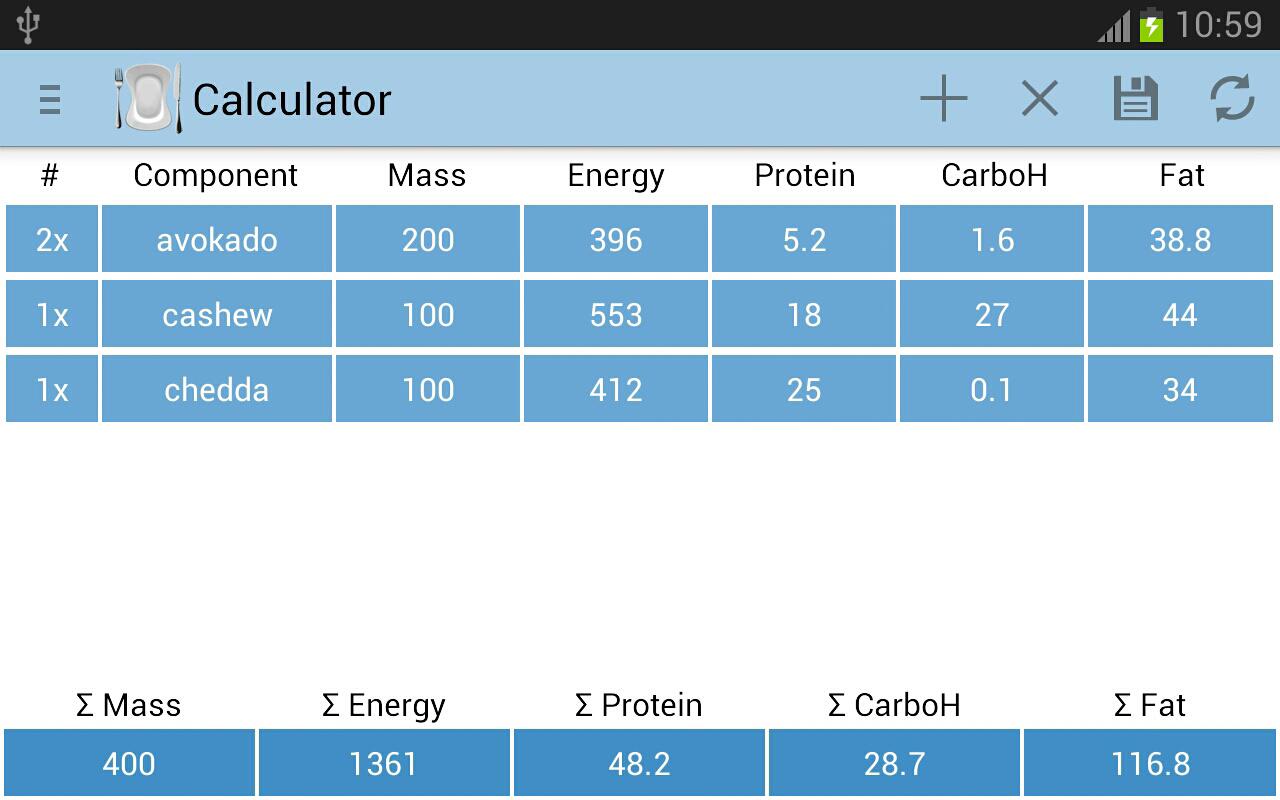
1.Calculator. Allows creation of meals and calculation of total ingredient parameters: Mass, Energy, Protein, Carbohydrates (CarboH) and Fat content. The component cells will suggest adding food from the Food Database, based on users’ input. The multiplier field (#) provides means for direct multiplication of all parameters in the row if several food items of the same kind were added. Similarly, manual change of mass will immediately update all other parameters. New food row can be added (+) or removed (x), and any row can be emptied by setting the multiplier to “0x”. The created course can be further saved to the Diary (to include in daily consumption) or alternatively to Food Database.
2.Diary. Includes meals that user had at defined times. The data will be further analyzed and presented in Daily Ration section. To edit or load data, please press on the desired row. Upon press on “edit” option user will be redirected to the Calculator where course will be detailed and ready to change. The edited course will replace the previous! If user is not interested in replacing the diary row then alternatively “load” option should be chosen.
3.Daily Ration. Here the data from Diary is automatically analyzed and daily consumption details are presented to facilitate the further planning. The data along with personal weight can be exported at any time in the next section - Correlation Plot.
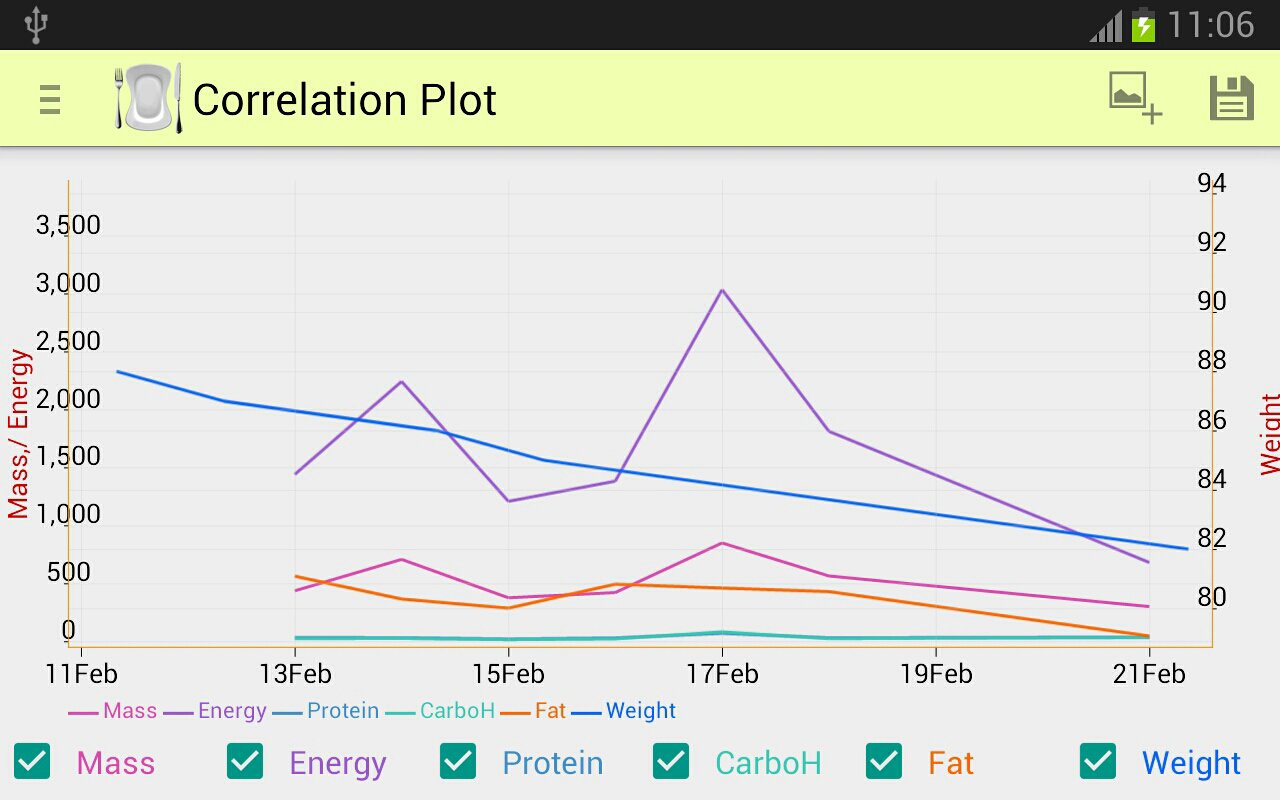
4.Correlation Plot. The graphical representation of daily consumption along with personal weight. The plot helps to visualize weight dependence on main food ingredient consumption and on food intrinsic energy. This representation helps to better investigate the diet and nutrition approach results and retrieve the not otherwise obvious dependency of the personal weight on main food parameters. The plot can be exported as image or date (.xls format, supported by MS Office™) to the “Diet Notebook” folder on local SD. Important(!): all food parameters are associated with left Y-axis, while personal weight is associated with right Y-axis.
5.Food Database. The local, manually created user database, that can be used to automatically complete data in Calculator based on item name. May include basic foods and complex courses. The items may be added directly by pressing (+) or imported from Calculator (in case of custom sophisticated courses). To edit the data, please press on the desired row.
6.Personal Weight. The Database for the measured personal weight. To edit the data, please press on the desired row. The data is visualized in Correlation Plot section, where can also be exported.
Units.
The application is units free, meaning that user is free to choose the set of units for use in the application. Usually, the most convenient way is to use most accepted units that appears on labels on food packages in the current region. The application was written with the following unit’s set in mind: grams for mass, kCal for Energy and kg for personal weight. User is responsible for unit’s consistency! For proper correlation user must use the same set of units throughout the application. Once different units appear on the label, user must convert the units to the chosen one to preserve the consistency!
The common conversion schemes:
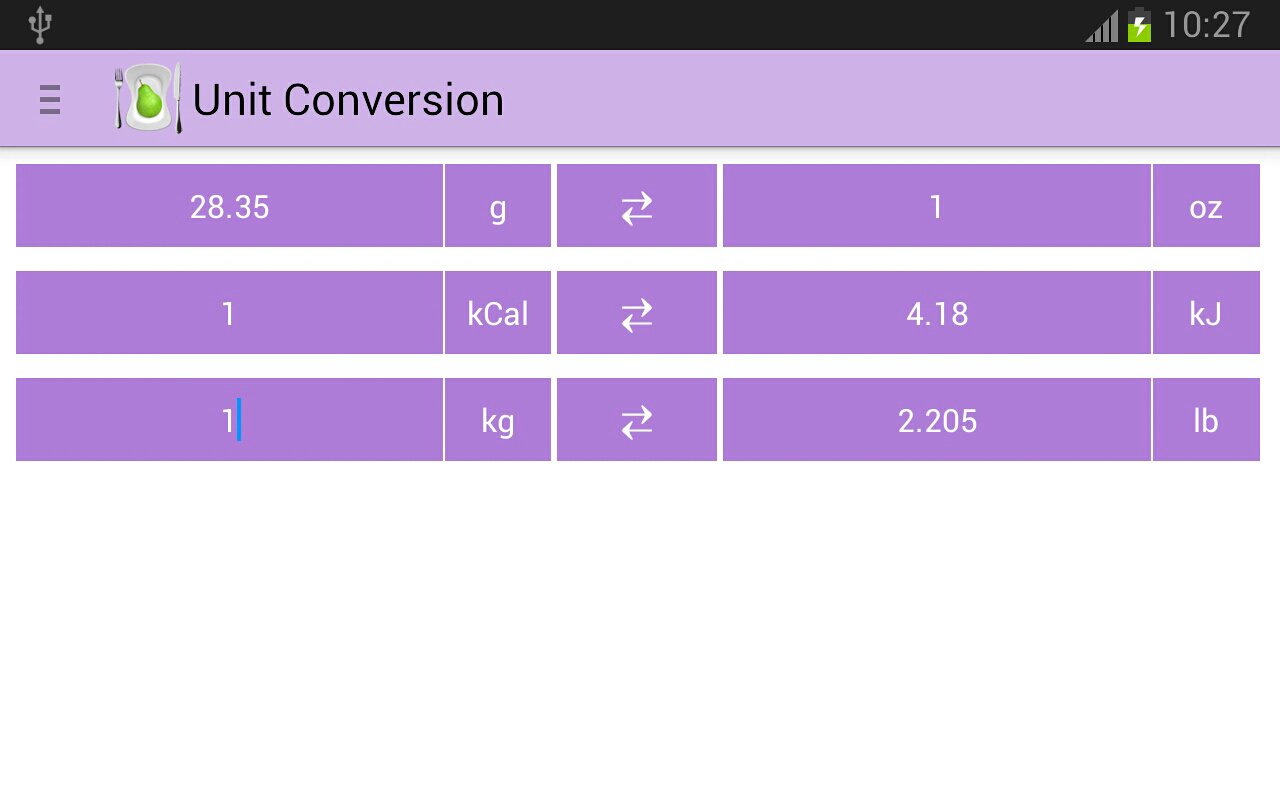
1 kiloCalories (kCal) = 4.18 kiloJoules (kJ) : To convert from kJ to kCal divide the value by 4.18!
To convert from kCal to kJ multiply the value by 4.18!
1 kilogram (kg) = 2.205 pounds (lb) : To convert from kg to lb multiply the value by 2.205!
To convert from lb to kg divide the value by 2.205!
1 ounce (oz) = 28 grams (g) : To convert from g to oz divide the value by 28!
To convert from oz to g multiply the value by 28!





등급과 피드백에 감사드립니다!
당신은 이미 평가했습니다.