
APKPure에서 안전하고 빠른 APK 다운로드
APKPure는 바이러스 없는 Lock Widget APK 다운로드를 위해 서명 확인을 사용합니다.

Smooth One Touch Lock Widget
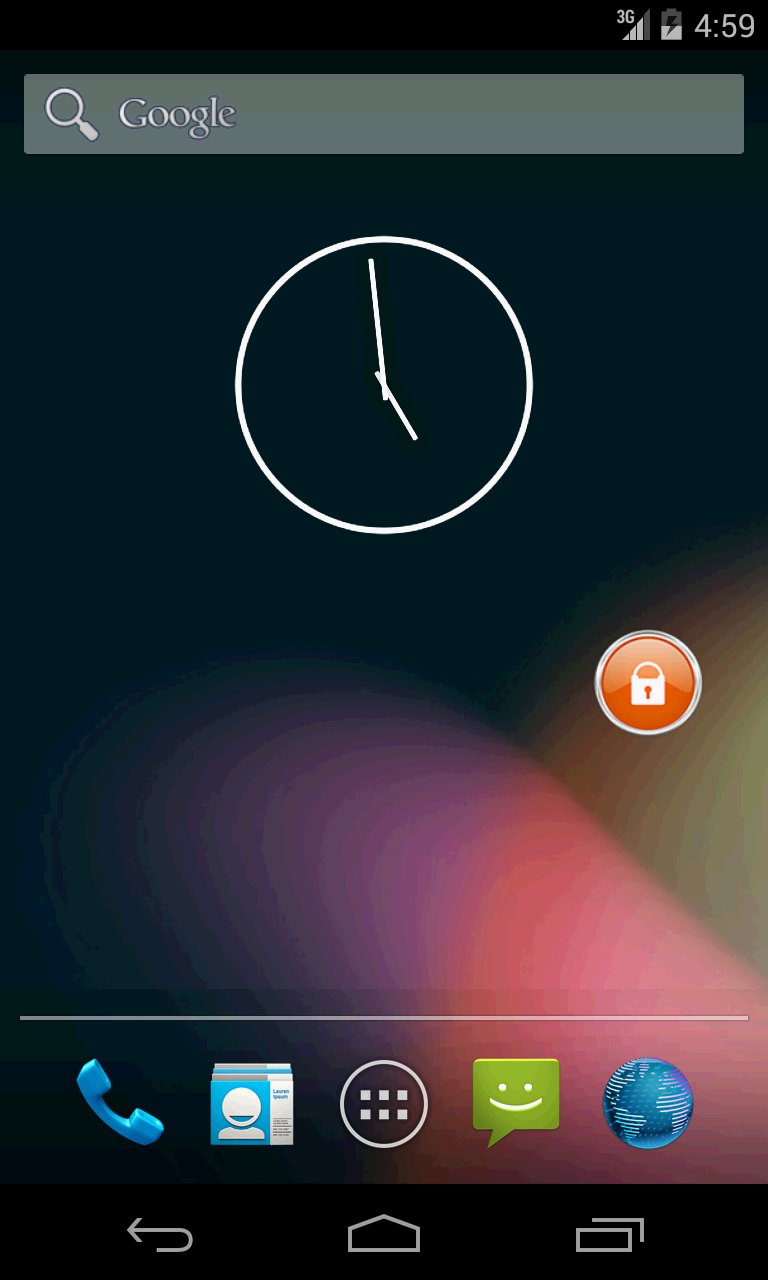
Smooth One Touch Lock Widget to lock your screen.
Simple once touch lock widget to avoid searching & pressing lock key on phone.
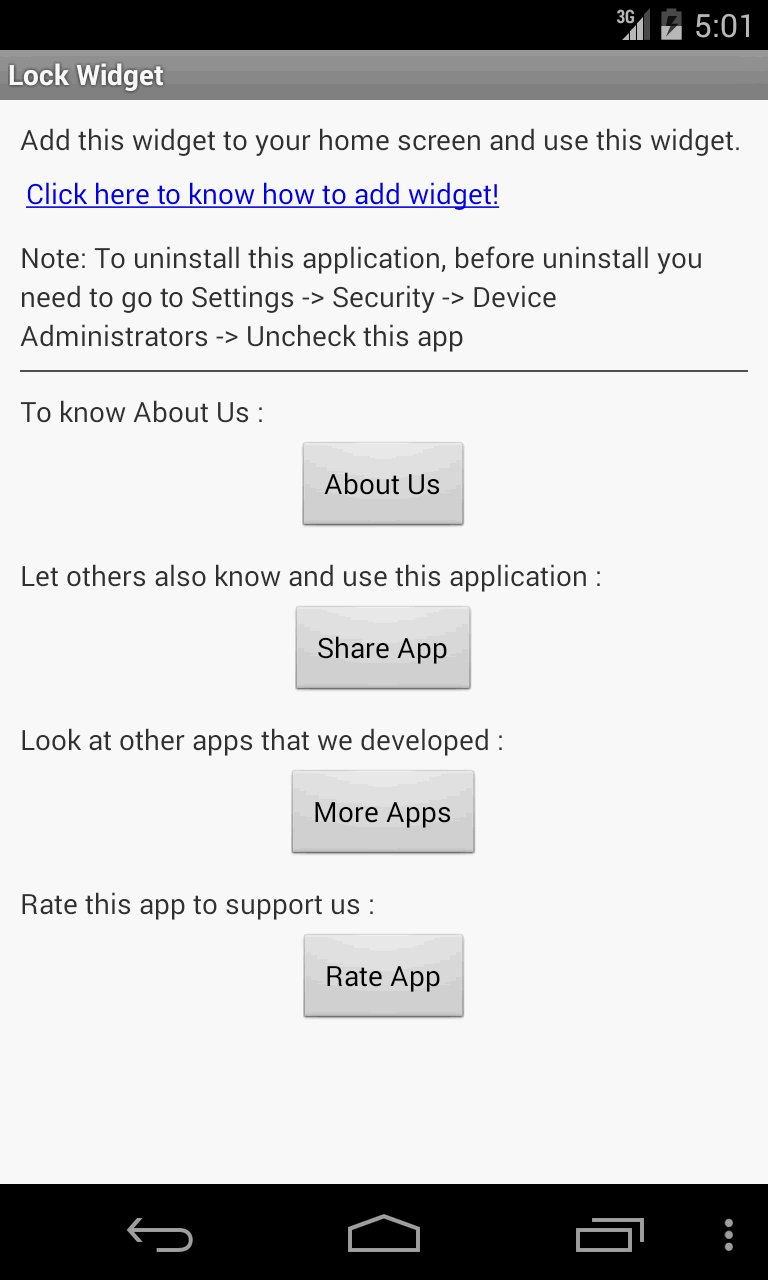
To uninstall this application: Before going to uninstall you need to go to Settings -> Security -> Device Administrators -> Remove this app from that list and proceed.
How to add widget "Lock Widget" onto your phone's screen:
1. Go to your Home Screen.
2. Long click on empty space on Home Screen.
3. Select "Widgets" from the list.
4. Find widget "Lock Widget".
** Thank you for downloading this application **
Your comments, feedback and suggestions are welcome at [email protected].

등급과 피드백에 감사드립니다!
당신은 이미 평가했습니다.