
APKPure에서 안전하고 빠른 APK 다운로드
APKPure는 바이러스 없는 Screen Recorder APK 다운로드를 위해 서명 확인을 사용합니다.

HD & 4K screen recorder with audio, video editor, MP3 extractor & Wi-Fi sync.
TICNO Screen Recorder lets you capture smooth, crisp screen videos, gameplay, tutorials, and video calls in up to 4K Ultra HD resolution with clear audio. Built with a clean interface and powerful editing studio, everything you record saves automatically to your phone Gallery without clutter.
KEY RECORDING FEATURES
• Up to 4K Ultra HD (2160p), 2K, 1080p FHD, and 720p HD video capture
• Automatic Frame Rate (FPS): Automatically adapts to your device display refresh rate (30, 60, 90, or 120 FPS)
• Flexible Audio Options: Record Microphone voice, Internal game/system audio, both together, or mute
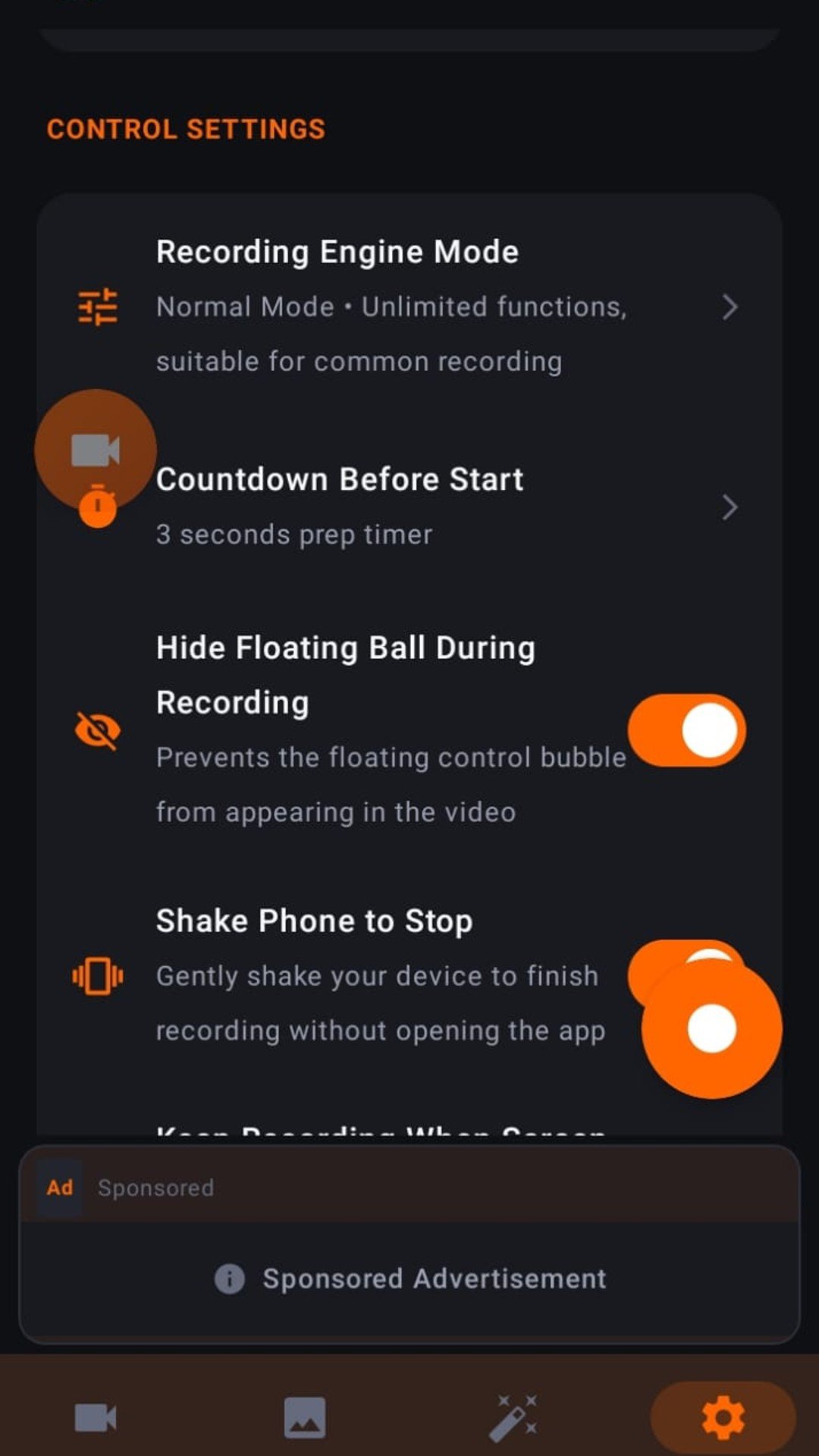
• Clean Screen Capture: Floating control bubble hides automatically during recording so your final video stays clean
• Direct Gallery Save: Recordings and screenshots are saved directly to your device Gallery under Movies/ScreenRecorder
• Smart Controls: Shake phone to stop recording, customizable countdown timer, and quick controls in the top notification bar
• Auto Orientation: Supports Portrait, Landscape, Tablets, and Android TV
CREATIVE VIDEO & PHOTO STUDIO
• Video Editor & Trimmer: Preview with live playback, trim start/end points, rotate 90°, change aspect ratios (16:9, 9:16, 1:1, 4:3), and adjust playback speed (0.5x to 2.0x)
• Video to MP3: Extract high-quality audio tracks from any video
• Video Compressor: Reduce video file size while keeping clear visual quality
• Merge Video & Photo: Combine clips and images into one video
• Speed Changer: Create slow-motion or fast-motion videos
• Screenshot & Photo Editor: Capture instant screenshots and edit with filters and text
• Trash Bin: Restore accidentally deleted recordings or clear them permanently
WI-FI FILE TRANSFER TO PC
• Transfer recordings and screenshots wirelessly to your computer browser over the same Wi-Fi network without a USB cable, or share directly via Android Share Sheet.
PERMISSIONS NOTICE
• Microphone & Camera: Used only when you enable voice recording or Facecam overlay.
• Display Over Other Apps: Used for the floating control ball and brush overlay outside the app.
• Notifications: Keeps screen recording controls accessible from the status bar.
Download TICNO Screen Recorder and start capturing your screen in high definition today.




등급과 피드백에 감사드립니다!
당신은 이미 평가했습니다.