APKPure에서 안전하고 빠른 APK 다운로드
APKPure는 바이러스 없는 Smart Tools Laser Level APK 다운로드를 위해 서명 확인을 사용합니다.

Tool to measure level, angle and slope using camera. Record, visualize, excel
Smart Tools Laser Level is a tool to measure angle, slope or inclination using gyroscope, accelometer and camera. It let's you to save your measurements to database and take excel records whenever you need hard copy of your measurements. Best laser level tool on the market.
This version does not require user permissions, no location and address updates and ruler is not available.
If you want those features search Laser Level Capture from Thracian Software.
If you like this app, check out this app too. DiopThrace offers many features that not avialable on this app. https://play.google.com/store/apps/details?id=com.thraciansoftware.diopthrace
FEATURES
•3 diiferent measurement modes
•Measure angles using gyroscope(if available), accelerometer and camera.
•Capture images with measurement, azimuth, direction, inclination and rotation angles info
•Visualize your measurement progress using bar or line charts.
•Fast and accurate and fast calibration option on measuments screen.
•Freeze screen to have more precise measurements.
•Use back and front(if available) camera to measure
•Turn flash on if lighting is not sufficient where you measure
******** HOW TO USE ********
Explaination about buttons
Capture button: Capture button saves image to Thracian Software/Smar Tools/Laser Level folder.
Freeze button: This button freezes preview or unfreezes it if you touch again. It's useful to stop preview and measure angle.
Reset button: Resets laser level position, or removes dragged angle if measurement mode is Angle1.
Measure button: Button on the top is menu for measurement for measurement modes and calibration.
Angle1: Draw an virtual angle on the air and drag circles to set angle. This mode is useful if the surface or slope you wish to measure uneven or not parallel to the ground.
Angle2: In this mode, you drag your finger and the angle between red and green lines determine the angle.
Laser: You measure the angle by rotating your phone. Touching screen changes laser position.
Calibration: This feature is to set incliniation and rotation angles if your device sensor is not right. Put your device on a surface screen pointing at you and touch calibrate to set inclination and rotation angles to zero.
Switching button: Switches from back camera to front camera if available.
Record button: Creates a record showing angle, azimuth, bearing, pitch and roll. Records can be displayed from Records section.
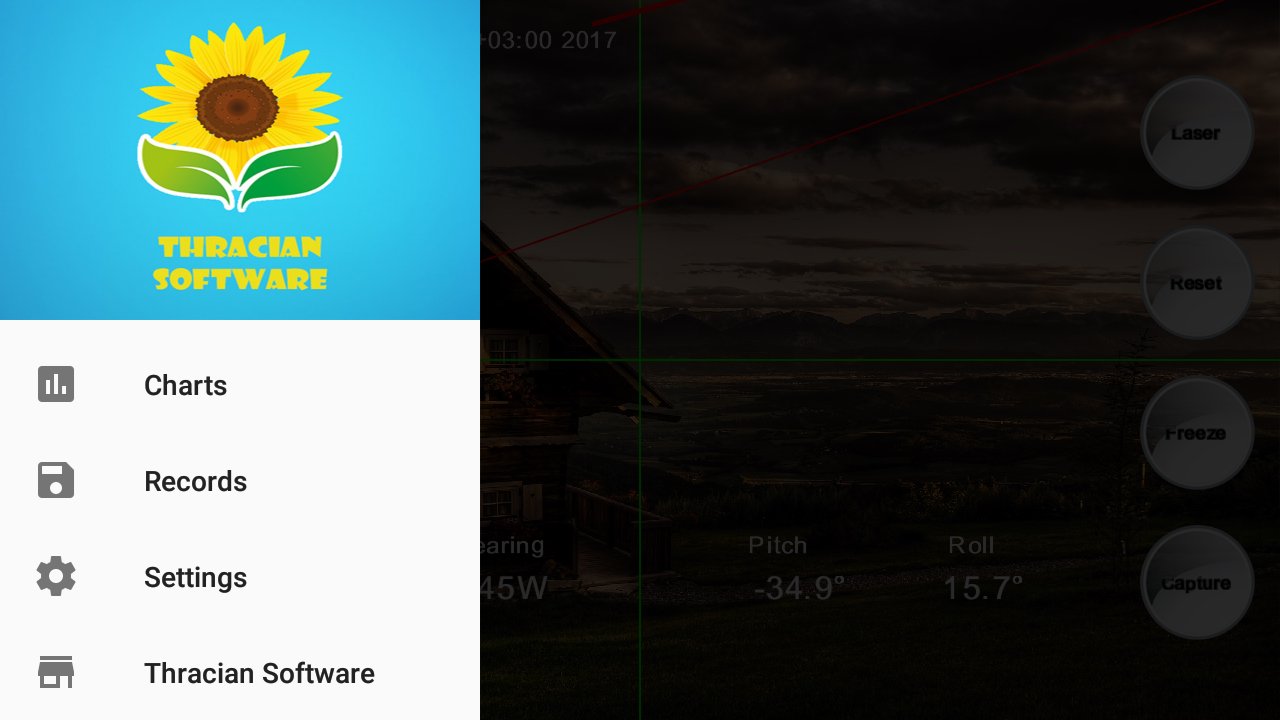
You can open left menu by swipe right gesture.
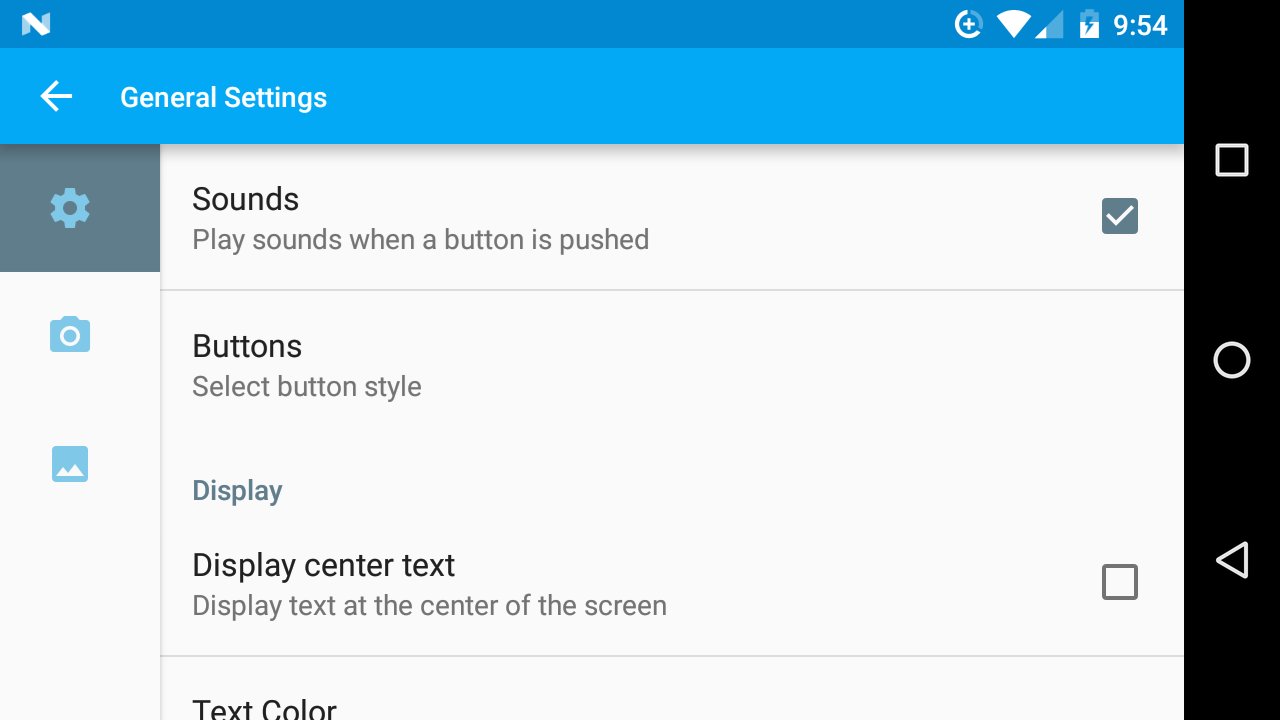
Leveling: Small red line is a visual display of inclination and rotation angles. If you keep it green and aligned with horizontal green line it means that you are directly looking ahead without moving your device up/down or left/right. You can select leveling shape from settings.
Feel free to contact us via [email protected] if you have new ideas or suggestions to make this app or any of our app better.
Thanks for using our app.
This version contains ads, if you want to support us you can get the pro version.





등급과 피드백에 감사드립니다!
당신은 이미 평가했습니다.