Безопасная и Быстрая Загрузка APK на APKPure
APKPure позволяет легко и безопасно загружать Amazing Digital Clock Widget P APK с проверкой подписи.

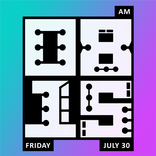
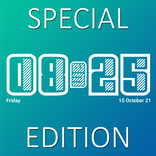
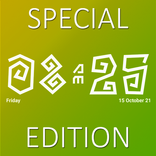
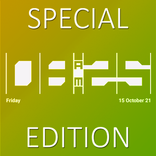
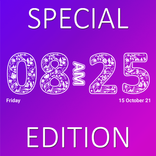
Этот виджет представляет собой простой, стильный, уникальный и легко настраиваемый виджет часов.
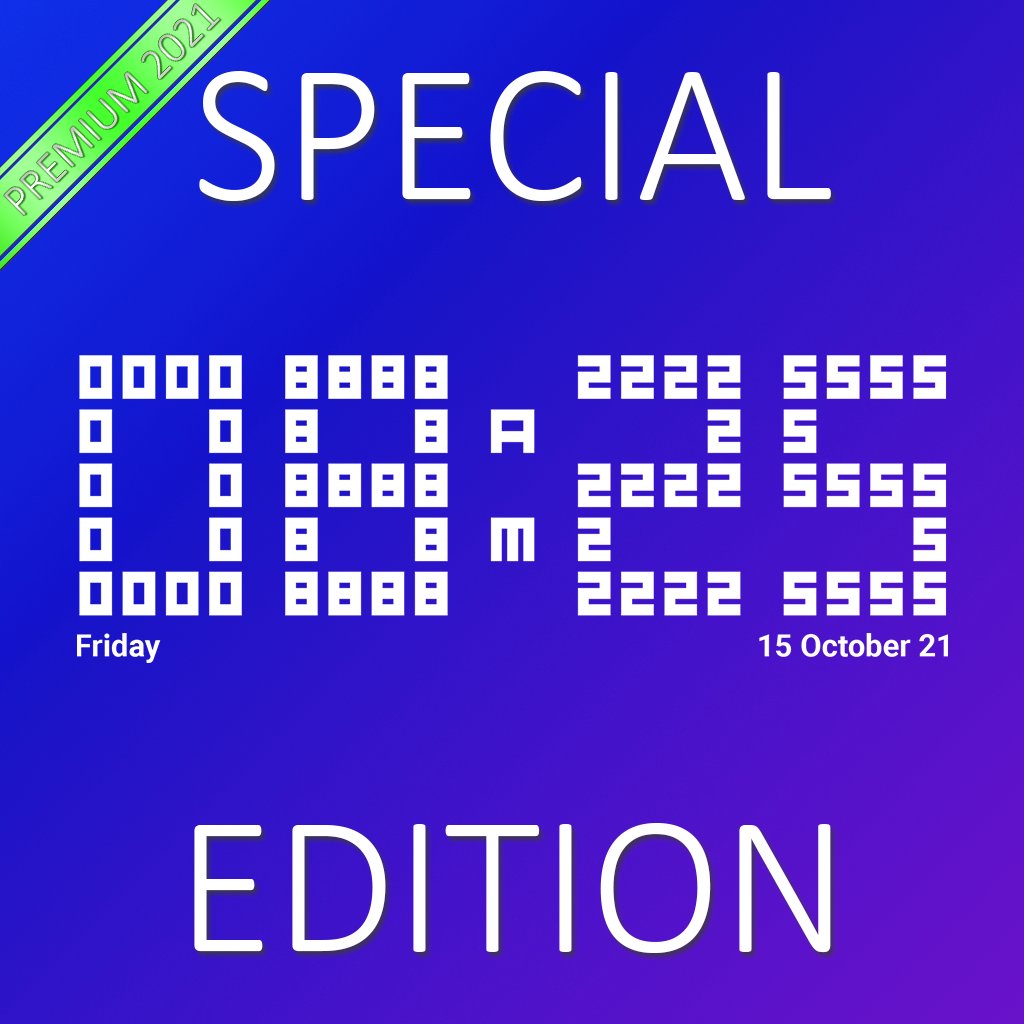
Personalize your phone/tablet (Home screen) with the most elegant and highly customizable digital clock widgets, showing current hourly/daily, time, date and day.
This widget supports (Dynamic Layouts) like:
* 1x1 widget - very Small
* 2x1 widget - Small
* 3x1 widget - Medium
* 4x1 and 5x1 widget - Wide
* 4x2 widget - Big
* 5x2 and 6x3 widget - Very Big (For Tablets)
NOTES:
You should be able to adjust the font size to the layout size for better results.
Features lots of customization's, like:
- Beautiful and unique Font type
- Elegant home screen widgets.
- Customize font for clock, date and day. (Size, Color and Padding)
- Widget preview during setup
- Changes take effect in real-time
- Select widget click as shortcut to tap on widget to load default alarm application or any installed application
- Plenty of date formats + customizable date format (day, month or year)
- Displaying 12/24 format hour will show/hide AM-PM (Automatically depend your system setting)
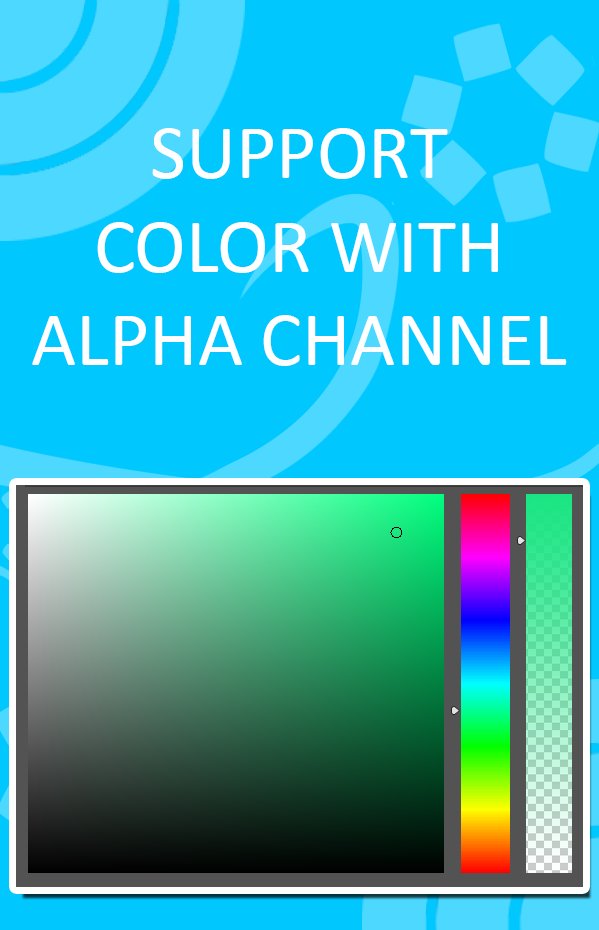
- Widget with select able color picker with opacity from 0% - 100% (completely opaque)
- Select millions of colors for the background, time, date and day with a RGBA color picker (Supports Alpha Channel)
- Multiple clocks supports
- Optional show/hide display of (date,day and am/pm)
- Support widget resizing (Long tap to enter resize mode / Dynamic Layouts)
- Support different time,date and day formats
- Adjust distance (Padding) for time,date and day
- Friendly for tablets device
- No advertisements (It's Premium)
How to use?
Please follow this instruction on how to add the widget to your Home screen:
• Press the plus (+) button below the widget preview when available.
• Select widget (Adrapps Clock Widget Pro)
• Dialog screen will showing up (Customize your clock here)
• Add widget to the Home screen from shown dialog.
• Readjust clock (Tap and hold clock and move the transform)
or add widget manually:
• Long press empty space on your home screen.
• Click “Widgets” from shown options.
• Scroll until you find "Adrapps Clock Widget Pro”.
• Touch and hold the desired widget thumbnail, slide your finger where you want to place it, and lift your finger.
These instructions may differ from device to device (depending on device manufacturer).
Hope You Enjoy, Regard ADRAPPS.





Один клик для установки XAPK/APK файлов на Android!

Спасибо за оценки и отзывы!
Вы уже оценили.