Безопасная и Быстрая Загрузка APK на APKPure
APKPure позволяет легко и безопасно загружать HFC Manager APK с проверкой подписи.


1.4 MB
Размер файла
Everyone
Android 4.3+
Android OS
ГФУ-менеджер WISI в развязывает потенциал вашего WISI устройства со смартфоном
Easily manage your device configurations and get access to several configuration options of your WISI device.
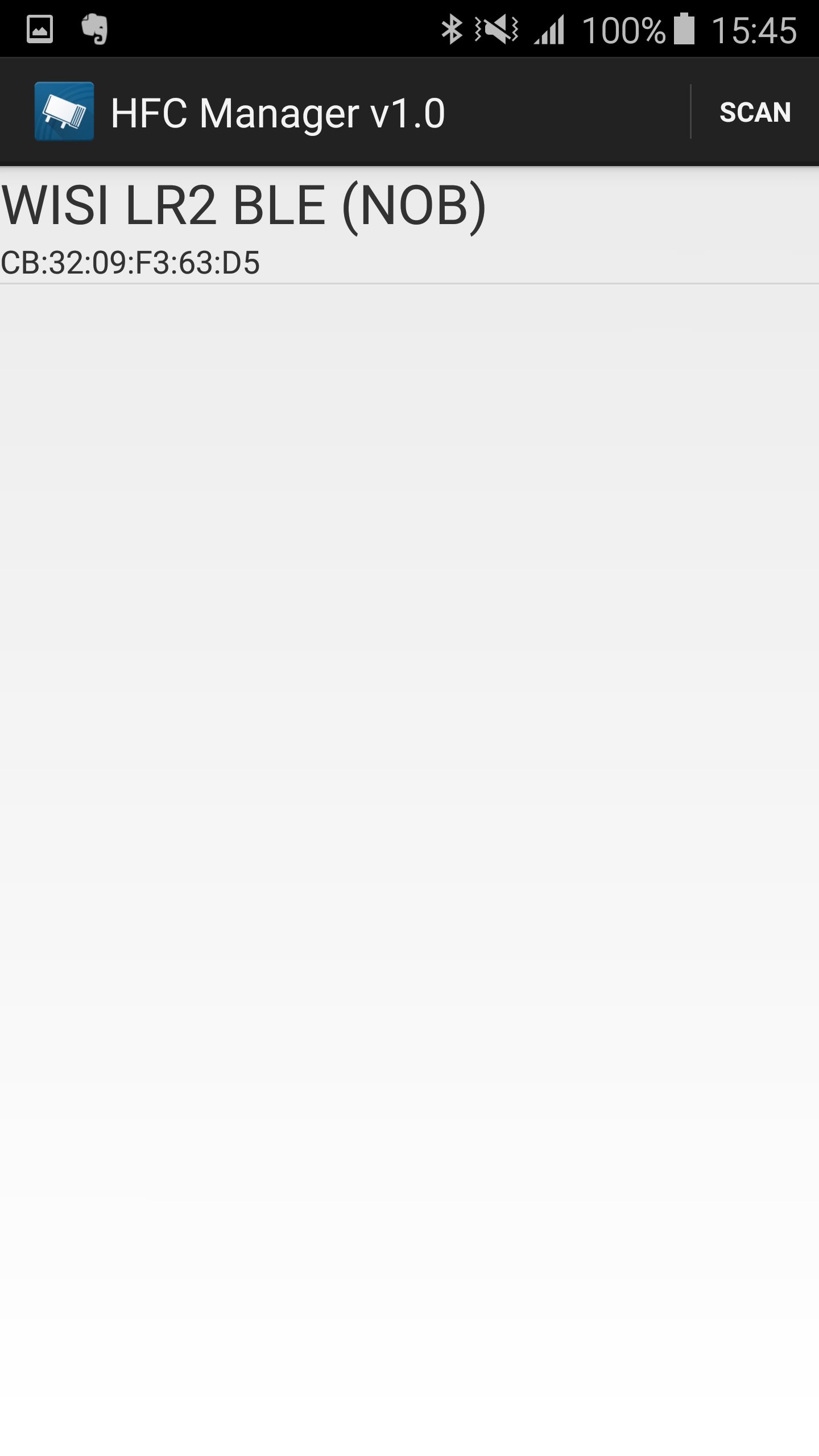
WISI’s HFC Manager is a comfortable tool to configure and manage your device configurations with your smartphone or tablet via the built-in Bluetooth chipset.
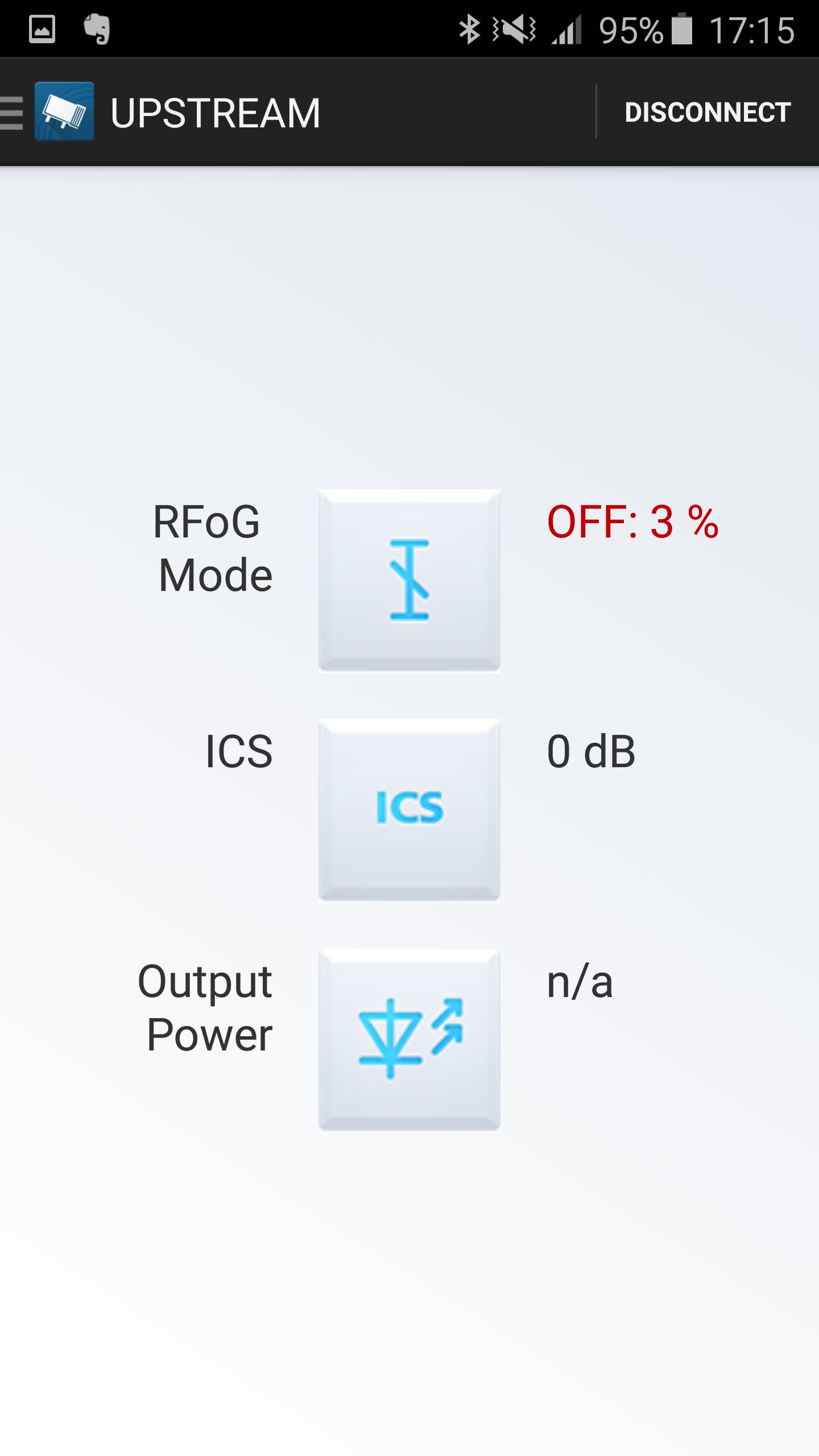
All known configuration parameters are available by the app to provide a more flexible way to rollout WISI HFC (Hybrid Fiber Coax) devices into your networks. Set your attenuation, ALC, slope values and many more easily with the intuitive user interface.
The app will store your device configurations which can then be managed locally or on a central appliance to apply the same configuration to other devices as well.
Currently Supported WISI device overview:
- LR 2x Fiber Nodes
- LR 4x Fiber Nodes
- VX 5xB Amplifiers





Один клик для установки XAPK/APK файлов на Android!

Спасибо за оценки и отзывы!
Вы уже оценили.