
Безопасная и Быстрая Загрузка APK на APKPure
APKPure позволяет легко и безопасно загружать YourKeyboard APK с проверкой подписи.

Попробуйте. Тебе понравится. Держите его, вы будете нуждаться в этом.
Do you need to type some long and complicated strings often? Are you tired of typing your email address while registering account? Are you tired of typing account and password while logging web sites? With this keyboard your can "quickly" insert the strings created/edited by yourself in one second. If you have the same issue I had, I believe you will love this keyboard. The keyboard won't be your default keyboard but this is a keyboard you must have in your phone. If you use it well then you will love it.
This keyboard doesn't have any advertisement(internet connection) because I don't want you have any concern about the security of strings you created. If you like it, please donate by buying paid version. "YourKeyboardPaid"(provides backup/restore functions, setting of key height)
------------------------------------------------------------
To enable the keyboard, please
1. Go to “Language and keyboard” settings, and check “Your Keyboard” box.
2. Then long press in any text input area until a popup menu appears, select "Input Method" in this menu, and choose "Your Keyboard" in the list.
------------------------------------------------------------
How to use the keyboard
1. Simple Instruction:
Just press the button "Your" then you can figure it out.
2. Detail Instruction:
2.1 how to add a first string
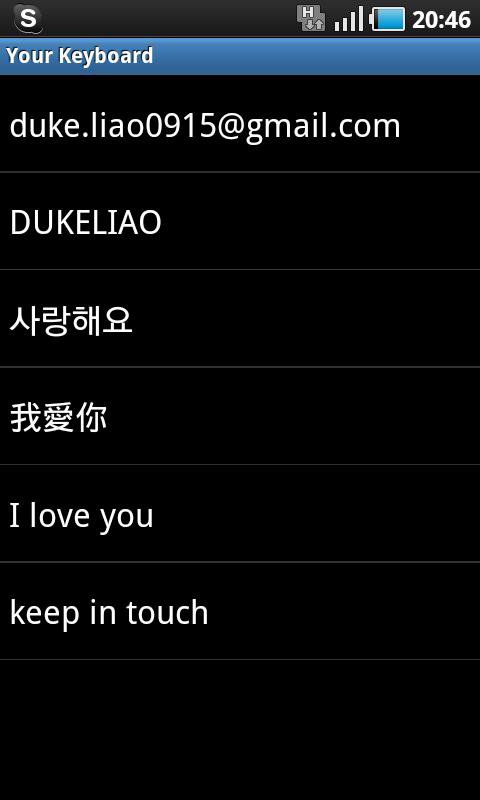
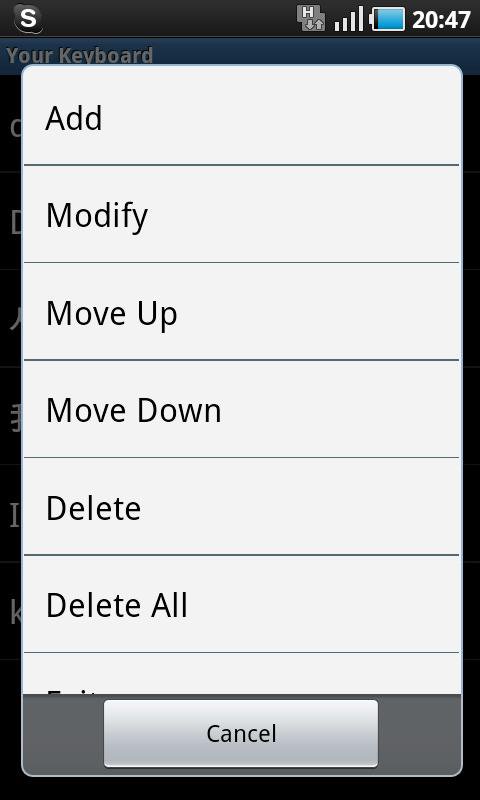
When the keyboard(YourKeyboard) is displayed on the screen, you can see a button "Your". Press the button, it will popup a dialog to ask you "Add New String?" please select "Yes" and input the string you want to use in the future. After adding first string you can decide to add more strings by tab on the string you added or press back to go back the keyboard.
2.2 how insert a string to your screen
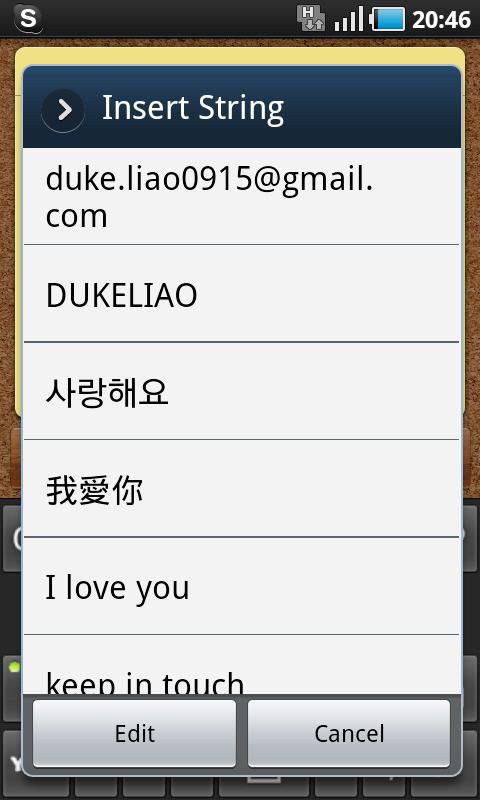
After adding strings, you can press the button "Your" again. You will see the strings you created, you can select any one string then the string you selected will be input to your screen. That's how it works.
Enjoy saving your time.

Один клик для установки XAPK/APK файлов на Android!

Спасибо за оценки и отзывы!
Вы уже оценили.