ดาวน์โหลด APK ได้อย่างปลอดภัยและรวดเร็วบน APKPure
APKPure ใช้การตรวจสอบลายเซ็นเพื่อประกันการดาวน์โหลด APK ของ My Photo Zip Lock Screen ที่ปลอดไวรัสสำหรับคุณ

Add your photo as Phone Zip Lock Screen Background using Zip Lock app
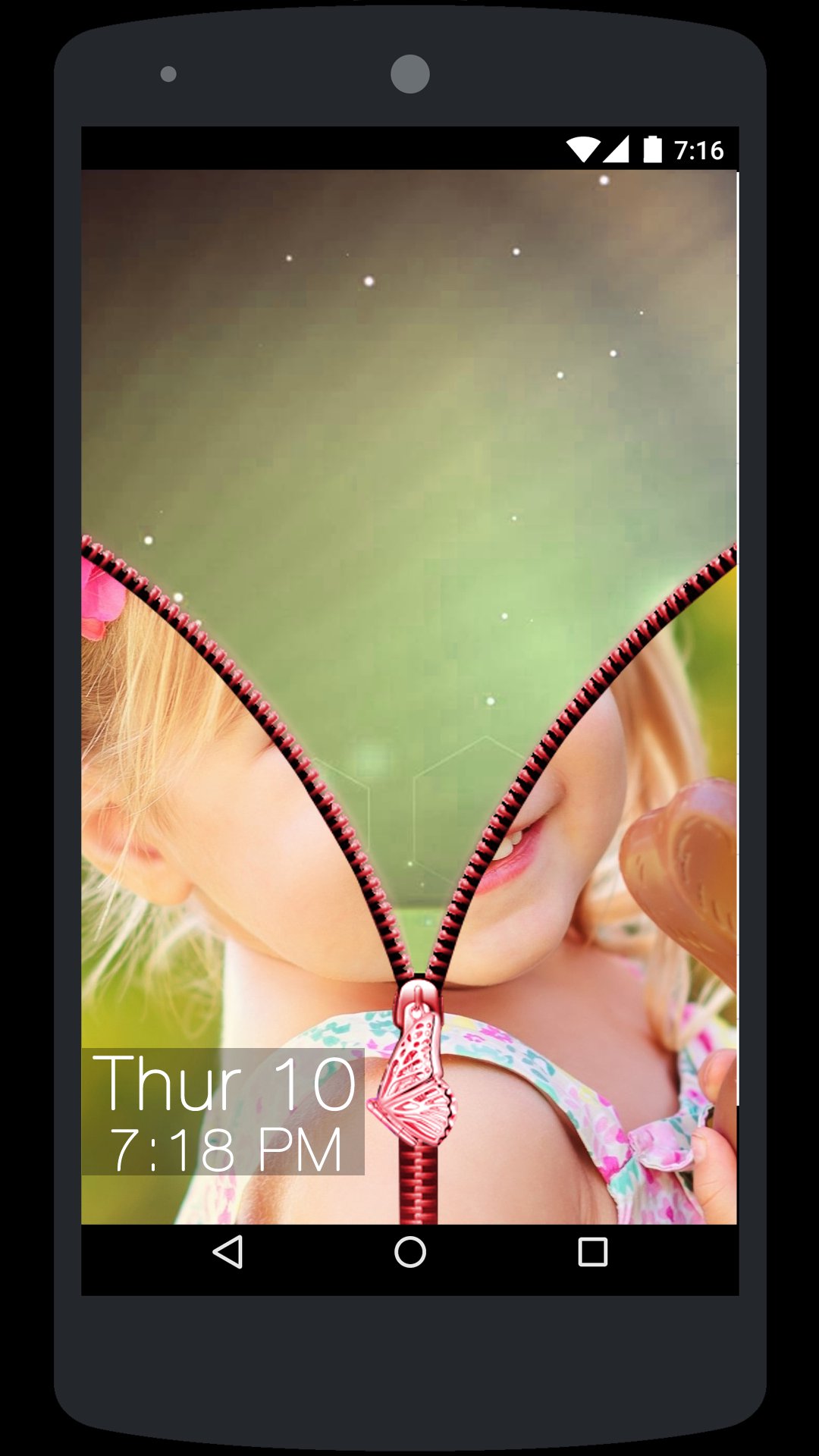
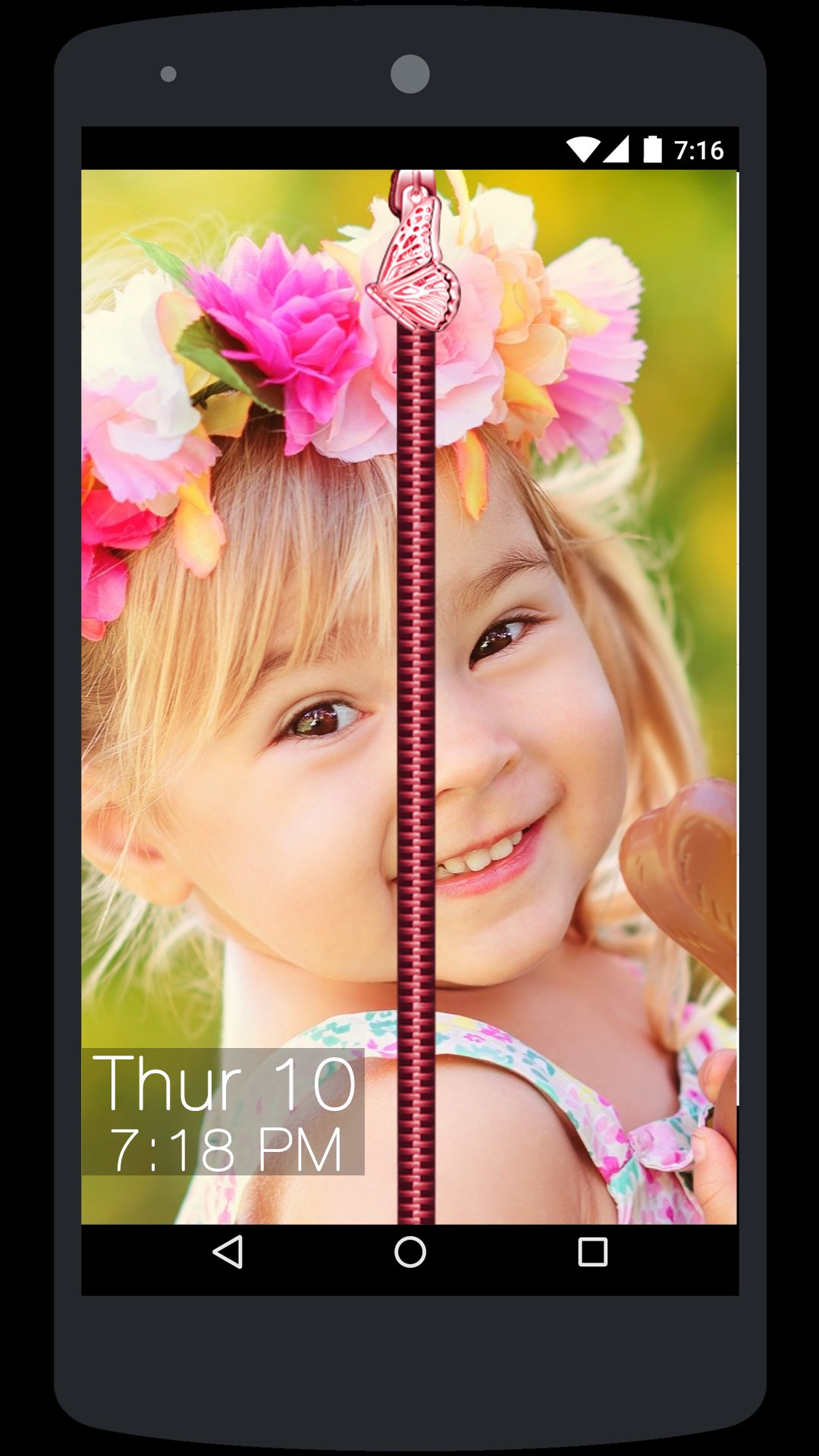
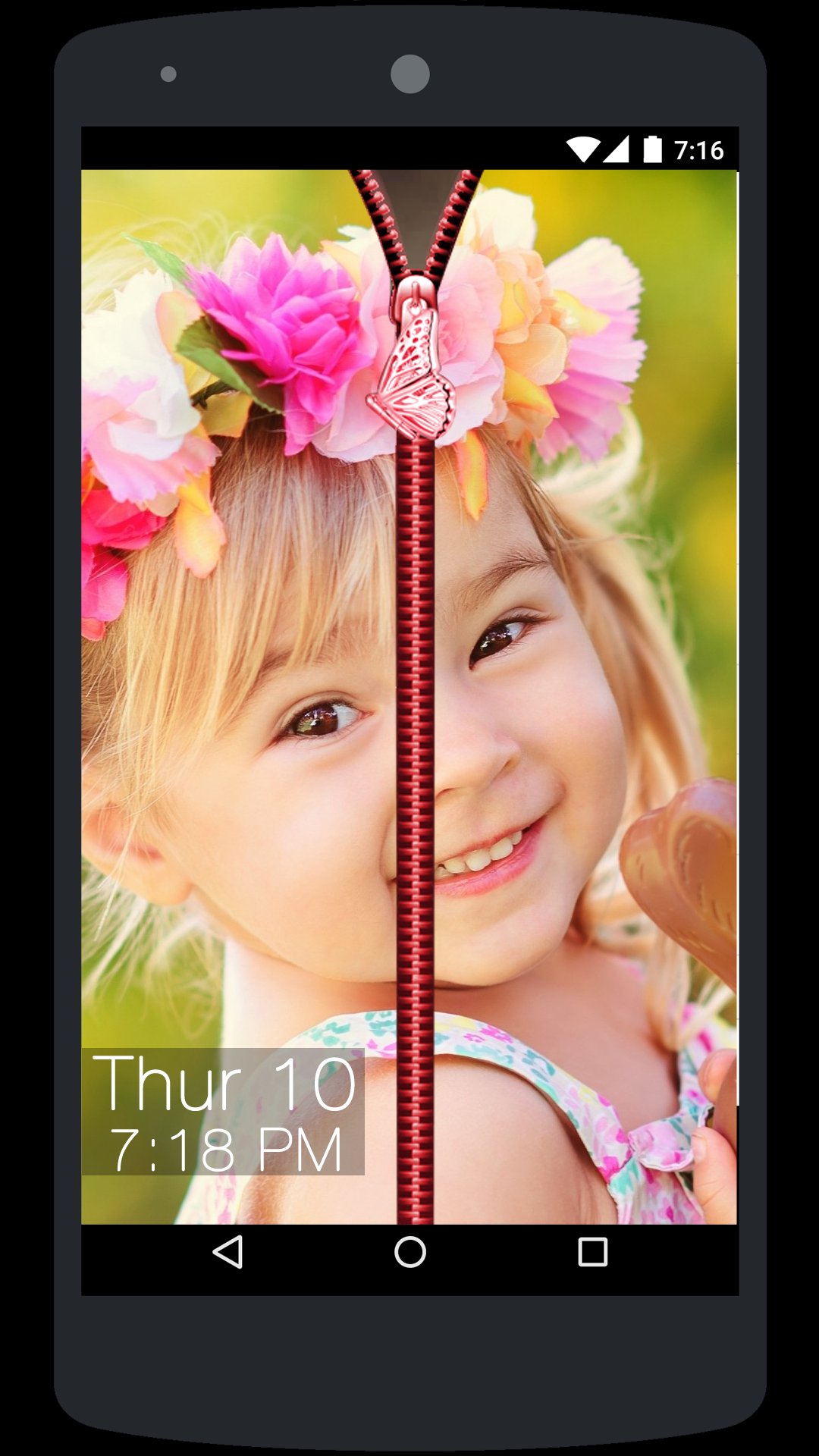
• My Photo Zip Lock Screen app is a creative Phone Zip Lock Screen App where user can add their personal photo or their loved ones photo as Phone Zip Lock Screen Background.
• There are lot off application available in the market but most of them are offering only predefined themes for Zip Lock Screen but here you can create your own custom theme by adding your desired Zip Lock background like Photo or a nice Flower, Nature, Waterfall or any other background using My Photo Zip Lock Screen app.
How to Use:
• Open My Photo Zip Lock Screen app and Turn ON service.
• Next Select Photo from the Gallery or take a picture using Camera and Crop it and just set it as your Zip Lock Screen background.
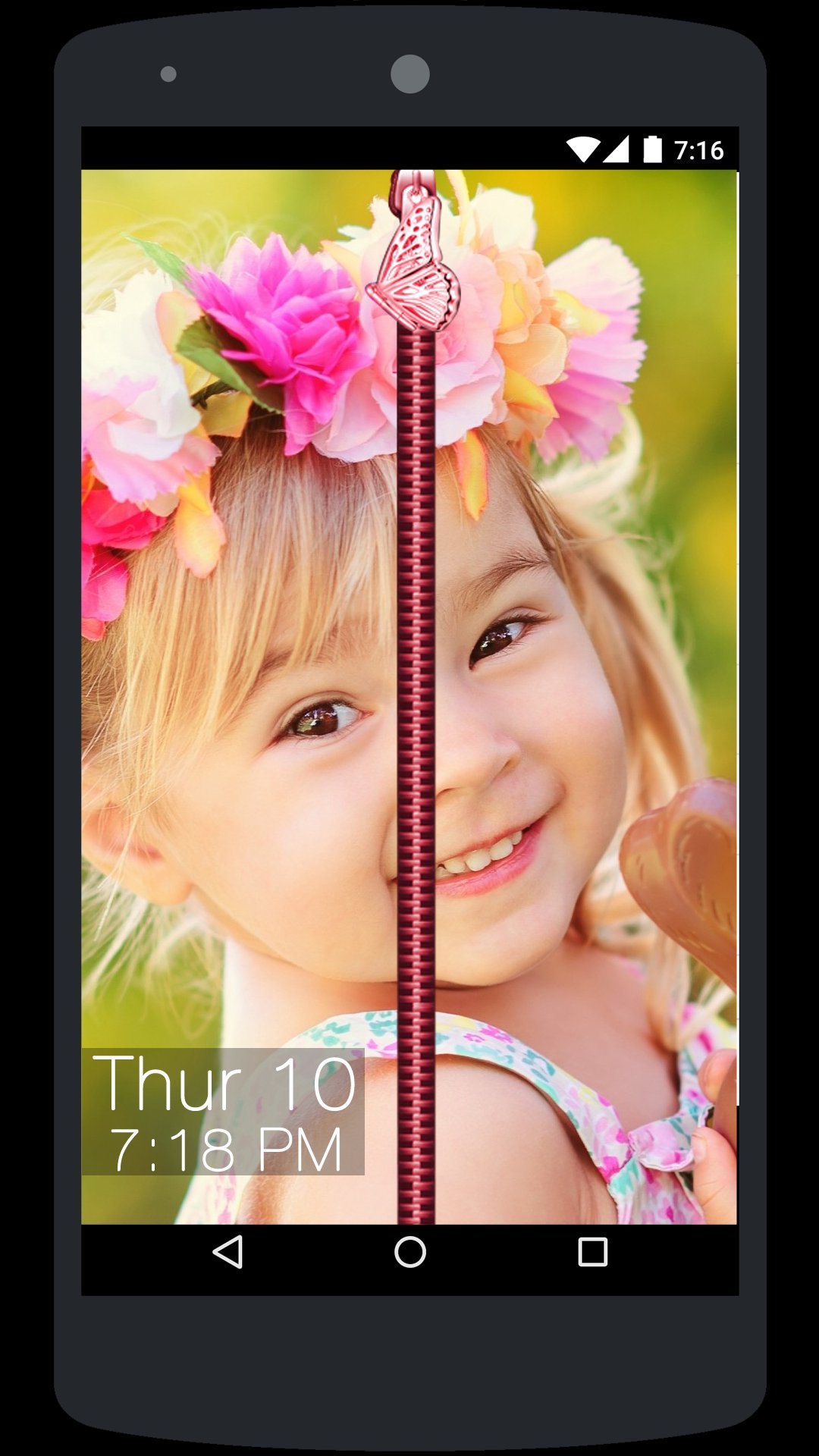
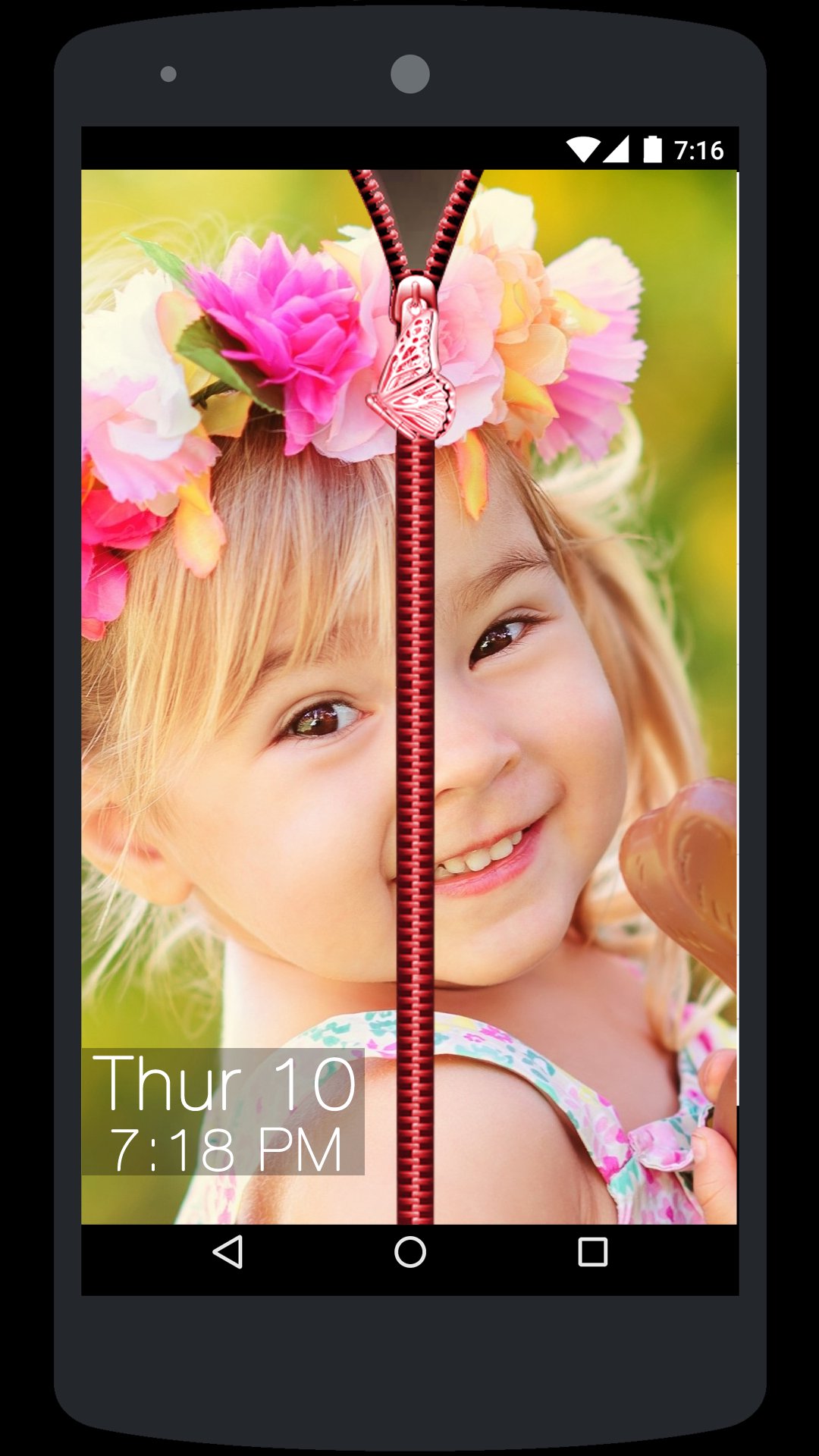
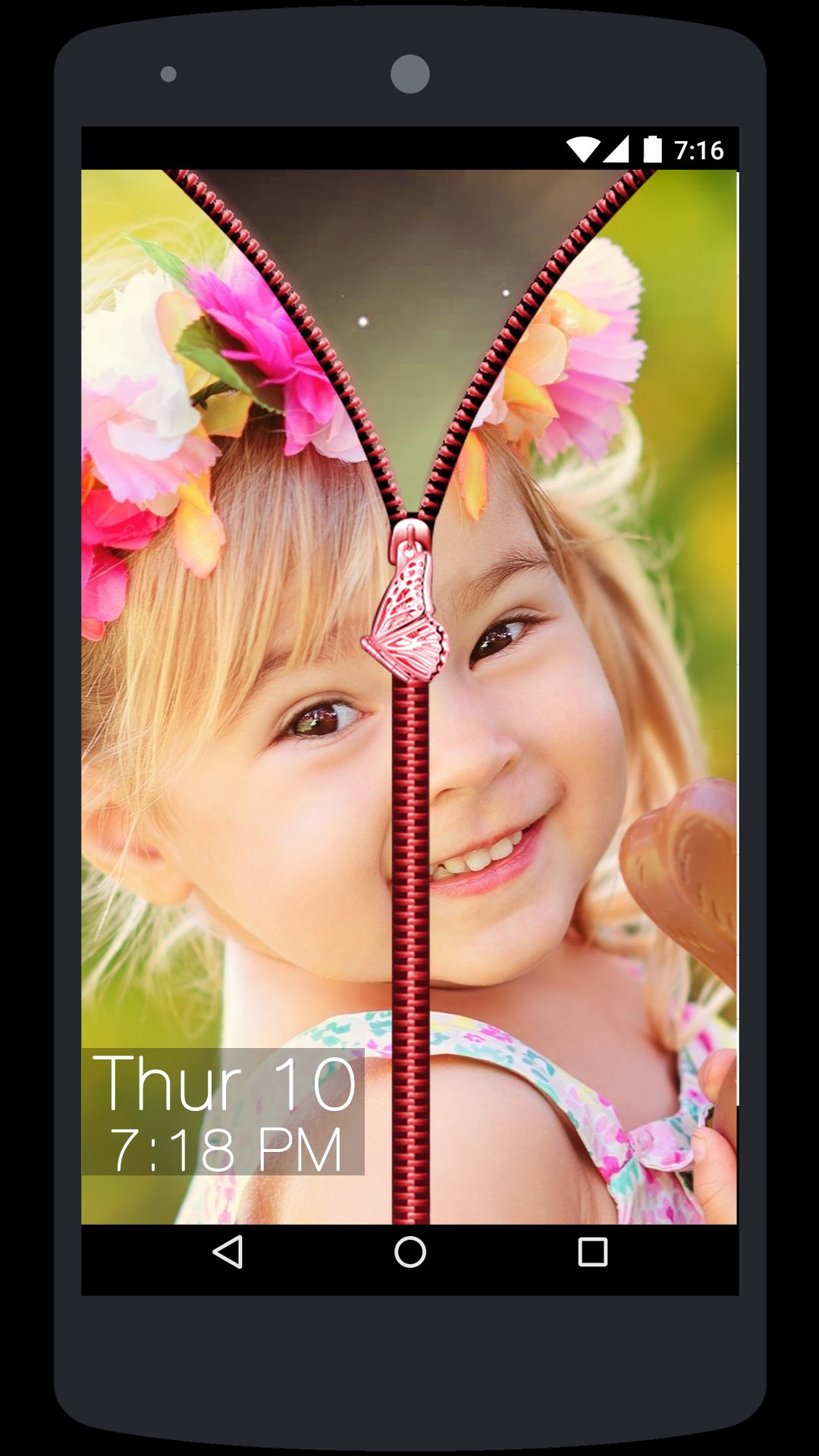
• Now whenever you lock the phone and try to open it then you will see a Photo background Zip Lock Screen so you need to hold the Zip and drag it down to unlock the phone.
• That’s it it’s as simple as this.
My Photo Zip Lock Screen app is very easy to use and turn your phone it to a nice piece of Zip Lock wall.



คลิกเพียงครั้งเดียวเพื่อติดตั้งไฟล์ XAPK/APK บน Android!

ขอบคุณสำหรับการให้คะแนนและข้อเสนอแนะของคุณ!
คุณได้ให้คะแนนแล้ว







