在APKPure安全快速地下載APK
APKPure 使用簽章驗證功能,確保為您提供無病毒的 My Photo Zip Lock Screen APK 下載。

Add your photo as Phone Zip Lock Screen Background using Zip Lock app
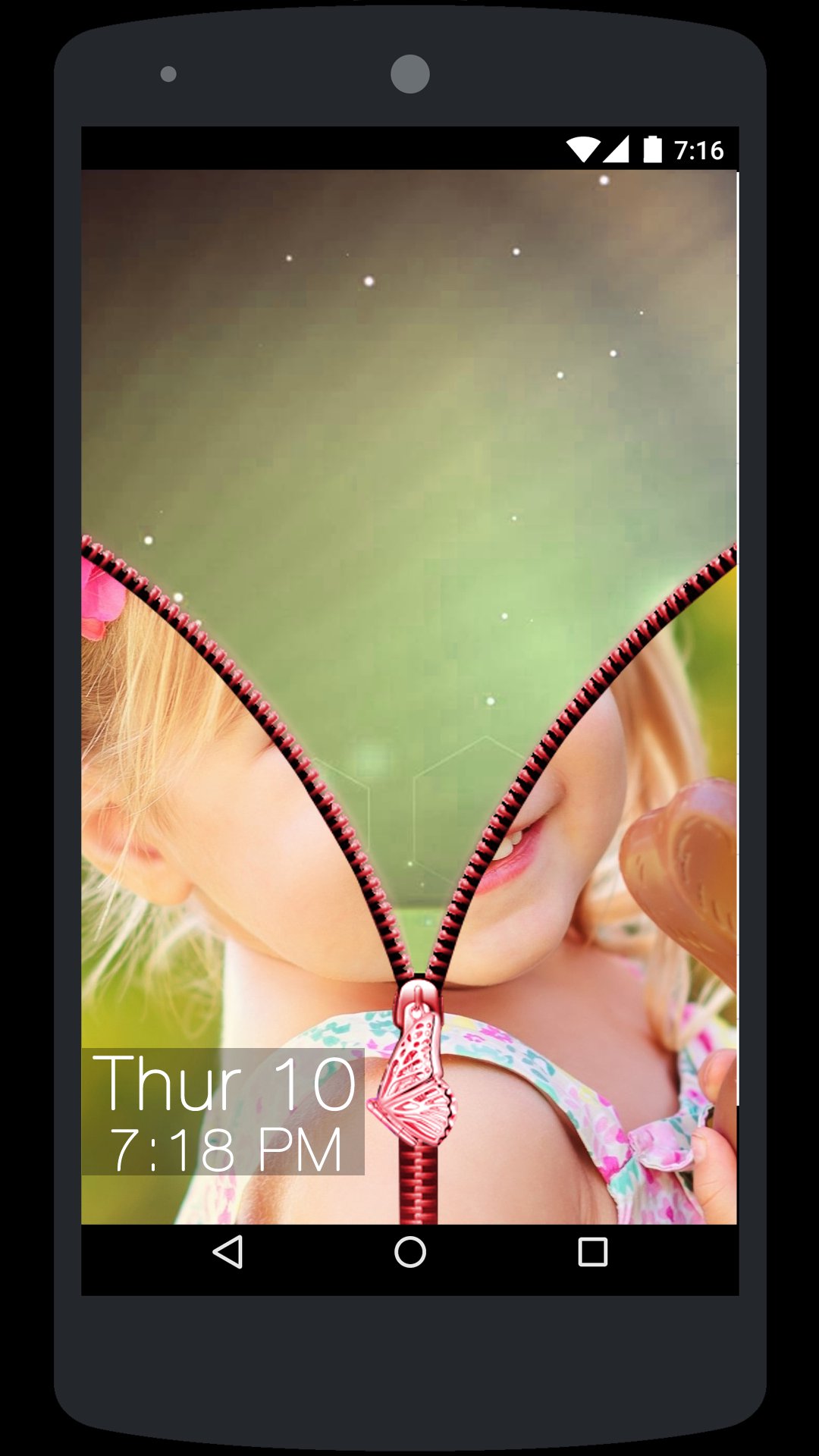
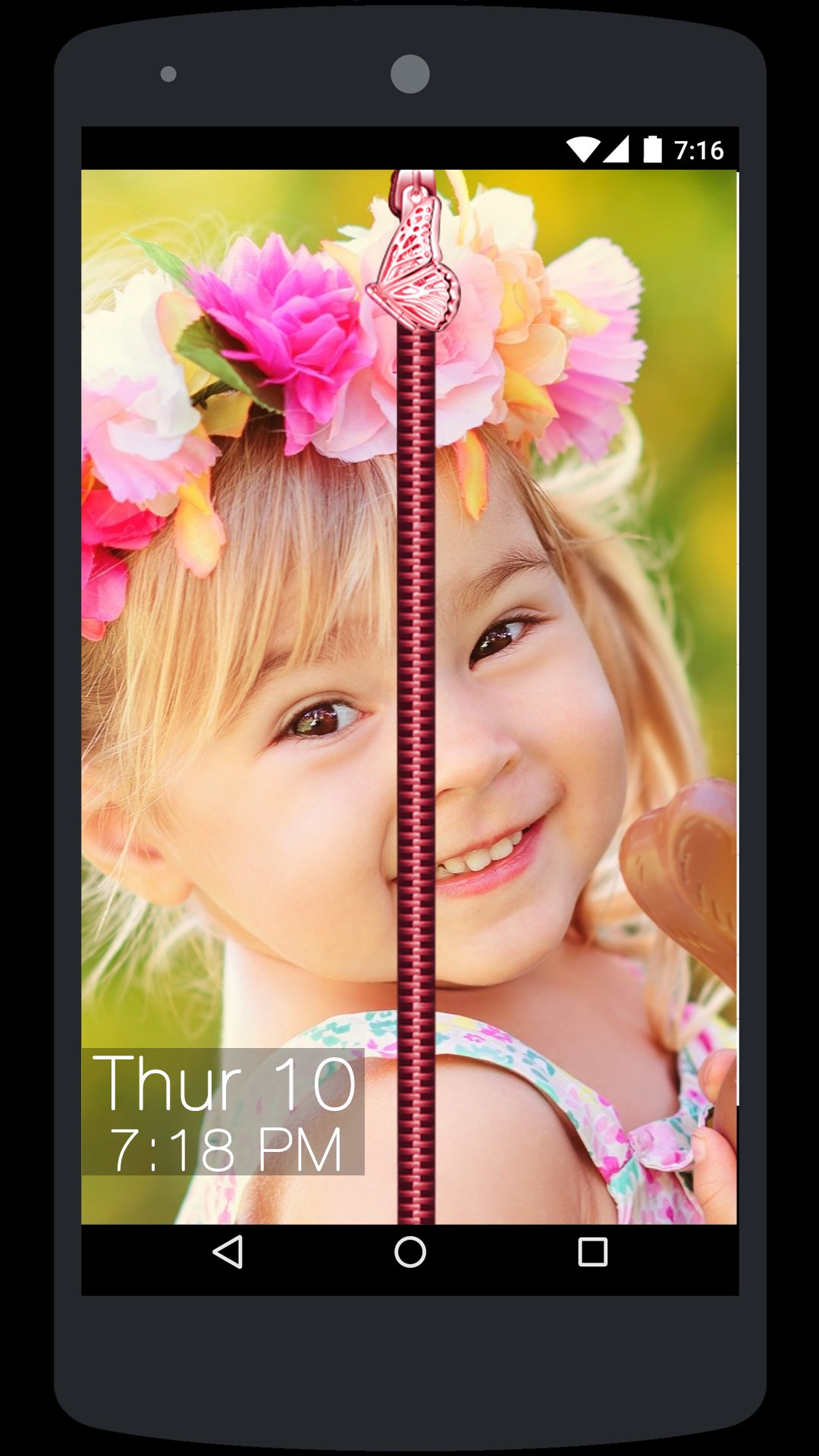
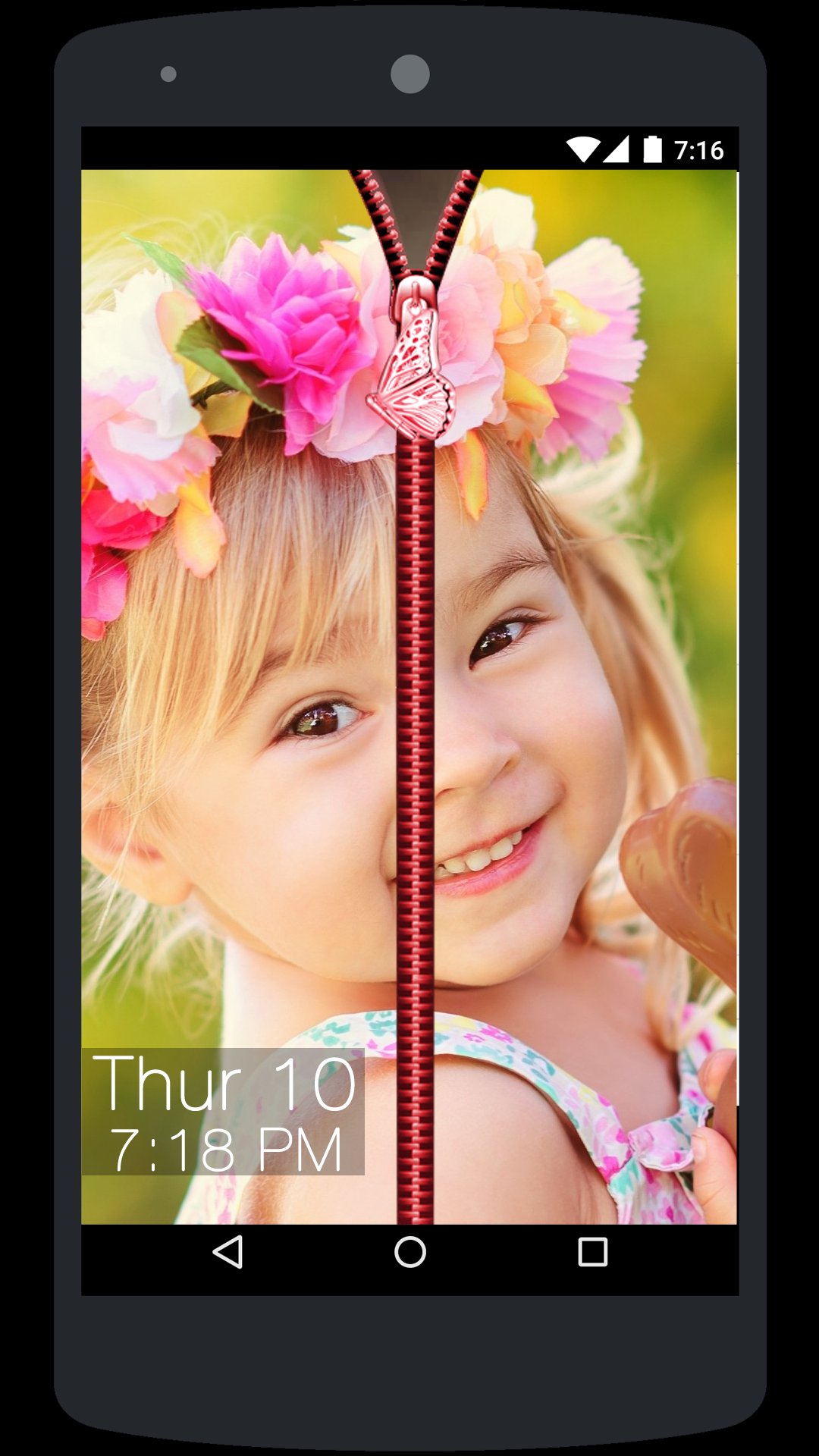
• My Photo Zip Lock Screen app is a creative Phone Zip Lock Screen App where user can add their personal photo or their loved ones photo as Phone Zip Lock Screen Background.
• There are lot off application available in the market but most of them are offering only predefined themes for Zip Lock Screen but here you can create your own custom theme by adding your desired Zip Lock background like Photo or a nice Flower, Nature, Waterfall or any other background using My Photo Zip Lock Screen app.
How to Use:
• Open My Photo Zip Lock Screen app and Turn ON service.
• Next Select Photo from the Gallery or take a picture using Camera and Crop it and just set it as your Zip Lock Screen background.
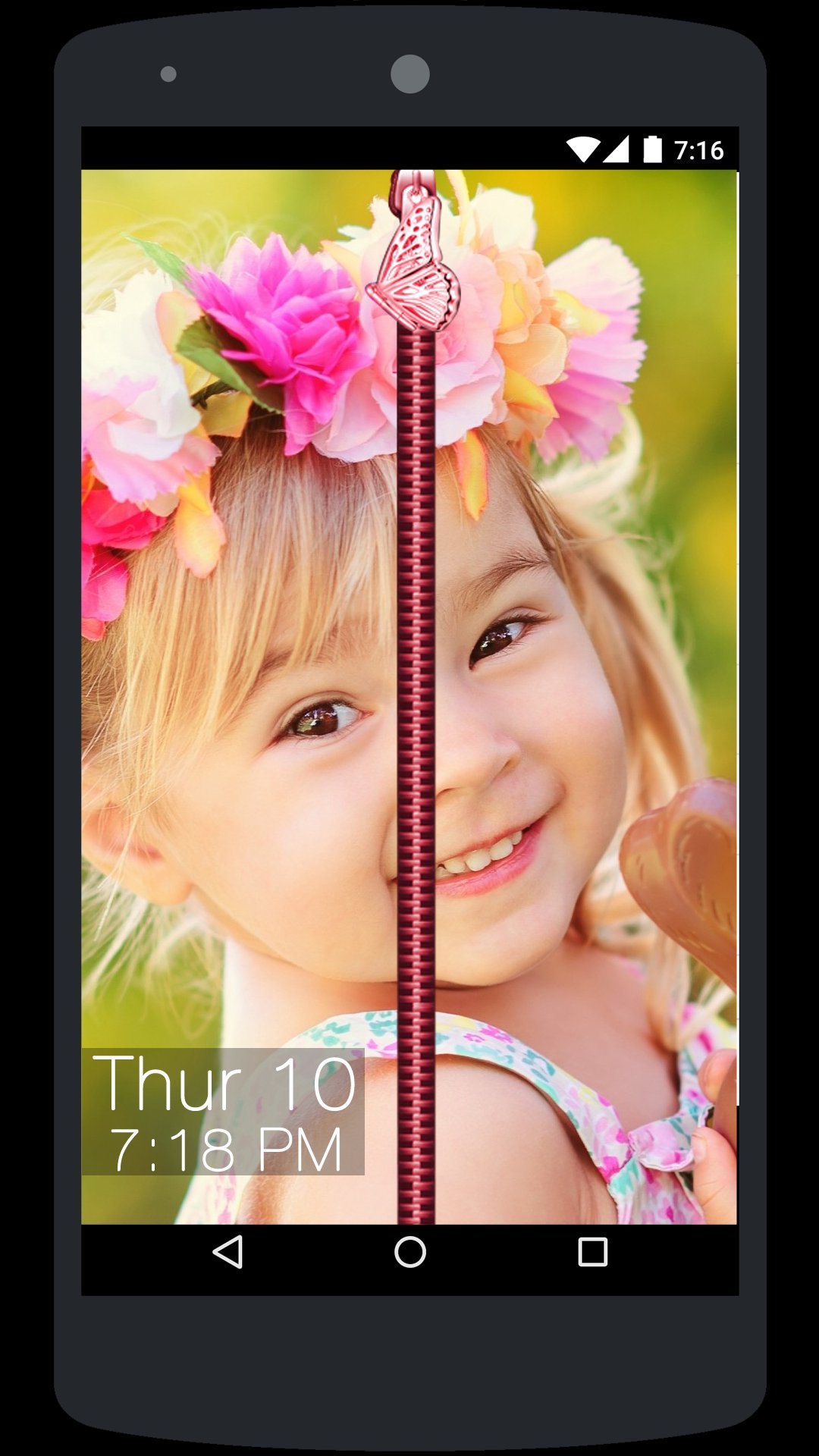
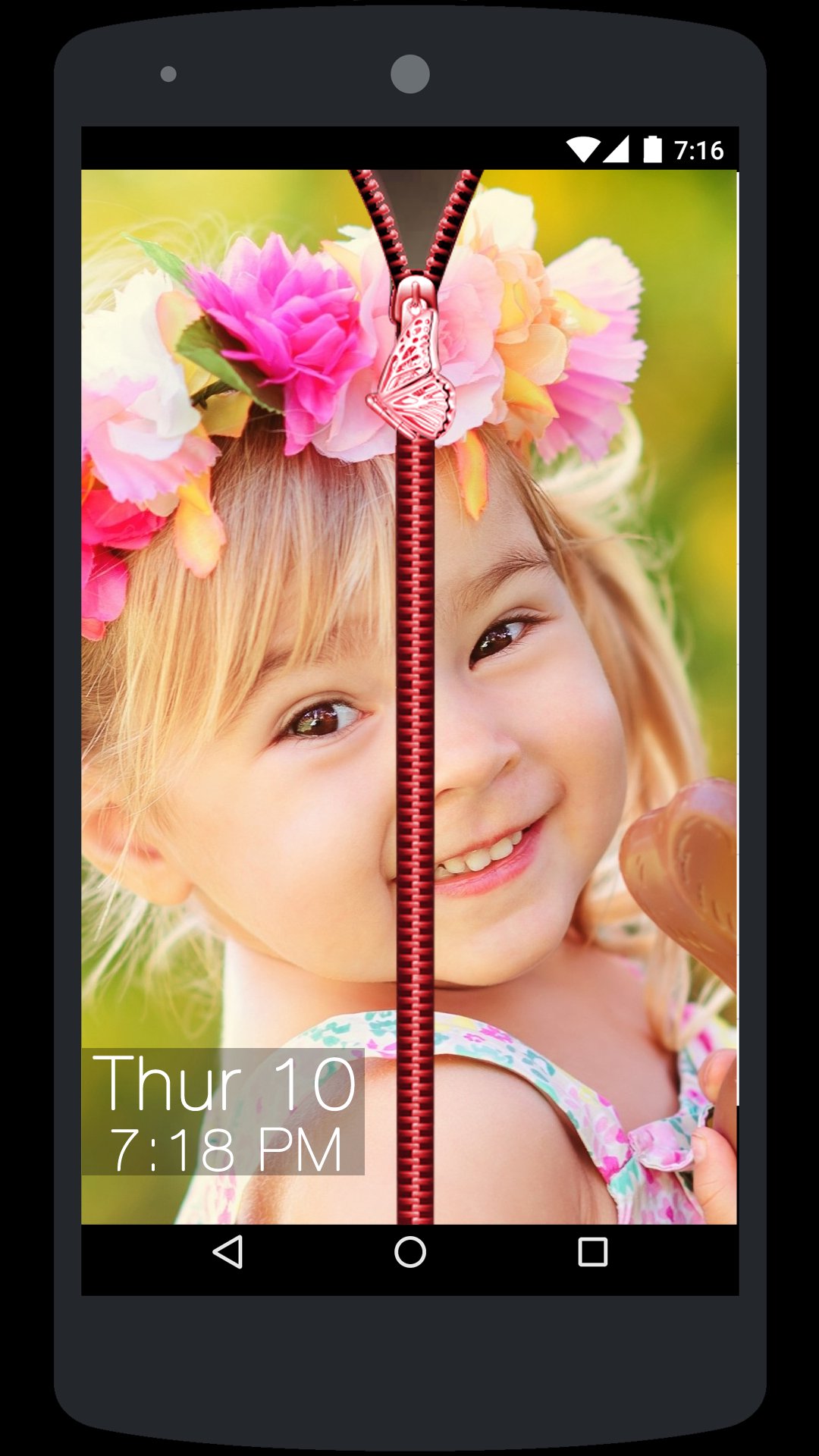
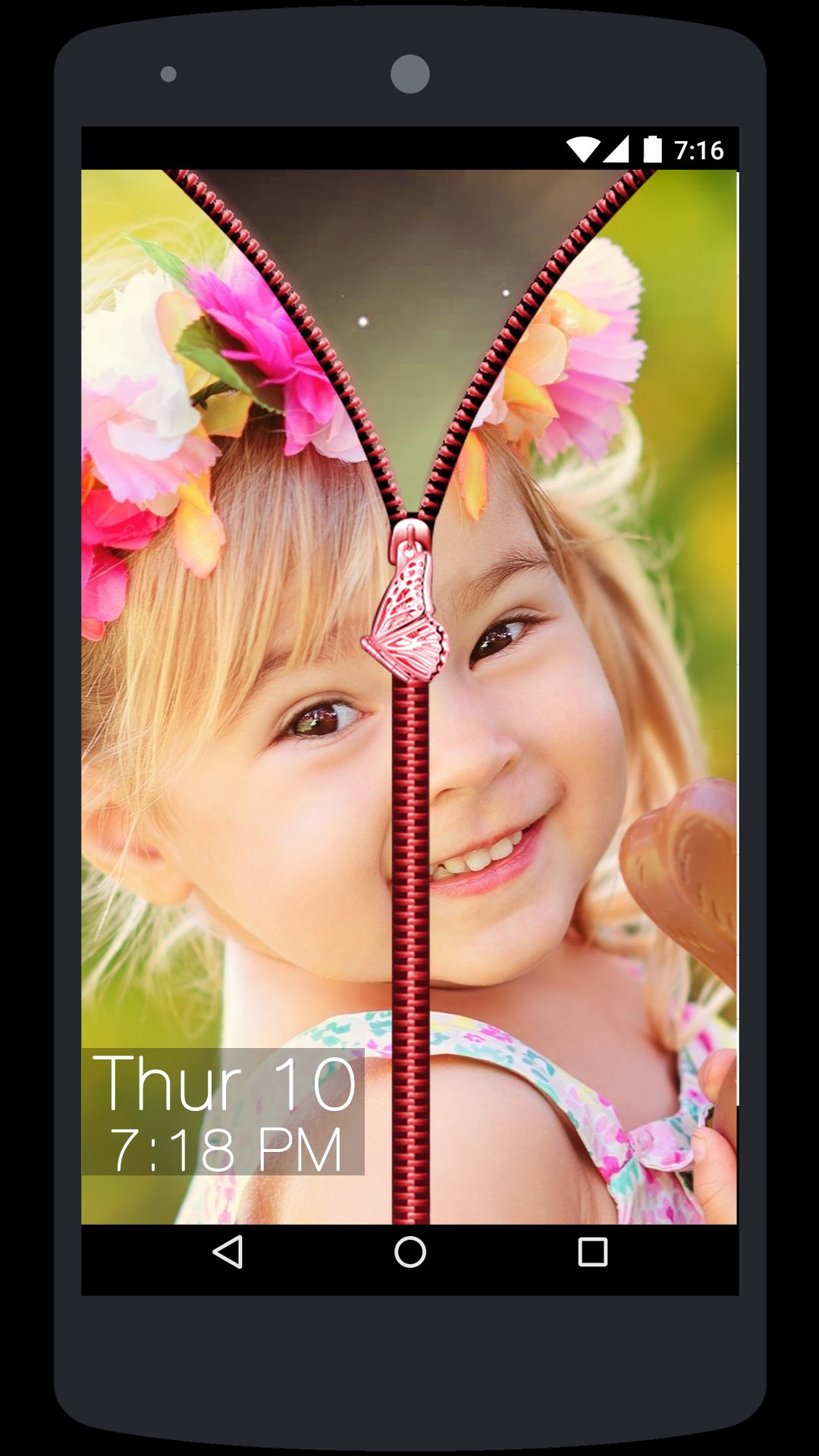
• Now whenever you lock the phone and try to open it then you will see a Photo background Zip Lock Screen so you need to hold the Zip and drag it down to unlock the phone.
• That’s it it’s as simple as this.
My Photo Zip Lock Screen app is very easy to use and turn your phone it to a nice piece of Zip Lock wall.



感謝您的評分和反饋!
您已經評分了。








