











Thanks for your rating and feedback!
You have already rated.

This is a network connection tool that is both practical and user-friendly.
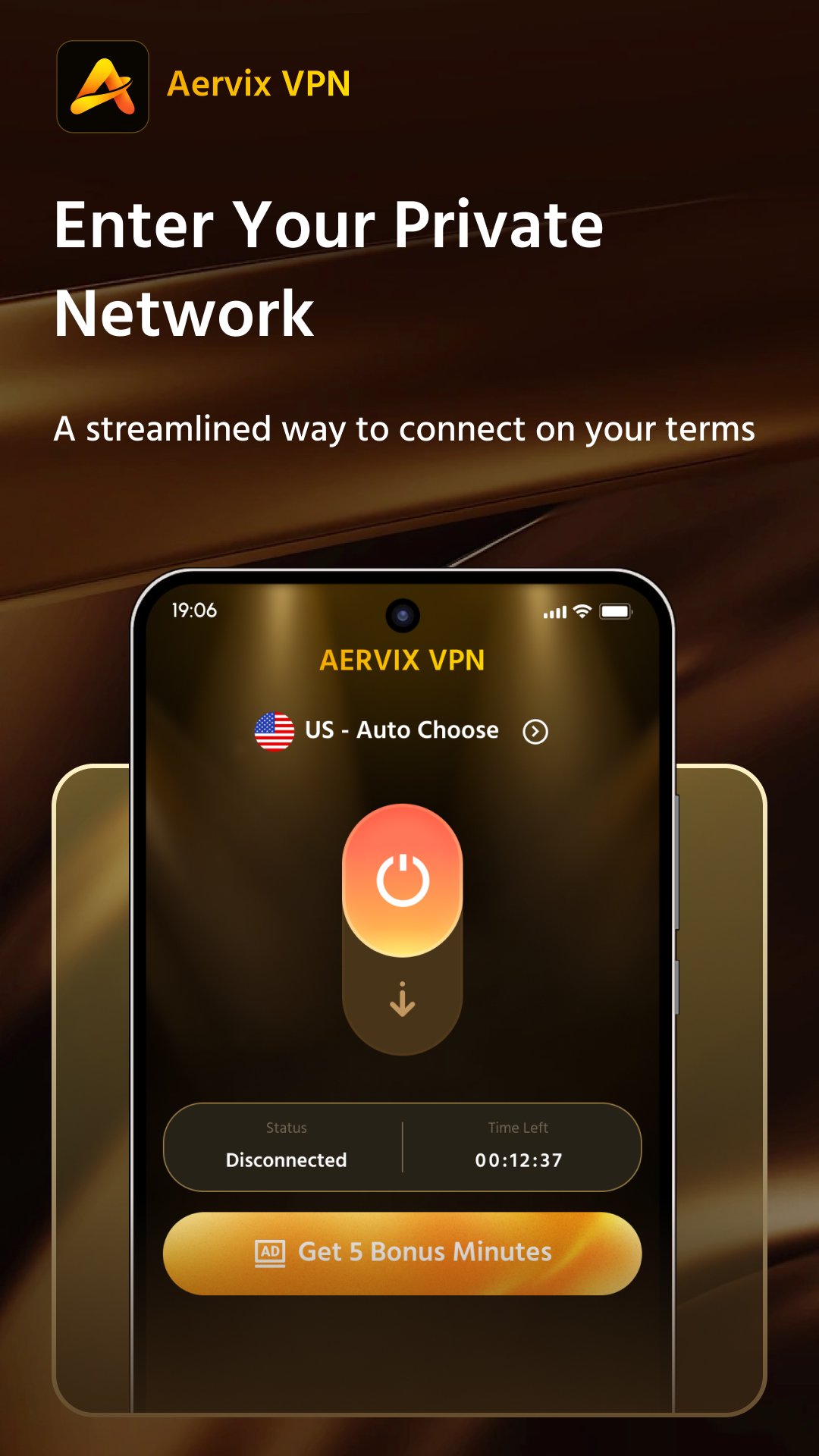
The app features an intuitive interface, allowing users to easily view available server options and manage connections according to their specific needs. You can set up a connection with simple actions—no complex manual configuration required.
Upon opening Aervix VPN for the first time, you will see the main interface displaying available server locations. Select a server that suits your needs and tap the connect button. If your device prompts you with a VPN connection request, follow the on-screen instructions to grant authorization. Once connected, you can monitor your current status directly from the main interface. To switch servers, first disconnect from your current session, then select a new server to establish a fresh connection. When you are finished, simply tap the disconnect button to stop the VPN service.
With its clear, functional design and straightforward operation, Aervix VPN makes it easy for users to select connection locations and manage their daily network connectivity.



One-click to install XAPK/APK files on Android!
Thanks for your rating and feedback!
You have already rated.