









Thanks for your rating and feedback!
You have already rated.

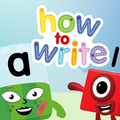
Alphablocks, How to Write is an educational handwriting app for young children.
Blue Zoo uses familiar Alphablocks and Numberblocks characters to make early writing practice feel playful and less pressured. The main appeal is its step-by-step tracing path, which starts with simple movement control before children move into letters and numbers. Parents looking to download Alphablocks, How to Write can expect a focused app built around handwriting practice. Its key learning areas include:
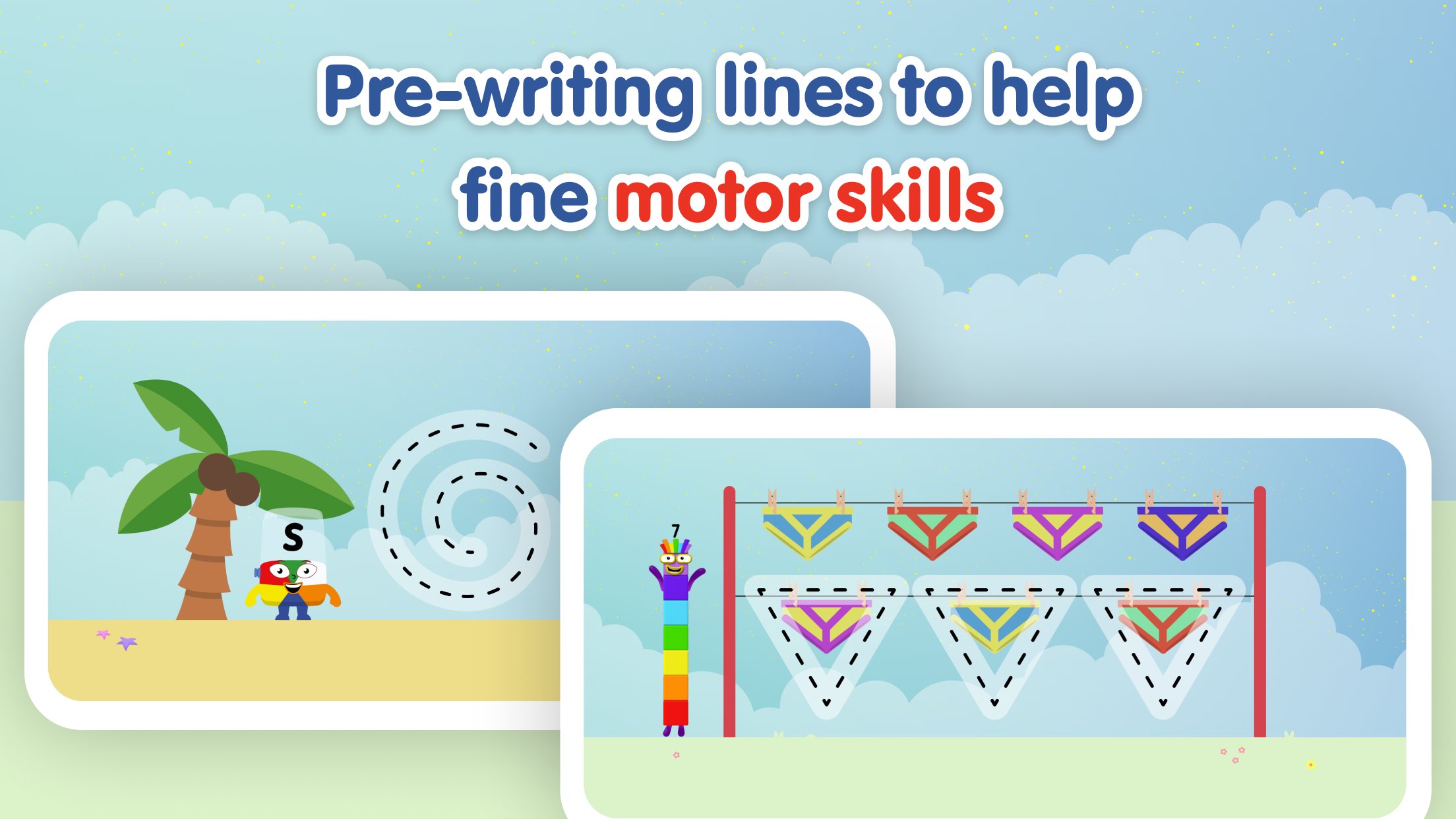
Pre-writing practice gives children a gentle starting point before they try full letters. Alphablocks, How to Write begins with simple line activities that help young users practise control with a finger or stylus, which is useful for children who are still building hand strength and screen confidence.
The activities focus on movements such as wavy, curvy, straight, and angled lines. These shapes are not treated as random drawings, because they prepare children for the strokes they later meet in real letters and numbers. A child may trace a curved line several times, then meet the same type of movement in a letter family activity. This makes the learning path feel clear without turning the app into a strict lesson.
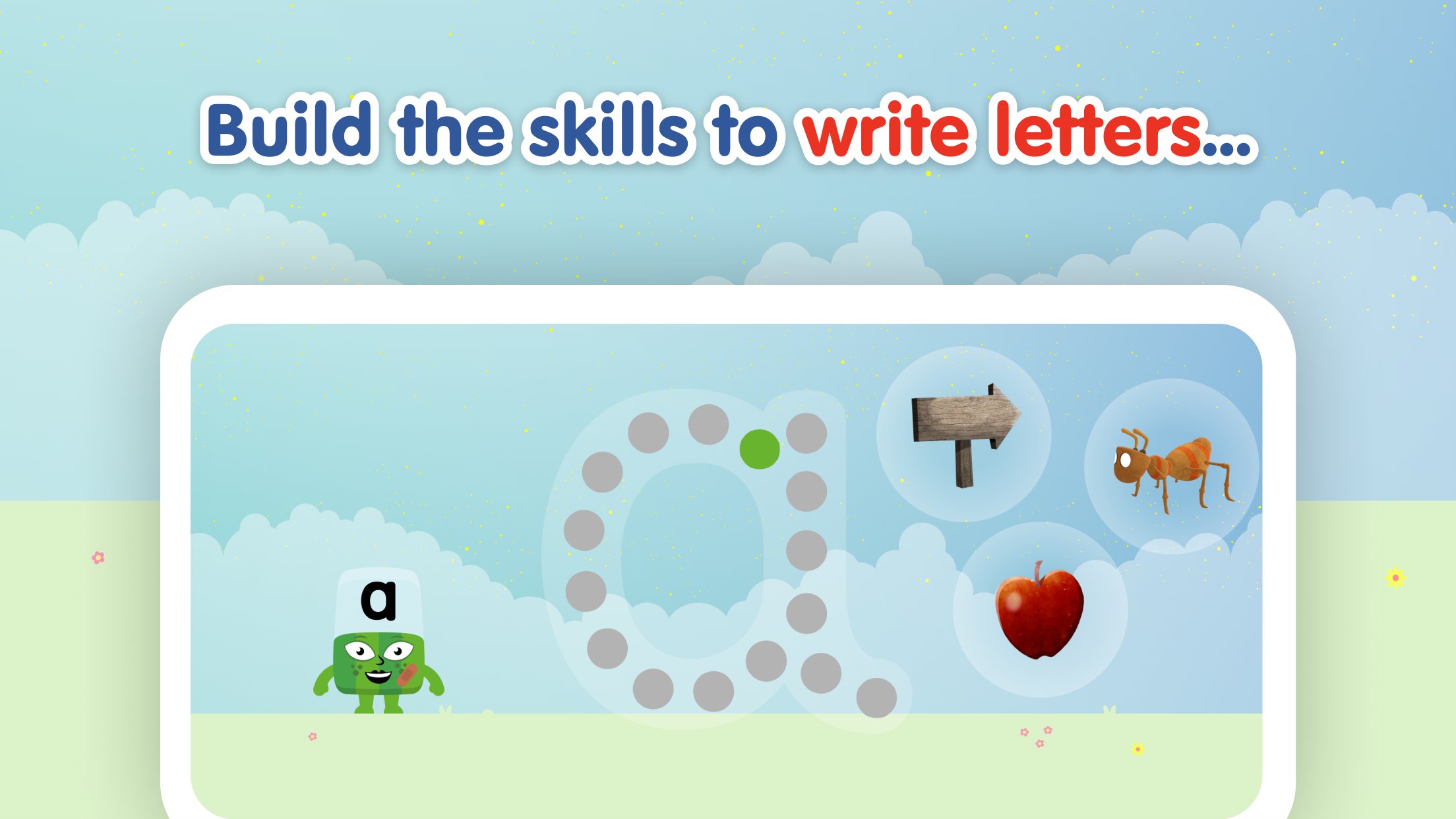
The letter practice is organised into Bouncy, Straight Line, Curly, and Zigzag families. Alphablocks, How to Write uses these groups to help children notice that letters are built from repeated movement patterns rather than isolated shapes. This structure can make early handwriting feel more manageable, especially for children who need practice in small steps.
The progression moves from easier shapes toward harder ones, so children are not pushed straight into complicated letter formation. On the selection screen, they can choose from Alphablocks characters and continue through the available writing tasks. The app keeps the focus on formation, direction, and repetition, which suits short practice sessions at home or during quiet learning time. It does not aim to teach broad phonics or reading lessons, so families should see it mainly as a handwriting companion.
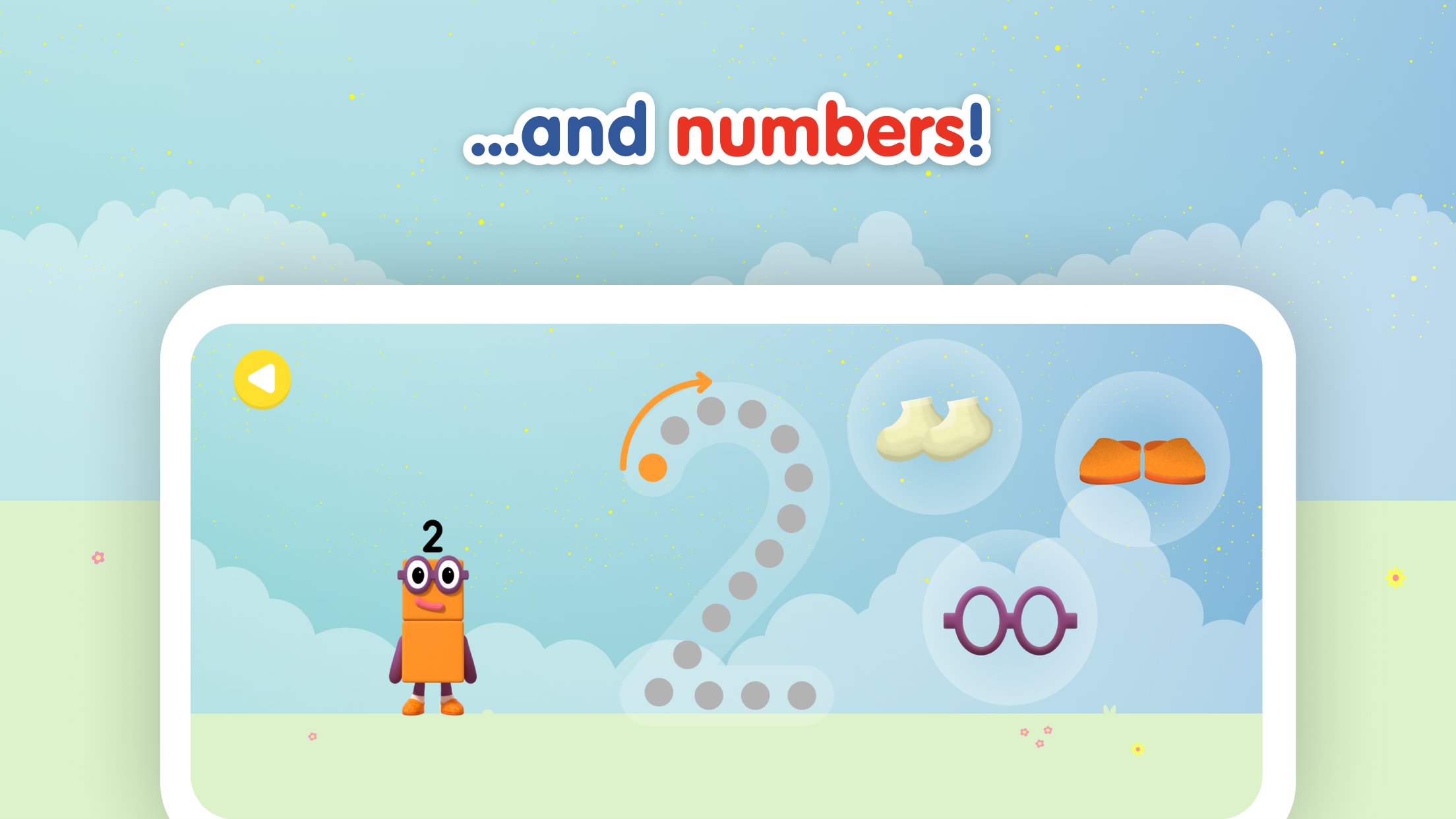
Number tracing adds a useful early maths connection to the writing practice. Alphablocks, How to Write includes numbers from 0 to 9, with Numberblocks characters appearing alongside the tracing tasks. This gives children a familiar context when they move from alphabet shapes to number forms.
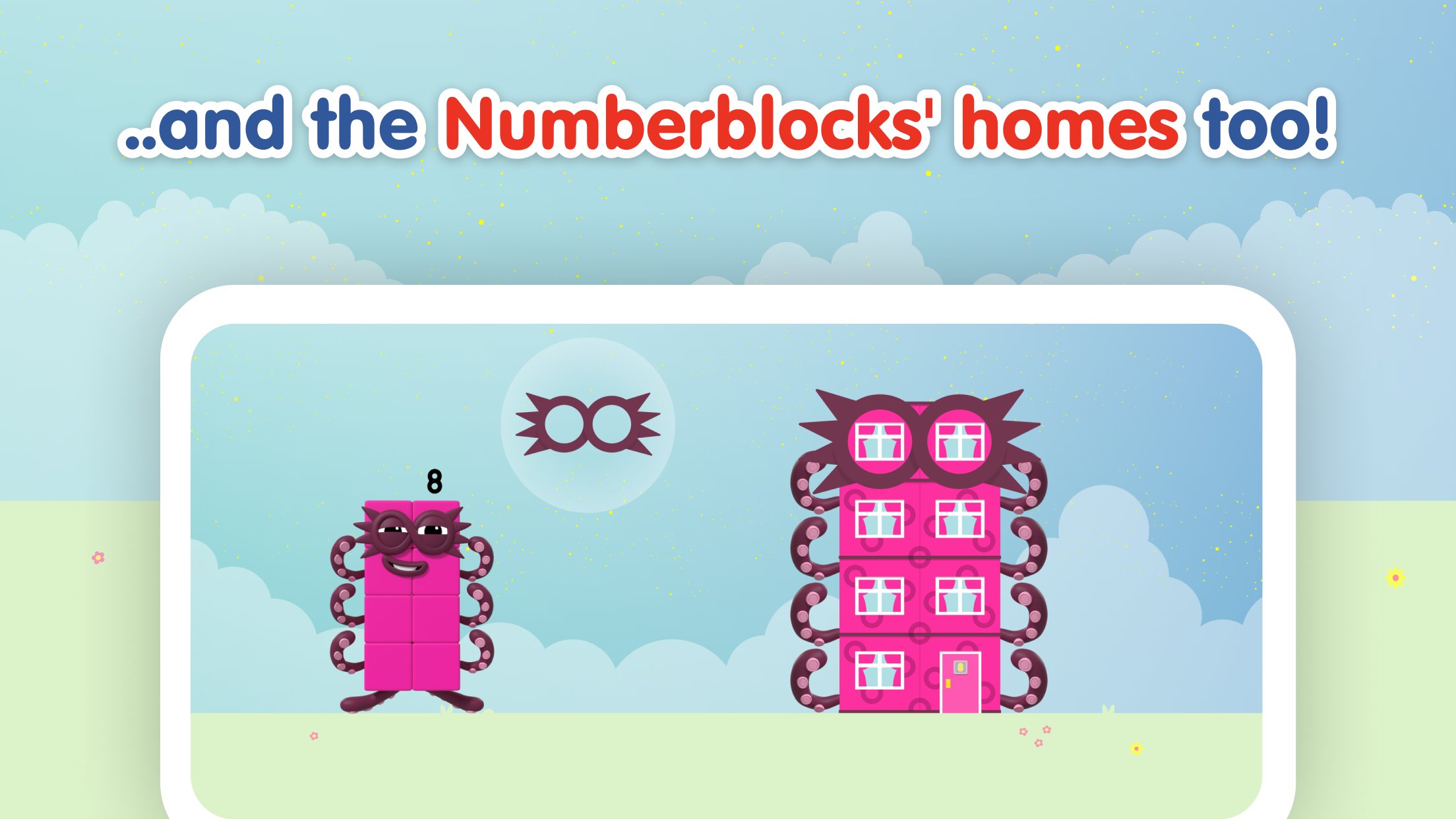
The number activities follow on-screen tracing paths and use the same playful style as the letter sections. Children can practise the movement of a number, listen to its rhyme, and complete the task to help a character move closer to home. Some user feedback has mentioned bugs in certain Numberblocks activities, so parents may want to check that the latest update is installed if a task does not behave as expected. The Alphablocks, How to Write latest version includes updated API levels, an SDK update, and various bug fixes, which should help with general stability.
Writing rhymes are one of the app’s most helpful memory tools. Alphablocks, How to Write pairs tracing movements with catchy spoken lines, so children can connect the stroke direction with sound. This is especially useful when a child remembers the rhythm before remembering the full shape.
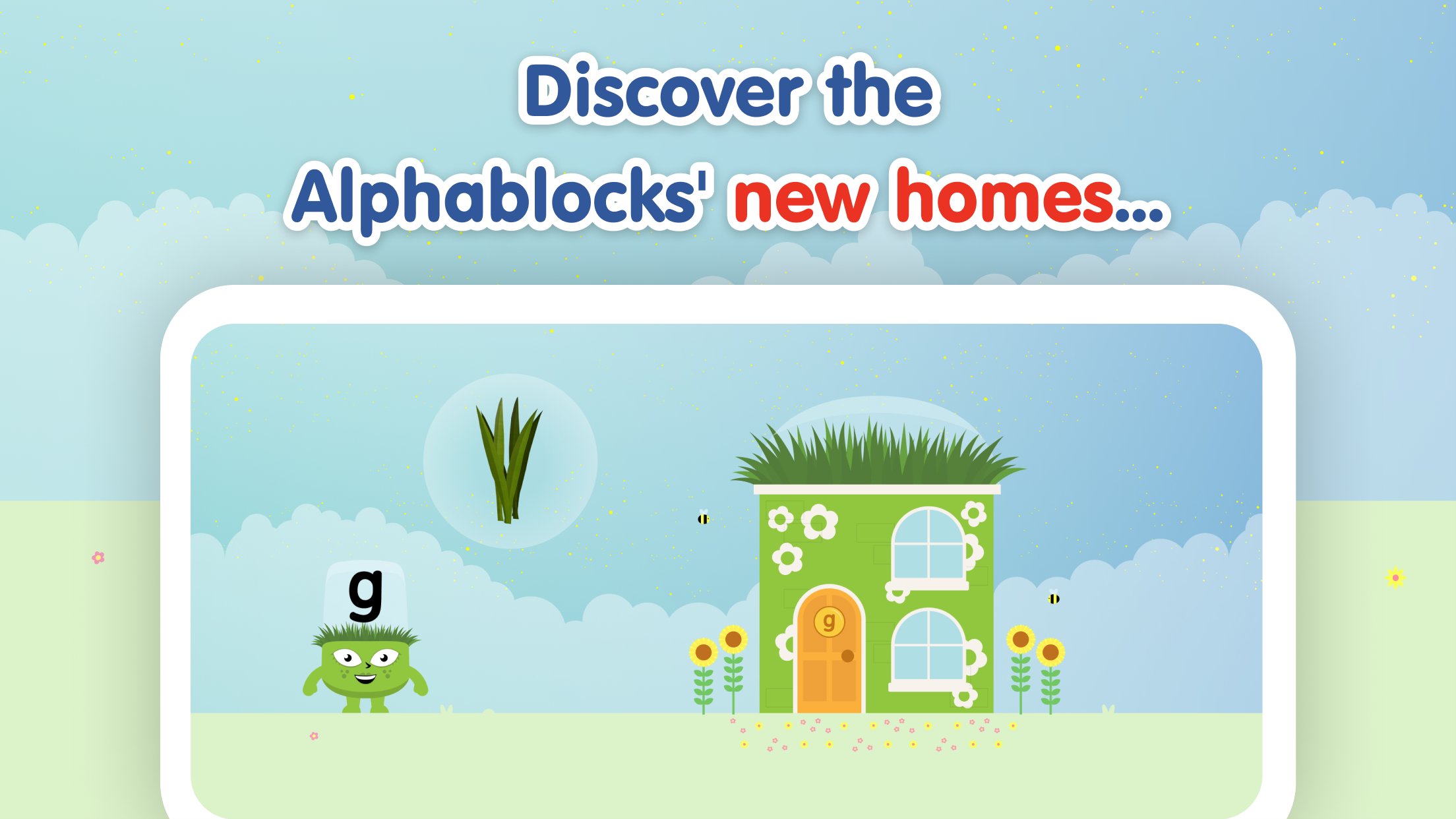
The reward layer is simple and child-friendly. Completing tracing tasks helps Alphablocks and Numberblocks characters find their way home, and children can unlock small home customisation surprises as they progress. These rewards give a reason to finish a task without distracting too much from the writing goal. The app is also designed with literacy educators and play experts, and it is ad-free with COPPA and GDPR-K compliance, which makes the experience more suitable for young children using a family device.
These points reflect how Alphablocks, How to Write performs as a focused handwriting app for early learners, especially in short guided sessions with parent support.
ProsYou can download the latest Alphablocks, How to Write APK from APKPure and install it on a compatible Android device. The app may require a moderate amount of storage, and earlier app details suggest it can be around 300MB+, so using Wi-Fi is the better choice for most families. Download time will depend on the device and connection, but it should be manageable on a stable home network.
After installation, children can begin with the pre-writing line activities before moving into letter families and number tracing. If a task freezes or behaves oddly, updating to the Alphablocks How to Write latest version is the most practical first step. Parents may also want to keep practice sessions short, since the app works best when children repeat movements calmly rather than rushing through rewards.



One-click to install XAPK/APK files on Android!
Thanks for your rating and feedback!
You have already rated.