
تنزيلات APK آمنة وسريعة على موقع APKPure
يستخدم APKPure التحقق من التوقيع لضمان تقديم تنزيلات خالية من الفيروسات لـ CloudAudio APK لك.

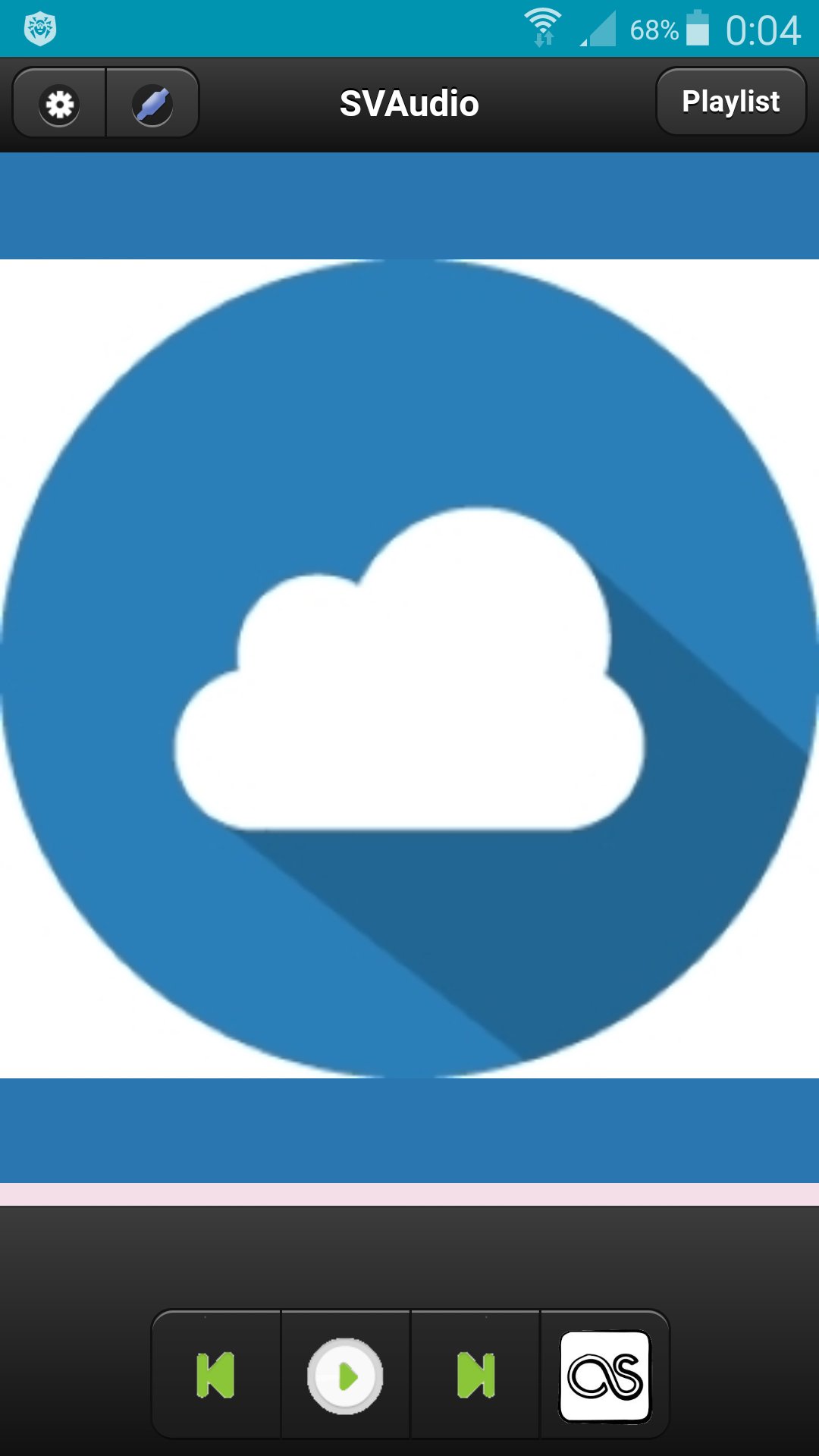
Cloud Audio Player
Сloud audio player.
To register a user you need to go to http://svlaboratory.org.
Specify email and user name.
A password will be sent to your account.
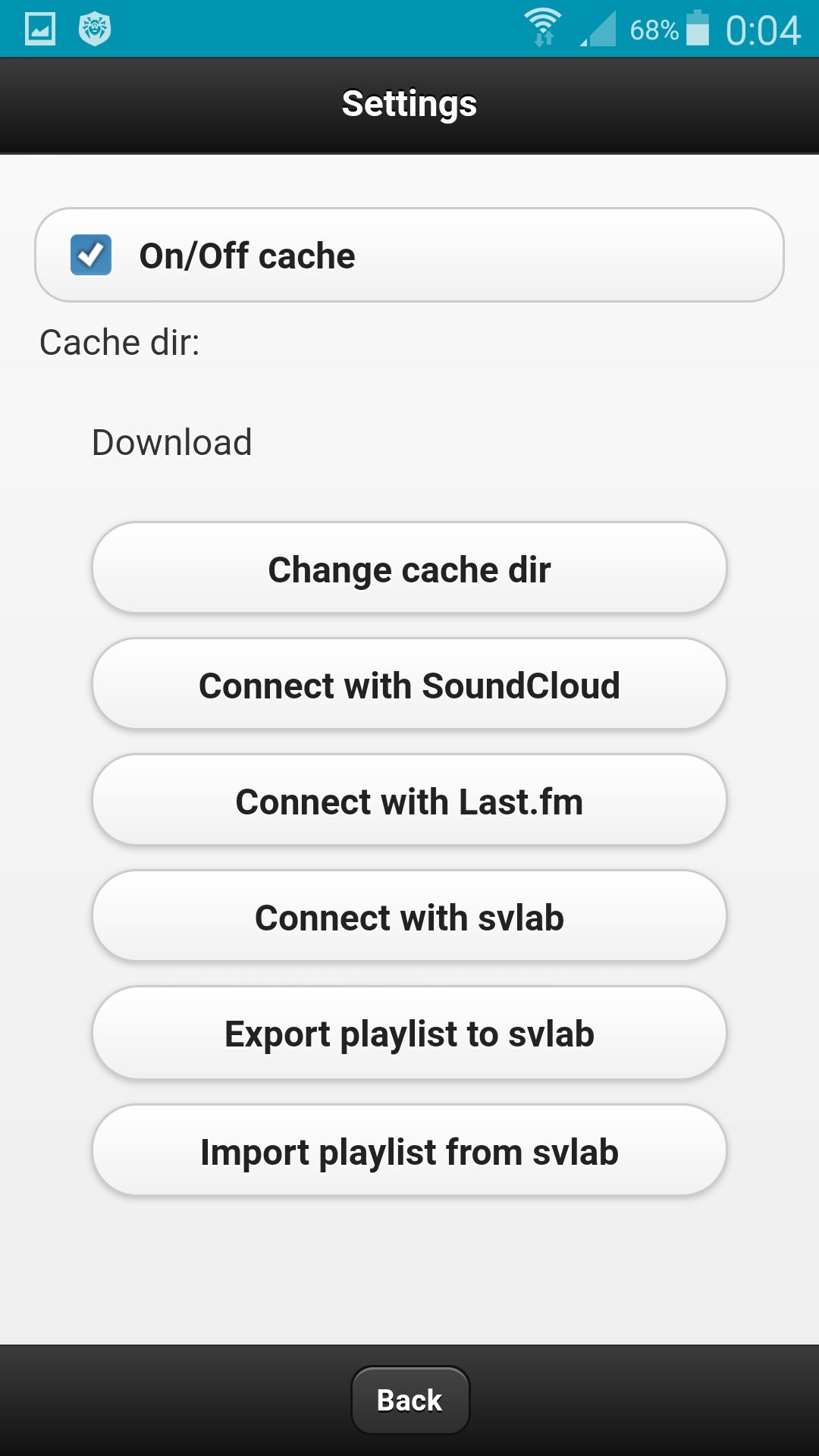
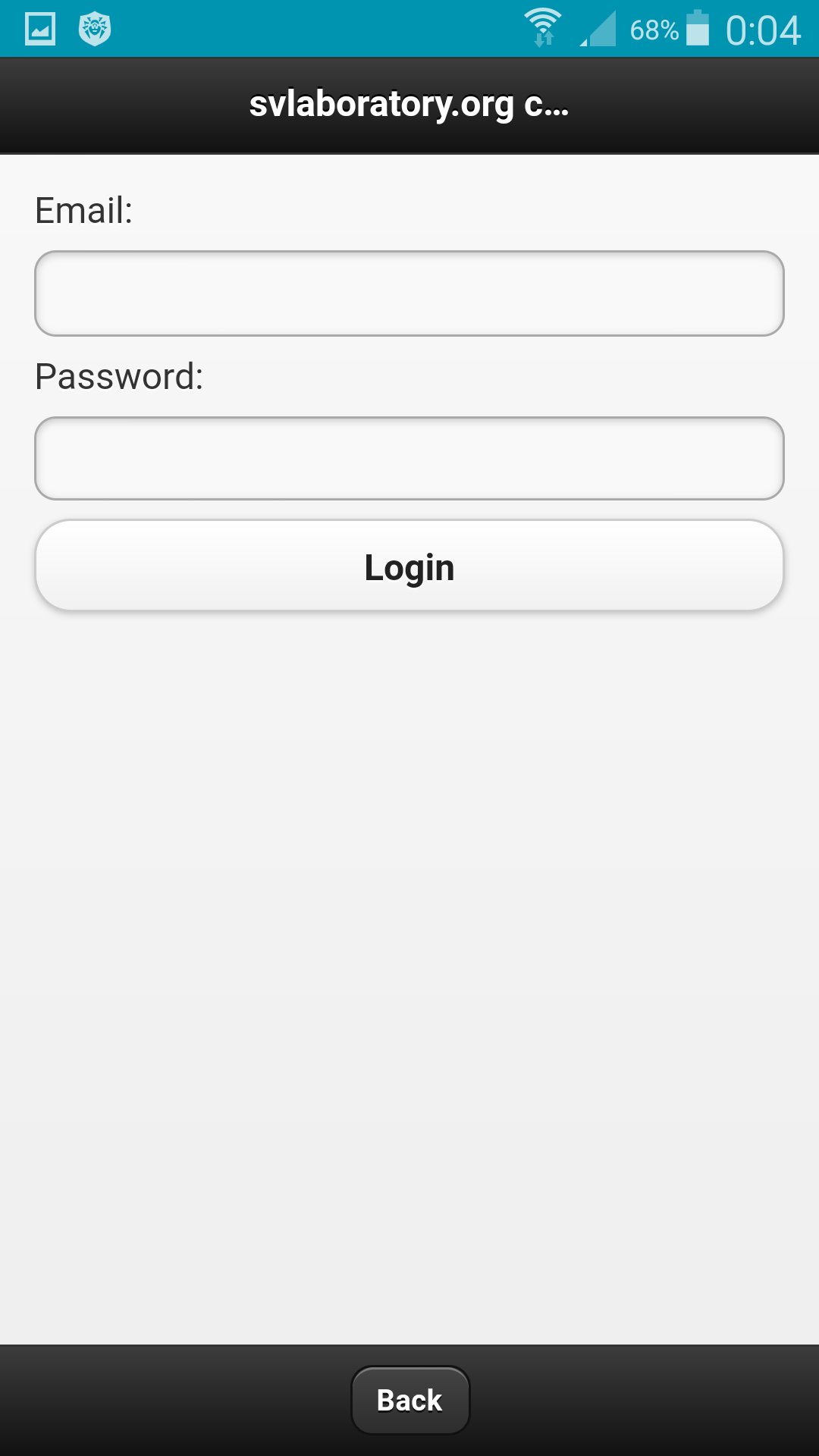
In the application, click the Connect with svlab button in the settings.
Specify email and password for the account.
In the web application http://svlaboratory.org/cloudaudio/index.html, you can also connect the svlab account in the settings.
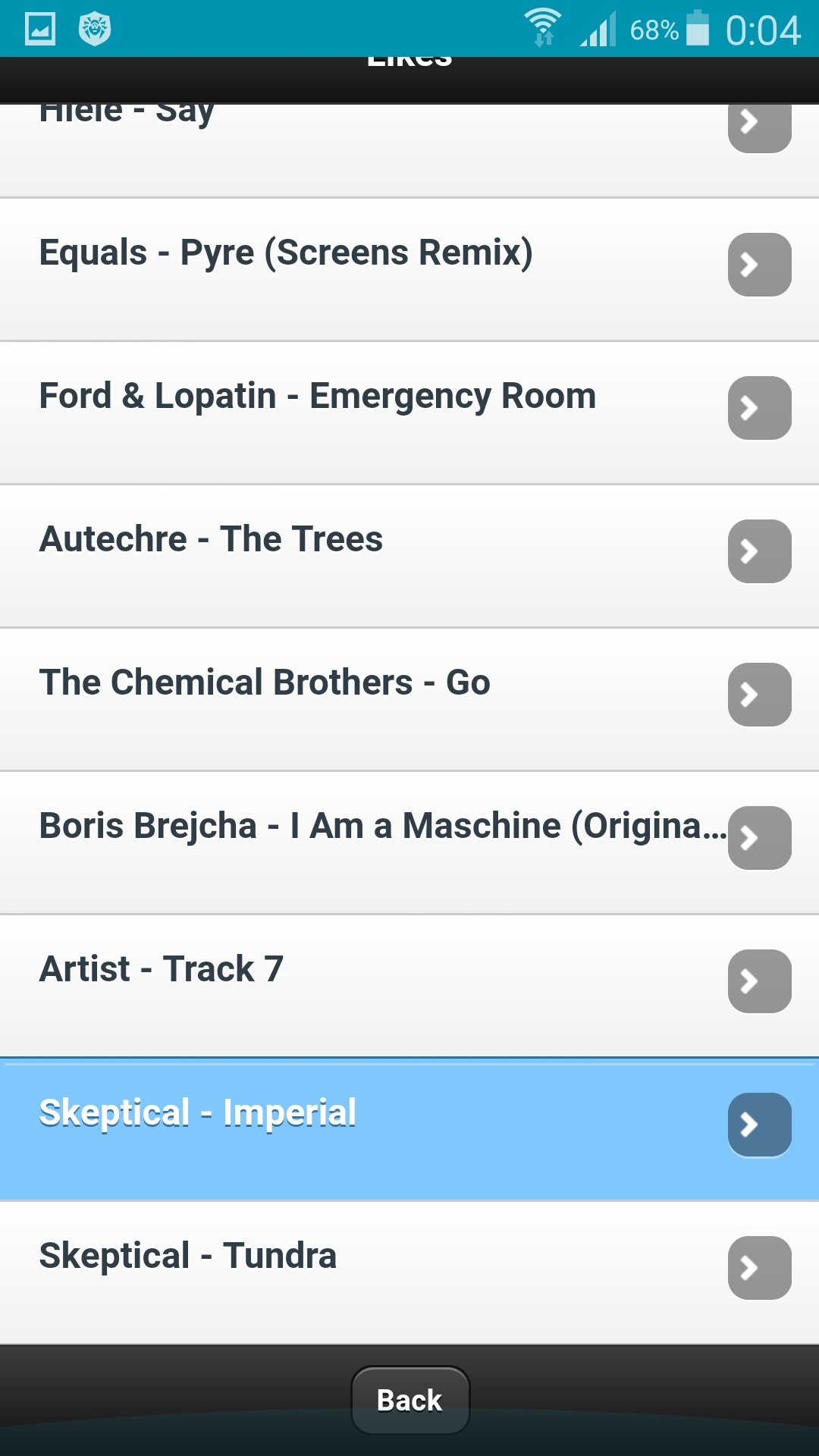
Upload music to a playlist by selecting files from a personal computer (using the Google Chrome browser).
In settings export a playlist in the web application.
In the application in the settings, import a playlist.
To save music on your phone, specify the folder in the settings and enable caching.

قم بتثبيت ملفات XAPK/APK بنقرة واحدة على أندرويد!

شكرًا لتقييمك وتعليقاتك!
لقد أكملت التقييم سابقًا