Safe & Fast APK Downloads on APKPure
APKPure uses signature verification to ensure virus-free CleanZap APK downloads for you.

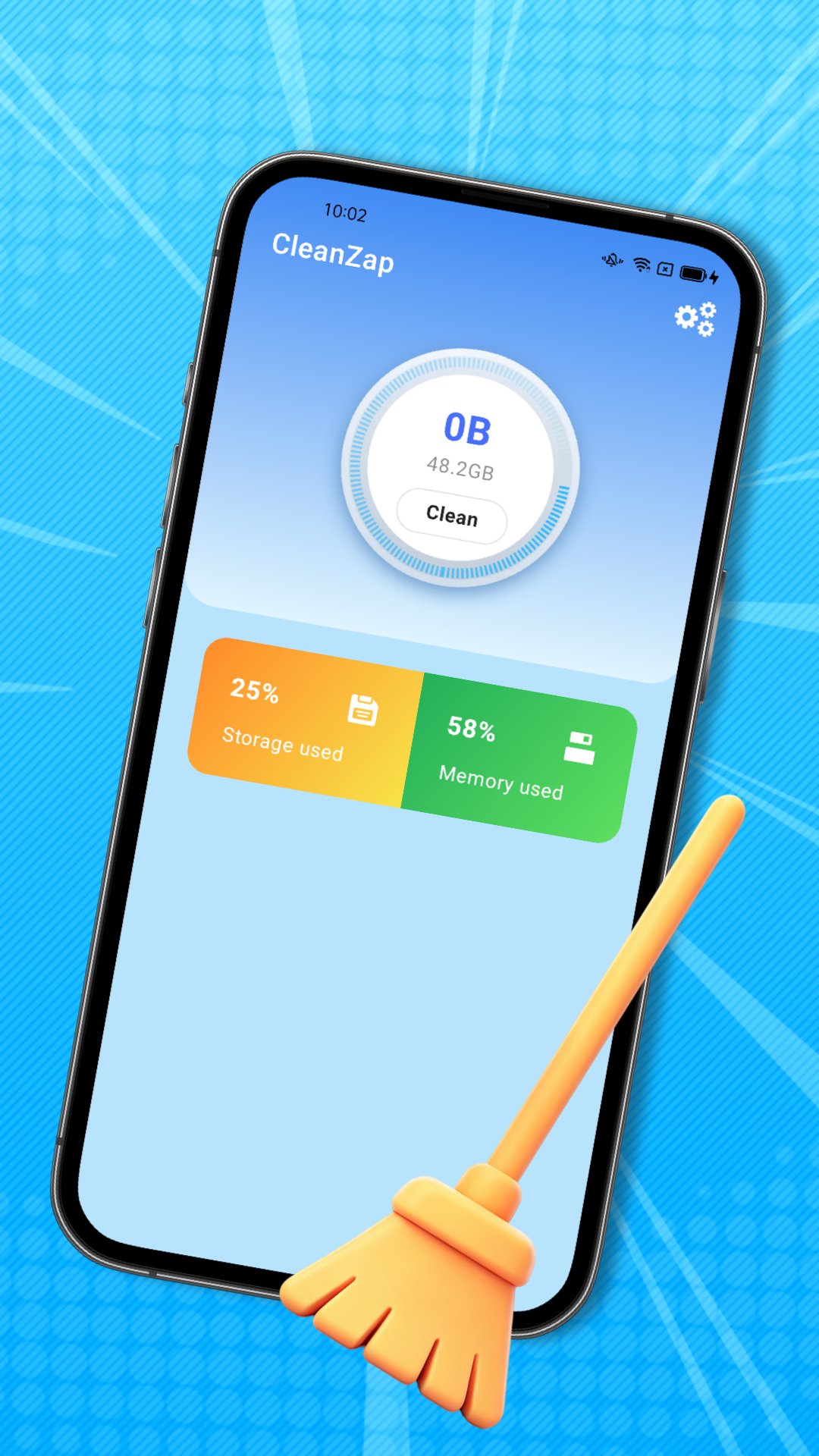
CleanZap is a simple Android cleaner for clearing common junk files from your phone.
Siddhi Vinayak develops CleanZap for users who want basic storage maintenance without dealing with complex device settings. Its main appeal is the short scan, review, and clean flow, which keeps routine cleanup easy to understand. For anyone looking for a lightweight Android cleaner, the key tools are clear and practical:
The scan flow checks the phone for common items that can build up during daily use. CleanZap looks for cache, residual data, empty folders, log files, and leftover packages, so the results focus on storage clutter rather than broad system changes.
This makes it useful after weeks of app updates, downloads, and file changes. A user can open the app, start a scan from the main cleanup flow, and see what types of junk are found before making a cleanup choice. The scan is best viewed as routine storage care, not a full phone repair tool.
App installs and updates can leave temporary installation caches behind, especially on phones where many apps are added, updated, or removed often. CleanZap targets these leftover items to help reduce unnecessary storage use after regular app activity.
This feature fits simple real-life use cases, such as cleaning up after installing several apps or updating games over mobile data. The app does not present itself as a deep app manager, so users should not expect advanced uninstall controls or performance tuning. Its value is in finding these leftover files and giving a clear cleanup path.
Some packages and empty folders may remain after files move, apps change data, or old downloads are removed. CleanZap includes these items in its cleanup scope, which helps users deal with the small traces that can stay unnoticed in storage.
This is helpful for phones used for frequent downloads, messaging files, and app testing. Empty folders usually do not take much space, but they can make storage feel messy when they collect over time. Leftover packages may be more noticeable, so reviewing the scan results before removal is a sensible habit.
Log files can accumulate as apps and system processes record activity over time. CleanZap detects these files as part of its cleanup scan, giving users another way to reduce storage clutter without searching through folders manually.
For everyday users, this feature matters most when the phone feels crowded and storage checks show little obvious content to remove. Clearing logs will not replace deleting large videos, games, or downloads, but it can support regular maintenance. Users with very limited free space may still need to review large personal files separately.
The review step is important because phone cleanup should not feel like a blind delete action. CleanZap lets users check detected junk files before choosing the clean or remove option, which adds a useful pause between scanning and deletion.
This short process keeps the app approachable for users who only want a quick cleanup during normal phone use. After removing unnecessary items, returning to the main screen and running another scan can confirm whether the main cleanup targets were handled. The workflow stays focused, though users looking for battery tools, security scans, or advanced optimization may find it limited.
These points reflect how CleanZap focuses on basic storage cleanup rather than wider phone management. It suits users who want a direct cleanup tool, while some may want more advanced features.
ProsYou can download CleanZap latest version from APKPure and install the CleanZap APK on a compatible Android device. The listed APK size information is not clearly available from the provided file data, so users should keep some free storage ready before starting the download and installation.
During installation, Android may ask for permission to install an APK file. After setup, open the app and start with a normal scan to check cache, residual files, logs, empty folders, and leftover packages. If the phone is nearly full, it is also worth removing large personal files separately, since Clean Zap focuses on common junk cleanup rather than full storage analysis.




One-click to install XAPK/APK files on Android!

Thanks for your rating and feedback!
You have already rated.