













Thanks for your rating and feedback!
You have already rated.

Find blurry photos, duplicates, screenshots, junk files and unused apps.
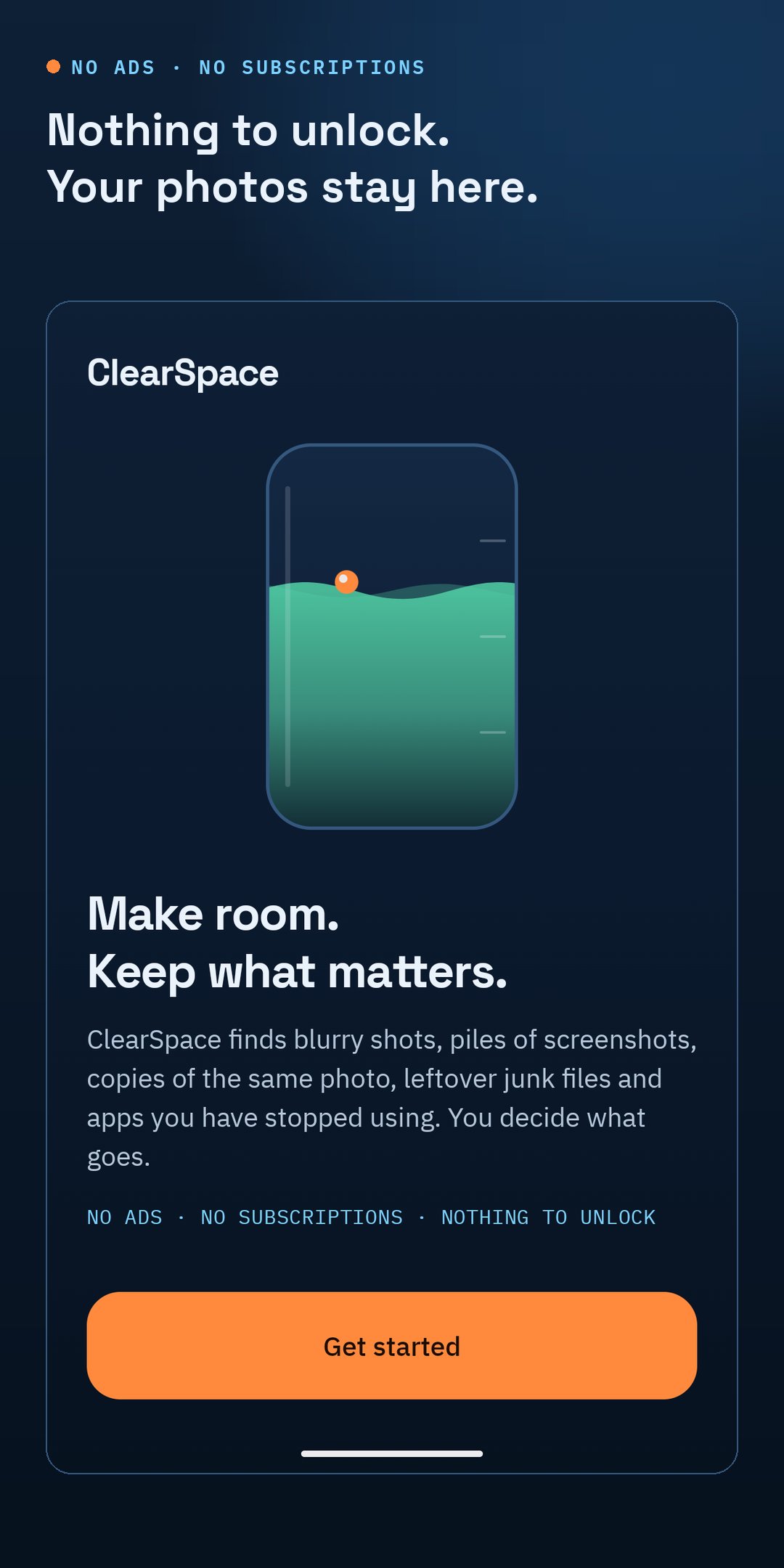
Make room on your phone without losing what matters. ClearSpace finds blurry shots, piles of screenshots, copies of the same photo, leftover junk files and apps you have stopped using — and you decide what goes.
Your storage is shown as a tank of water: how full it is, how much can be cleared, and whether you have plenty of room, are filling up, or are nearly full. One tap runs a quick scan, and the home screen points you to whatever is worth a look.
★ BLURRY PHOTO FINDER
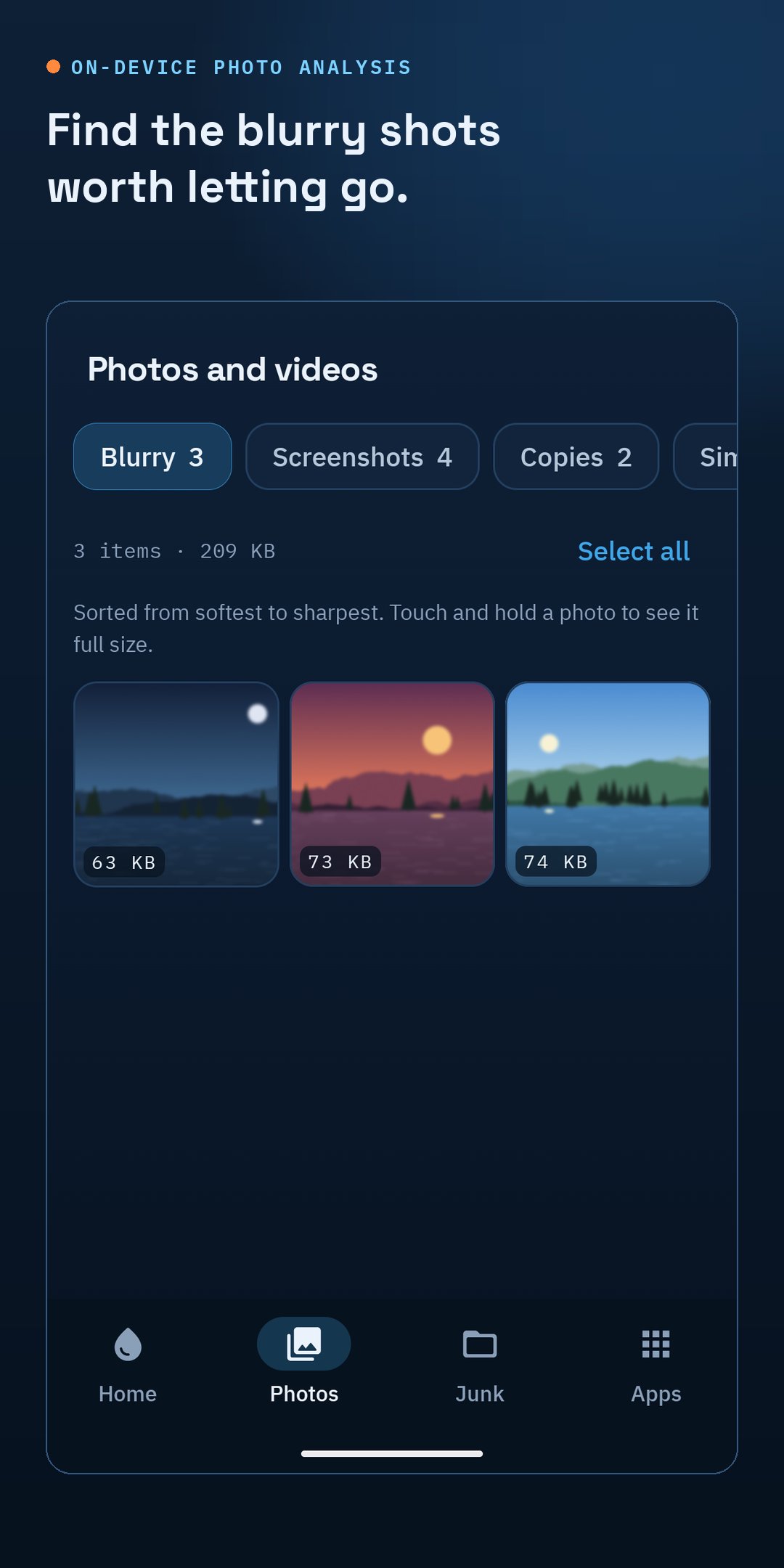
Every photo is measured for sharpness on your phone, so the out-of-focus and shaken shots surface on their own, softest first. A plain photo of a wall is not mistaken for a blurry one. Touch and hold any photo to see it full size before you decide.
★ DUPLICATE PHOTOS AND BURSTS
Exact copies of a photo or video — the one saved again from a chat, the one downloaded twice — are grouped together. So are bursts and retakes of the same moment, with the sharpest shot kept. "Select all copies except one" clears a whole group in one tap and can never select every copy: one is always kept, and it is marked.
★ SCREENSHOT CLEANER
Every screenshot in one place. Select the ones you are done with and clear them in a batch.
★ DELETED PHOTOS CAN BE RESTORED
Photos and videos go to Android's own trash through Android's own confirmation, not straight to deletion. You can restore them from your gallery for 30 days.
★ JUNK FILE CLEANER
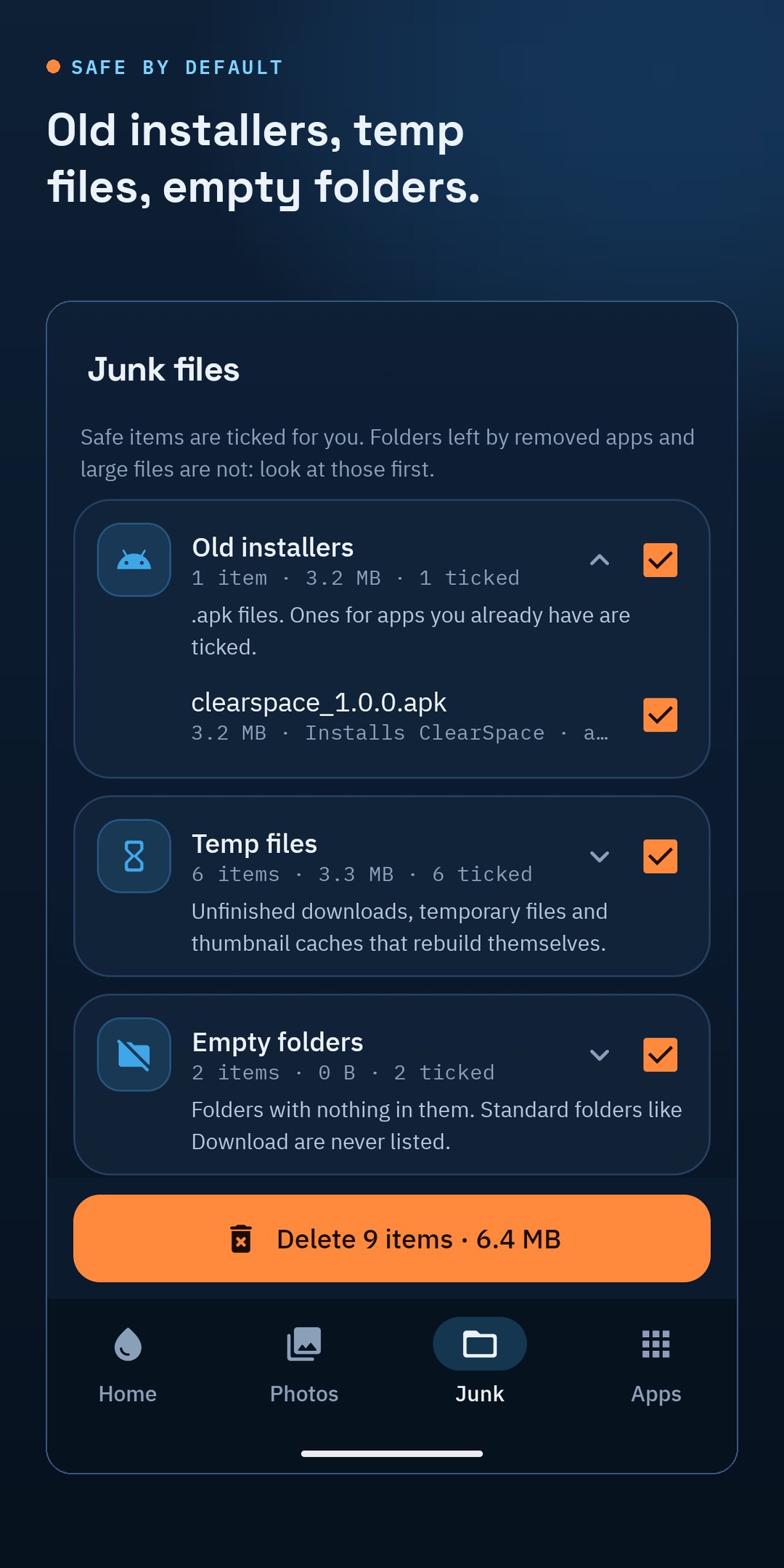
Old installer (APK) files, temporary files, thumbnail caches, empty folders, and folders left behind by apps you uninstalled. Only the safe ones are ticked to start with — an installer for an app you still have, for example, but not one for an app you do not. Large files over 100 MB are listed for you to look at and are never ticked for you. The private folders of other apps are never touched.
★ UNUSED APPS
See the apps you have not opened in 3 months, 6 months or a year, with how much space each one takes. Sort by size, name or last use, tick the ones to go, and they are uninstalled one after another, each through Android's own uninstall dialog.
★ APP CACHE, THE SAFE WAY
Android does not let any app clear another app's cache. ClearSpace lists the apps holding the most cache and opens each one's settings page in turn, so clearing it is one tap there.
★ PRIVATE BY DESIGN
• Photos are checked on your phone. They are never uploaded.
• Anonymous screen and feature-use events help decide what to improve. They never include photo names, file paths or installed-app identities.
• No account and no advertising.
• Nothing is removed until you choose it.
★ ONLY THE ACCESS YOU CHOOSE
Photos and videos access is all it needs to clean your photos. All files access, for junk files, and usage access, for unused apps, are both optional — skip either and everything else keeps working.
★ NO ADS. NO SUBSCRIPTIONS. NOTHING TO UNLOCK.
Every feature is included. There is nothing to buy, now or later.
• Dark and light themes
• Works on Android 11 and later
• Small download





One-click to install XAPK/APK files on Android!
Thanks for your rating and feedback!
You have already rated.