Quick Timer: Presets & Widget

Quick Timer: Presets & Widget

Solvaig JSC
Jul 1, 2026
  • 6.2 MB

    File Size

  • Security
  • Everyone

  • Android OS

About Quick Timer: Presets & Widget

Simple, beautiful, fast countdown timers, custom widgets, and daily focus alarms

Looking for a fast, hassle-free way to manage your time? Meet Quick Timer: Countdown & Widget—the ultimate productivity companion designed for speed, simplicity, and rock-solid reliability.

This app ensures you stay on track with minimal effort. Whether you're cooking in the kitchen, working out, studying, or managing your everyday routines, it delivers a premium, distraction-free utility experience tailored to your day.

Most timers are buried behind menus or fail when your phone enters power-saving mode. Quick Timer: Countdown & Widget is built to be accessible and accurate, featuring a dedicated keypad for instant entry and specialized background services to ensure your daily alerts always fire on time.

🌟 KEY FEATURES

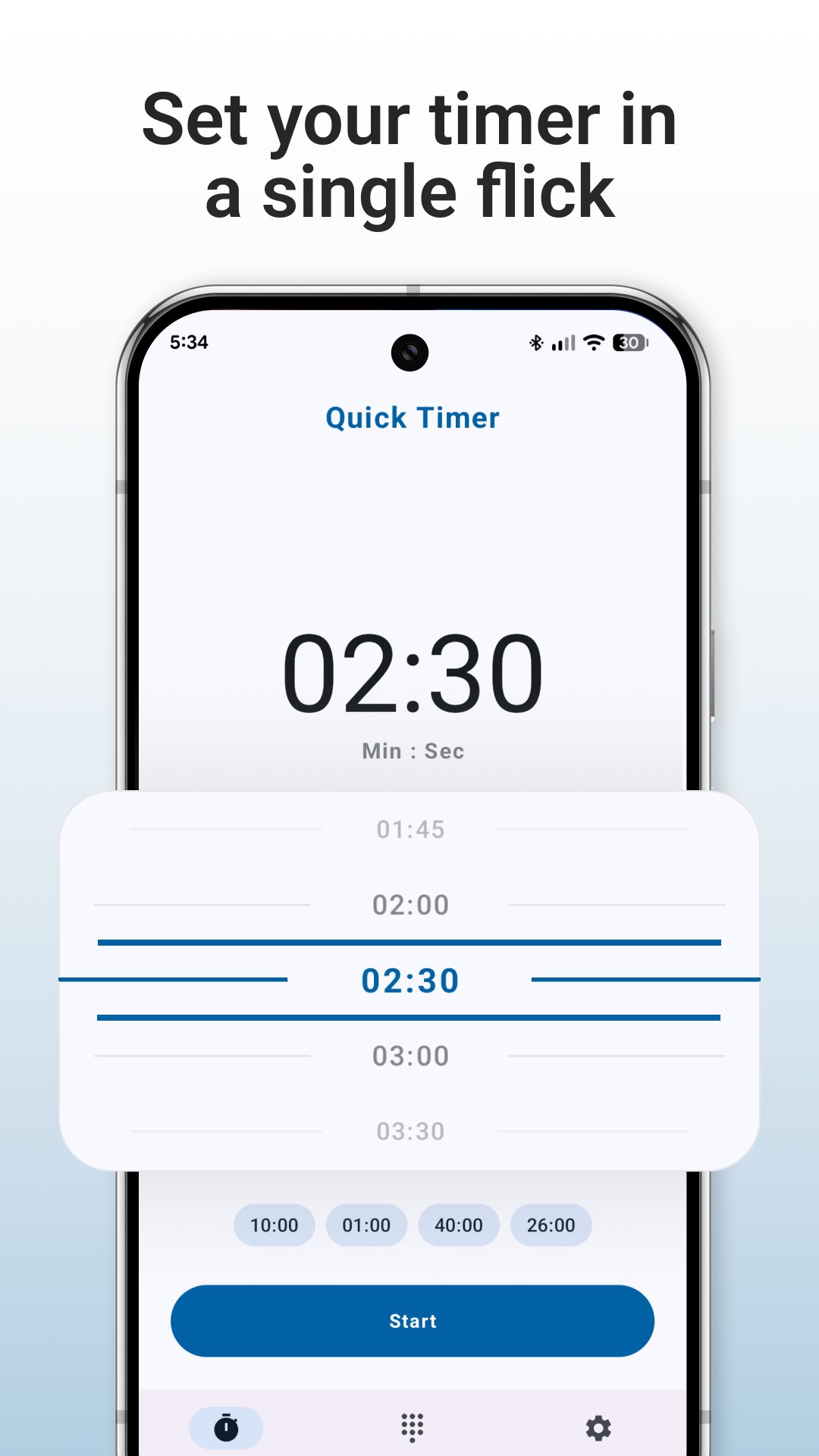
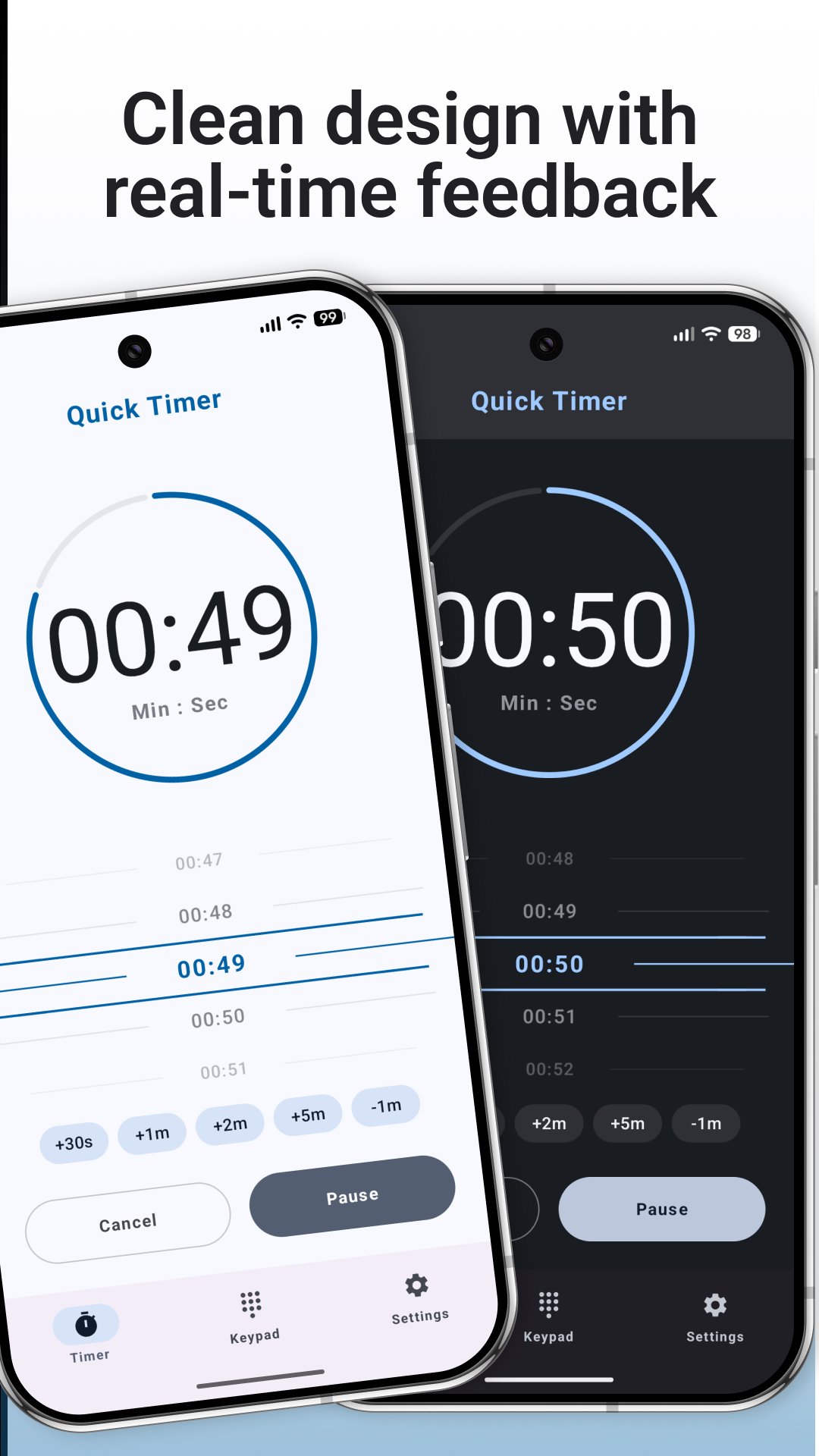
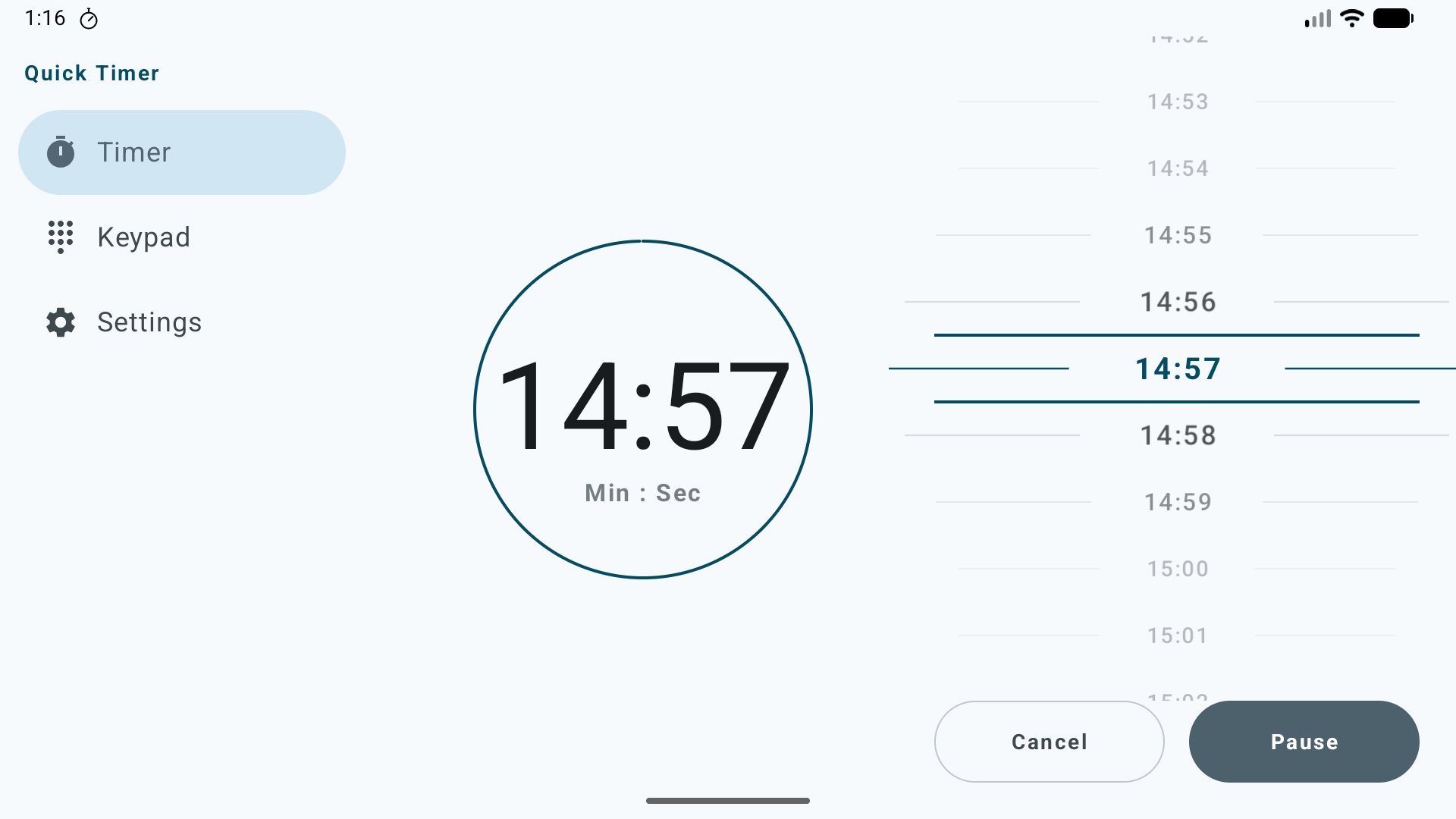
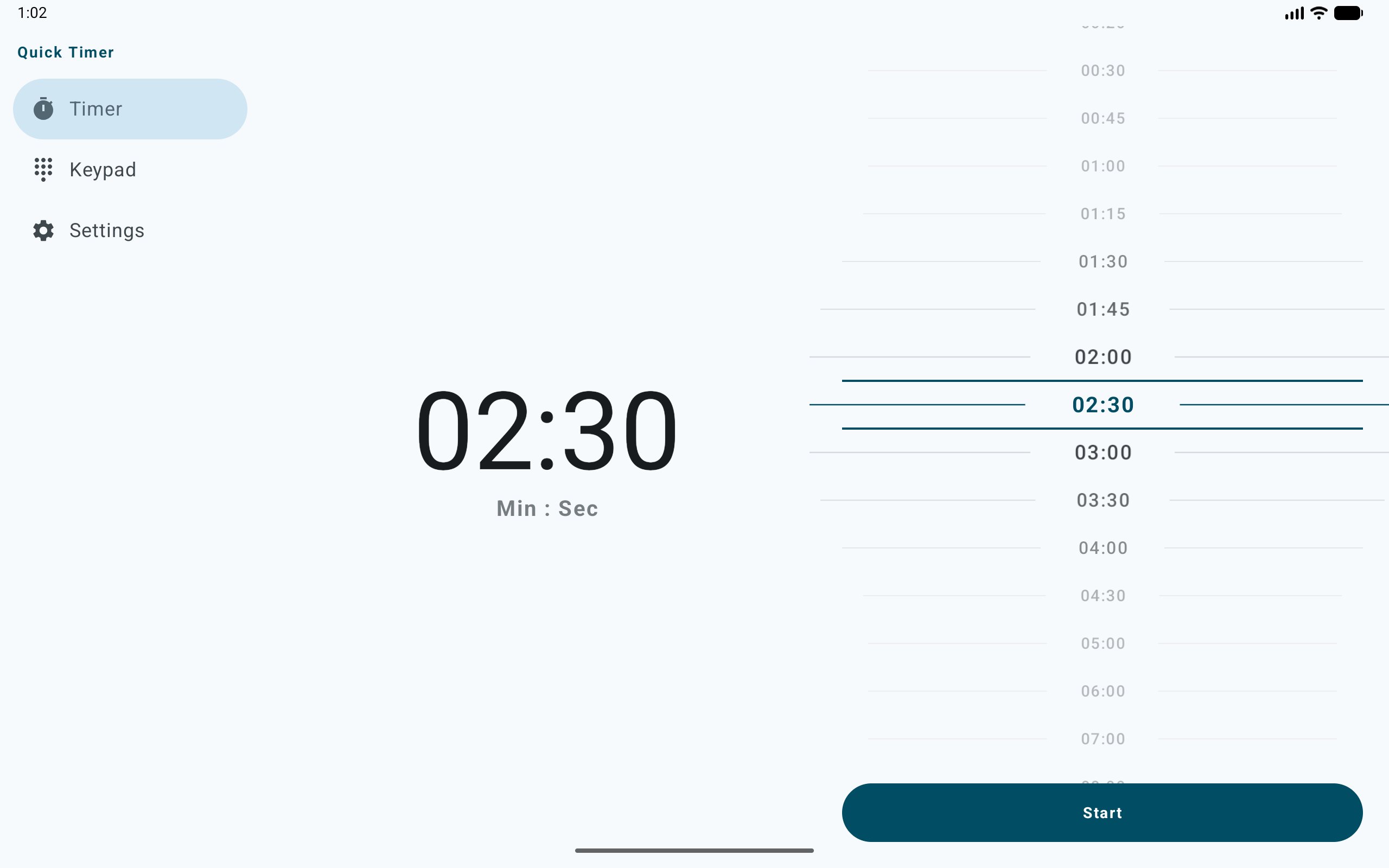
• Smart Scroll Picker: Don't waste time typing or scrolling through endless numbers. Our tactile, non-linear picker snaps to the most useful values (10s, 30s, 1m, 5m, and more), making it the fastest way to dial in your precise duration.

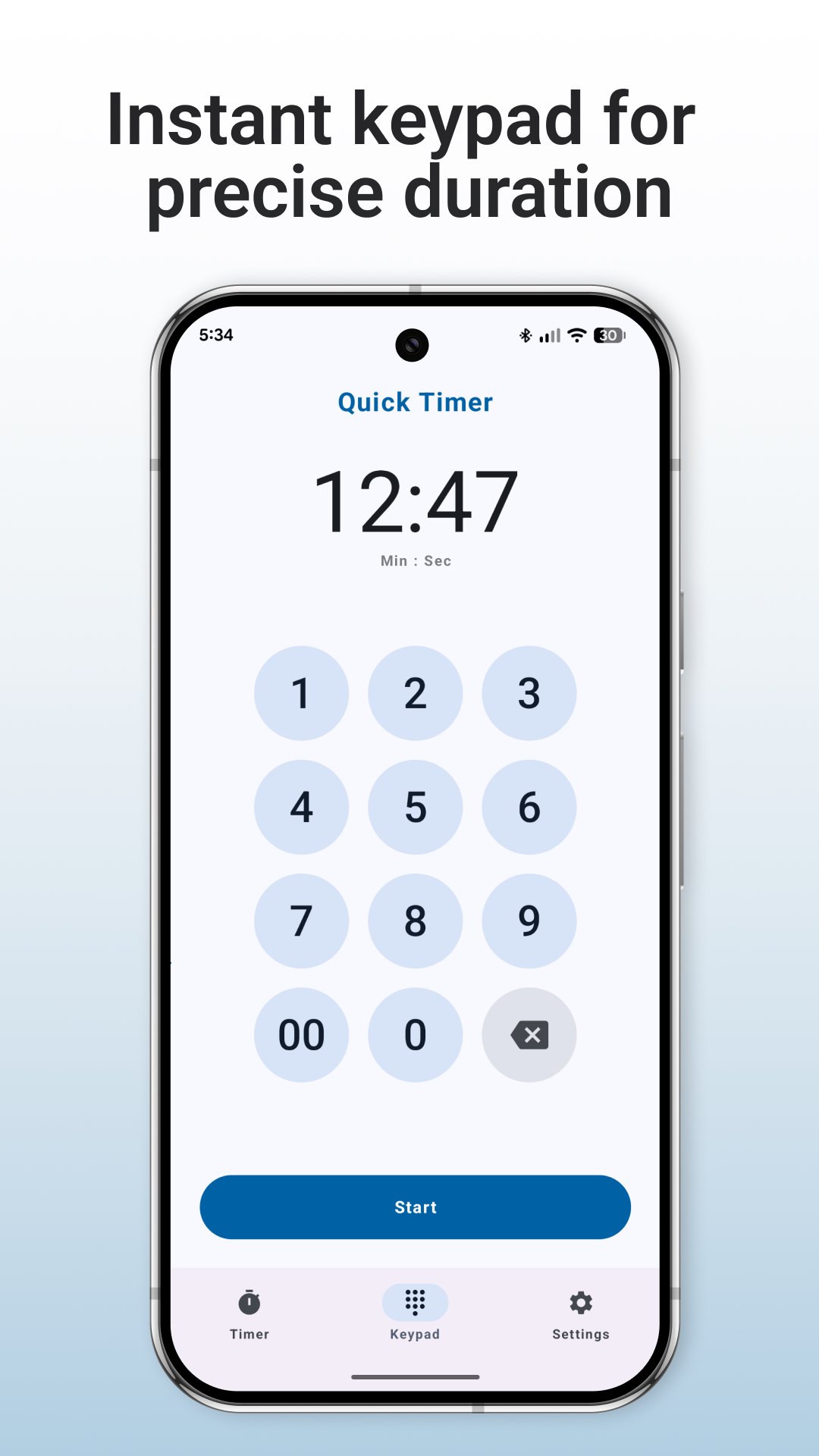
• Instant Setup: Stop scrolling through wheels. Use the intuitive keypad to set your timer in seconds.

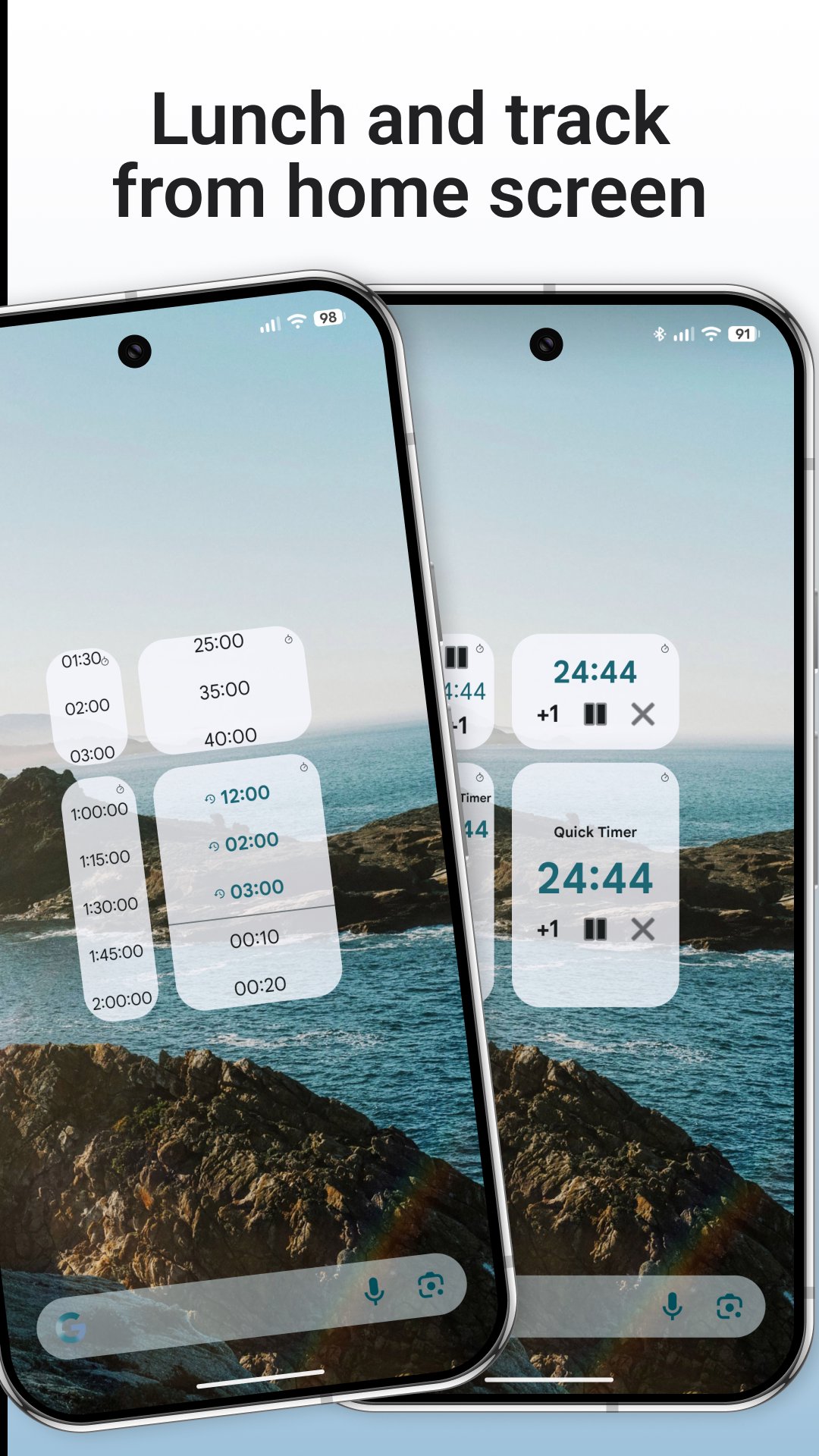
• Beautiful Custom Widgets: Start and monitor your timers directly from your home screen with multiple widget layouts and sizes designed to fit your aesthetic.

• Lock Screen Widget: Keep an eye on your remaining countdown time without even unlocking your phone.

• Reliable Daily Alarms: Our "High Reliability" mode ensures the timer runs accurately in the background, even when your device is optimized for battery.

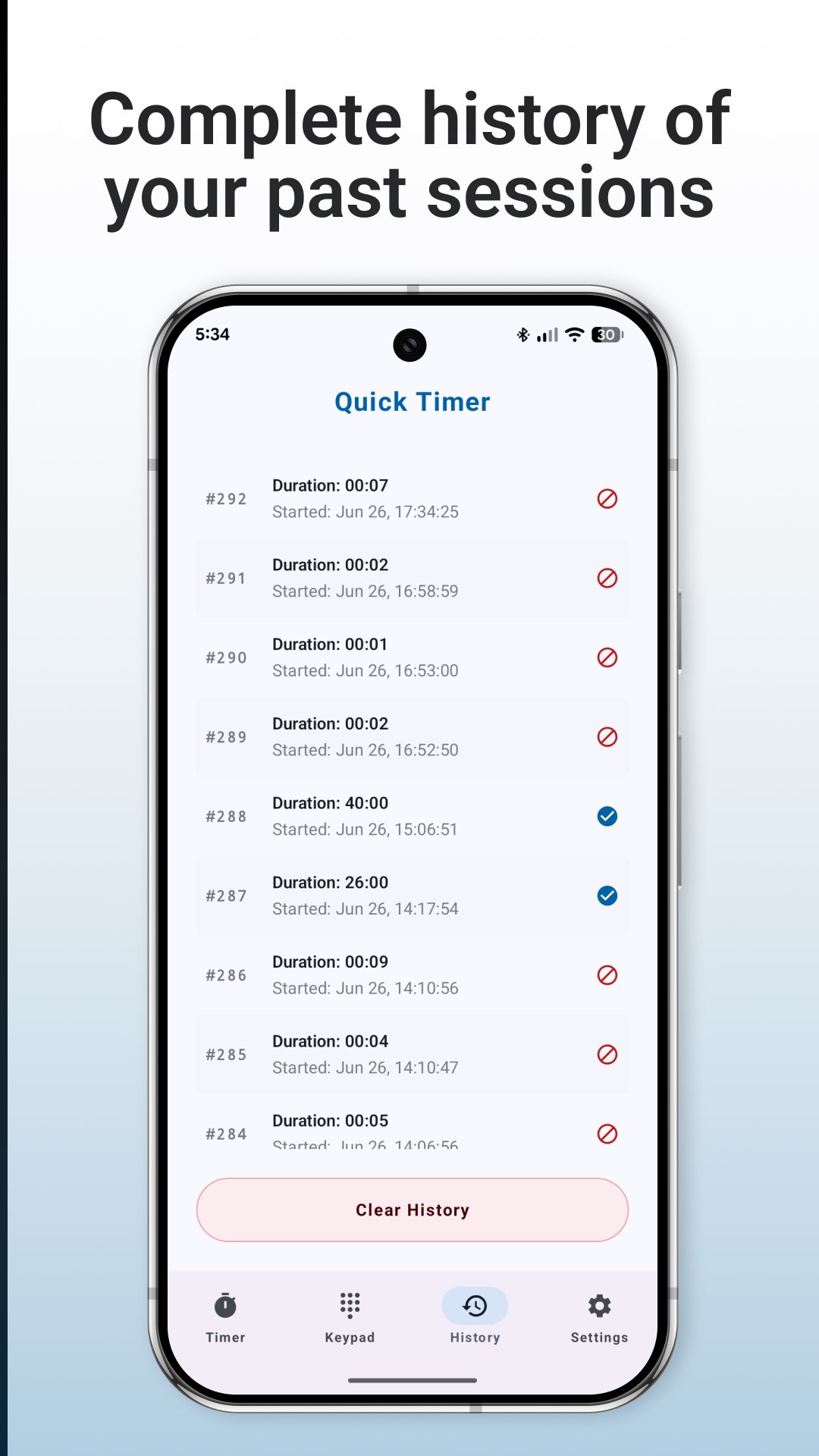
• Timer History: Keep a clean log of your past sessions. Perfect for tracking workouts, kitchen recipes, or routine tasks.

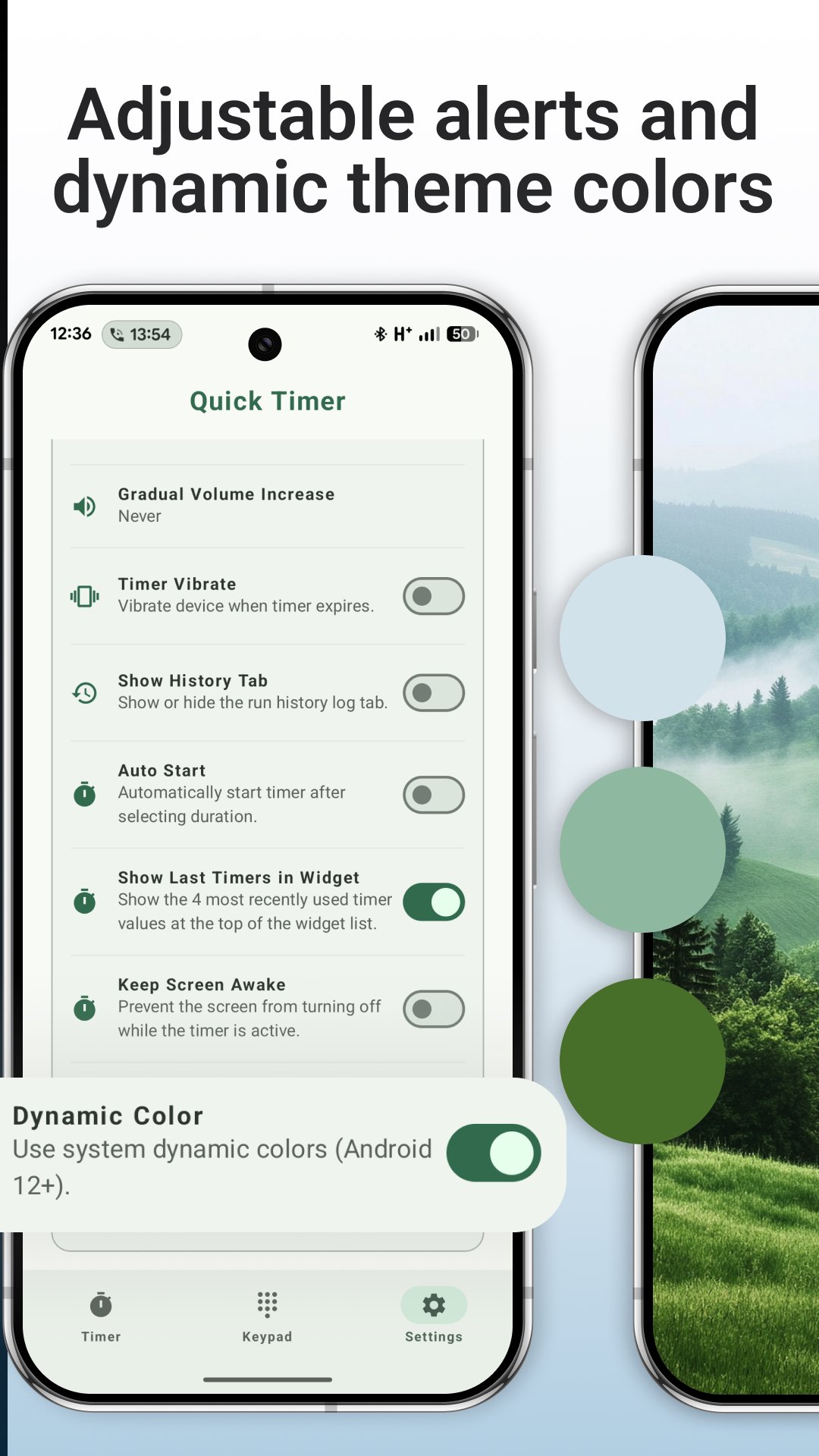
• Modern Interface: Enjoy a clean, beautiful layout that supports Dynamic Colors (Android 12+), automatically matching your device's theme.

🎯 CUSTOMIZABLE EXPERIENCE

• Gradual Volume: Get alerted gently with increasing sound levels so you aren't startled.

• Custom Sounds & Vibration: Choose the exact notification style that fits your environment.

• Quick Controls: Pause, resume, reset, or add +1 minute to an active timer with a single tap.

• Keep Screen Awake: Optional setting to prevent the screen from turning off while the countdown is active.

Quick Timer is built for those who value their time and need a tool that just works—every single time. Experience the fastest way to manage your countdowns and widgets.

Show More

What's new in the latest 1.0.7

Last updated on Jul 1, 2026
Minor bug fixes and improvements. Install or update to the newest version to check it out!
Show More

Videos and Screenshots

  • Quick Timer: Presets & Widget poster
  • Quick Timer: Presets & Widget screenshot 1
  • Quick Timer: Presets & Widget screenshot 2
  • Quick Timer: Presets & Widget screenshot 3
  • Quick Timer: Presets & Widget screenshot 4
  • Quick Timer: Presets & Widget screenshot 5
  • Quick Timer: Presets & Widget screenshot 6
  • Quick Timer: Presets & Widget screenshot 7

Quick Timer: Presets & Widget APK Information

Latest Version
1.0.7
Category
Tools
File Size
6.2 MB
Developer
Solvaig JSC
Available on
Content Rating
Everyone
Security Report
Check Now
Security Check Completed
No Virus
No Spyware
No Malware
No Virus
No Spyware
No Malware
Package Name:ua.pp.oyu.quicktimer
SHA-256:3cff164d56fff8fab1658bf932894e9a7f600920e6e24d0a5afd4f237a751f9b
SHA-1:f10259a515c570a3a24c1265c31136d7e2a64aeb
Show More
Verified by: APKPURE

Old Versions of Quick Timer: Presets & Widget

APKPure icon

Super Fast and Safe Downloading via APKPure App

One-click to install XAPK/APK files on Android!

Download APKPure
thank icon
We use cookies and other technologies on this website to enhance your user experience.
By clicking any link on this page you are giving your consent to our Privacy Policy and Cookies Policy.
Learn More about Policies