Safe & Fast APK Downloads on APKPure
APKPure uses signature verification to ensure virus-free Screen Recording APK downloads for you.

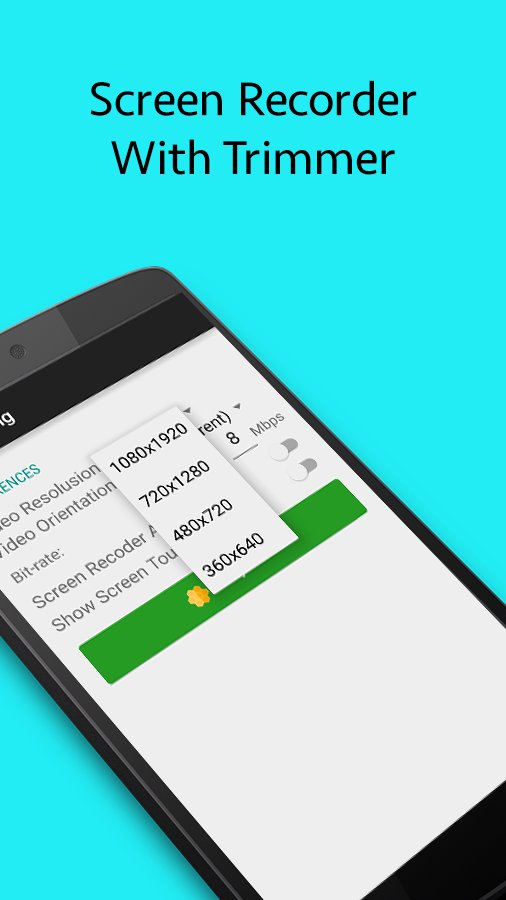
Screen Recording is a simple and easy to use screen recorder and screenshot
Screen Recording is a simple and easy to use screen recorder and screenshot. Screen Recording for devices running Android 5.0+
Screen Recording uses official APIs added in Android Lollipop so it requires no rooting.
Videos and Images are stored in an easy to find folder, so you can use your favorite applications to view, edit, and share them.
Main Feature:
* Magic button : a button that controls your recording without showing anything on the screen. Thus, your video viewers will solely focus on the app, the game or whatever you want to screencast.
* Trim videos : the screencast can be long and contains unnecessary information, you can trim the parts you don’t want to make your videos even more impressive.
*For ANDROID 5.1*, please do NOT select “Don’t show again” on screen capture permission dialog to avoid “System UI has stopped” error. Please reinstall in case you already did.
Thank you for the awesome support!




One-click to install XAPK/APK files on Android!

Thanks for your rating and feedback!
You have already rated.