
在APKPure安全快速地下载APK
APKPure 使用签名验证功能,确保为您提供无病毒的 WorksPad APK 下载。

WorksPad转向Android设备进入集成企业移动工作场所。
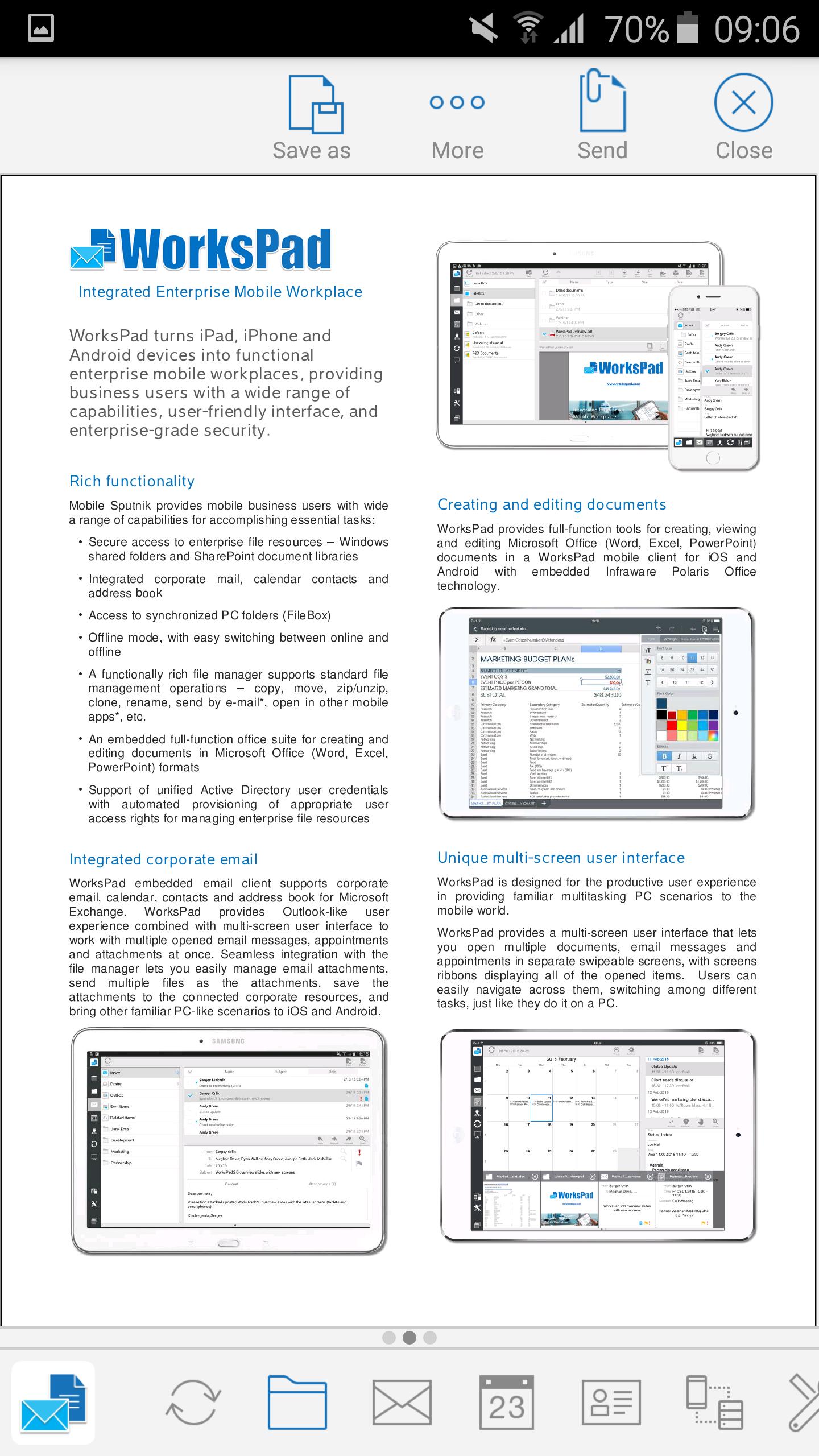
WorksPad turns Android devices into the integrated enterprise mobile workplace, giving business users and enterprise customers familiar PC capabilities and providing rich functionality, usability and security while working with corporate files, documents, email, appointments and contacts in a single app at any time in any place.
NOTE: The free WorksPad Android app is used with your company's WorksPad server to access to corporate information resources and email system. This WorksPad Android app requires your corporate Active Directory user account registered and enabled on your company’s WorksPad system. Please contact your company's IT group for details on setting up this app.
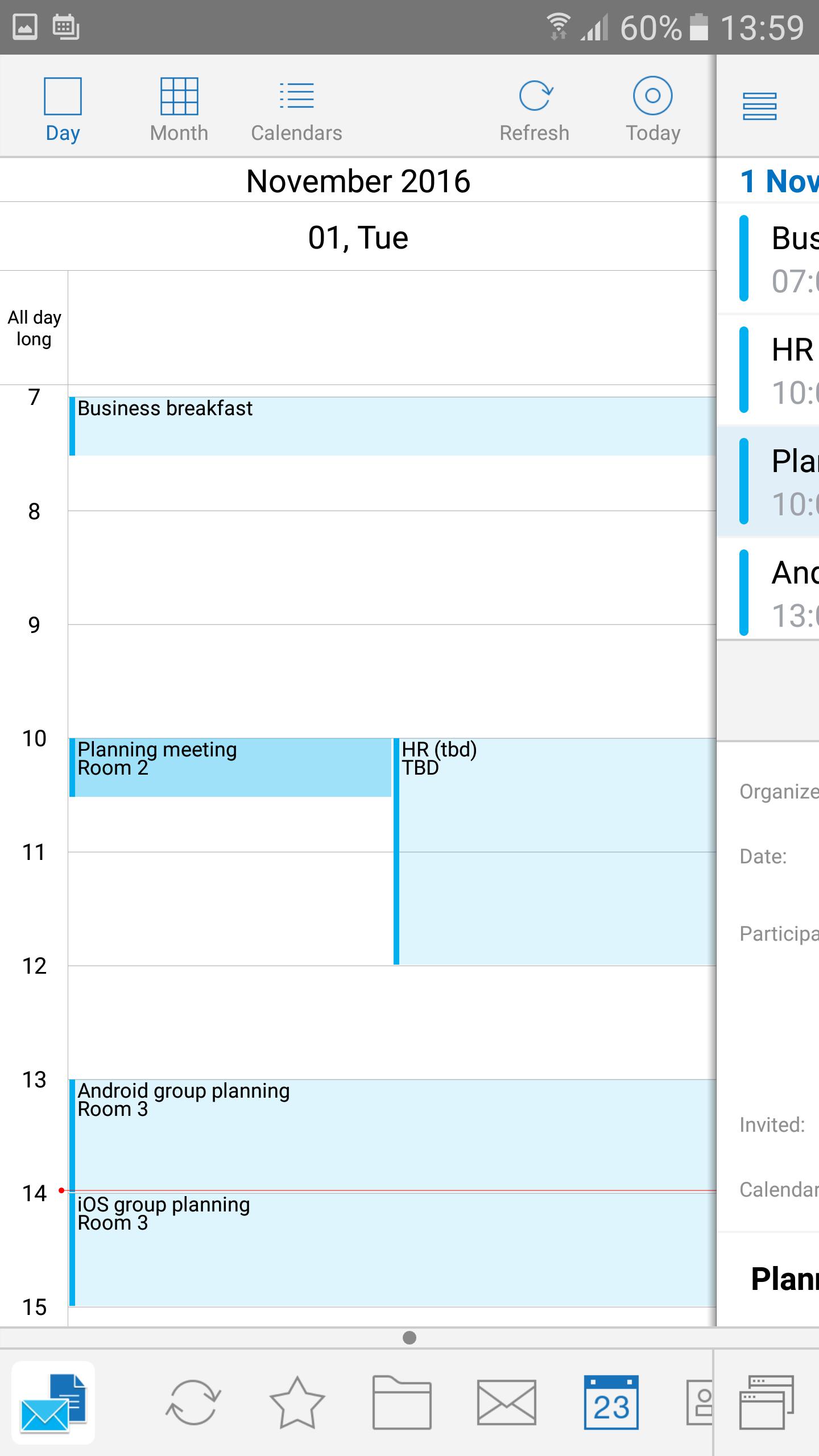
WorksPad opens up easy and secure access to corporate information assets with on-premises deployment and smooth integration into an existing enterprise IT and information security landscape. Designed with the tablet user experience first in mind it provides unique features and supports habitual PC scenarios for using mobile devices in a business environment. WorksPad provides a rich toolset for document access, viewing, creating, editing, sharing and management as well as working with corporate email directly on mobile devices:
• Multi-screen user interface to open and work with multiple files
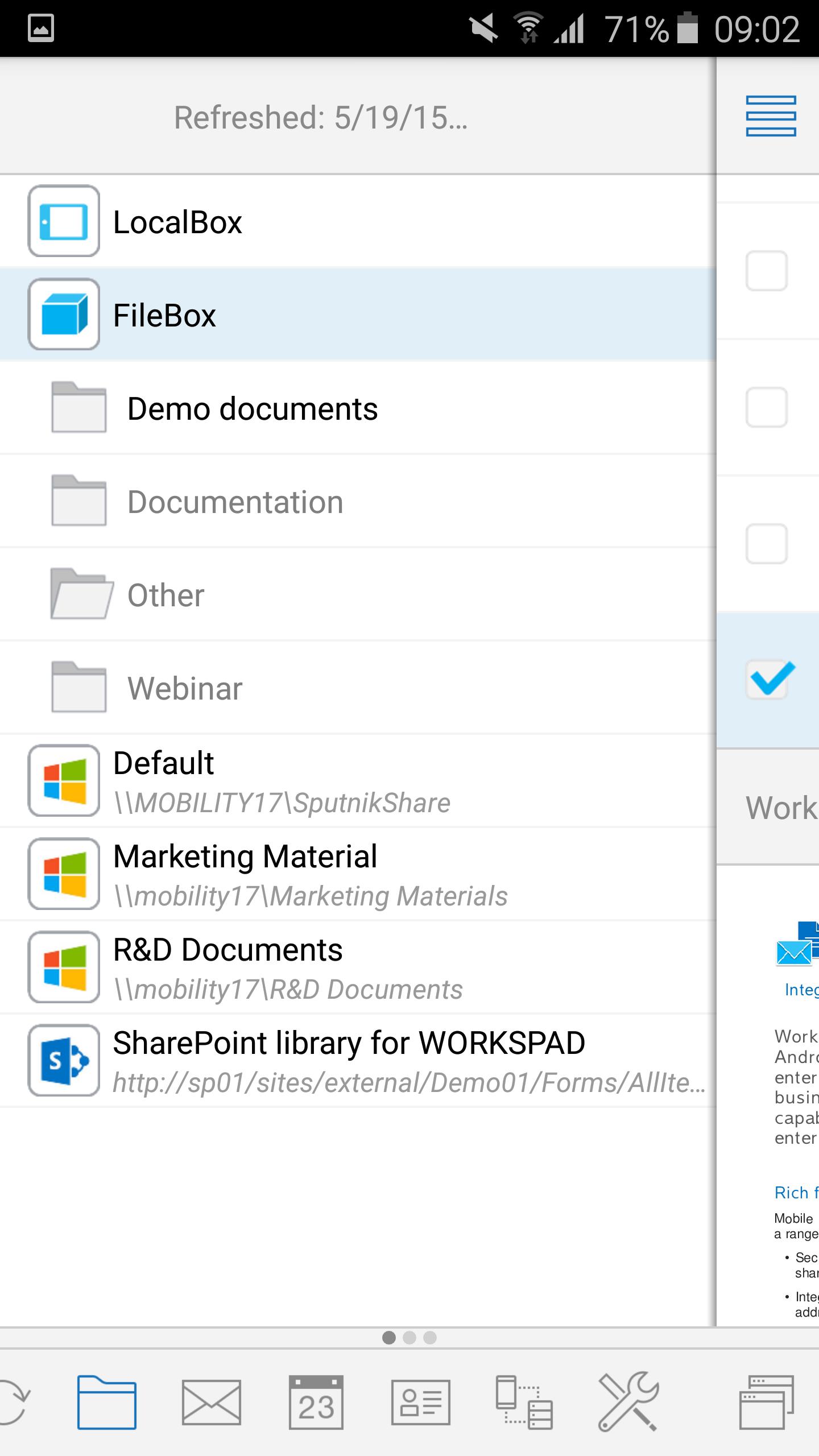
• File manager with rich set of file operations
• Viewer for many file formats of documents, images, multimedia
• Embedded Office to edit documents, spreadsheets, presentations
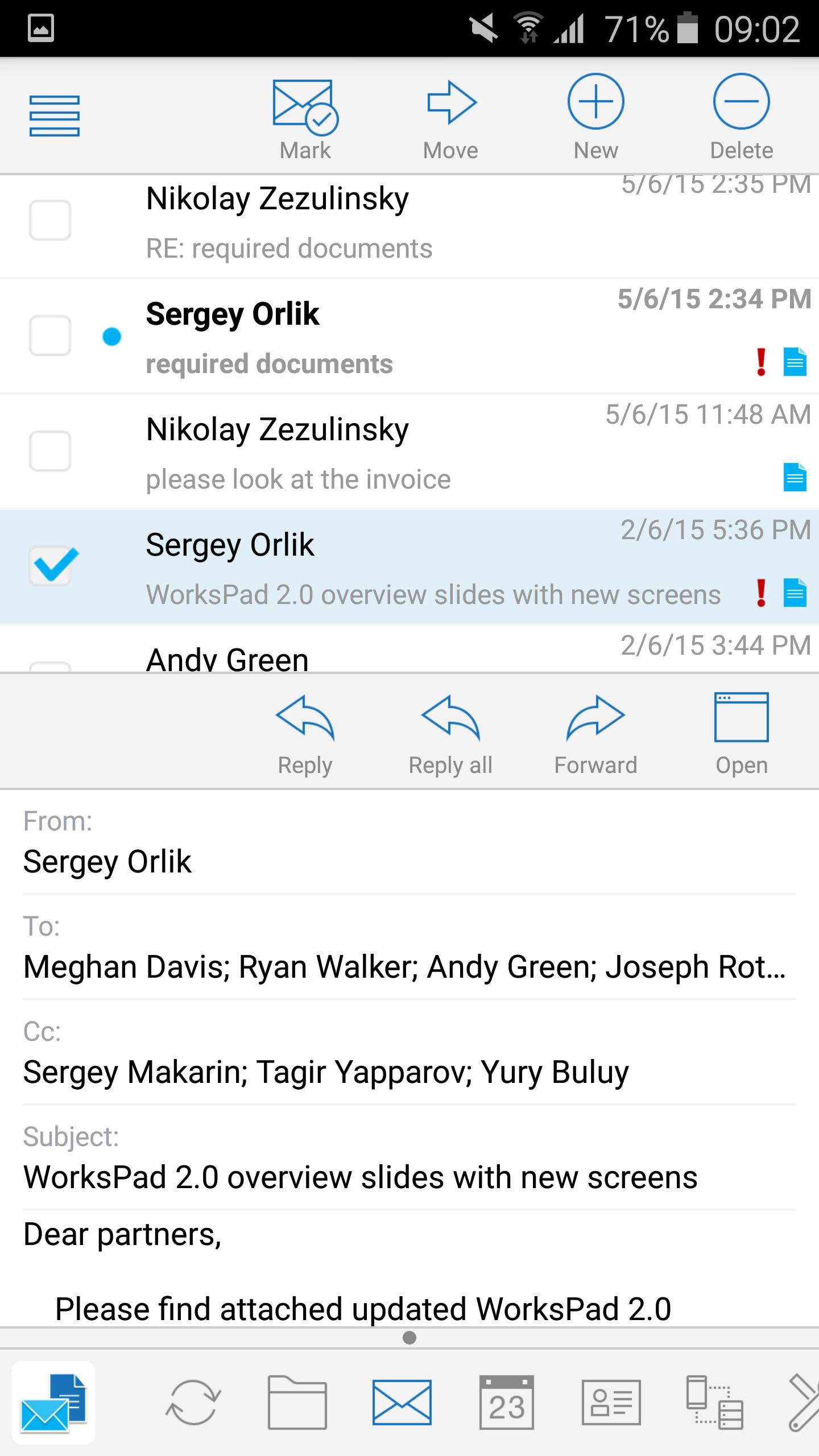
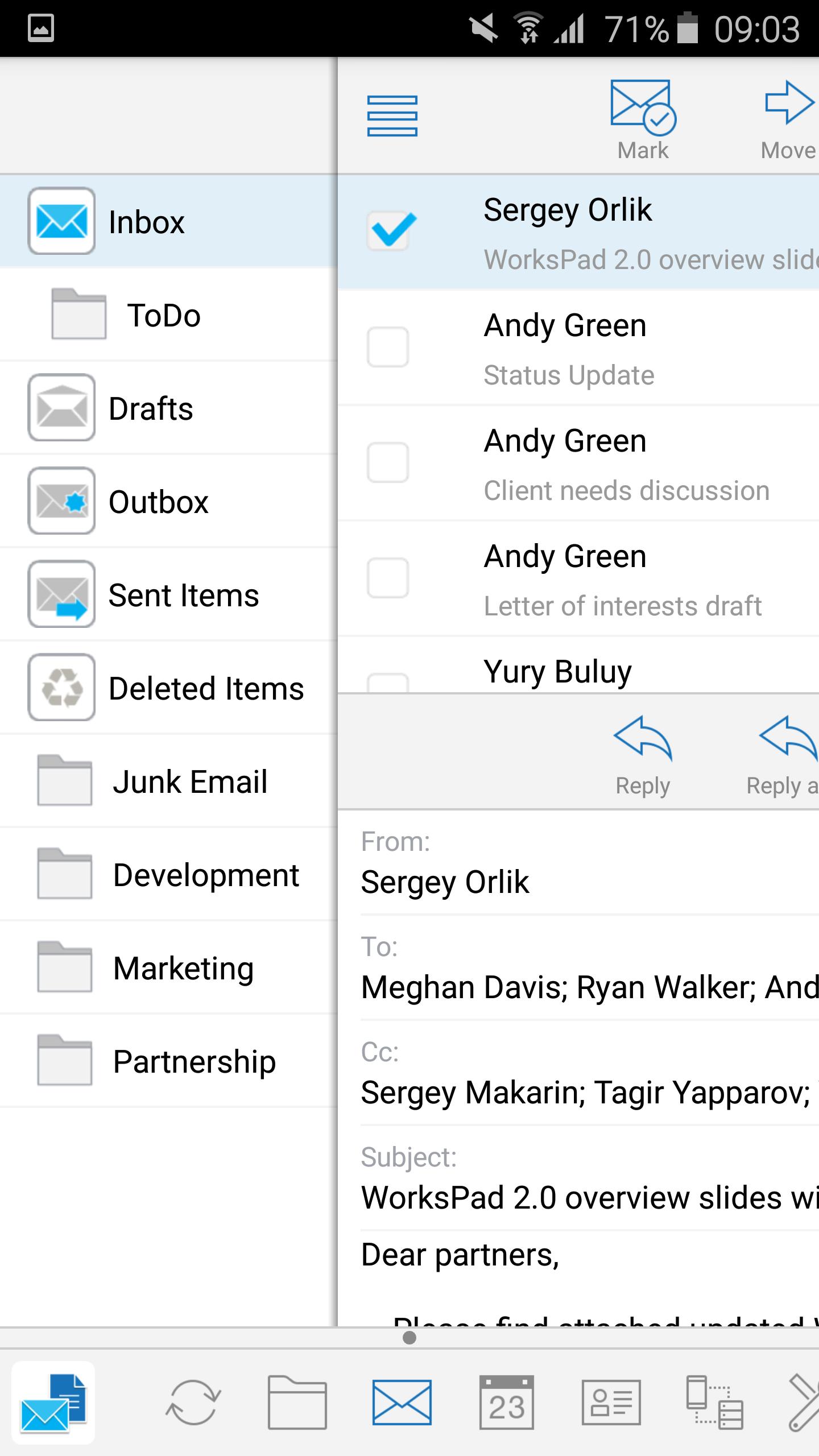
• Embedded corporate email client for Microsoft Exchange connected with WorksPad server
• Text file based note taker with extended keyboard
• Multi-screen desktop for shortcuts
• Access to Windows shared folders and SharePoint document libraries
• Easy and secure file sync with special WorksPad PC Agent
• Login with users’ corporate identity by Active Directory integration
• On-premises WorksPad Server components deployment within corporate intranet
• Scalable multi-component server architecture
• Management and monitoring tools, including dashboard
Direct File & Screen Sharing
Direct File Sharing provides corporate users with the unique new true file sharing cross-platform capabilities. Direct File Sharing allows to secure send multiple files directly using Wi-Fi from user tablet to other tablets for the selected users.
Direct Presentation Broadcasting allows sharing of WorksPad screen directly to other devices for the selected users in a secure way via Wi-Fi.
Both of Direct File Sharing and Direct Presentation Broadcasting require specific network ports to be opened in Wi-Fi network. These capabilities could be disabled by WorksPad administrator at WorksPad policy. Please contact your WorksPad administrator for availability of these capabilities for your device(s) in corporate wireless network.
This WorksPad for Android mobile client application requires a user account on an instance of WorksPad system deployed in organization.
If you have no WorksPad system, you could make request at http://workspad.com/contacts/



感谢您的评分和反馈!
您已经评分了。