Safe & Fast APK Downloads on APKPure
APKPure uses signature verification to ensure virus-free Easy Notes Notepad - Notebook APK downloads for you.

Quickly add your notes anywhere you go!
Quickly capture what’s on your mind!! You can Add notes with photos to Easy Notes Notepad - Notebook.
Easy Notes Notepad - Notebook App allows you to set different background colors for your notes to easily remember them. It has simple interface that most of the users find easy to use.
Easy Notes Notepad - Notebook App provides automatic note saving feature. You don't need to press any save button or manually save your notes after typing them, just type your notes on the Notepad and press back button that's it, the app will automatically save your notes and display them in your Notes List.
Search function that can quickly find your notes.
You can attach camera or gallery pictures along with your notes to capture your memories.
Format your notes using bold, italics, strikethrough, underline, align, indent, outdent and text highlighter tools. Easy Notes Notepad - Notebook provides different ways to take notes and capture your thoughts.
You can create thousands of notes quickly on smart phone. You can Store important notes, no data loss. This app stores all notes in your device. Not on cloud.
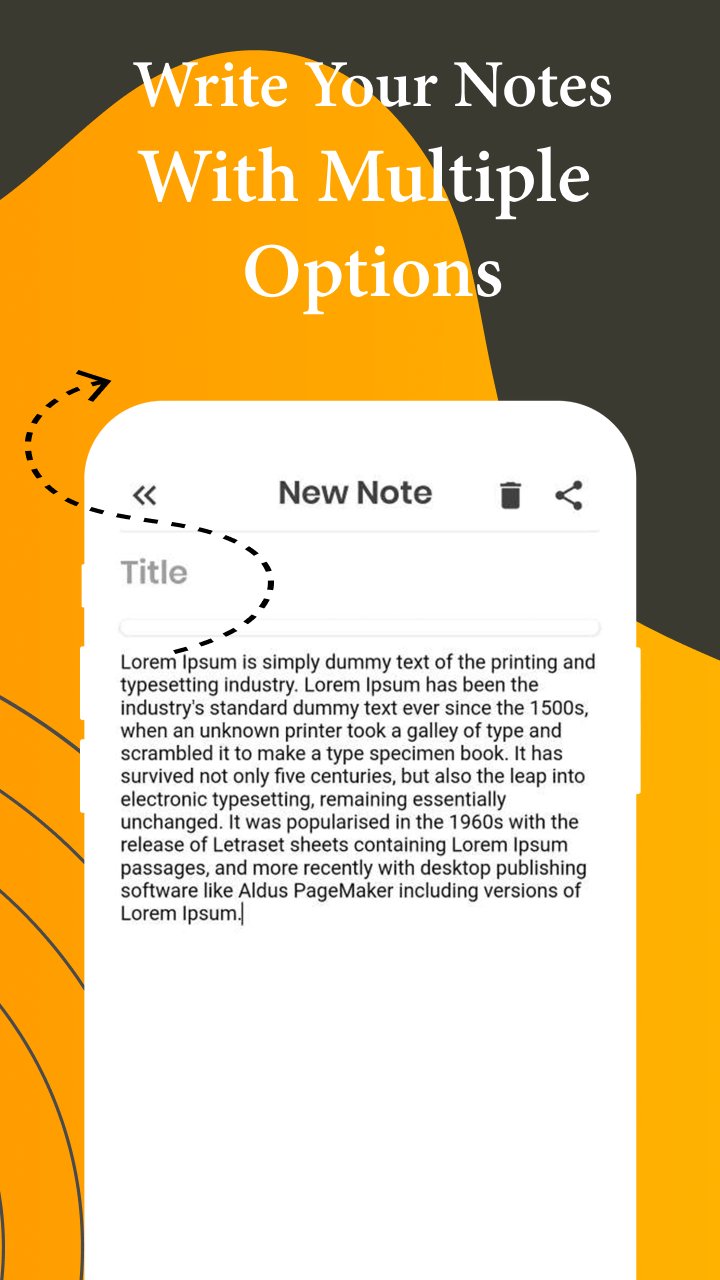
You can easily type as many characters as you want to type in your notes. you can also give Title to your notes if you want. You can easily View, Edit, Delete and share your notes.
Notice
- Easy Notes Notepad - Notebook App consist few Banner Ads on the bottom of pages and Interstitial Ad & Native ads.
Any issues, mail us via [email protected]
Thank you for using Easy Notes Notepad - Notebook, Notepad, Notebook, Memo, Notas, Free Note App




One-click to install XAPK/APK files on Android!

Thanks for your rating and feedback!
You have already rated.