
Safe & Fast APK Downloads on APKPure
APKPure uses signature verification to ensure virus-free ESLock File Recovery APK downloads for you.

ESLock File Recovery decrypts locked files of ES File Explorer without password
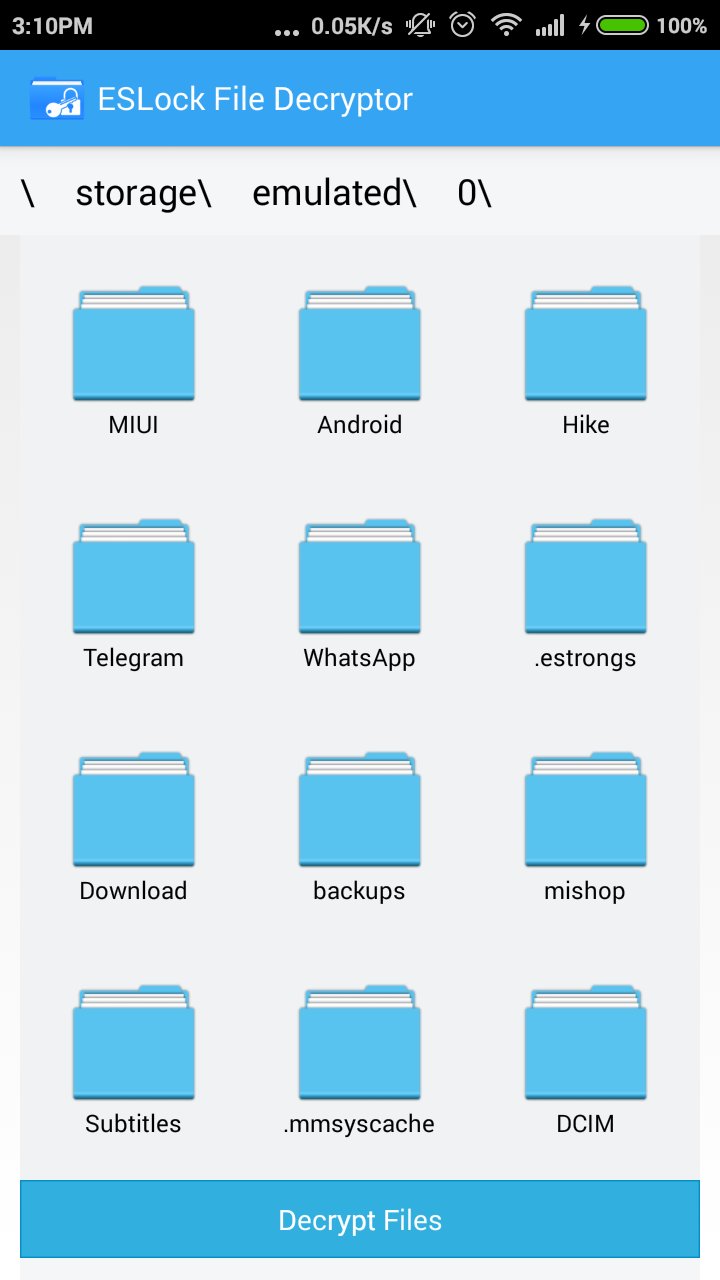
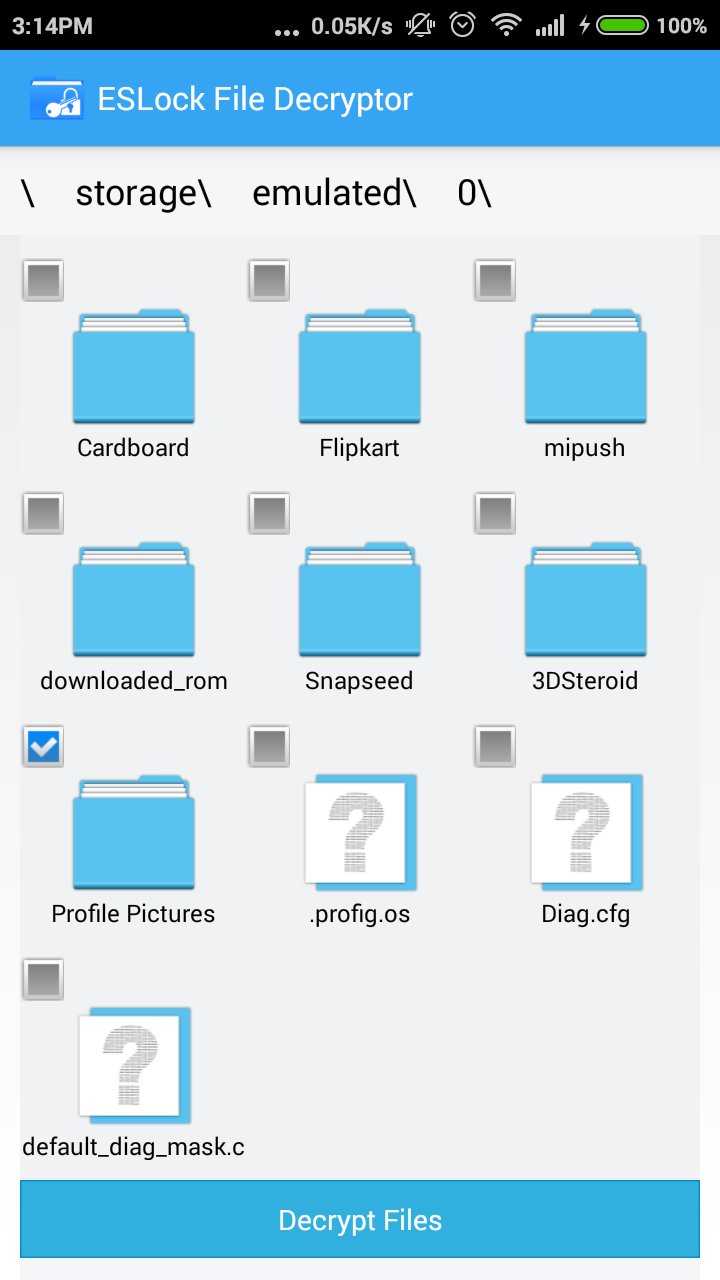
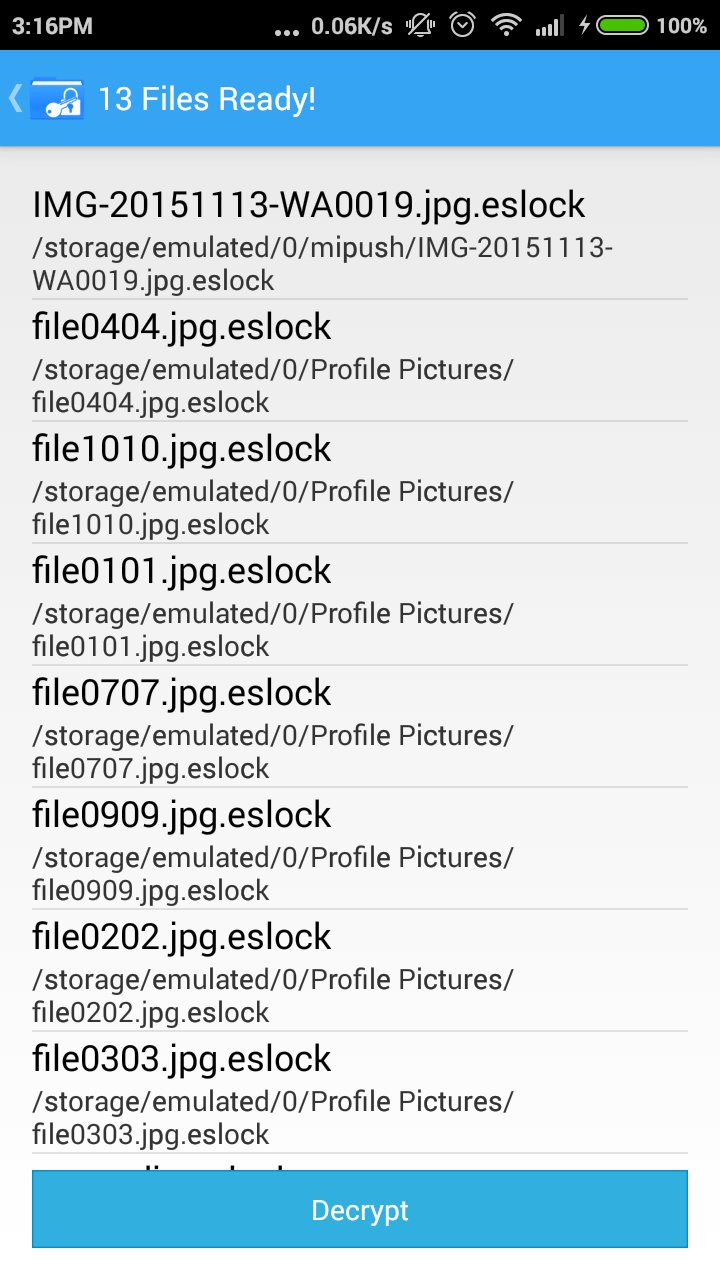
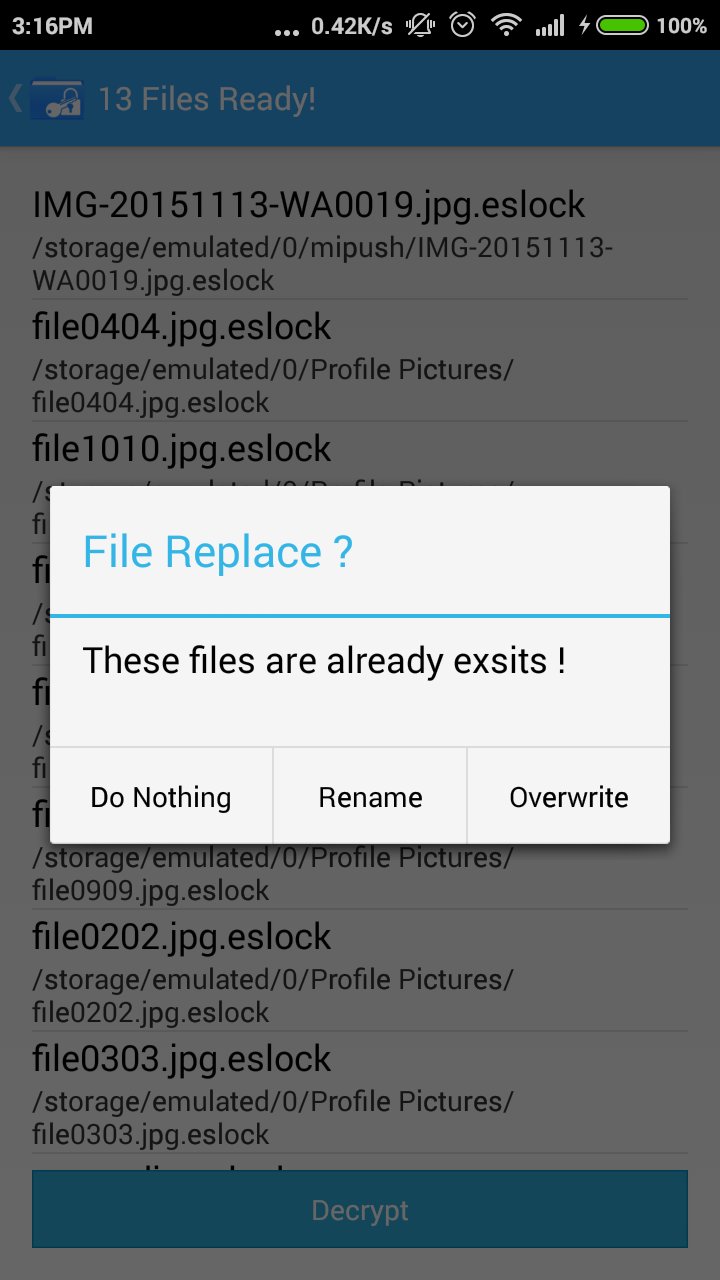
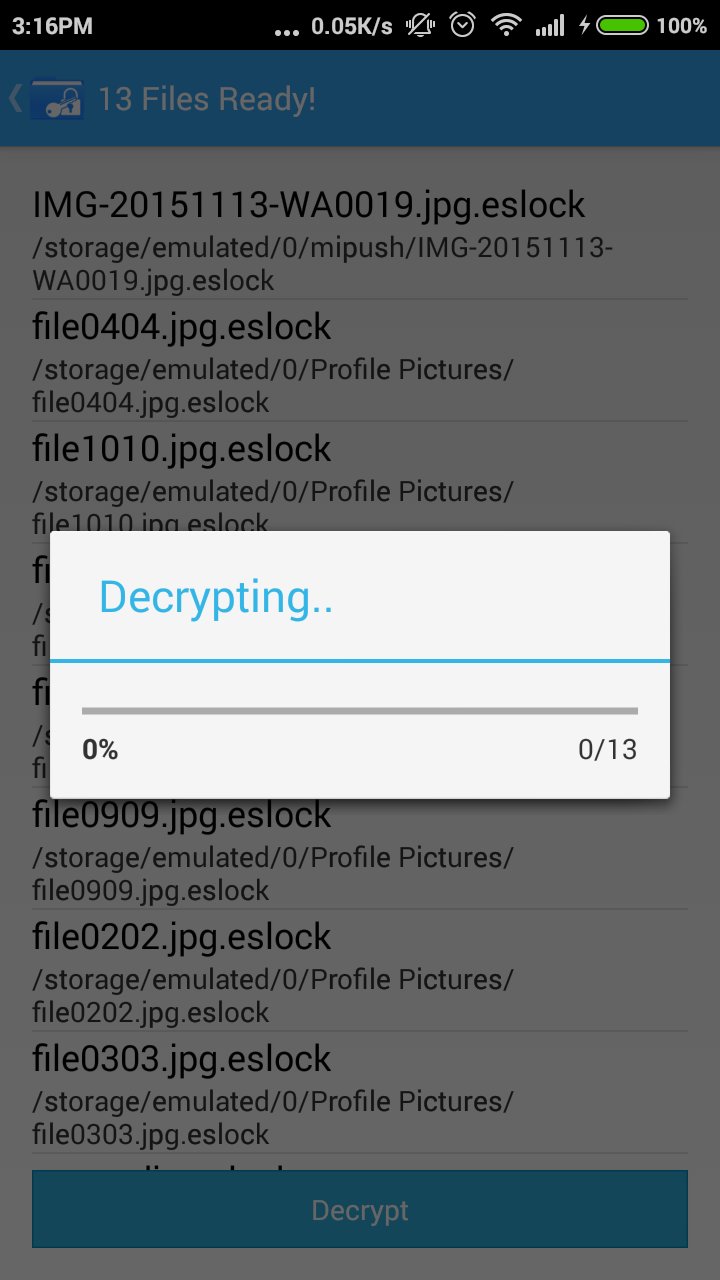
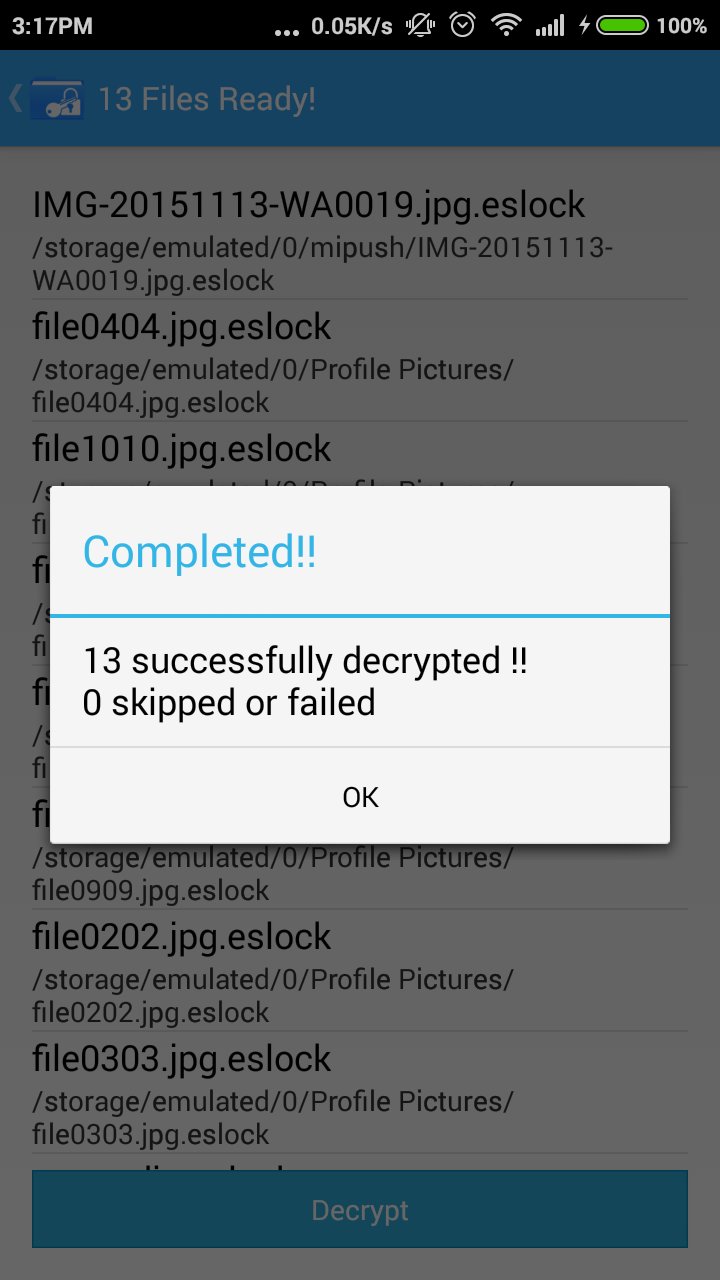
ESLock File recovery is a very strong tool that enables decryption of all your ES Explorer locked files, without using the password. So if in case you have forgotten your password and left a file locked out by the ES File Explorer, here is an absolute remedy for you. It assures you a 100% success of decryption. This tool helps you decrypt multiple files also.
You can also download the free version of this application "ESLock File Recovery Lite" to see the preview if you want to see your files before purchase.
For more information or queries on this please visit
http://roosterslab.blogspot.in
Don't miss out on any of your important document, video, picture or any file, just because you have forgotten password that locks it down.Recover all your locked files using ESLock File Recovery.

One-click to install XAPK/APK files on Android!

Thanks for your rating and feedback!
You have already rated.