Package Name:com.dato.datecalc
Show More


12.4 MB
File Size
Everyone
Android OS
Days between dates, age, working days and a world clock. Offline, no account.
Dato answers date questions and shows its working. How many days between two dates, what is the date ninety working days from now, how old is someone to the day, and what hour works for three cities at once.
Everything runs offline on your device. There is no account, no sign-up, no ads, and the app requests zero Android permissions.
FEATURES
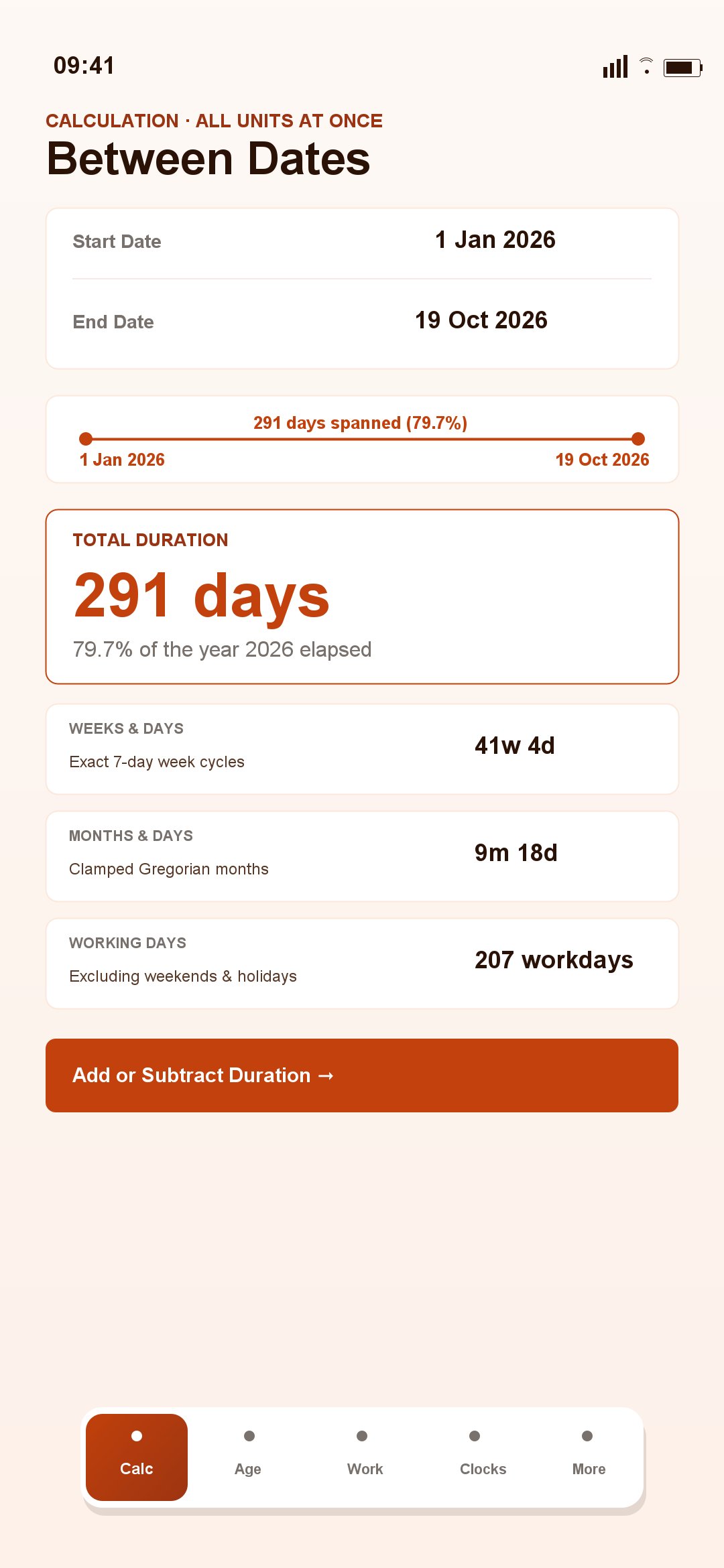
• Days between dates
Calendar days, whole weeks and remaining days, months and days, working days, and the percentage of the year completed. A visual span links the start and end on the screen.
• Add or subtract a duration
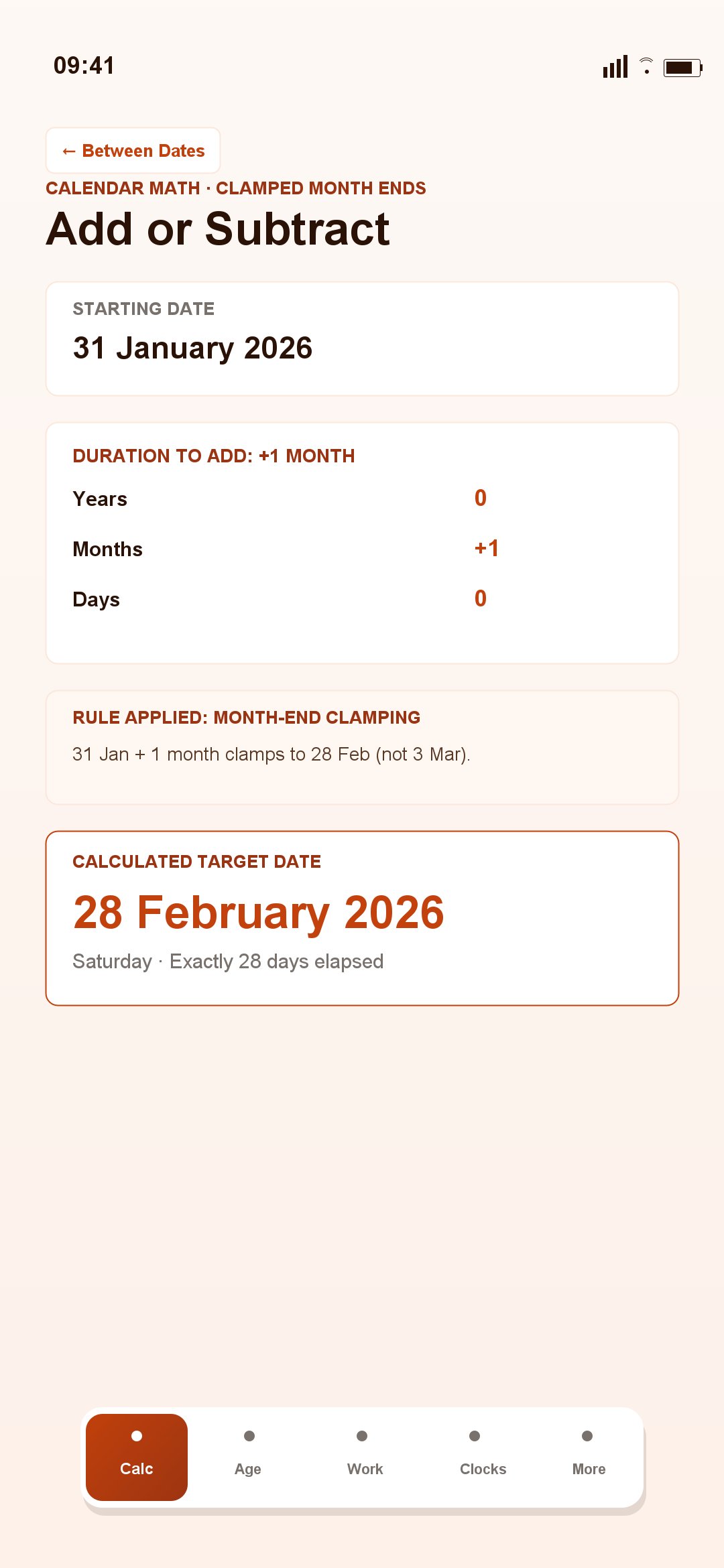
Years, months, weeks and days, with an option to count only working days. Dato tells you which rule it used, because adding a month to the 31st is a choice, not a fact.
• Exact age and the milestones around it
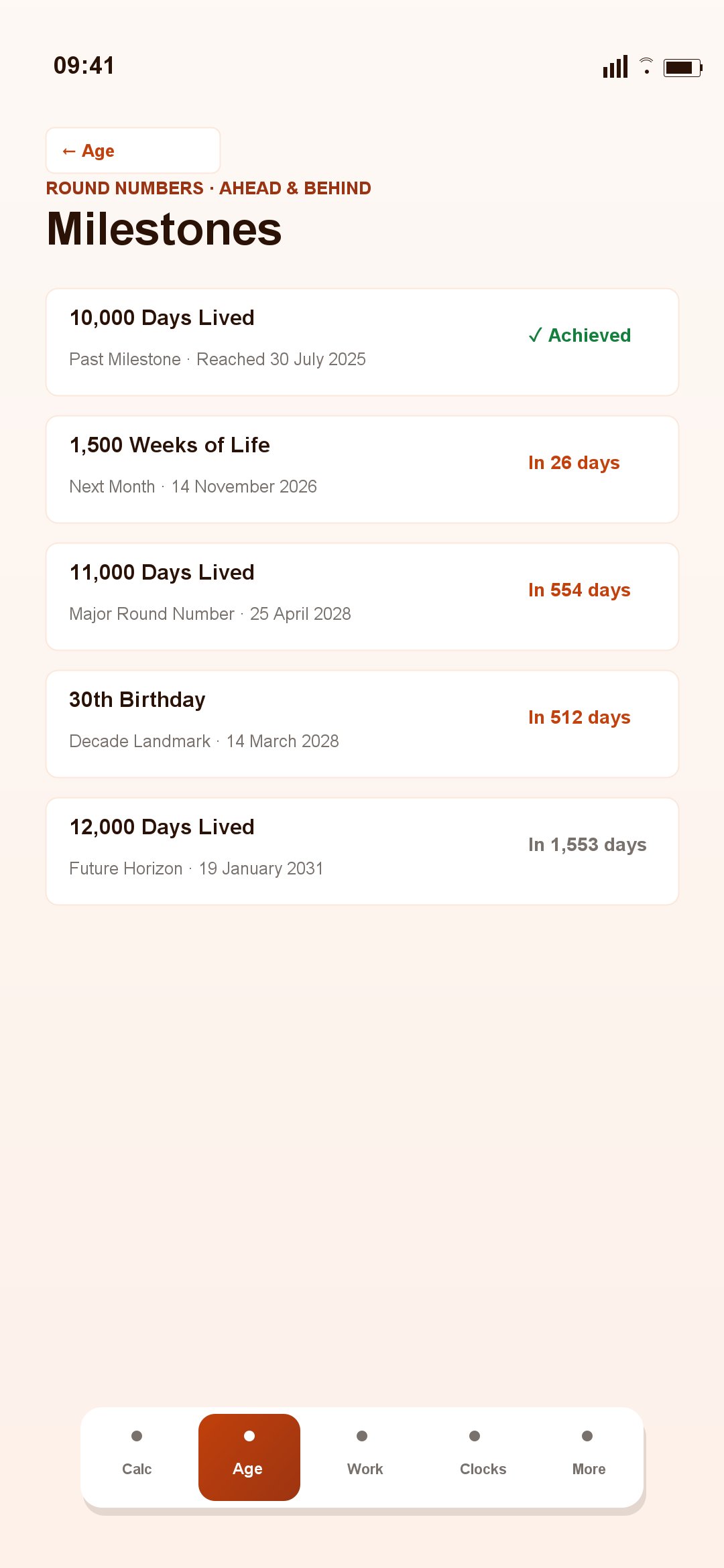
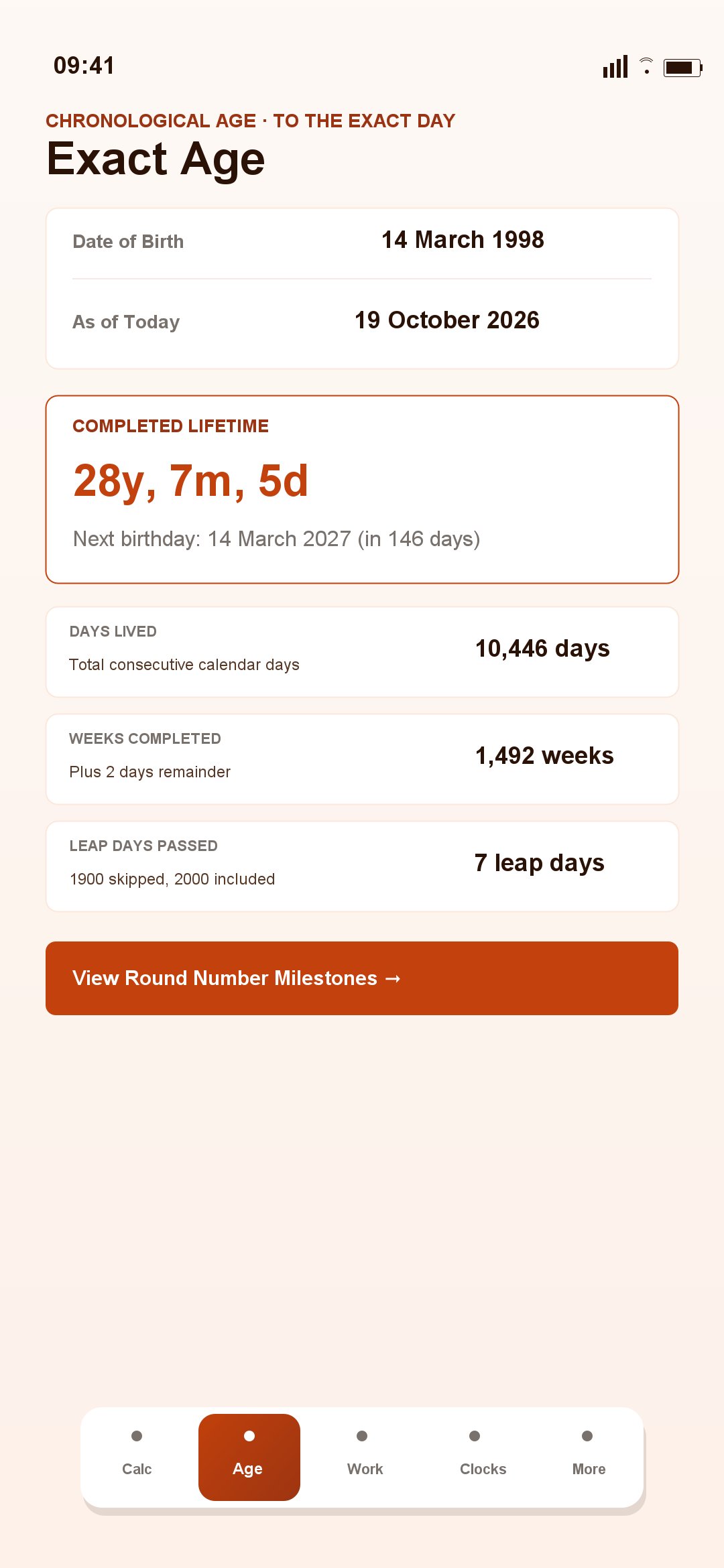
Age to the day, days lived, the next birthday, and the round numbers ahead — ten thousand days, fifteen hundred weeks, the next decade.
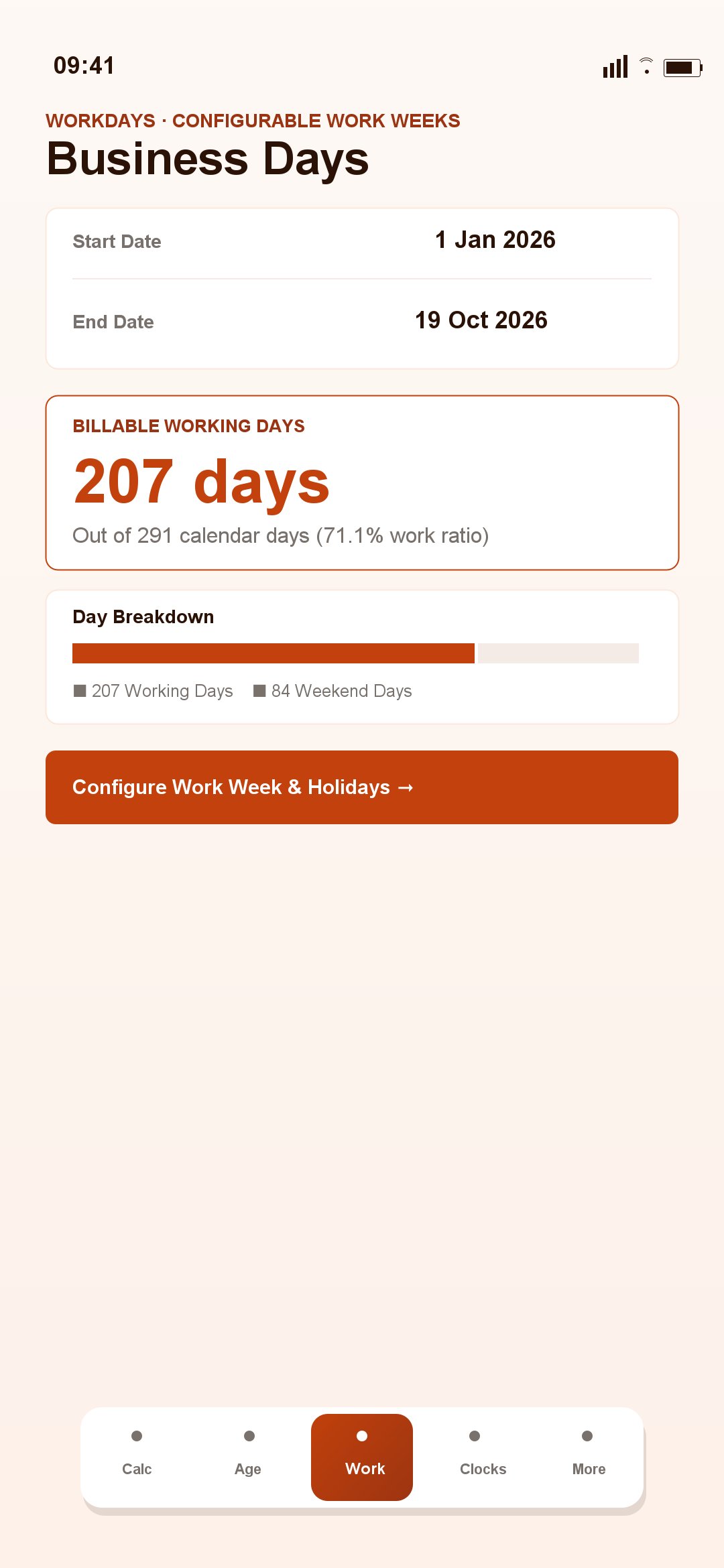
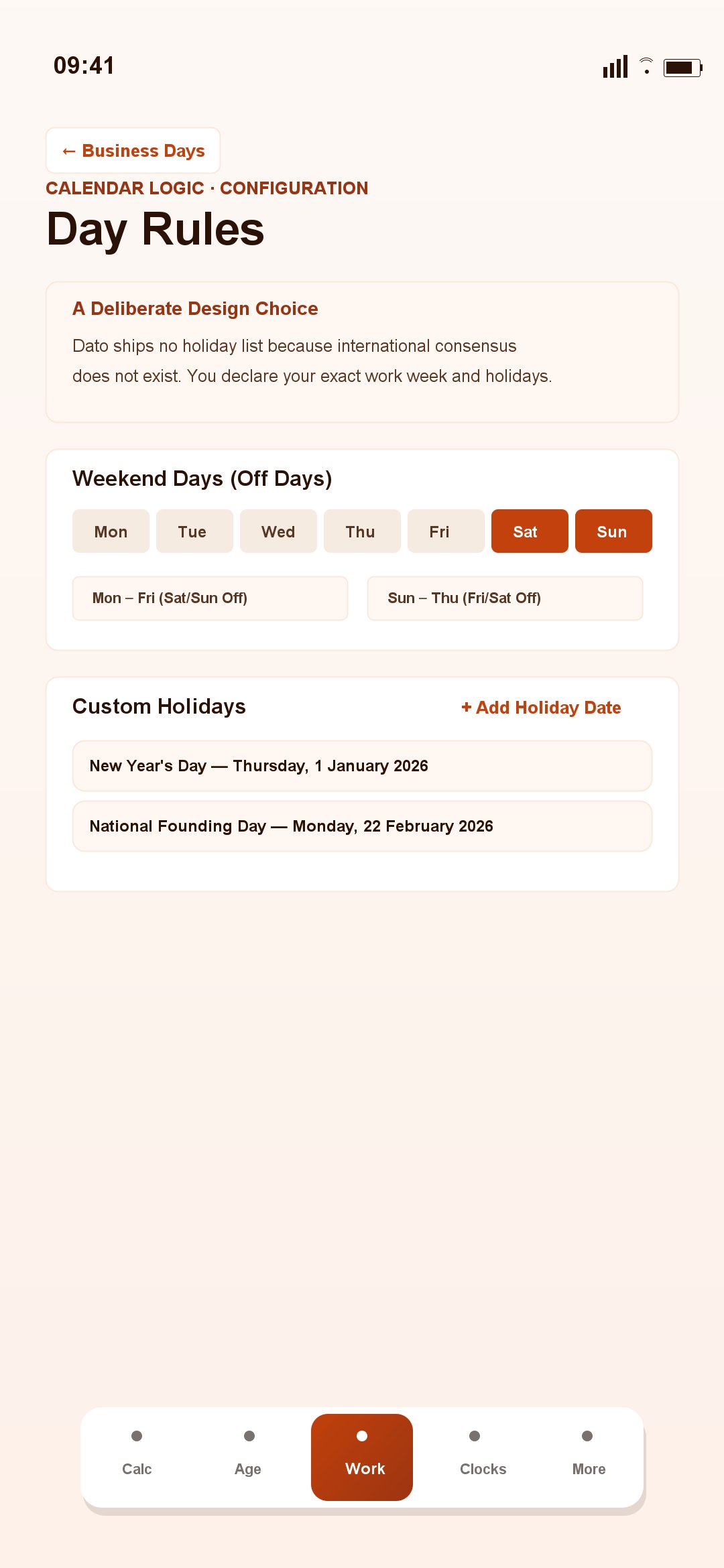
• Working days that match your week
Set which days count as work, because some weeks run Sunday to Thursday. Add your own holidays; Dato ships none, since no two countries agree on them.
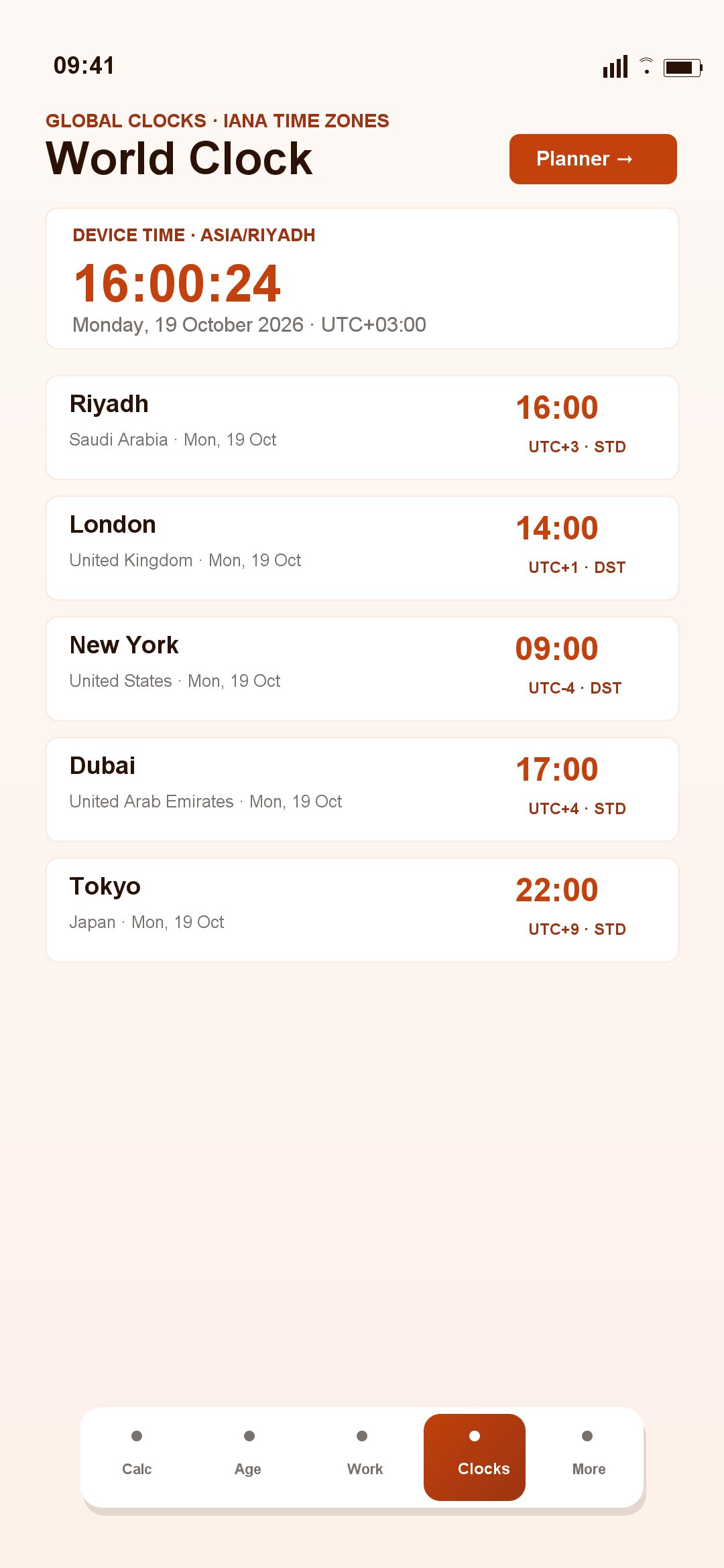
• A world clock that admits daylight saving
Cities with their offsets and the day they are on, and a warning when a city is about to change its clock.
• Meeting planner
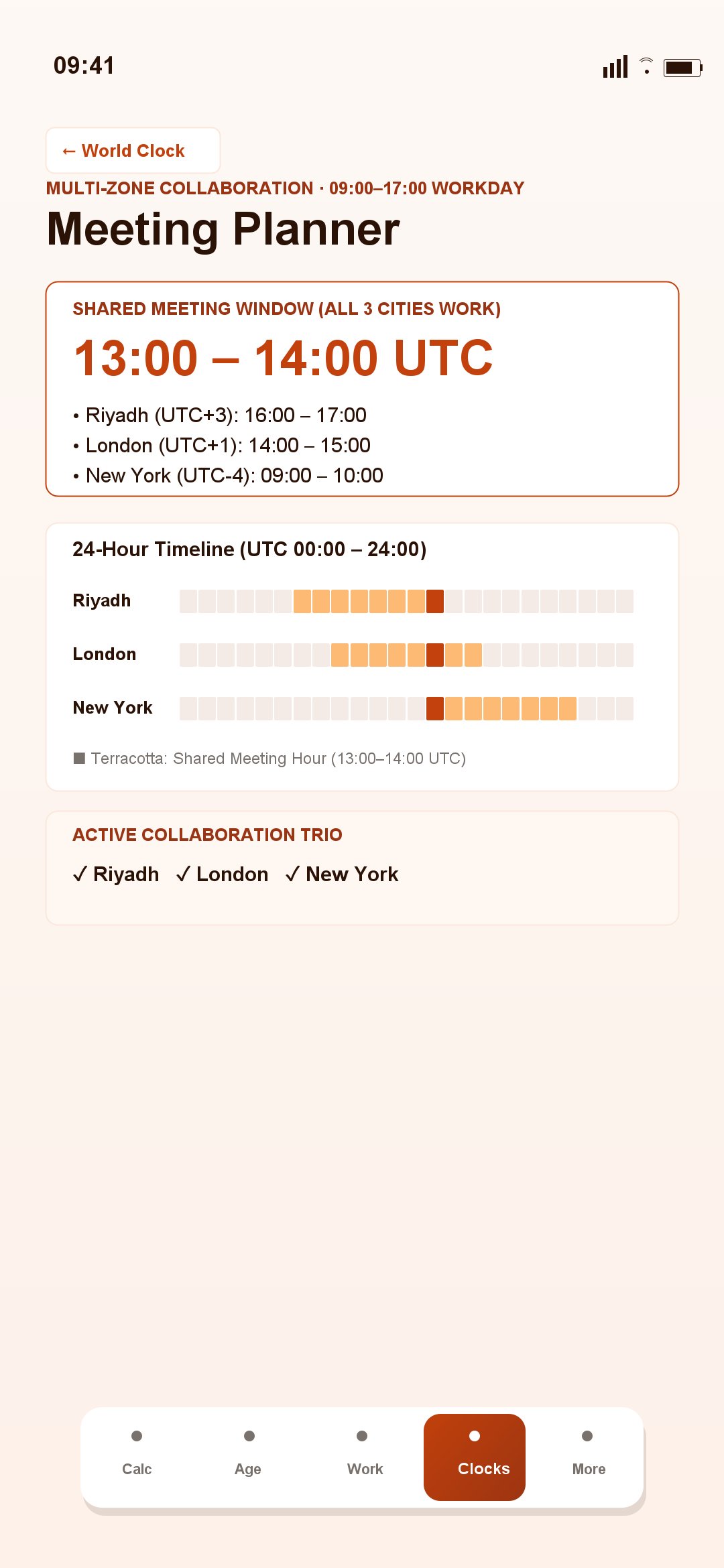
Pick two or three cities and see the working hours that overlap, shaded in a single twenty-four-hour bar.
• Rules you can check
Leap years, ISO week numbers, month-end clamping and the counting convention are all written out, so you can tell whether Dato agrees with your spreadsheet.
• Eight background themes
A full Appearance section with eight crafted backgrounds and a modern, animated navigation bar.
PRIVACY FIRST
Dato never reads your calendar or your contacts. It reads the device clock and time zone, which needs no permission. Nothing leaves the device and nothing is collected.
WHO IT IS FOR
Anyone planning around dates: project managers, freelancers billing by working day, parents, students, and anyone with colleagues in another time zone.
VISUAL DISCLOSURE
The included screenshots are produced from high-fidelity pixel-faithful renders of the native Android application interface.

One-click to install XAPK/APK files on Android!

Thanks for your rating and feedback!
You have already rated.