Safe & Fast APK Downloads on APKPure
APKPure uses signature verification to ensure virus-free Dual Space - Multiple Accounts APK downloads for you.


15.6 MB
File Size
Everyone
Android 4.4+
Android OS
Parallel Space App can create Multiple Accounts for Apps and Game at one Device
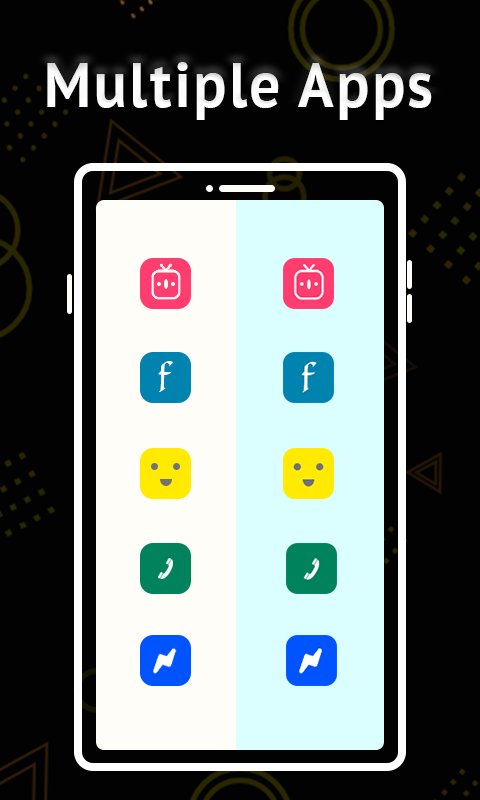
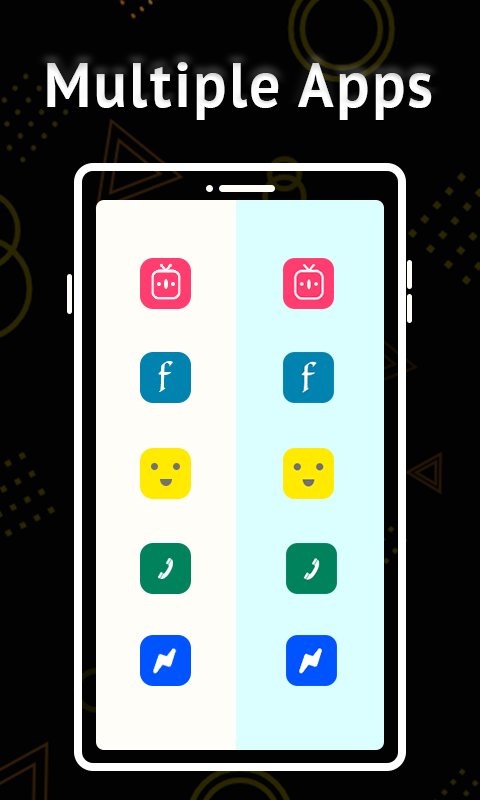
Parallel Space App is a tool that allows the user to clone the installed apps into multiple apps and make multiple accounts of social apps on the same device. Dual Space always creates a new clone of each app and their data and accounts store individually. All the dual apps are running parallel with each other.
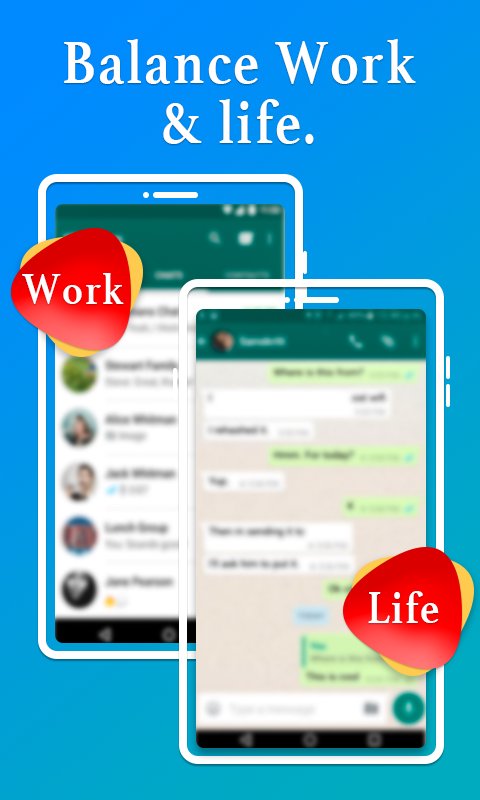
Parallel space app is designed to keep dual( personal and professional ) social accounts with multiple clones of the same social apps while sending, receiving messages separately. All the clone apps are working and running into parallel space independently.
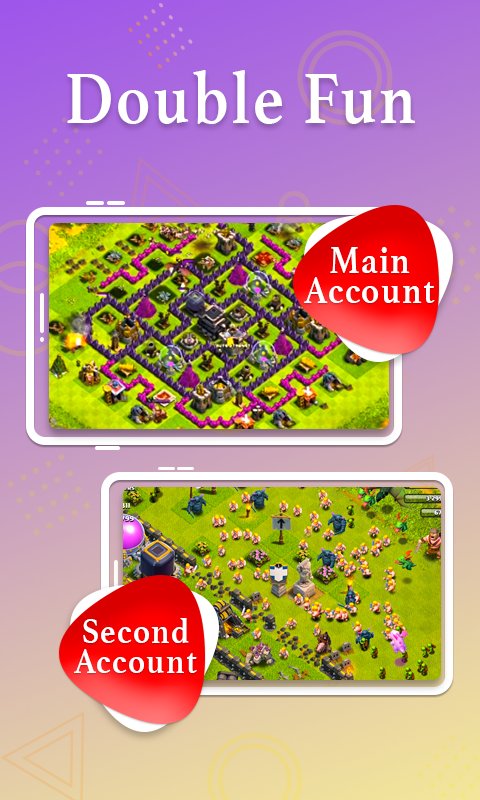
Dual space enables users to log in to multiple accounts and run them all online at the same time without worrying about the data collision.
Features of Parallel Space
Log in to multiple accounts online at the same time on one device.
Keep your dual personal and professional accounts data separately.
Each clone app works independently in parallel space so app data does not interfere with each other.
Easily app-switching between your multiple accounts in dual space.
All dual apps data are stored in different locations in storage.
Parallel Space Stability
Parallel space supports 64-bit devices.
64-bit apps are cloned in dual space without any problem.
Almost all social apps and games are supported for a dual account in Parallel Space
Parallel Space Pro Performance
Dual space is a multi-clone app that clones multiple applications. We do not install too many apps, so as to ensure that apps are running smoothly.
Enjoy the memory release feature that enables parallel running apps to close at one click to release the memory and make apps faster.
Each clone app runs in a separate process that makes the app faster, so multiple apps running in parallel space at the same time could not affect the performance of the app.
Highlights & Extra Features of Parallel Space PRO
Enable to create a shortcut of the app to the home screen, so you can access the app easily.
Dual account apps can be deleted easily with one click.
Store all apps data into different locations in storage to avoid any data collision.
Close all parallel running apps by clicking on the “Release memory” option.
Support 64-bit apps.
Apps small file size.
Low CPU consumption.
NOTES
Permissions: Parallel Space App needs system permission to ensure that all the cloned apps in parallel Space pro work normally. For Example, if the user denies the storage permissions then some apps that use storage permission in parallel Space pro can’t run.
Dual Space doesn’t collect any of your information.





One-click to install XAPK/APK files on Android!

Thanks for your rating and feedback!
You have already rated.