Package Name:com.dci.dev.minimalchargeglow
Show More

Pixel 11-inspired minimalist charging screensaver for every Android device.
Bring the clean, minimalist Pixel 11-inspired charging screen experience to your Android phone or tablet.
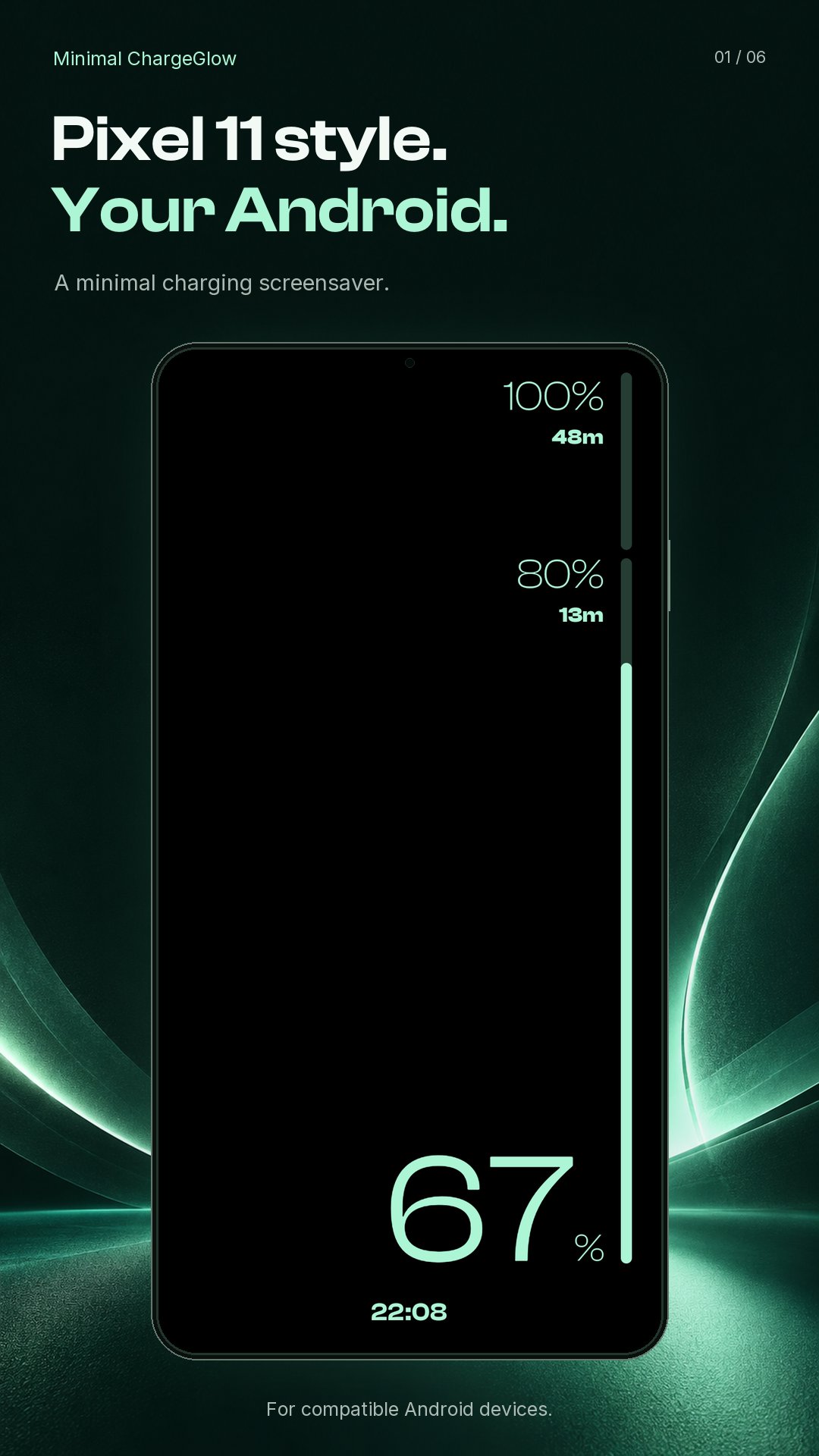
Minimal ChargeGlow turns charging time into a beautiful, distraction-free display with a large battery indicator, charging status, clock, date, notifications badge and customizable charging progress bar. Use it as an Android screensaver, charging display, fullscreen preview, or supported live wallpaper.
✨ Minimal charging display
• Large battery percentage and charging status
• Digital clock or analog clock faces
• Circle, square, and bold-numeral analog clock styles
• Optional date and notification indicator
• Black OLED-friendly display designed for low distraction
🎨 Customize your charging screen
• Choose Classic, Dot Matrix, or Material Expressive charging bars
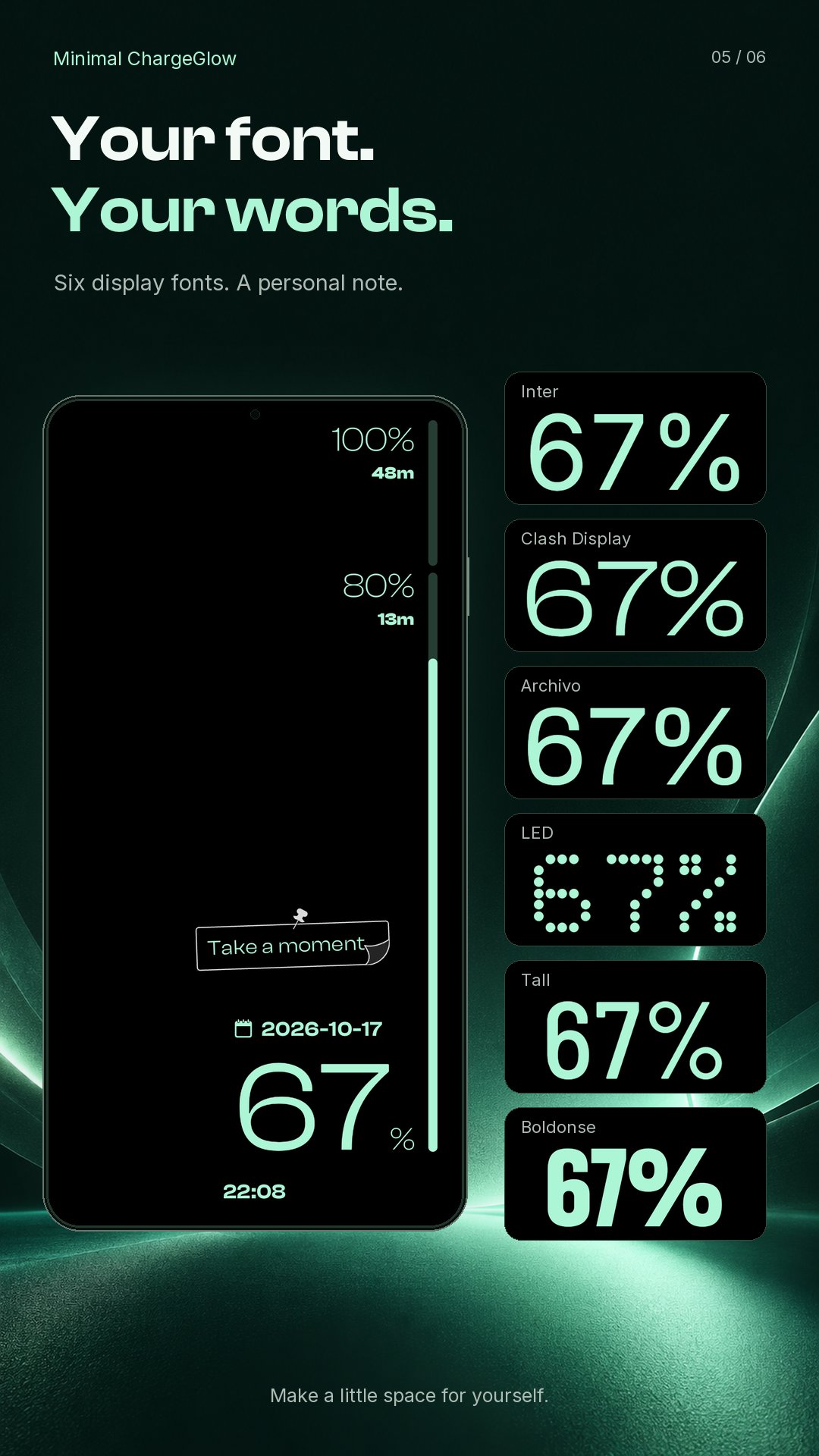
• Pick from multiple display fonts
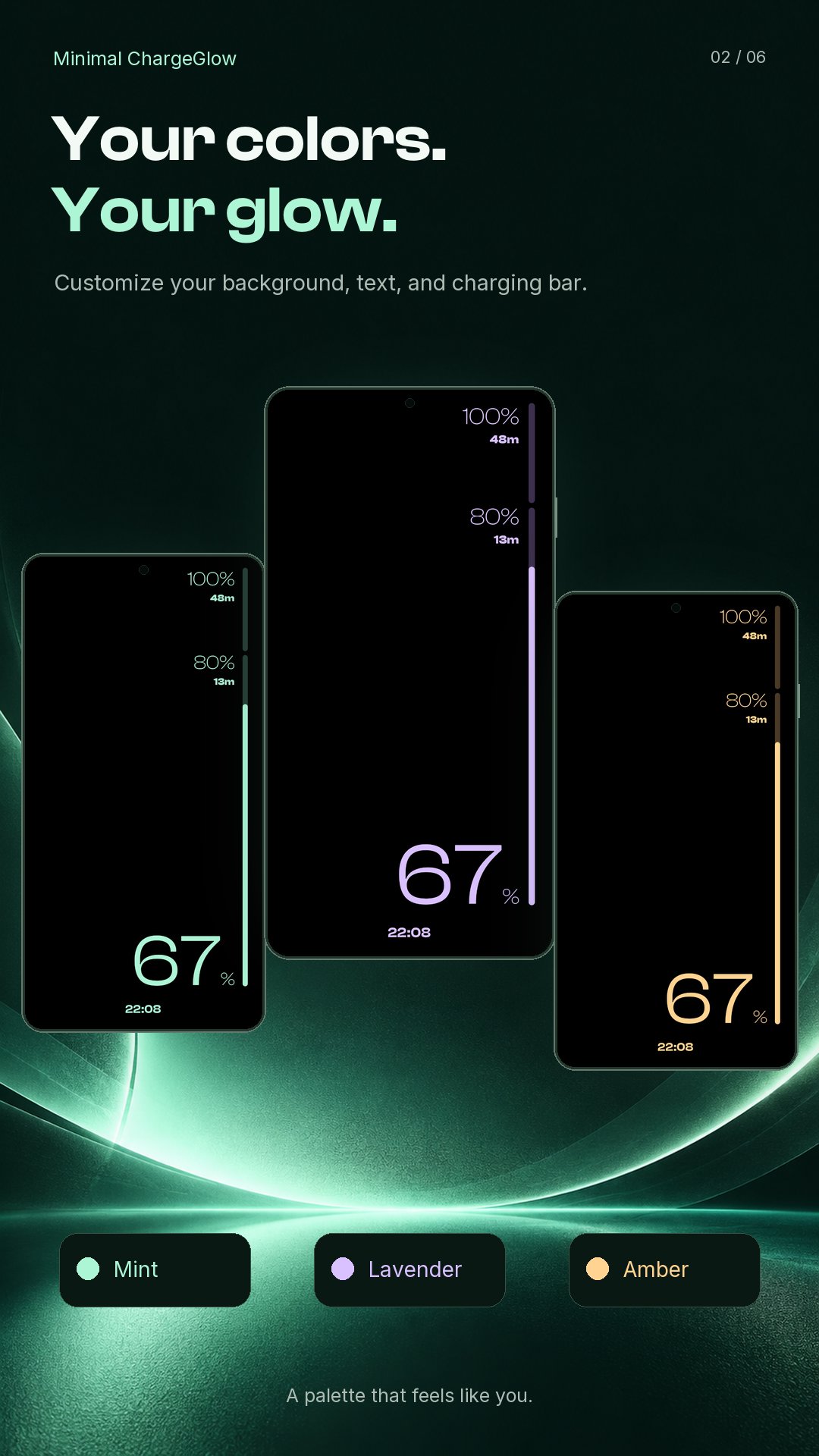
• Customize background, text, progress, track, and accent colors
• Set a visual charge target
• Choose brightness and OLED burn-in protection options
🔋 Made for charging
• Android DreamService screensaver support
• Fullscreen charging preview
• Optional live wallpaper mode on supported devices
• Wireless-charging-only option
• Optional charging insights for power, temperature, and estimated time to target
• Subtle pixel shifting and low-frequency animation for OLED protection
Minimal ChargeGlow is a charging display and screensaver — not a replacement for your device’s always-on display, and it cannot stop charging at a selected percentage.
Pixel is a trademark of Google LLC. Minimal ChargeGlow is an independent app and is not affiliated with, endorsed by, or sponsored by Google LLC.




One-click to install XAPK/APK files on Android!

Thanks for your rating and feedback!
You have already rated.