Package Name:com.donguriapp.posedoll
Show More


89.5 MB
File Size
Everyone
Android 7.0+
Android OS
Turn photos into editable 3D poses and view them from any angle.
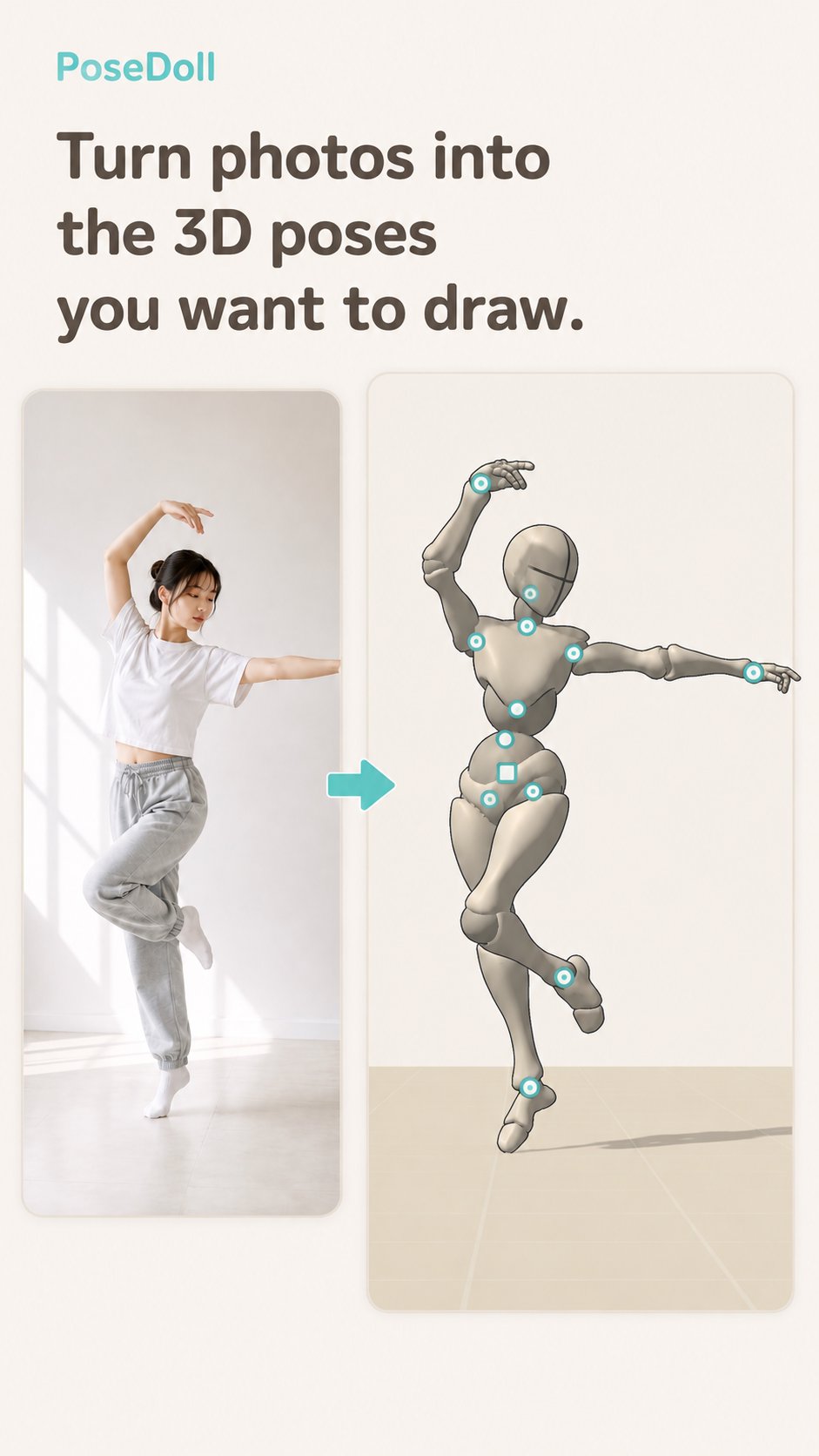
Turn photos into the 3D poses you want to draw.
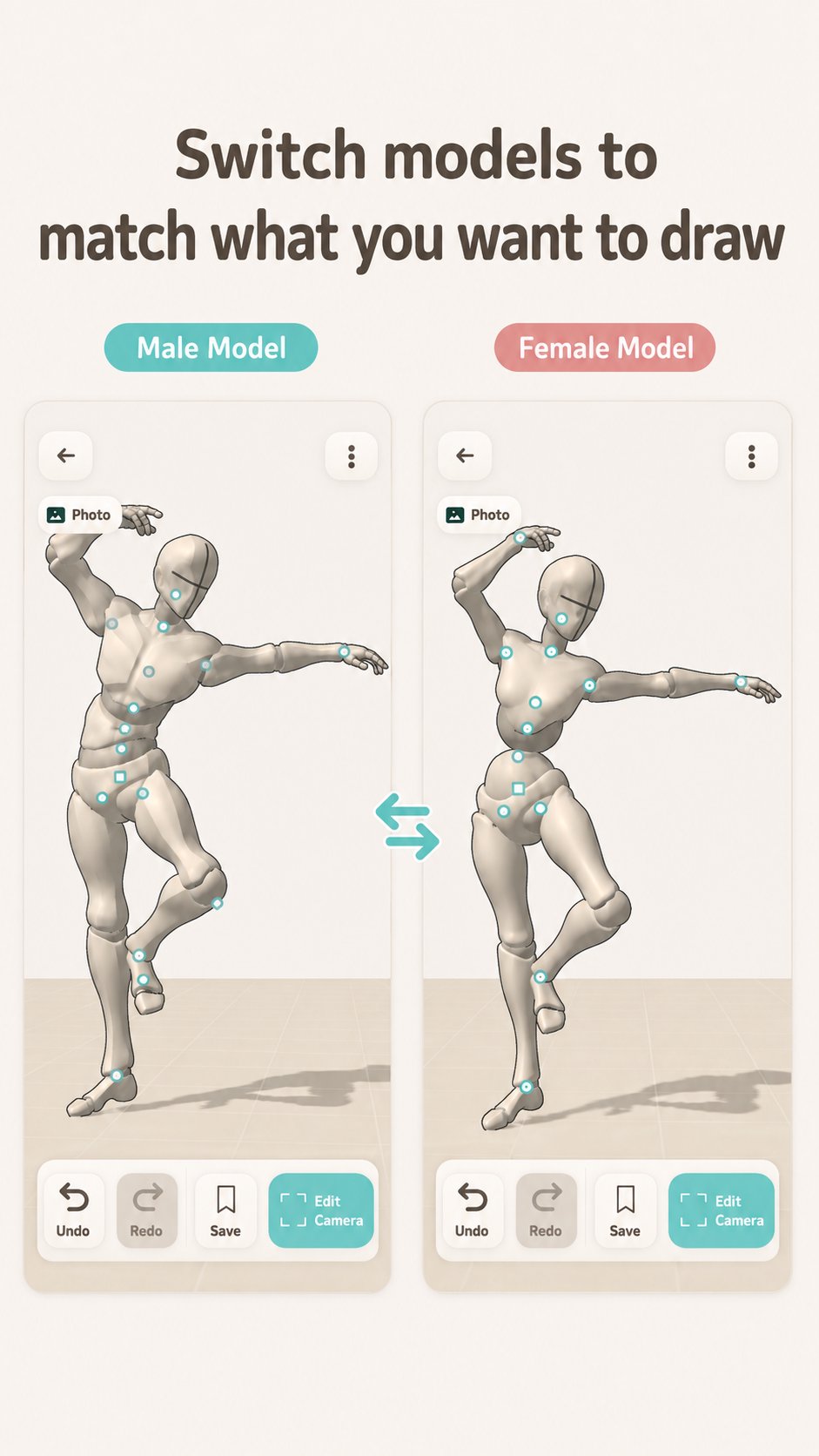
PoseDoll is an illustration reference app that lets you transfer a person’s pose from a photo or camera shot onto a 3D drawing mannequin.
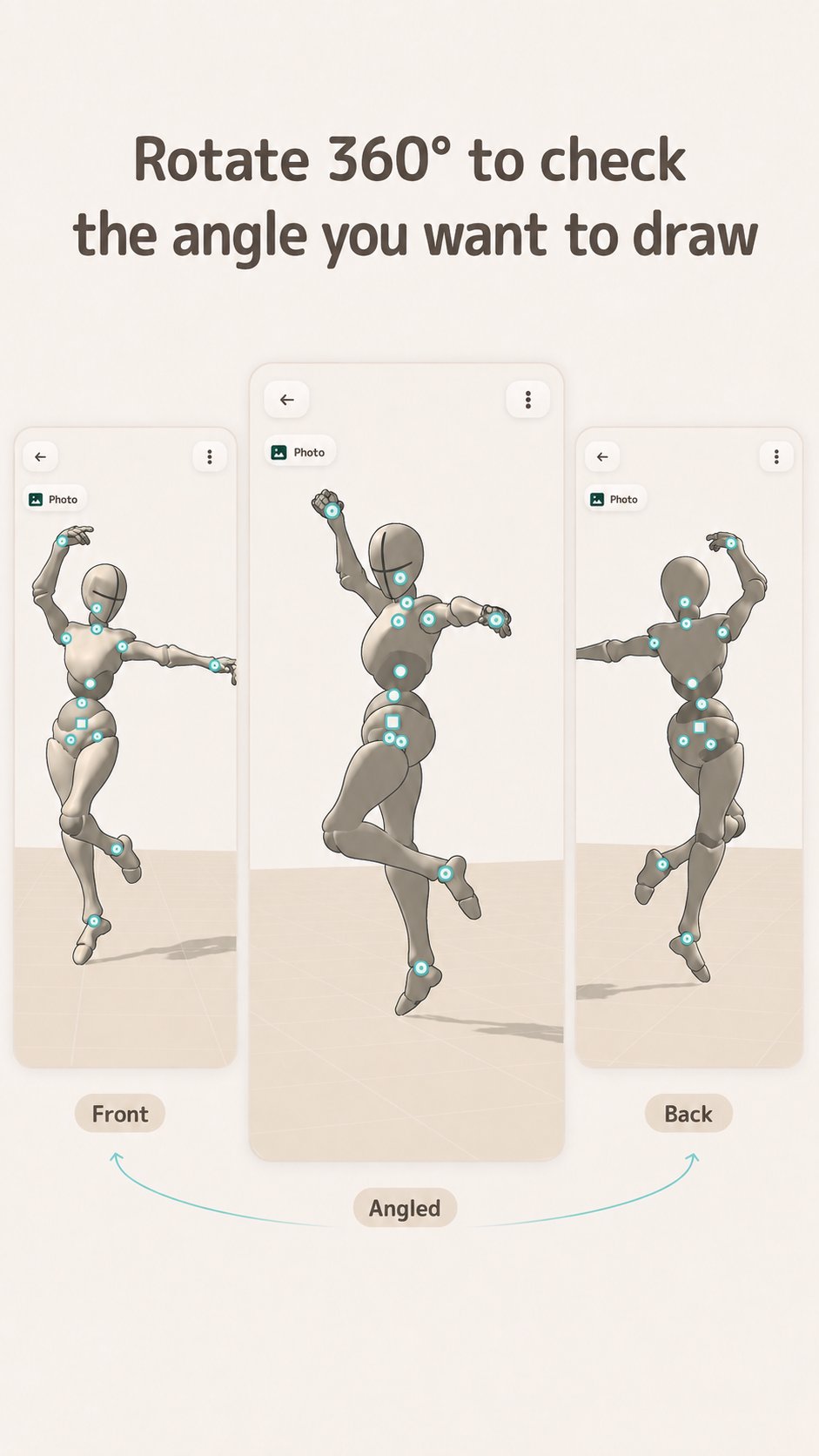
Rotate the 3D mannequin to check angles that may be difficult to understand from a photo alone.
PoseDoll helps reduce the time and effort needed to create poses from scratch, making it easier to prepare references for rough sketches, drafts, and composition planning.
[What You Can Do with PoseDoll]
• Create 3D poses from photos
Import a photo from your device and transfer the person’s pose onto a 3D drawing mannequin.
• Capture a pose with your camera
Take a photo on the spot and use it to create a 3D pose reference.
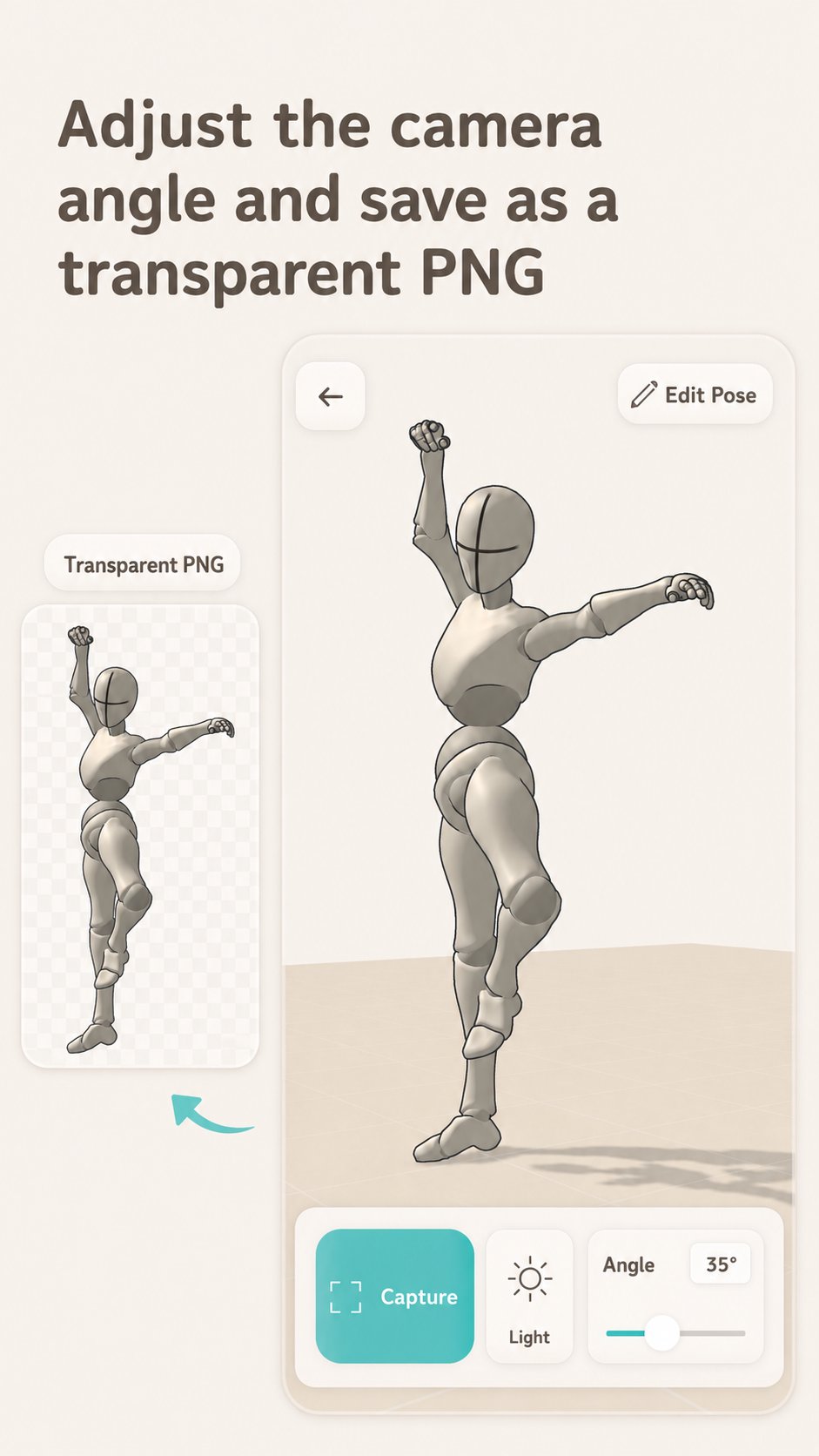
• View poses from any angle
Rotate and zoom the 3D mannequin to find the angle you want to draw.
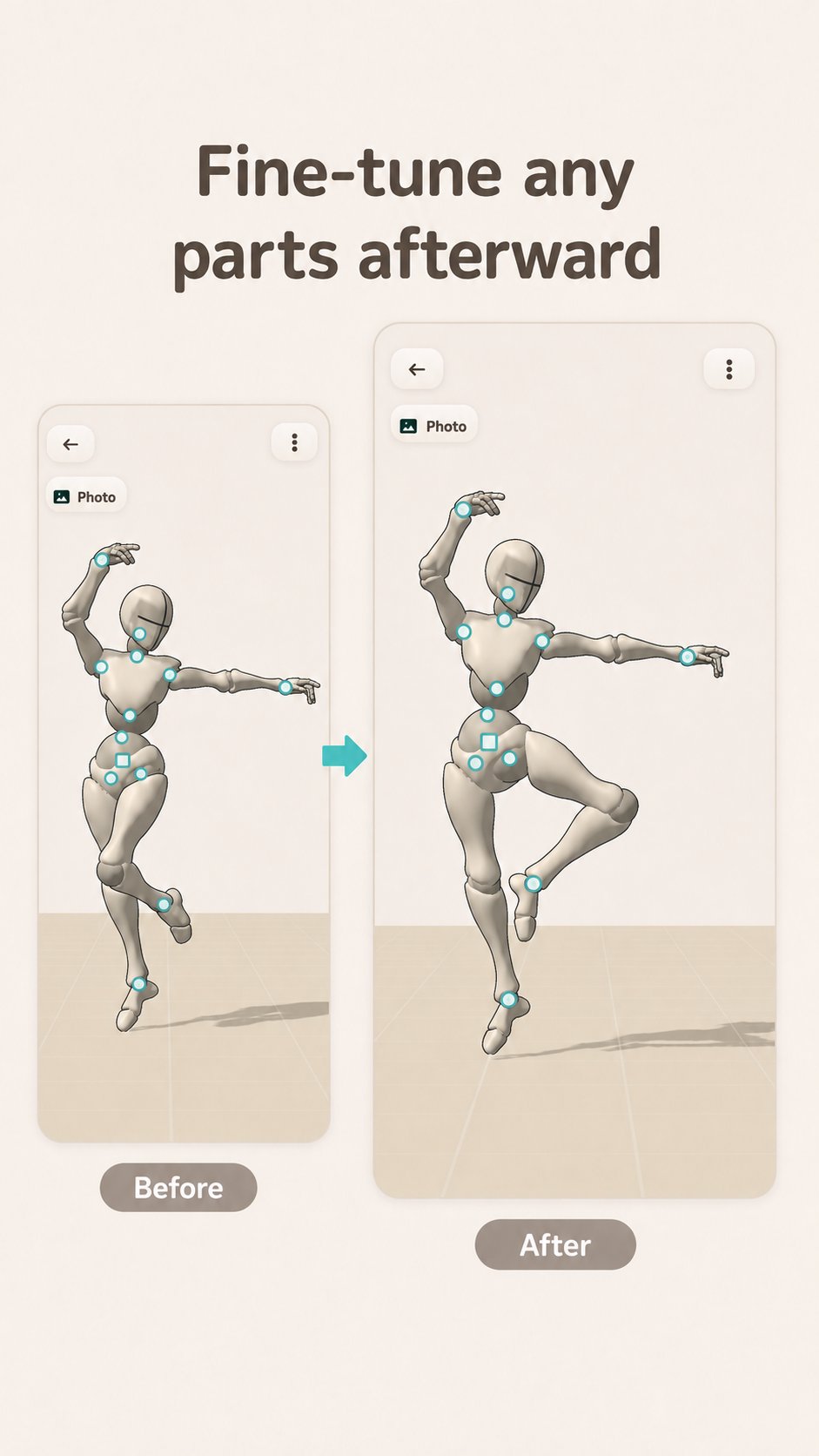
• Adjust poses manually
Fine-tune automatically generated poses by moving and rotating body parts.
• Save your poses
Save created poses to your library and return to them later.
• Export as transparent PNG
Save the 3D mannequin as a transparent PNG and import it into your illustration software for use as a drawing or sketch reference.
[Privacy]
Pose estimation runs directly on your device.
Your photos are not uploaded to external servers for pose estimation.
[Ideal For]
• Checking a pose from a slightly different angle than the original photo
• Avoiding the hassle of posing a 3D mannequin from scratch
• Preparing a 3D reference before starting a rough sketch
• Checking the balance and angles of a character pose
• Turning your own photos into 3D drawing references
[Core Features Unlock]
Core features can be unlocked with a one-time purchase. There is no monthly subscription.
The unlock includes features such as camera capture, photo import, and the pose library.
[Please Note]
PoseDoll estimates a person’s pose from a photo and applies it to a 3D mannequin.
Depending on the image and shooting conditions, the pose may not always be reproduced accurately.
Results may be less stable when:
• Parts of the body are hidden
• The person appears too small in the image
• The photo is taken in a dark environment
• Multiple people appear in the image
• The pose has significant depth toward or away from the camera
You can manually adjust the generated pose in the app as needed.

One-click to install XAPK/APK files on Android!

Thanks for your rating and feedback!
You have already rated.