











Thanks for your rating and feedback!
You have already rated.

Turn your phone into a low-latency wireless (or USB) controller for your PC.
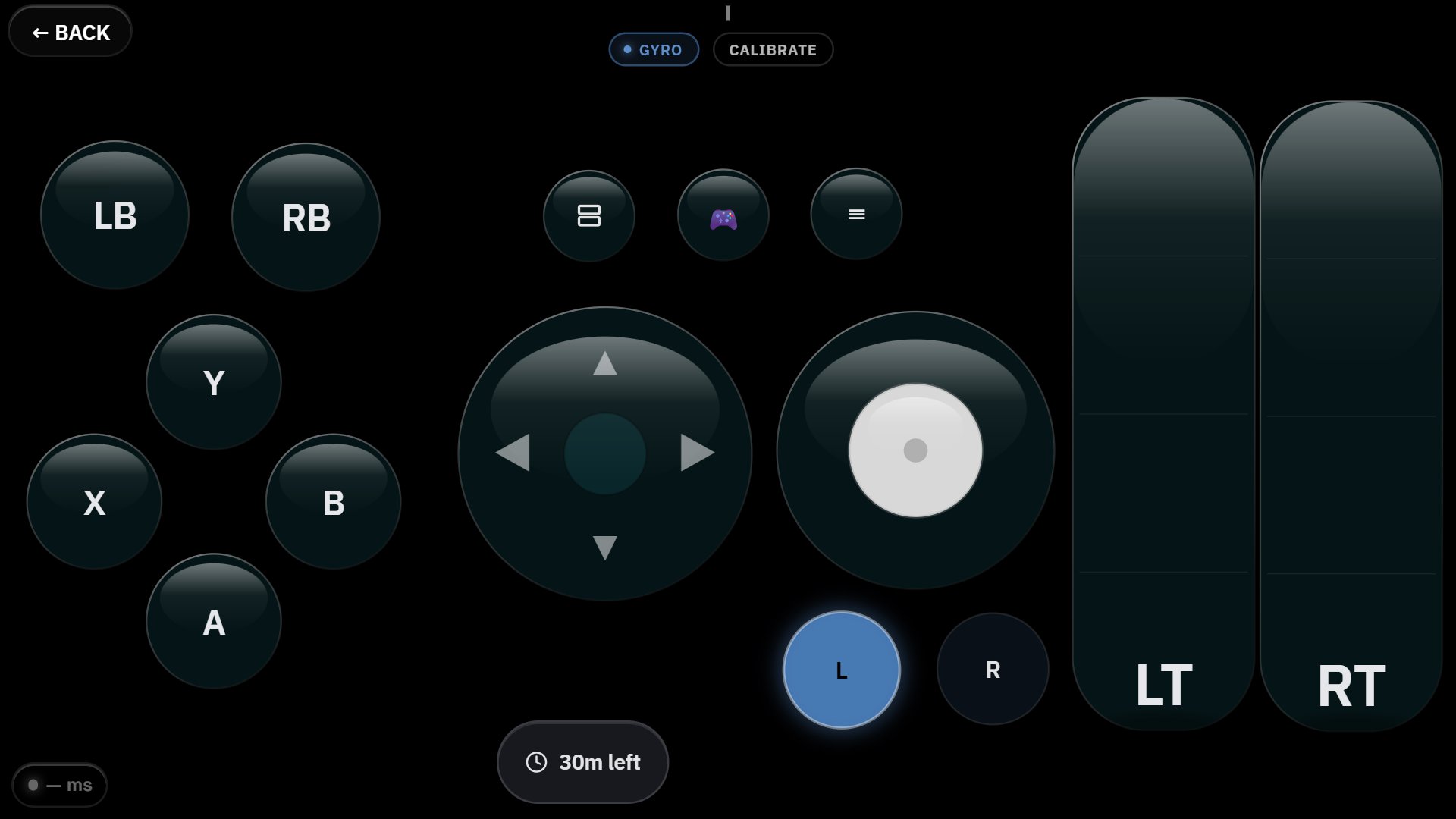
GamepadOS turns your Android phone into a wireless — or wired — game controller for your Windows PC. No extra hardware, no dongles: your phone becomes a full standard game controller that any PC game recognizes automatically.
HOW IT WORKS
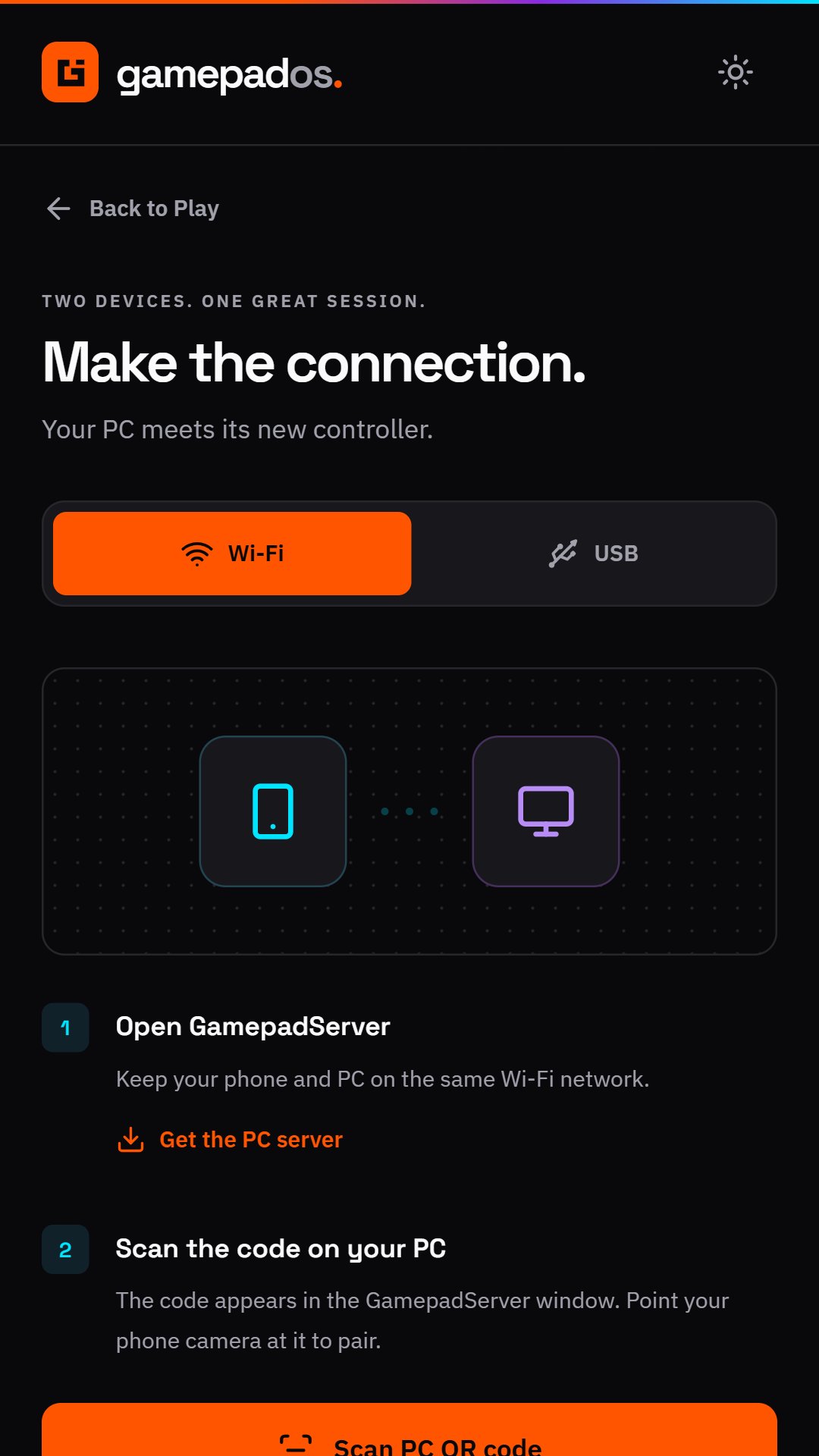
Install the free GamepadServer app on your PC, scan the pairing QR code with GamepadOS, and you're connected. Your phone's touchscreen becomes sticks, buttons, and triggers; tilt the phone for gyro steering. Every input is encrypted end-to-end before it ever leaves your phone.
CONNECT YOUR WAY
• Wi-Fi — scan a QR code and you're playing in seconds
• USB — plug in for the lowest possible latency and zero Wi-Fi dependency
BUILT FOR SPEED
The input engine samples at up to 1000 Hz and is written in native C++ for minimal delay — wired connections measure around 2.5 ms.
MAKE IT YOURS
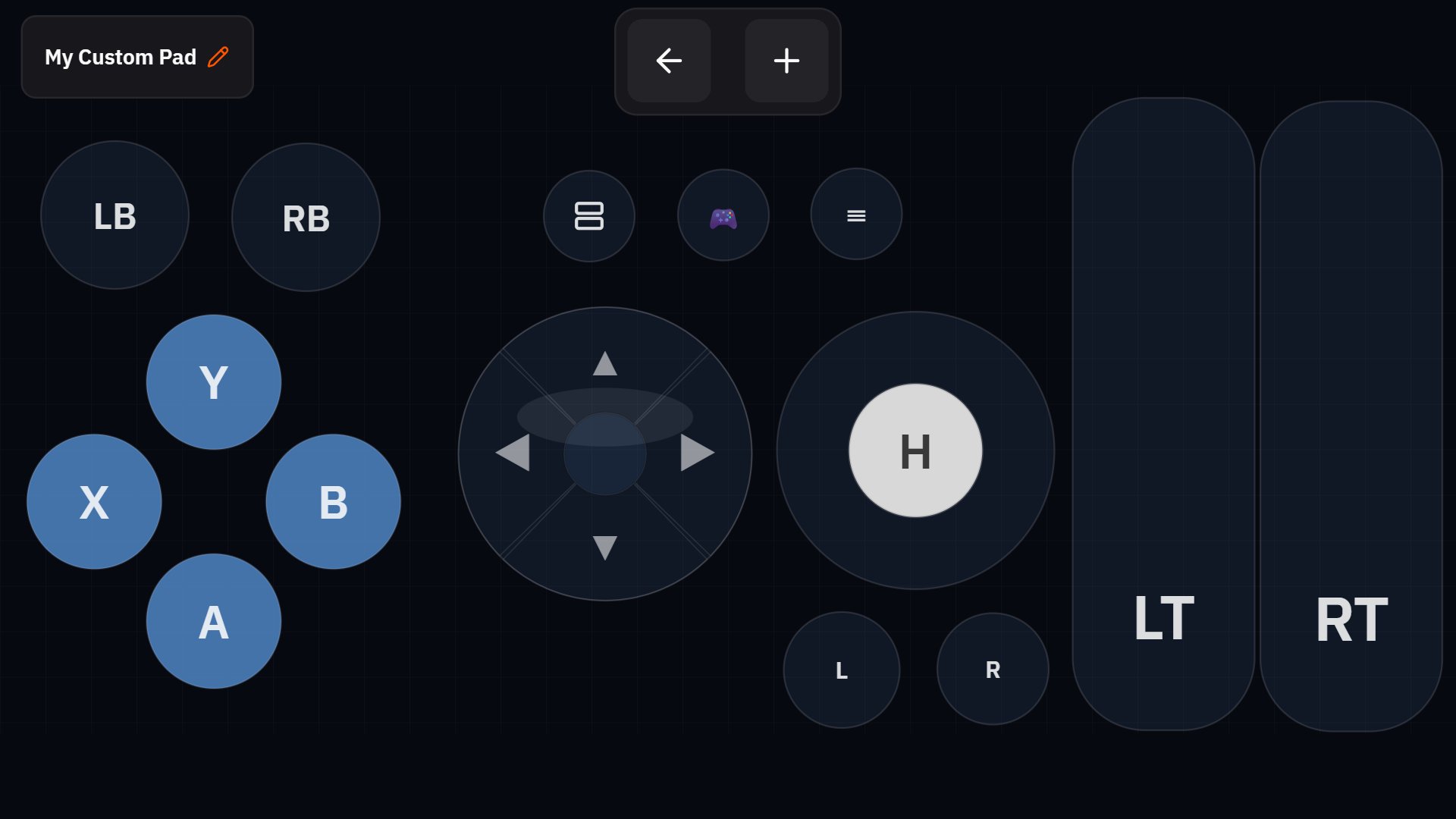
Don't like the default layout? Build your own: drag-and-drop buttons, thumbsticks, and triggers into a custom controller shaped exactly for the games you play. Save as many layouts as you want.
GYRO STEERING
Tilt-to-steer with a choice of racing or 3D-look modes, adjustable sensitivity and dead zone, and haptic feedback synced to in-game rumble. Wheel mode for a phone mounted like a steering wheel.
FREE TO PLAY, WITH OPTIONAL ADS
Start with 30 free minutes — no sign-in needed. Want more? Watch a short ad for 30 more minutes whenever you have under an hour left. Time you earn never expires. Ads only play when you tap "Watch an ad" — never on their own, never over the controller.
PRIVACY
Your controller input travels directly from your phone to your PC over your own network — it never touches our servers. An account is optional: it backs up your custom layouts. Ads are provided by Google AdMob; see our privacy policy for what that involves.
Requirements: a Windows PC running the free GamepadServer companion app, and a shared Wi-Fi network (or a USB cable) between your phone and PC.


One-click to install XAPK/APK files on Android!
Thanks for your rating and feedback!
You have already rated.