Scan Date:Feb 8, 2026
Show More


8.8
369 Reviews
189.1 MB
File Size
Everyone 10+
Android 6.0+
Android OS
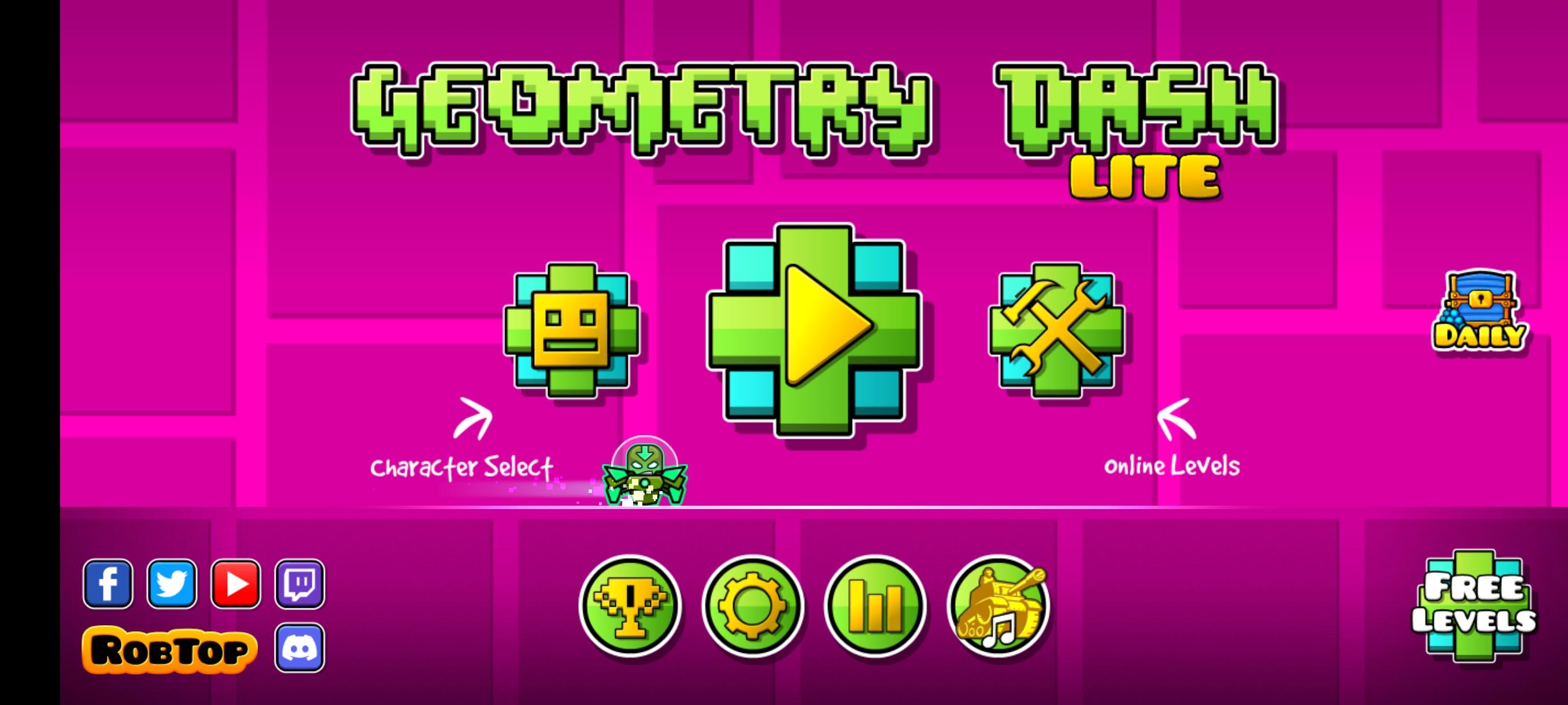
Geometry Dash Lite is a free rhythm-based action platformer with one-touch play.
This streamlined edition focuses on tight, music-synced runs that feel fair and addictive. The main appeal is steady improvement through quick restarts and a helpful Practice Mode that lets you learn difficult sections at your own pace. For anyone ready to download Geometry Dash Lite, here are the key highlights that define the experience.
One-touch control that matches jumps and hazards to the soundtrack.
Switch between cube, rocket, and gravity flip segments mid-run often.
Practice Mode adds auto checkpoints to rehearse difficult sections safely.
Quick retries, short levels, and offline play support small, focused sessions.
Unlock icons and colors to personalize your cube and vehicles.
Geometry Dash Lite ties jumps, spikes, portals, and orbs to the soundtrack, so timing feels musical rather than random. You tap to vault over hazards, trigger extra jumps on colored orbs, and flip gravity at set moments. The level design teaches patterns through repetition, with each section asking for a little more precision than the last. Arrows speed you up or slow you down, while portals can swap your mode mid-level, keeping every run energetic. Because the rhythms are consistent, you start to hear the window for each jump, and that makes hard sequences feel learnable instead of luck-based.
Practice Mode turns frustration into progress by adding automatic checkpoints so you can drill a tough section until it clicks. When a sequence keeps sending you back, switching to practice lets you focus only on the problem area and build muscle memory without pressure. In normal runs, retries are instant, so you return to the start with no downtime and quickly apply what you just learned. Short, focused levels make it easy to squeeze in a few attempts during a break, and those micro-sessions still move you forward because each failure teaches a timing or pattern you can use on the next try.
Geometry Dash Lite mixes cube hopping, rocket flying, and gravity flipping to keep you reacting in new ways. Cube sections emphasize precise taps, rocket segments ask you to hold and feather your press to stay in the air, and gravity flips invert your instincts at full speed. Portals and arrows can change speed or switch your mode with no warning, so staying calm after a surprise transition becomes part of the challenge. Colored orbs offer extra jumps at exact spots, helping you clear otherwise impossible gaps. Hidden coins often sit on riskier routes, rewarding confident players who learn the alternate path. You choose levels by difficulty, then refine a personal route through each run over time.
Geometry Dash Lite adds “Fingerdash” and the Demon-level “Deadlocked,” expanding the official lineup with tougher, more technical patterns. Precise click options like Between Steps and On Steps help fine-tune input feel for those who care about exact timing. Leaderboards now track Moons, Demons, and User Coins, while unlockable Gauntlets give dedicated players another goal to chase. Networking improvements and bug fixes make online features more stable, though the core experience remains offline single-player. Ads still appear between attempts, but they do not interrupt the moment-to-moment flow once a run begins.
You can get the Geometry Dash Lite APK on APKPure and install it in a few minutes. The file is around 180–200MB, so on a strong connection it typically finishes in a minute or two. On average mobile data, expect a few minutes more. Keep a bit of extra storage free so the installer can unpack game files smoothly.
After installing the Geometry Dash Lite latest version, the first launch may take a moment while assets load. Because the game is offline, you can play anywhere; ads will show between attempts. If storage is tight, consider clearing space before installation to avoid interruptions.
Once installed, try an easier level to learn the rhythms, then use Practice Mode to drill any tricky part. When the timing feels right, go for a full run and start chasing those coins.



One-click to install XAPK/APK files on Android!

Thanks for your rating and feedback!
You have already rated.