














CapCut's mid-2025 update lands with the kind of feature that actually changes how you work. Version 18.5, rolling out now on Android, brings AI-powered multi-language subtitles covering 47 languages, a redesigned export engine that cuts rendering time noticeably, and several quality-of-life improvements that make the free video editor feel a step closer to desktop-grade.
What's New in CapCut v18.5
| Category | What Changed |
|---|---|
| AI Subtitles | Multi-language support expanded to 47 languages with dual-track architecture |
| Export Performance | Faster rendering engine, improved 4K 60fps export stability |
| Editing Tools | Keyframe animation refinements, improved chroma key accuracy |
| Stability | Multiple crash fixes, memory optimization on mid-range Android devices |
CapCut's AI Subtitles Now Cover 47 Languages
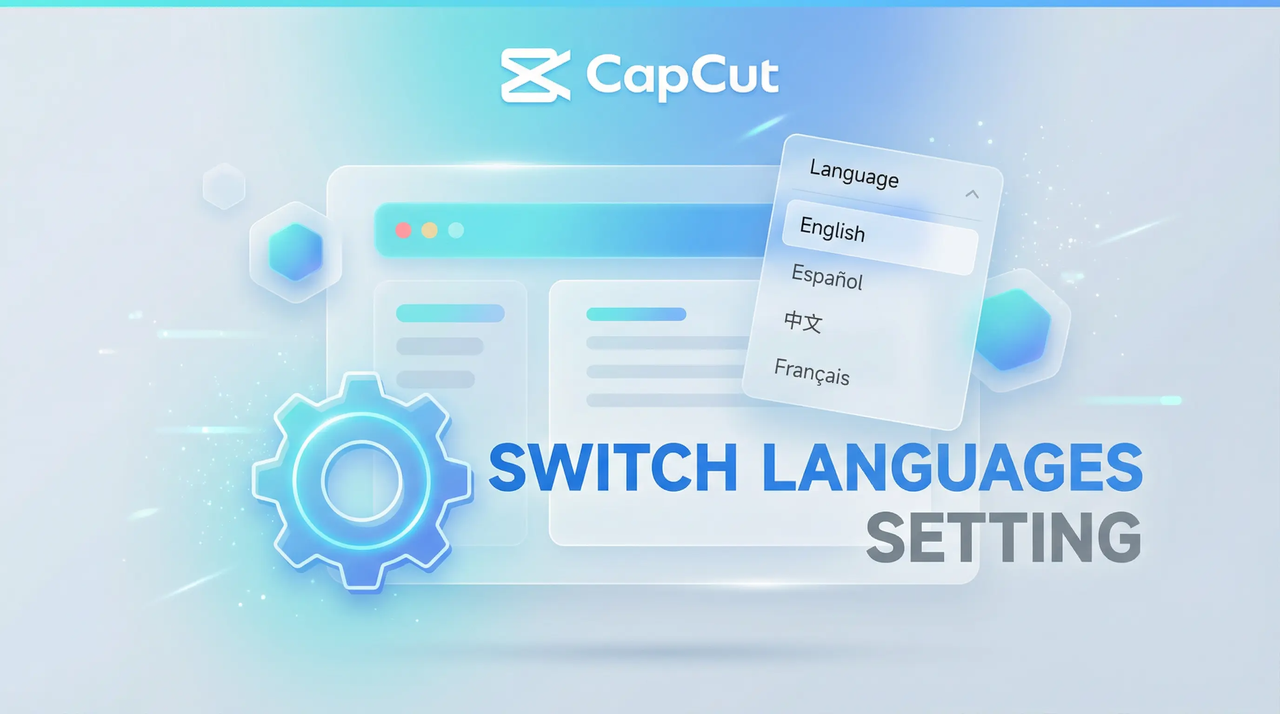
The headliner in this CapCut update is the expanded AI subtitle system. Before v18.5, CapCut's auto-captioning worked well for a handful of major languages. Now it handles 47. That includes Arabic, Japanese, Korean, Thai, Vietnamese, and most European languages. That's not just a bigger number on a spec sheet. If you make content for audiences across Southeast Asia, the Middle East, or Latin America, you no longer need a separate subtitle tool.
The architecture behind this matters more than the language count. CapCut moved to a dual-track subtitle system. Each language you add lives on its own independent timeline track. You can assign different fonts, colors, and animation styles per language. English subtitles can fade in while Spanish ones slide up. More importantly, timing stays locked per track. The old single-track approach meant translating a long sentence into German (which tends to run longer) could throw off sync across every language. That's fixed.
The AI transcription engine itself got sharper. In our testing across English, Spanish, and Indonesian voiceovers, error rates dropped enough that you'll correct maybe two or three words per minute of dialogue instead of whole phrases. Background noise handling improved too. A coffee shop recording that would've produced garbled text in v18.2 now comes through with mostly clean captions.
Who actually benefits from this? Three groups, mainly. Content creators are posting to TikTok and Instagram Reels across multiple language markets. Small businesses making product videos for international customers. And educators recording lectures that need to reach non-native speakers. For everyone else, the subtitle upgrade is nice to have but won't change your day-to-day.
CapCut Export Is Noticeably Faster Now
The export improvements in this CapCut Android update aren't the kind you read about in changelogs and shrug off. A 3-minute 1080p project with two subtitle tracks, three audio layers, and basic color grading now exports about 25% faster on a Snapdragon 8 Gen 2 device compared to v18.2. 4K exports at 60fps, which used to be a gamble on all but flagship phones, now complete reliably on mid-range devices like the Galaxy A55 or Pixel 8a.
ByteDance rewrote the rendering pipeline to use hardware acceleration more aggressively. The practical upshot? Fewer failed exports. Less overheating. Battery drain that's closer to watching YouTube than running a benchmark. If you edit on your phone during commutes or between shoots, the battery savings alone justify updating.
There's a tradeoff. The faster export uses more storage during rendering. CapCut now reserves a larger cache on your device while processing. On phones with 64GB or less, you might run into space warnings if you're exporting long 4K projects back-to-back. The fix is straightforward: keep 2-3GB free before hitting export.
CapCut Editing Tools: Keyframes and Chroma Key Get Smarter
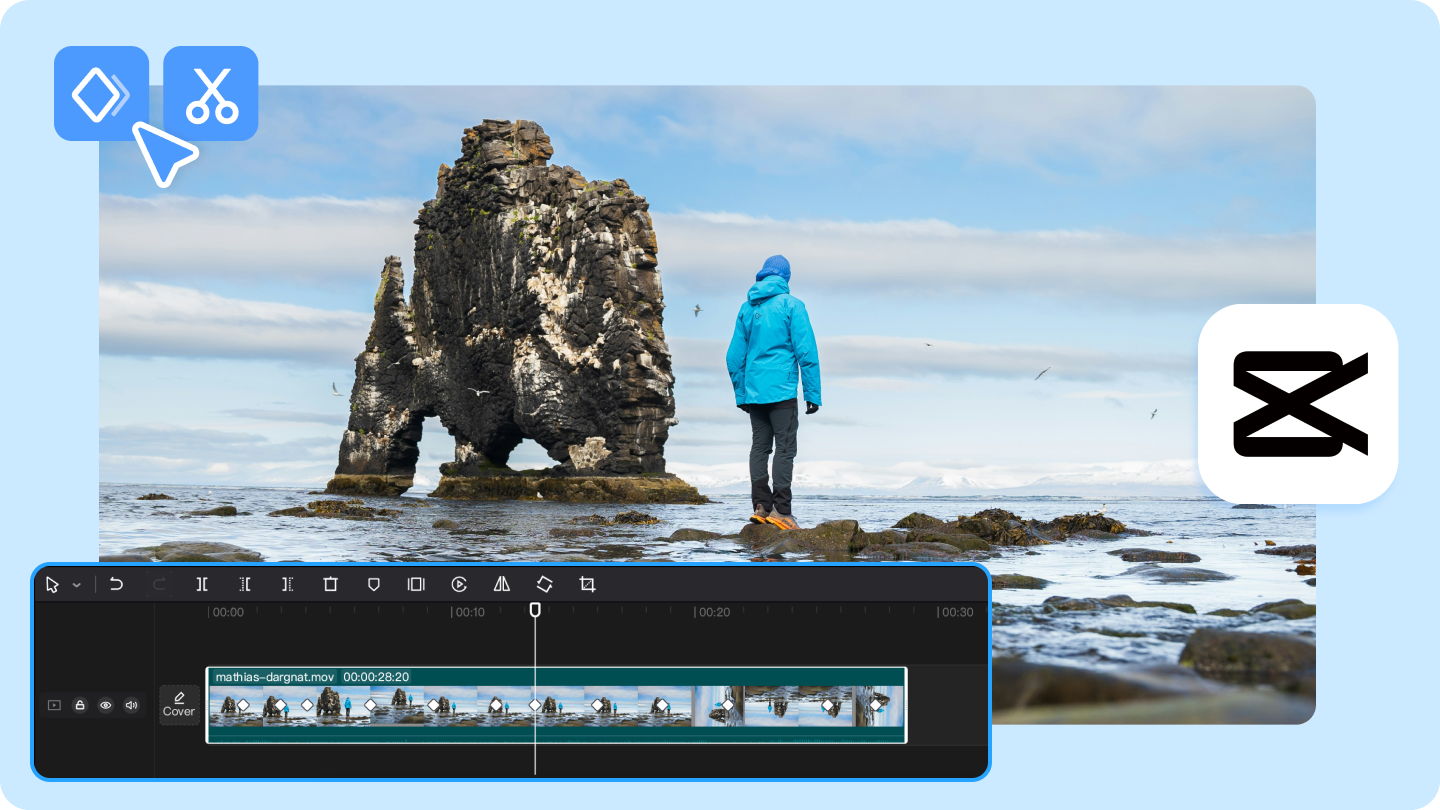
Keyframe animation in this video editor update got a quiet overhaul. You can now set keyframes on more parameters: text opacity, shadow direction, and mask feathering. For anyone who does motion graphics inside CapCut rather than jumping to After Effects or Premiere Rush, this opens up transitions that looked janky or impossible before. A smooth text reveals that fades in while its shadow shifts left? That's now a few taps.
The chroma key tool (green screen removal) received a more practical fix: edge detection now handles fine hair and translucent objects better. Shooting against a green screen with a phone camera still isn't ideal, but the results are cleaner than before. You'll spend less time manually painting out green halos around the subject's shoulders.
One thing that didn't change: CapCut remains free for the core editing toolkit. AI subtitle generation, keyframes, chroma key, multi-track editing, and 4K export are all in the free tier. The Pro subscription unlocks premium effects, stock assets, and cloud storage, but you can produce professional-looking videos without paying a cent. For a mobile video editor in 2026, that's still unusual.
CapCut Latest Version: How to Get It
CapCut v18.5 is rolling out on the Google Play Store, but if the update hasn't reached your region yet or you want to install it directly, APKPure has the latest APK ready for download. The app weighs roughly 290MB and requires Android 5.2 or above. Make sure you're on a stable Wi-Fi connection before downloading. Once installed, your existing projects carry over without issues. If you're running an older CapCut version, this update is worth the download for the subtitle and export improvements alone.

CapCut is a video editing app that turns clips into polished videos quickly.
- How to Edit A Video by Using CapCut App
- How to Download Bayraktar and Stugna APK Latest Version 2.16 for Android 2026
- How to Download Merge Fellas APK Latest Version 2.4.8.5 for Android 2026
Updated July 2026 to cover CapCut v18.5 AI subtitle expansion, export performance improvements, and keyframe animation refinements.