
स्कैन तिथि:Oct 22, 2026
और दिखाएं

वर्क टाइमशीट, बिल योग्य घंटे, ओवरटाइम और Excel एक्सपोर्ट
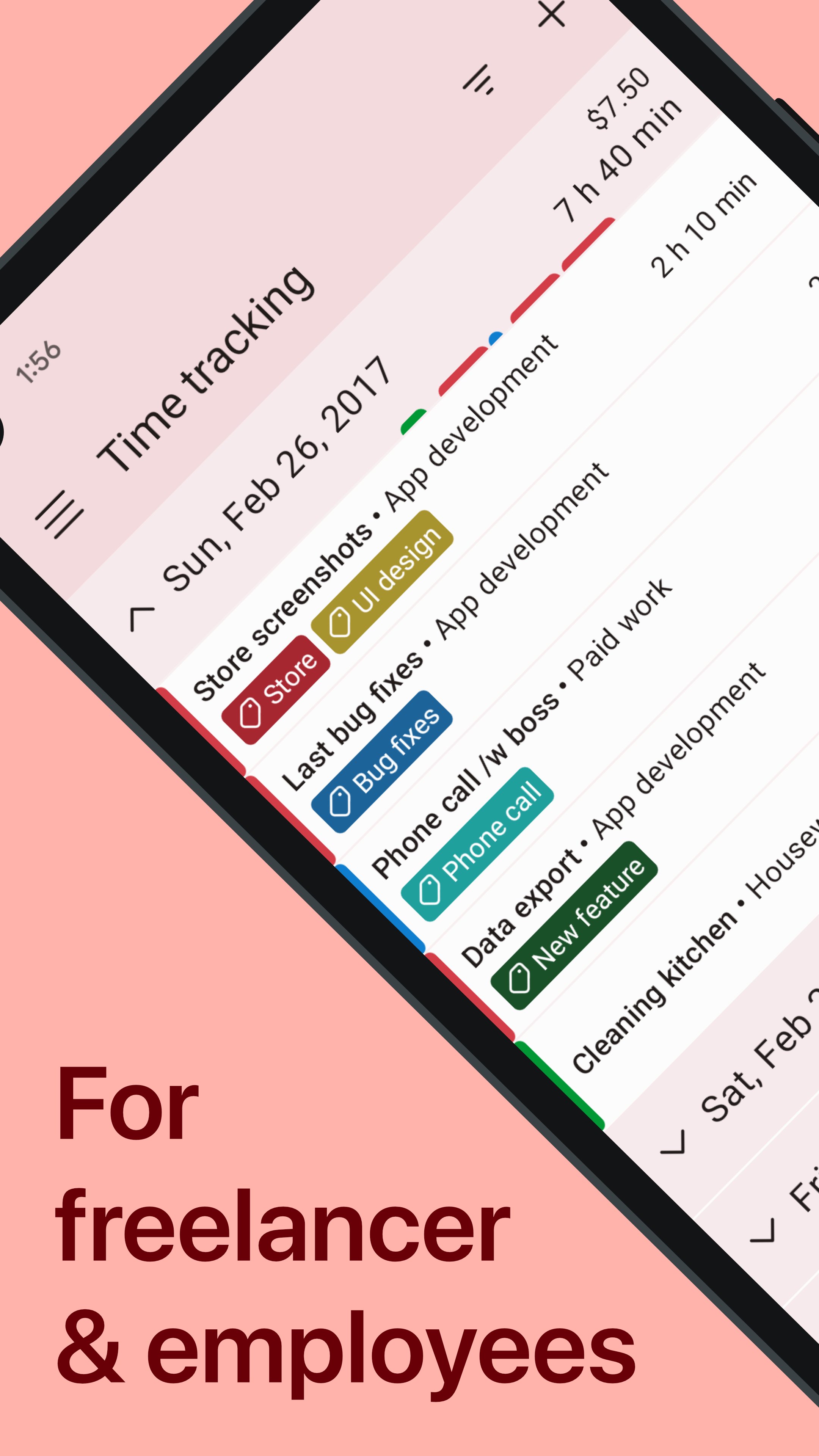
काम के घंटे ट्रैक करें, टाइमशीट तैयार रखें और बिलिंग के लिए रिकॉर्ड व्यवस्थित करें। WorkingHours फ्रीलांसरों, घंटे के हिसाब से काम करने वालों, कर्मचारियों, कॉन्ट्रैक्टरों, कंसल्टेंट्स और स्व-रोजगार पेशेवरों के लिए टाइम ट्रैकर और निजी वर्क लॉग है।
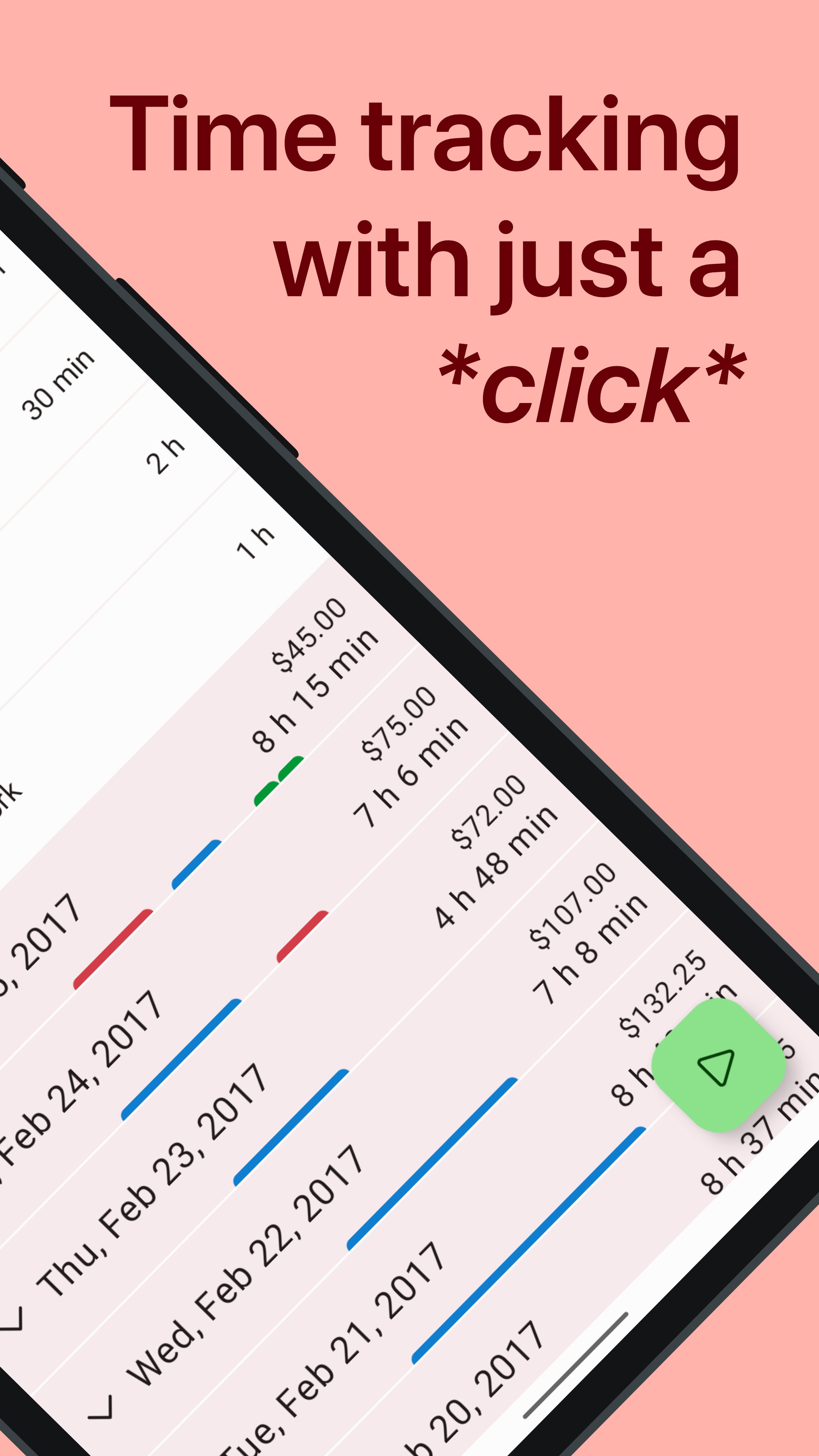
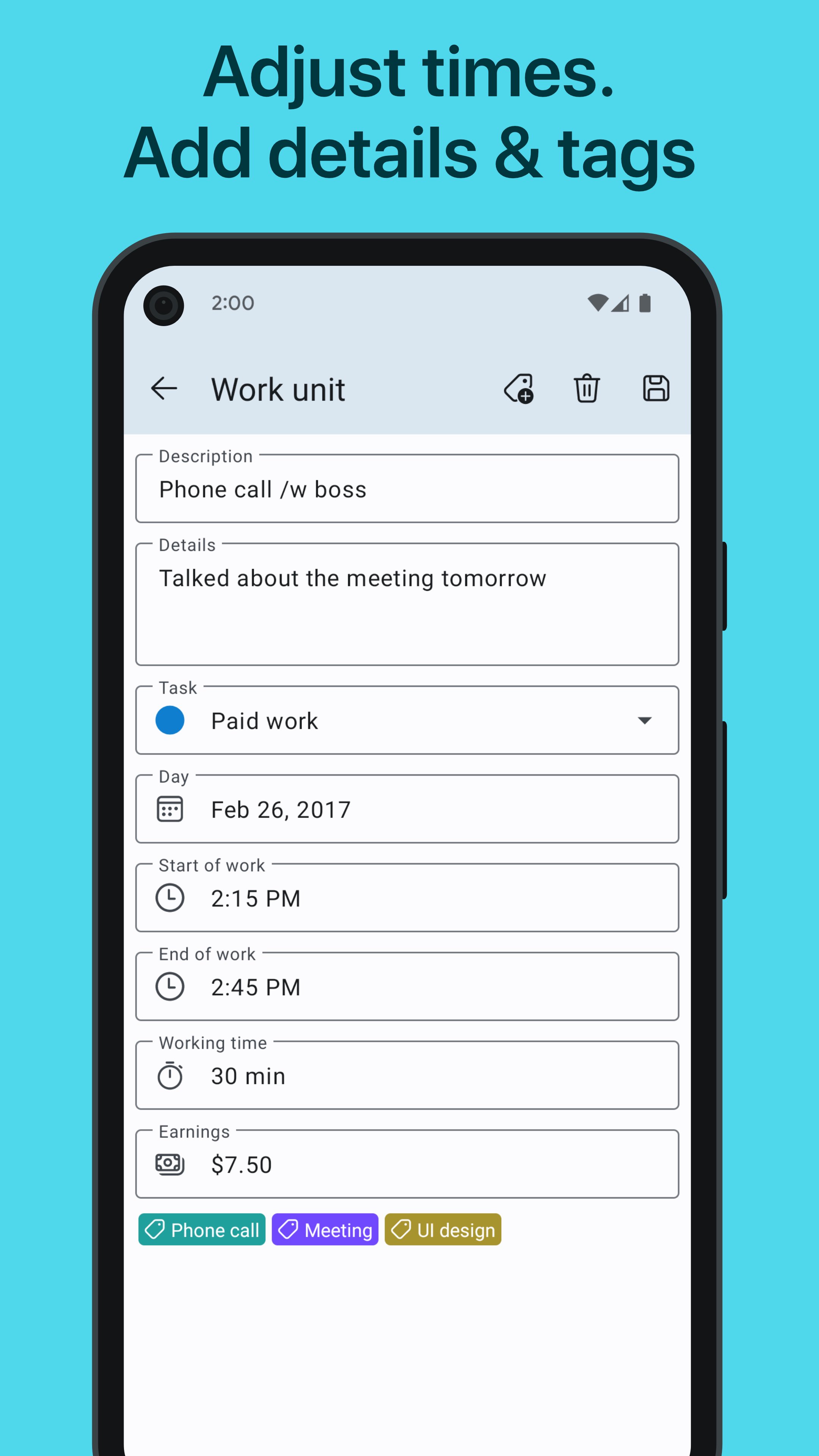
काम शुरू करते समय टाइमर चलाएं, ब्रेक के लिए पॉज करें और काम पूरा होने पर रोक दें। जरूरत पड़ने पर मैन्युअल टाइम एंट्री जोड़ें या सुधारें। हर एंट्री को प्रोजेक्ट, टास्क, टैग, नोट और प्रति घंटे की दर के अनुसार व्यवस्थित करें, ताकि रिपोर्टिंग, एक्सपोर्ट और इनवॉइस के लिए रिकॉर्ड तैयार रहें।
काम के समय का सही रिकॉर्ड
• स्टार्ट, पॉज और स्टॉप टाइमर से वर्क ऑवर्स रिकॉर्ड करें
• ब्रेक को पॉज और रिज्यूम करें या अपने आप घटाएं
• मैन्युअल एंट्री जोड़ें, एडिट करें और सुधारें
• आधी रात के बाद जारी वर्क सेशन को अपने आप विभाजित करें
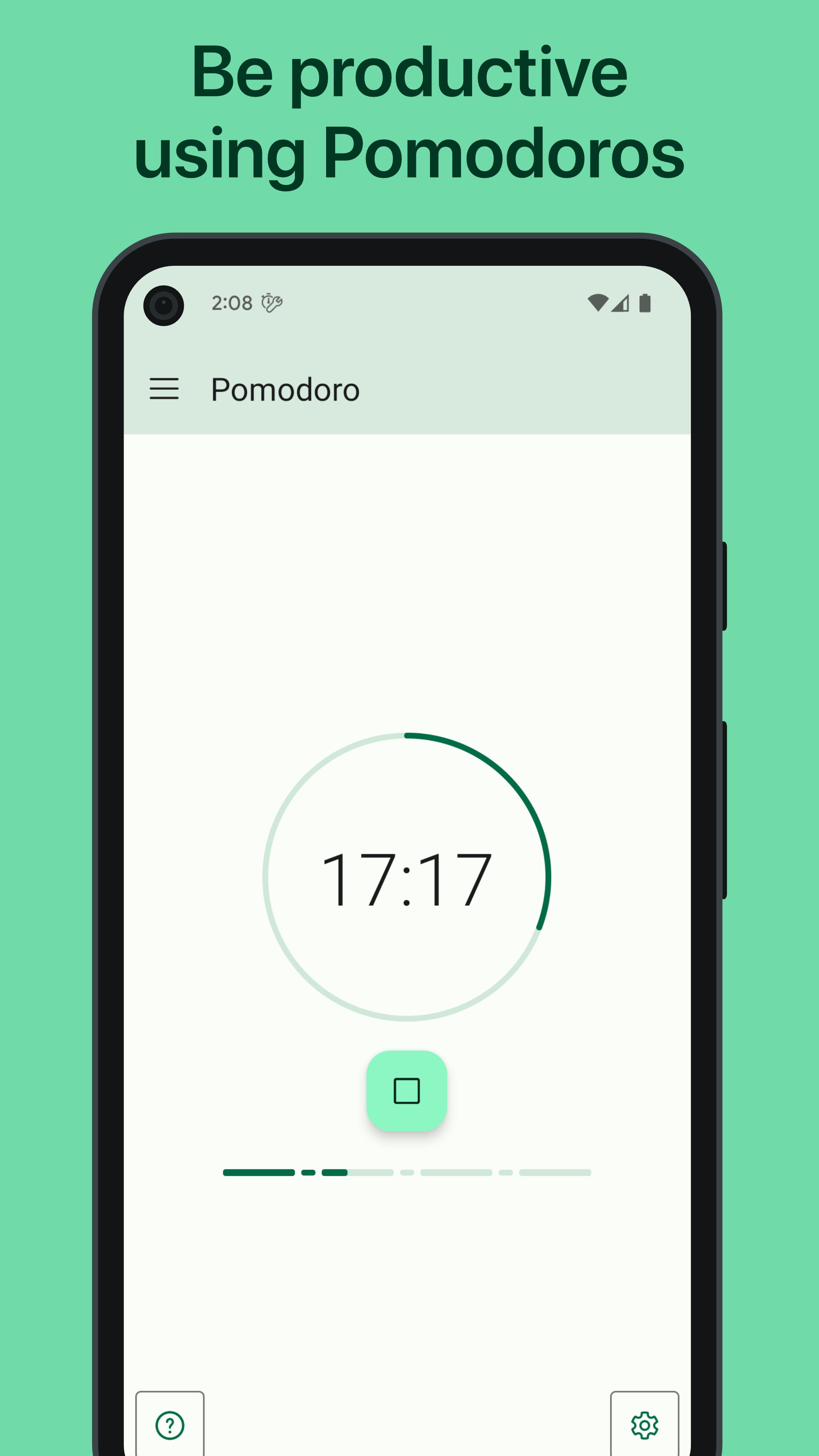
• Pomodoro फोकस सेशन के साथ केंद्रित समय ब्लॉक बनाएं
टास्क, प्रोजेक्ट और कमाई व्यवस्थित करें
• काम को टास्क, प्रोजेक्ट और टैग के अनुसार बांटें
• हर एंट्री में नोट और विवरण जोड़ें
• बिल योग्य घंटे, प्रति घंटे की दर, तय फीस और कमाई ट्रैक करें
• अतिरिक्त काम के लिए ओवरटाइम लॉग रखें
• टैग नियमों से समय या कमाई में जोड़, घटाव, गुणा या भाग का समायोजन करें
• प्रोजेक्ट या नई एंट्री पर टैग अपने आप असाइन करें
रिपोर्ट देखें, टाइमशीट एक्सपोर्ट करें
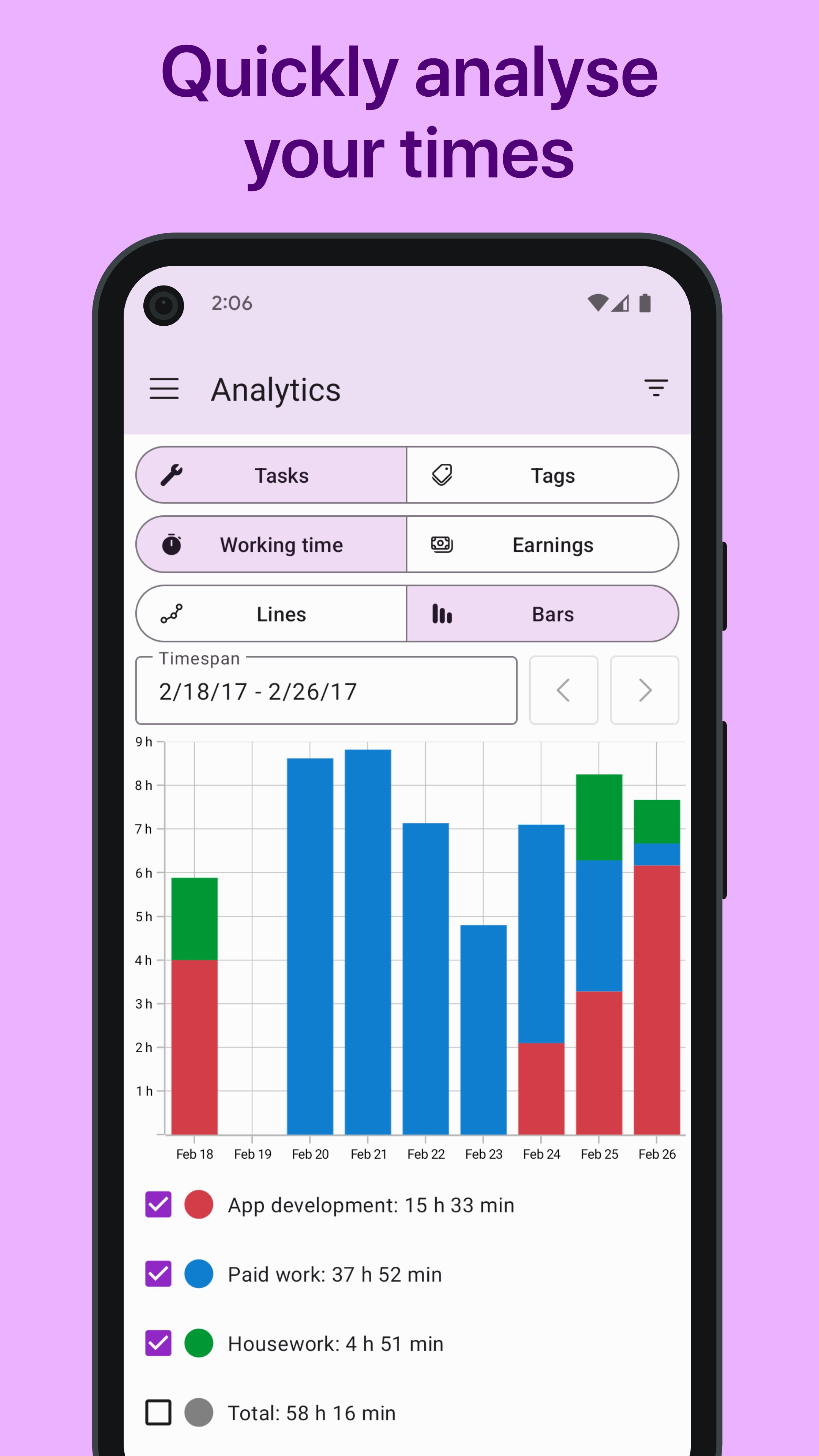
चार्ट और विजुअल रिपोर्ट में देखें कि आपका समय कहां जाता है। रिपोर्ट को अवधि या आय के रूप में देखें तथा तारीख, टास्क या टैग के अनुसार वर्क एंट्री खोजें और फिल्टर करें।
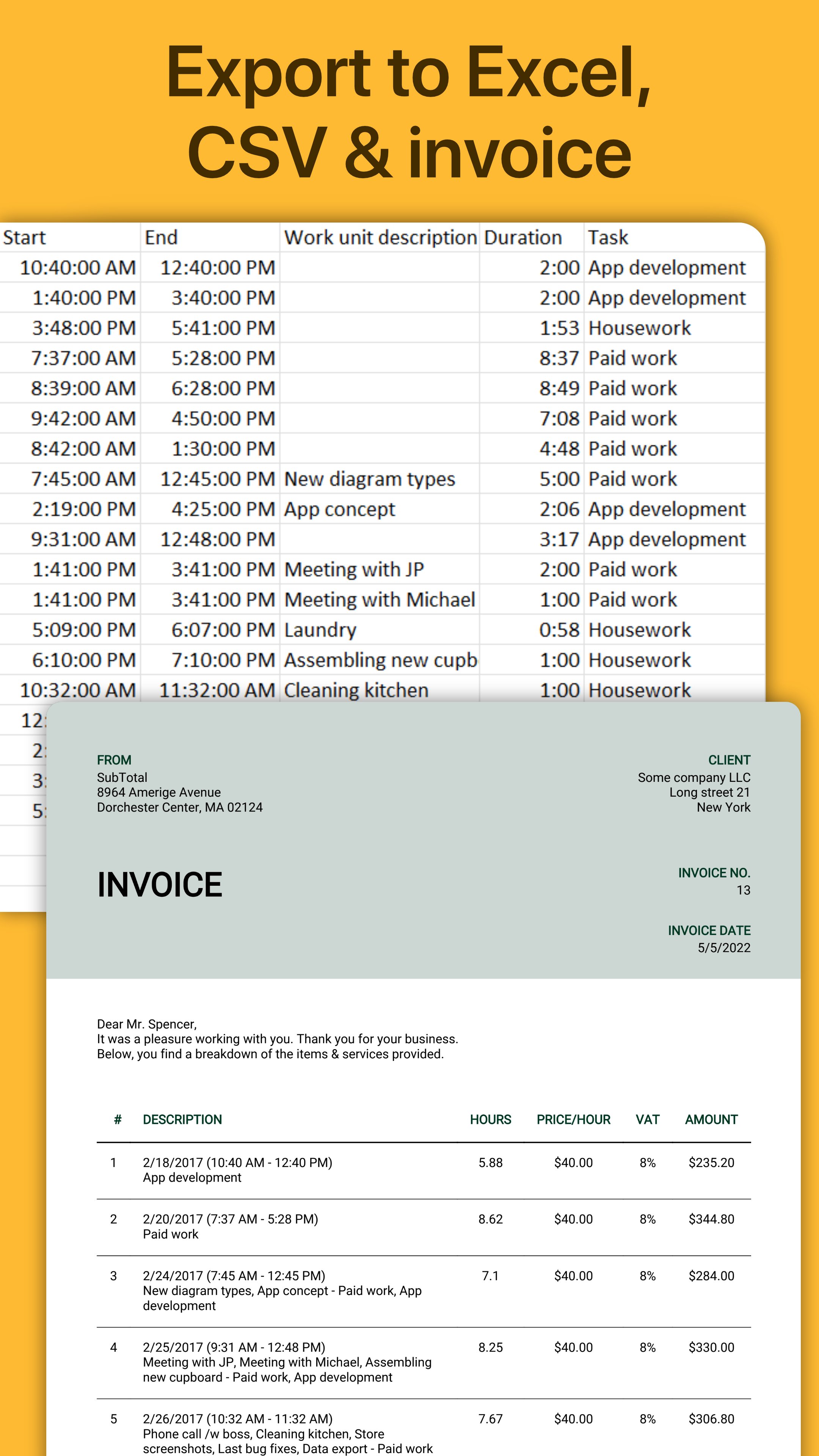
टाइमशीट को Excel या CSV में एक्सपोर्ट करें, जरूरी कॉलम चुनें और डेटा को कार्यदिवस, सप्ताह, महीने, टास्क या टैग के अनुसार समूहित करें। PDF इनवॉइस चाहिए तो WorkingHours के डेटा से SubTotal के जरिए उसे बनाया जा सकता है।
फ्रीलांस टाइम ट्रैकिंग से लेकर प्रोजेक्ट टाइम ट्रैकिंग, शिफ्ट रिकॉर्ड, टास्क टाइमर, पंच क्लॉक और टाइम कार्ड कैलकुलेटर जैसे निजी वर्कफ्लो तक, WorkingHours यह समझने में मदद करता है कि आपने कब, कितनी देर और किस काम पर समय दिया।
तेज टाइमर कंट्रोल
• विजेट और नोटिफिकेशन से पूरा इंटरफेस खोले बिना टाइमर नियंत्रित करें
• जियोफेंसिंग से कार्यस्थल पर पहुंचने या वहां से जाने पर ट्रैकिंग एक्शन सेट करें
• जहां समर्थित हो, NFC टैग से टाइमर नियंत्रित करें
कैलेंडर और सभी डिवाइस पर निरंतरता
सिस्टम या Outlook कैलेंडर के अपॉइंटमेंट देखें और इंपोर्ट करें, ताकि नियोजित काम को अपने वास्तविक ट्रैक किए गए समय के साथ रख सकें।
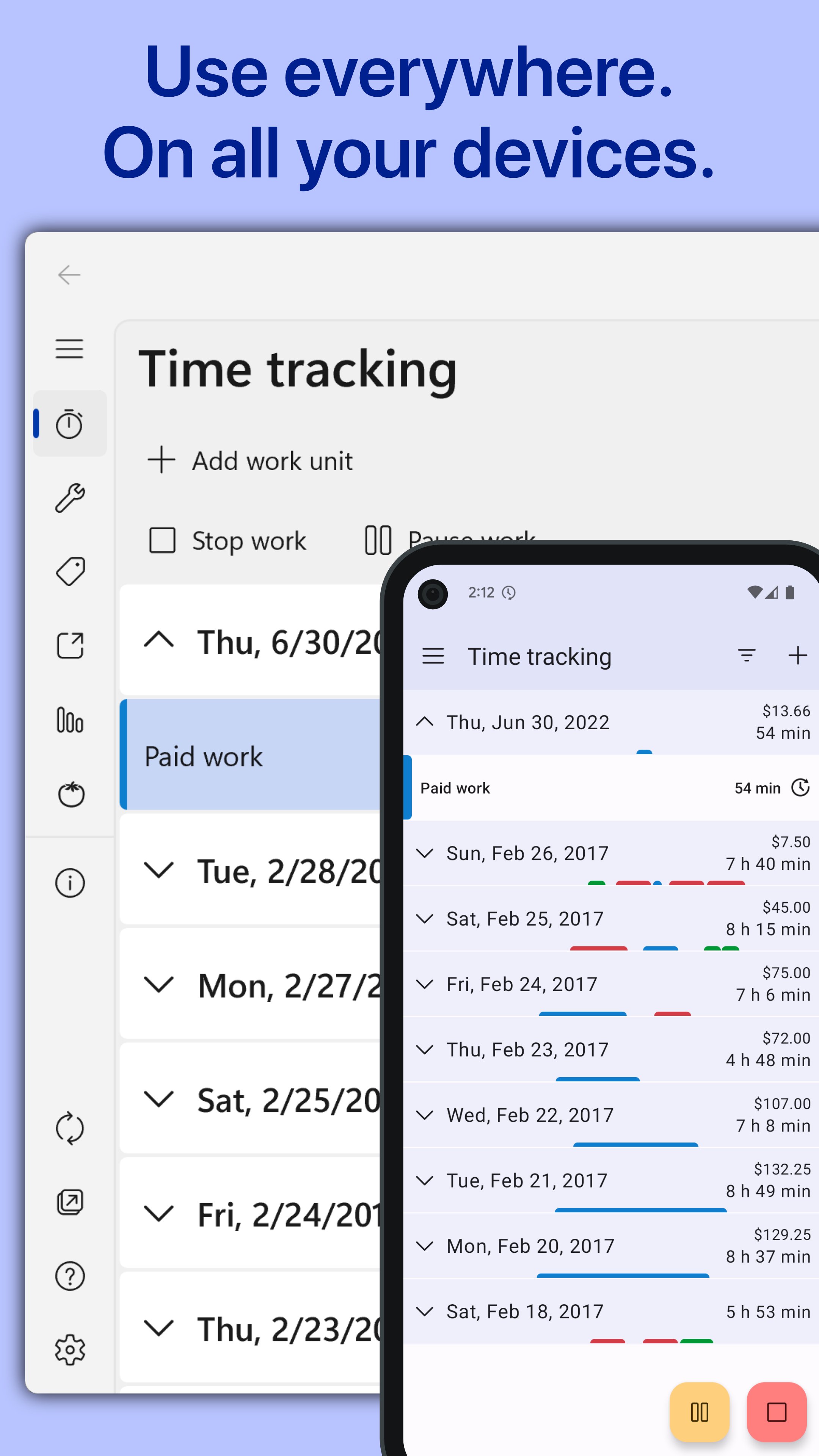
वैकल्पिक सिंक आपके अपने OneDrive, Google Drive, Dropbox, iCloud या WebDAV स्टोरेज का उपयोग करता है। WorkingHours के लिए अलग अकाउंट या रजिस्ट्रेशन जरूरी नहीं है। समर्थित फोन, टैबलेट, लैपटॉप और डेस्कटॉप संस्करणों पर अपना टाइमशीट और वर्क लॉग जारी रखें।
मुफ्त इस्तेमाल, वैकल्पिक Pro
WorkingHours मुफ्त इस्तेमाल किया जा सकता है। क्लाउड सिंक, Excel और CSV एक्सपोर्ट, फोकस सेशन, असीमित टास्क, विजेट व नोटिफिकेशन टाइमर कंट्रोल, जियोफेंसिंग और विज्ञापन हटाने जैसी उन्नत सुविधाओं के लिए Pro चाहिए। इंस्टॉल करने के बाद Pro सुविधाओं को 7 दिन के ट्रायल में आजमाया जा सकता है।
Pro समान सुविधाओं के साथ एकमुश्त खरीद या मासिक सदस्यता के रूप में उपलब्ध है। खरीद या सदस्यता आपके Google Play अकाउंट से जुड़कर Android पर Pro एक्सेस देती है; दूसरे प्लेटफॉर्म पर अलग Pro खरीद की जरूरत हो सकती है।


एंड्रॉइड पर XAPK/APK फ़ाइलें इंस्टॉल करने के लिए एक-क्लिक करें!

आपकी रेटिंग और प्रतिक्रिया के लिए धन्यवाद!
आप पहले ही रेट कर चुके हैं।