
Package Name:com.panda.vpn
Show More

Choose your VPN location and connect with WireGuard or OpenVPN.
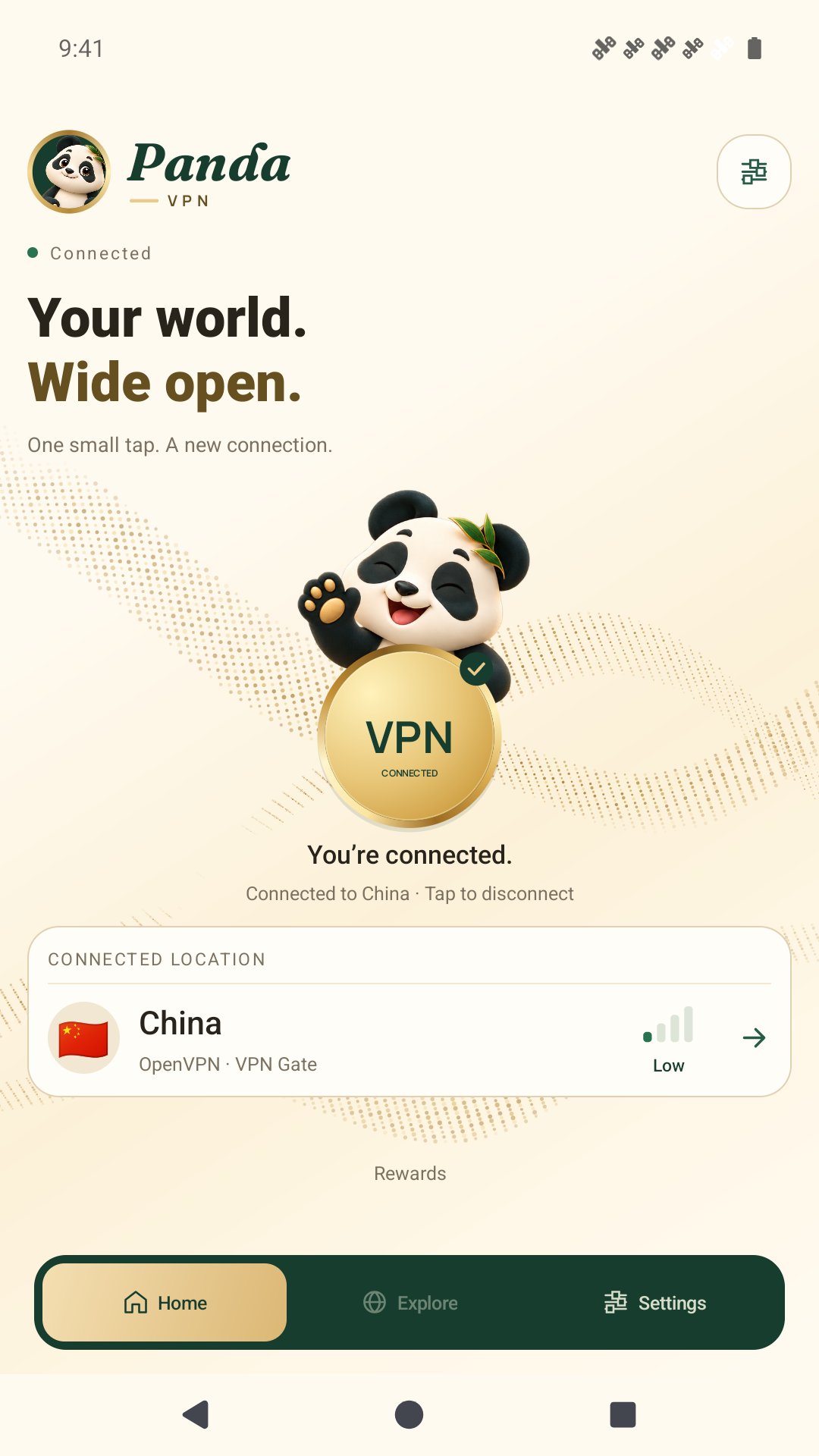
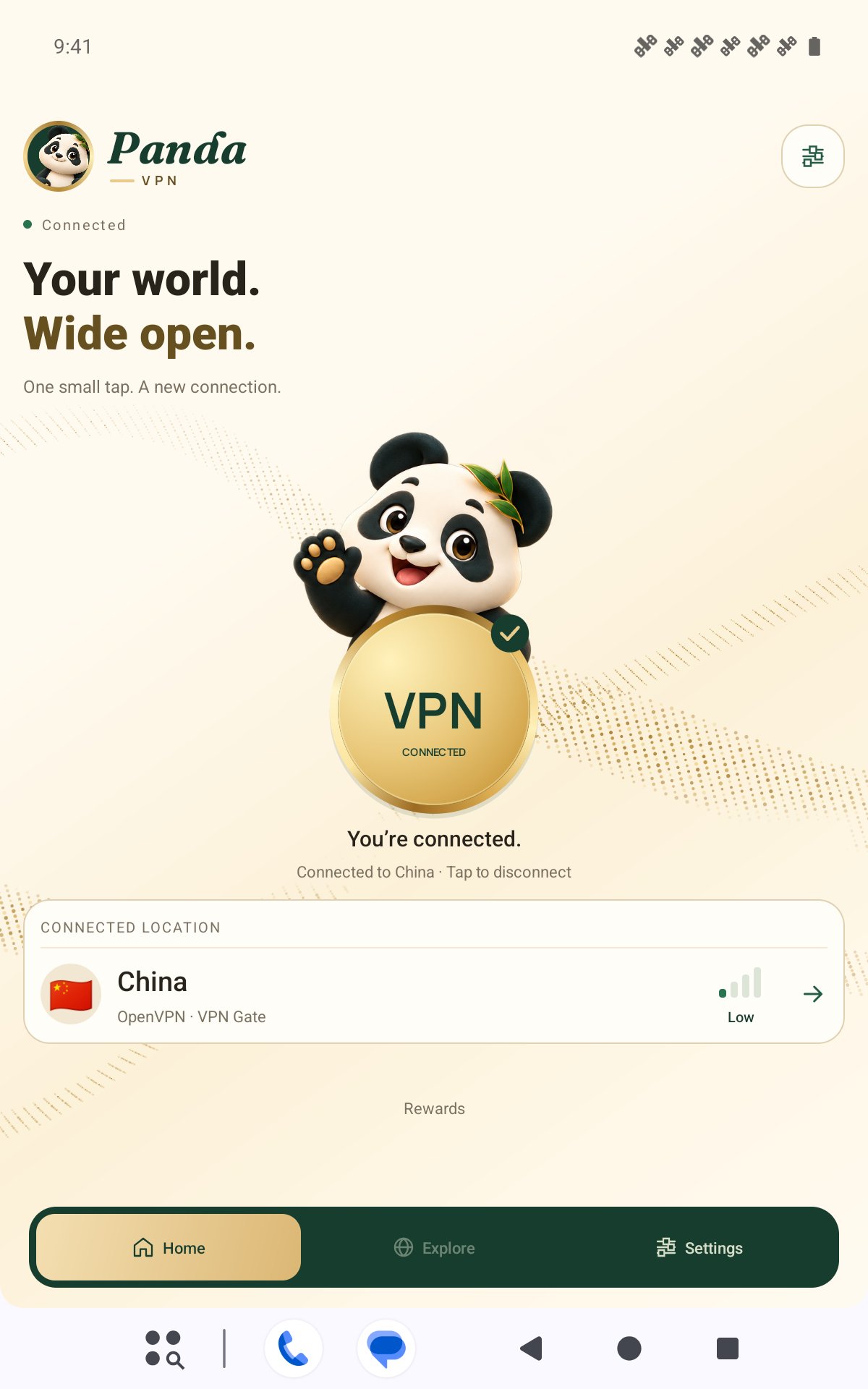
Meet Panda VPN, a simple way to manage VPN connections on Android. Choose an available country, tap Connect, and see your connection status in a panda-inspired interface.
YOUR CONNECTION, YOUR CHOICE
Browse public VPN Gate servers by country or use your own WireGuard configuration. You can also import servers with an existing Mullvad account. Mullvad service requires a separate account and subscription from that provider.
FIND AN AVAILABLE LOCATION
Start with the included public server catalog and refresh countries to check for updates. View connection-quality indicators based on available server information or latency measurements, and re-test latency for supported servers. Indicators are estimates; actual speed depends on your network and the server.
SIMPLE EVERYDAY CONTROLS
• Connect and disconnect from the home screen.
• View connecting, connected and disconnected states.
• Save your server selection for your next visit.
• Optionally reconnect to your last server when the app opens, after VPN permission has been granted.
• Try alternative servers when a location includes multiple connection candidates.
WIREGUARD AND OPENVPN SUPPORT
Panda VPN supports WireGuard configurations and OpenVPN connections to VPN Gate servers. The app selects the connection engine for your chosen server.
ADS AND OPTIONAL REWARDS
Panda VPN contains ads. Rewarded ads can unlock selected servers for 30 minutes, hide ads for 30 minutes, or unlock the Moon Panda appearance for 24 hours. Selecting some servers requires completing a rewarded ad; if it is skipped or unavailable, your current selection stays unchanged. Ad availability and rewards can vary.
HOW THE VPN WORKS
Panda VPN uses Android's VpnService to establish a VPN tunnel and route network traffic through your selected server according to its configuration. Android asks for VPN permission before your first connection.
Public VPN Gate servers are operated by third-party volunteers. Available countries, speeds and connection reliability can change. Server operators may log connection information or observe traffic passing through their servers. Use providers you trust and review their policies. A VPN does not guarantee anonymity or protection from every online threat.
GET STARTED
1. Open Panda VPN and choose an available country.
2. Tap Connect and approve Android's VPN permission request.
3. Check the connection status before continuing.
Panda VPN is an independent client, not an official Mullvad or VPN Gate app.
Support: [email protected]





One-click to install XAPK/APK files on Android!

Thanks for your rating and feedback!
You have already rated.