
Safe & Fast APK Downloads on APKPure
APKPure uses signature verification to ensure virus-free LockScreen APK downloads for you.

LockScreen let you lock your device without pressing physical buttons
LockScreen let you lock your device without pressing physical buttons.
This app perform its task without stealing personal informations as it happens with many other lock screen apps. Source code is publicly available at https://github.com/albertoplebani/lockscreen
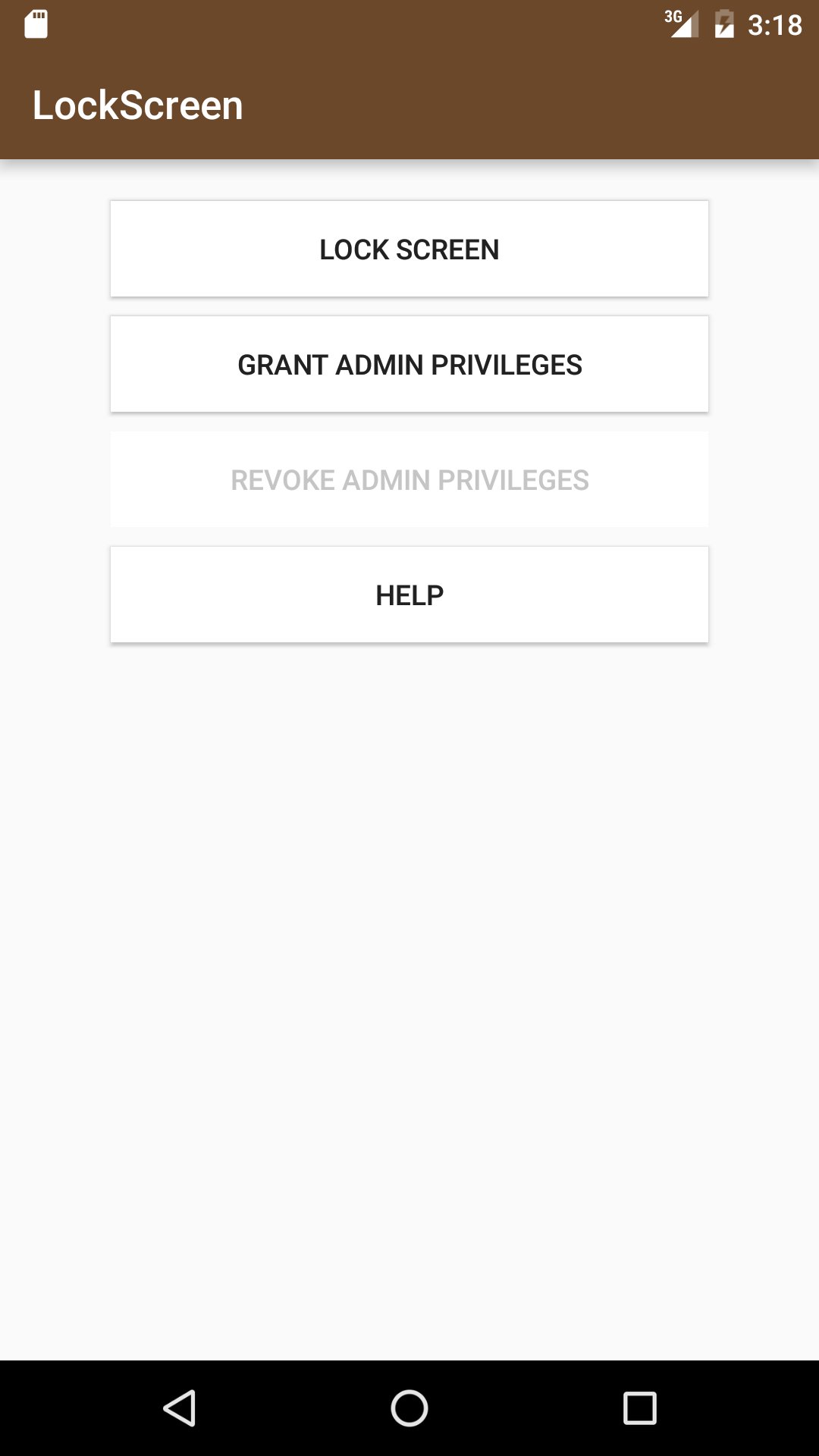
You can quickly use this app to lock the screen without the need to press any physical button on you device in this way:
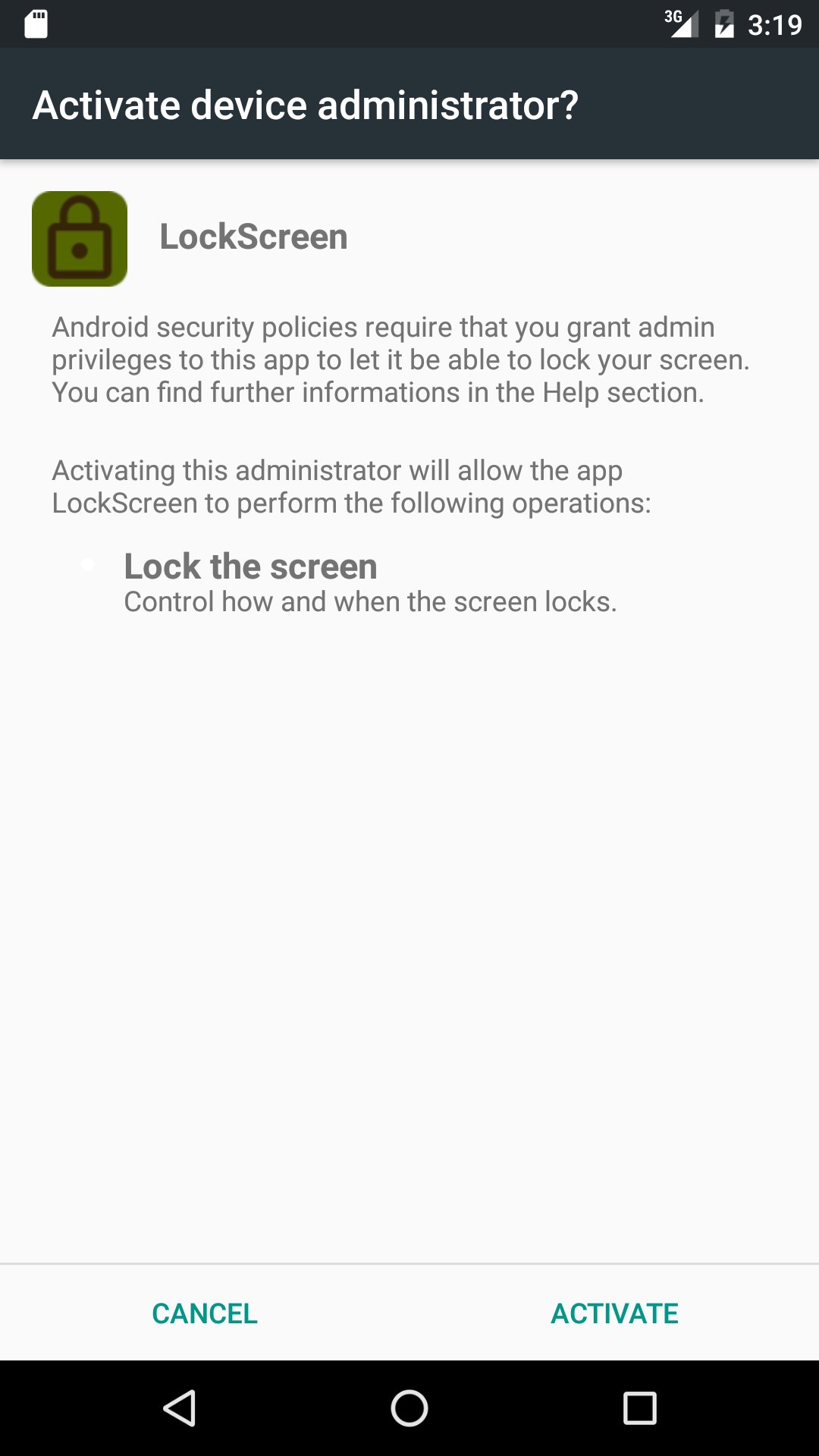
- click "Grant admin privileges" and then grant the privileges when you see the system popup asking them
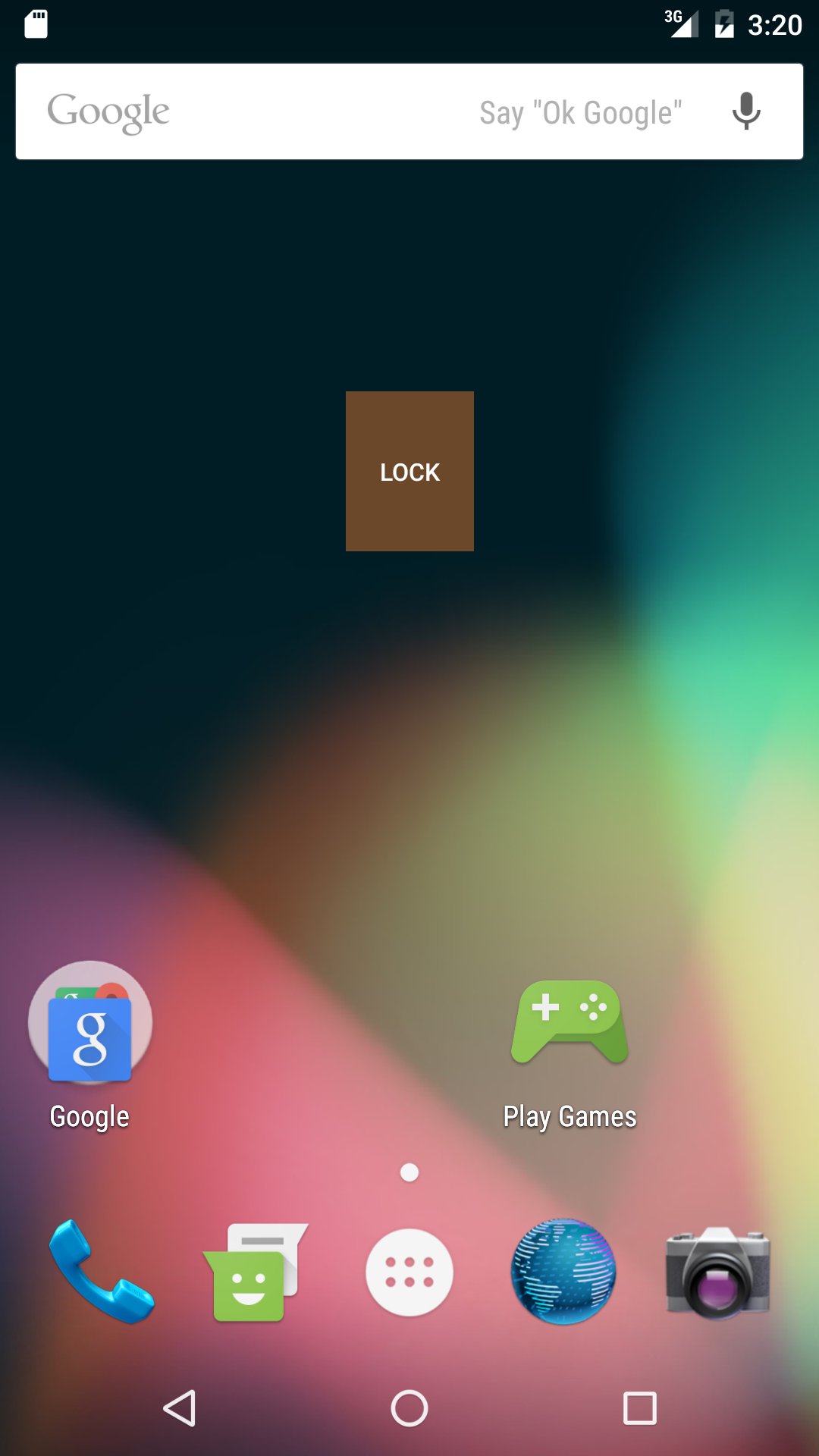
- add the LockScreen widget to your home
Any time you will click the widget, the screen will be locked immediately.
EXPLANATIONS ABOUT ADMIN PRIVILEGES
Locking a screen may seem a trivial task, but malicious apps could use it to permanently lock your device.
This is the reason why Android Security Policies require an administrator permission and require that the user explicitly grants the permission to the app.
User should grant this permission only to apps he can trust. The source code of this app is publicly available on github so anybody can check and see it doesn't perform any harmful operation nor it grab any private information (as other lock screen apps on the store do, such as reading the device GPS position or accessing other private informations that aren't required to lock the screen).
You can find the source code on github at https://github.com/albertoplebani/lockscreen
You can revoke administrator permission at any time, both clicking the Remove Admin Permission button or disabling the permission from the Android Settings -> Security -> Device Administrators setting.
To uninstall the app, first revoke the admin permission and then uninstall it.

One-click to install XAPK/APK files on Android!

Thanks for your rating and feedback!
You have already rated.

![[Plus] One-Click Root](https://image-eo.winudf.com/v2/image/Yml0Ym90LnJvb3QuY2xpY2sub25lLmVtX2ljb25fNWx0cHdxa2M/icon.png?w=156&fakeurl=1)


![Upgrade Android - 9/P/Pie [Tutorial]](https://image-eo.winudf.com/v2/image1/Y29tLmhlZXRocGphaW4uaGVldGgudXBncmFkZWFuZHJvaWRfaWNvbl8xNTQ4NjA3ODczXzAyMg/icon.png?w=156&fakeurl=1)