












Thanks for your rating and feedback!
You have already rated.

Smart medication reminders and tracking to help you never miss a dose.
Never Miss a Dose Again with Med Reminder – Your Personal Health Companion
Managing medications can be overwhelming, especially when dealing with complex schedules, multiple prescriptions, or supplements. Med Reminder is designed to simplify your health routine, ensuring you stay on track with your treatments safely and efficiently. Whether it’s a daily vitamin or critical prescription medication, our app provides the reliability and ease of use you need to manage your well-being.
Why Choose Med Reminder?
We believe that health management should be stress-free. Med Reminder combines a modern, intuitive Material 3 interface with powerful features like OCR scanning and biometric security to give you the best possible experience.
Key Features:
1. Smart Medication Reminders
• Create custom alerts for any medication schedule: daily, weekly, specific days, or interval-based.
• Receive timely notifications that stay on your screen until you take action.
• Support for "as needed" (PRN) medications to track occasional usage.
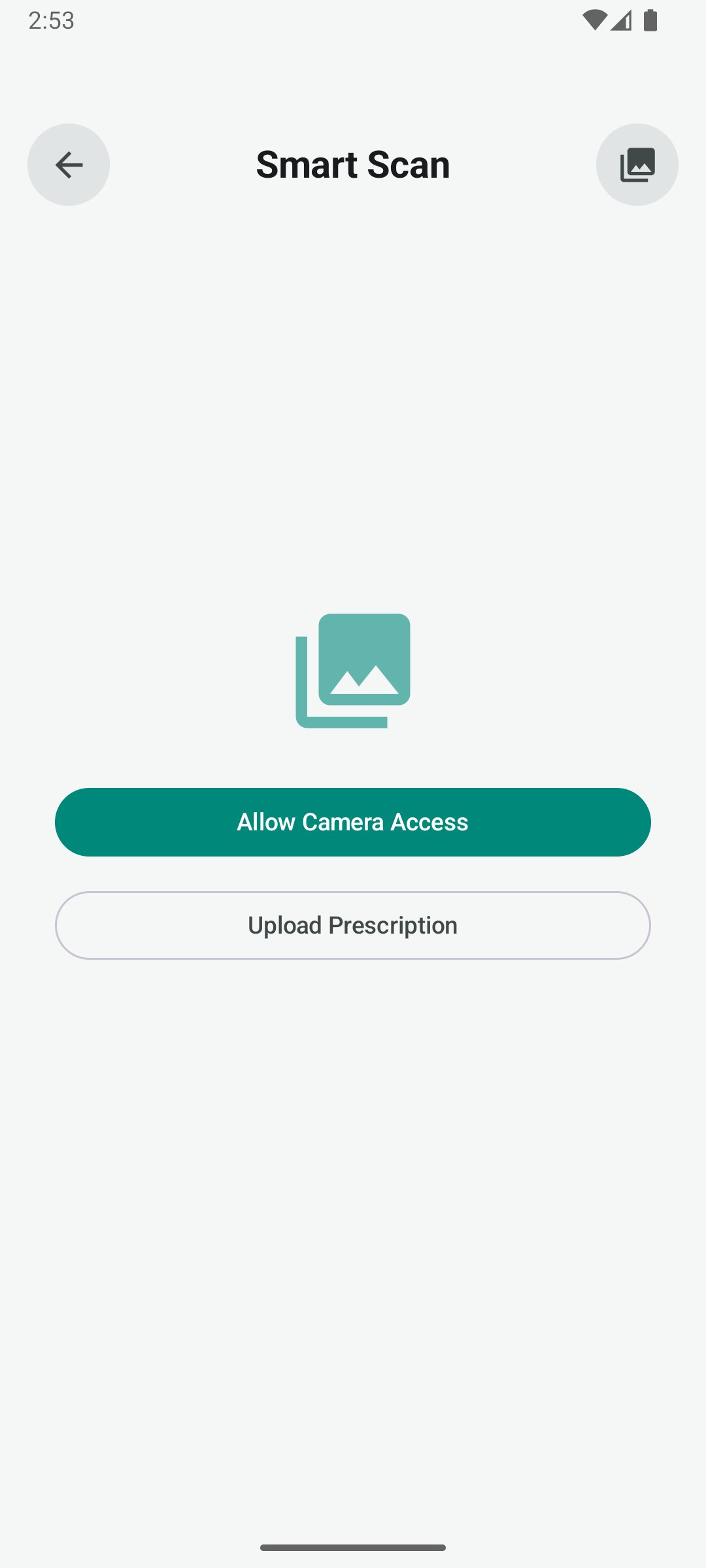
2. Fast Entry with Pill Scanner (OCR)
• No more tedious typing! Use your phone’s camera to scan medicine labels.
• Our advanced text recognition (ML Kit) automatically extracts names and details to help you set up reminders in seconds.
3. Secure & Private
• Your health data is sensitive. Med Reminder uses local storage (Room) to ensure your information stays on your device.
• Enable Biometric Lock (Fingerprint or Face Unlock) to add an extra layer of privacy to your medication history.
4. Comprehensive Medication Log
• Track your progress with a detailed history of taken and missed doses.
• Export your logs to share with your doctor or healthcare provider during appointments.
• Visualize your adherence patterns to identify trends in your health routine.
5. Inventory & Refill Alerts
• Keep track of how many pills you have left.
• Receive "Low Stock" notifications when it’s time to visit the pharmacy or request a new prescription.
6. Modern, Adaptive Design
• Experience a beautiful UI.
• The app adapts perfectly to your screen size, whether you’re using a compact smartphone or a large tablet.
• Includes a dark mode for comfortable use at night.
7. Simple & Lightweight
• Optimized for performance to ensure minimal battery impact.
• Works offline, your reminders and data are always accessible even without an internet connection.
How It Works:
1. Add Your Meds: Scan the label or enter the details manually.
2. Set the Schedule: Choose the time and frequency for your doses.
3. Get Notified: Receive a clear alert when it’s time to take your medicine.
4. Log Your Dose: Tap "Taken" to update your history and inventory.
Who Is This For?
• Individuals managing chronic conditions.
• Seniors looking for a simple way to remember daily pills.
• Parents tracking their children’s vitamins or treatments.
• Anyone who wants to improve their health habits through consistency.
Med Reminder is more than just a timer; it’s a commitment to your health. By providing a reliable tracking system, we help you reduce the risk of missed doses and give you peace of mind.
Download Med Reminder today and take control of your health journey!





One-click to install XAPK/APK files on Android!
Thanks for your rating and feedback!
You have already rated.




